
Ask the Argus
Booting Sandbox Part III
Experimenting With fstab
Synopsis
In this entry I refer again to the lab Shevek has made me, found at the bottom of this page. As has been the case with this particular sandbox, there is no guide or context, so I have Shevek make me a lesson plan and guide. Of all the booting labs thus far, this one actually works the way Shevek intended. We explore modifying /etc/fstab, remdiate the fault, and dive into the mechanics of systemctl.
Questions & Objectives
- I want to understand what
fstabis and it's role in booting. - I will deliberately miscofigure
fstabto see it's effects. - I will then reconfigure the system so that it is returned to normal operation.
- What is the nature of
systemctl?
Process
-
As the sandbox has been a huge dissapointment with regards to interactiveness, I immediately just have Shevek make me a guided lesson for this section of the lab: fstab. I will say this, I at least appreciate that he is having me do this in the order of the boot chain so I become more familiar with it.
fstabLesson Plan 1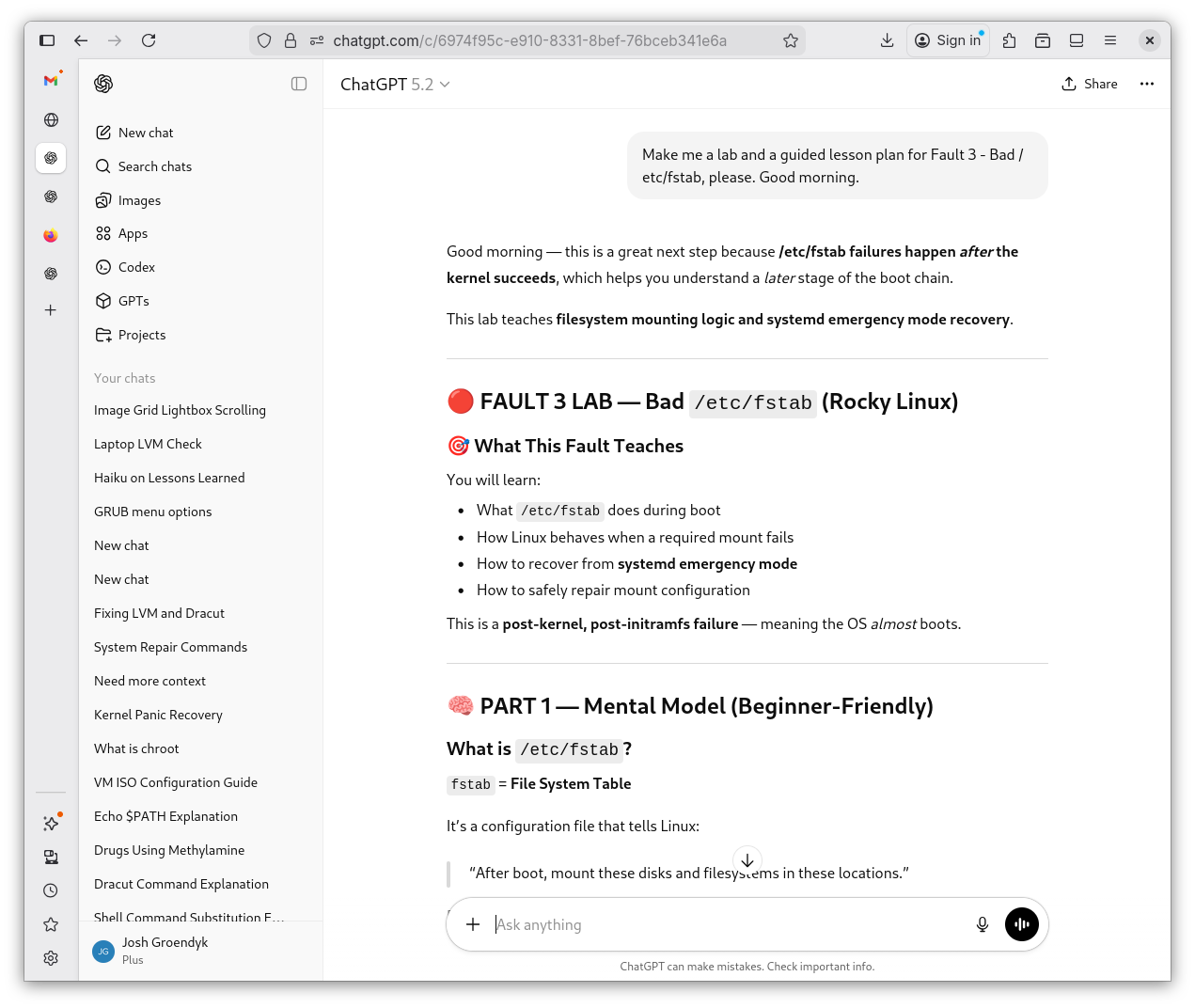
fstabLesson Plan 2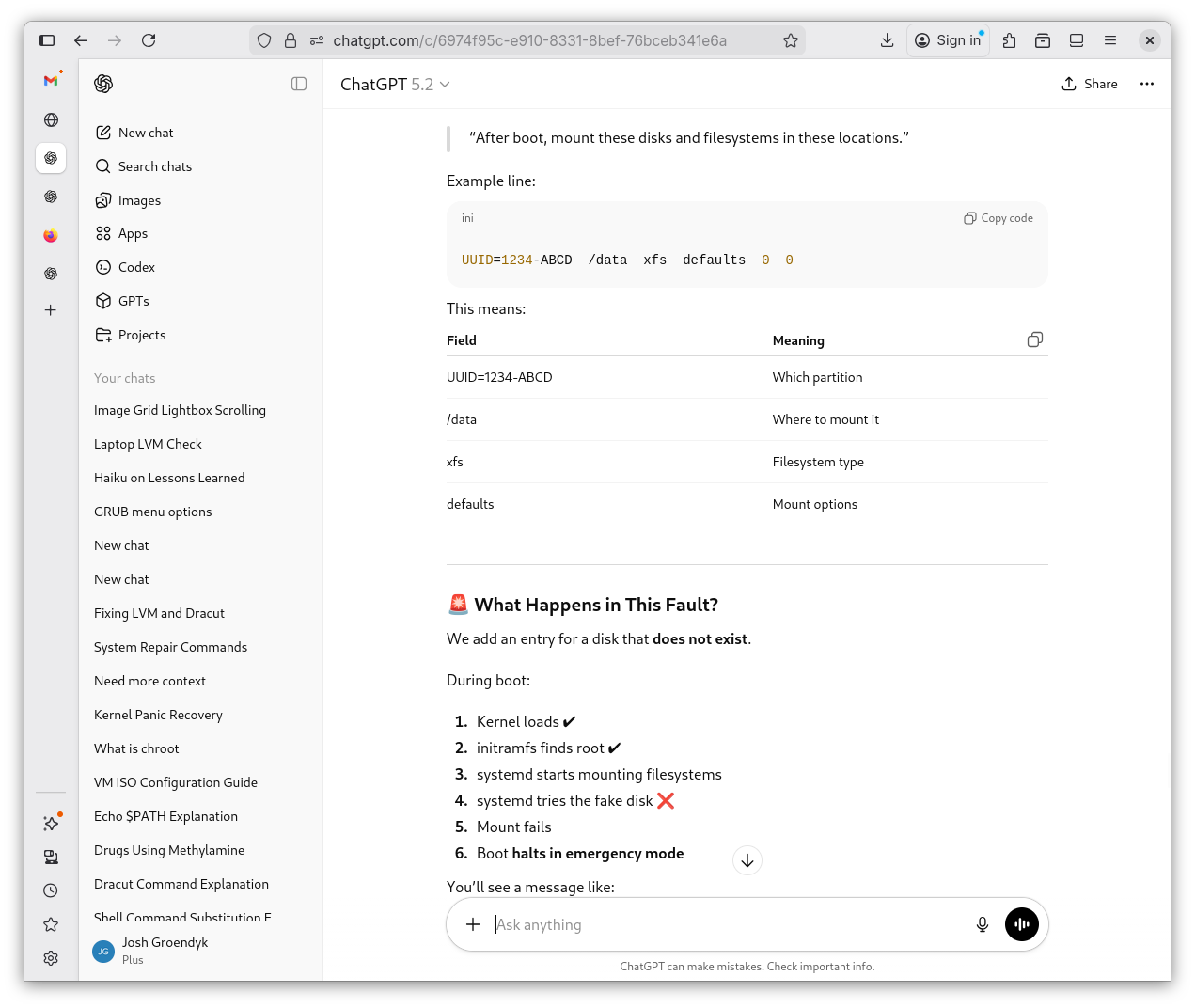
fstabLesson Plan 3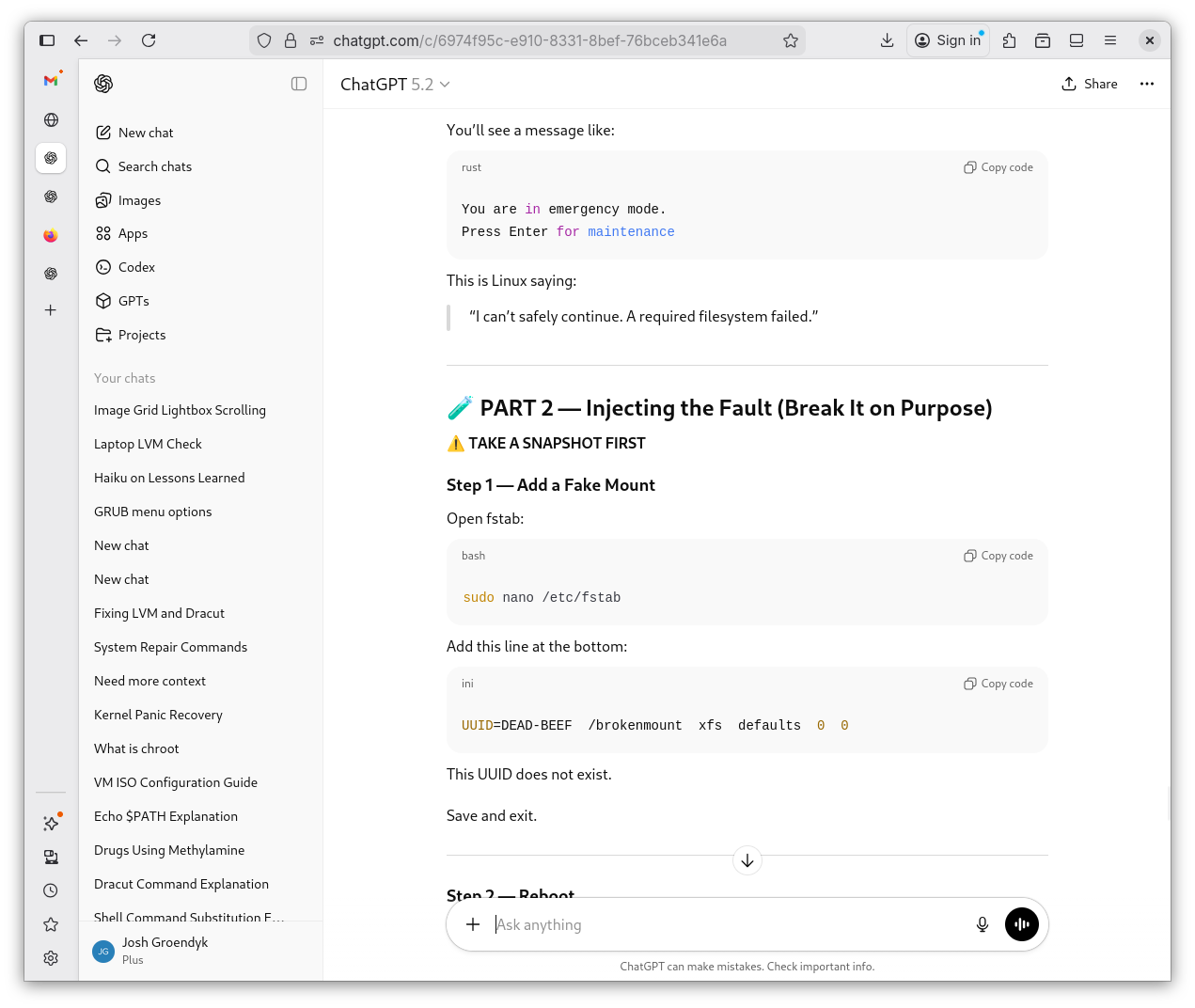
fstabLesson Plan 4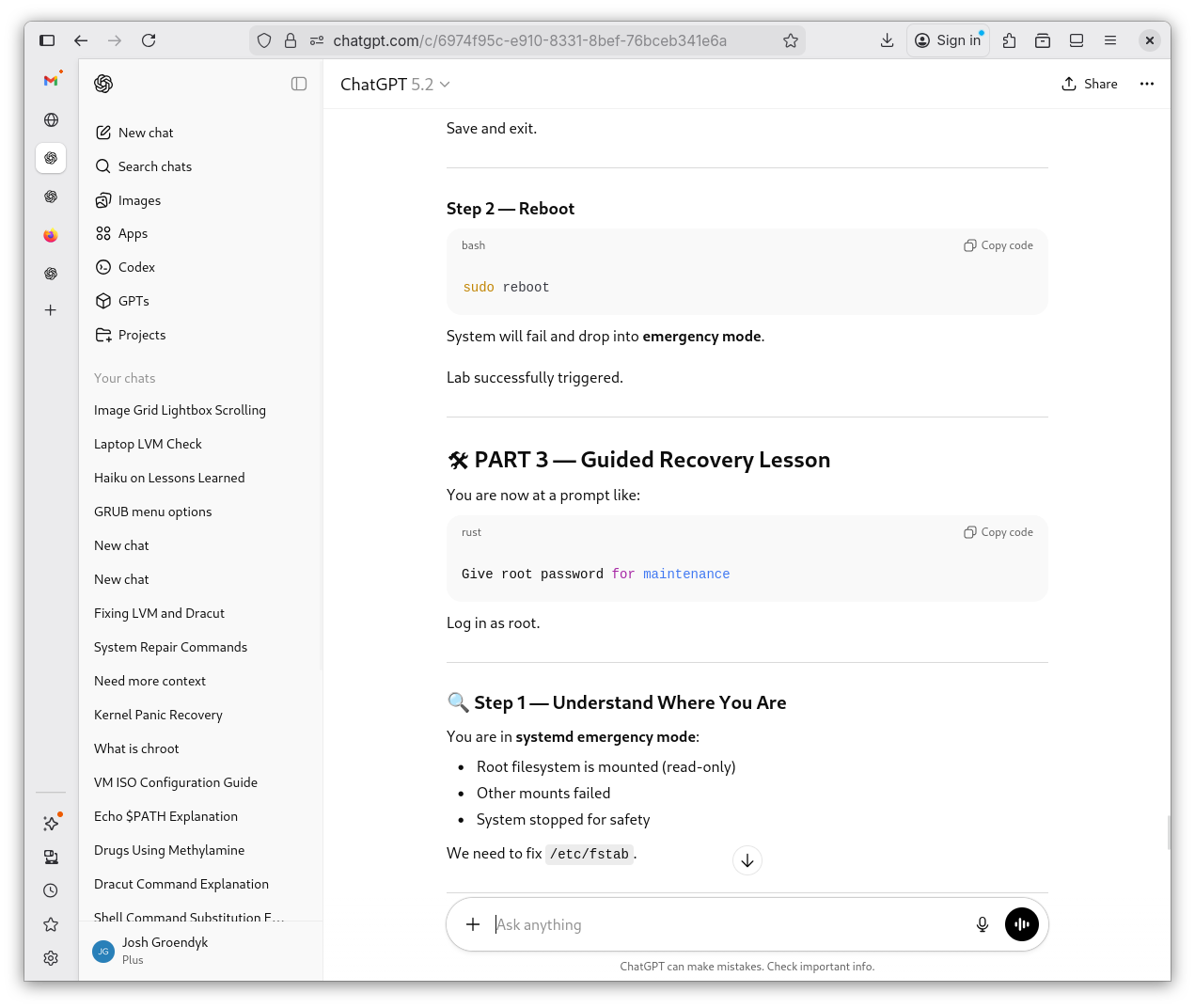
fstabLesson Plan 5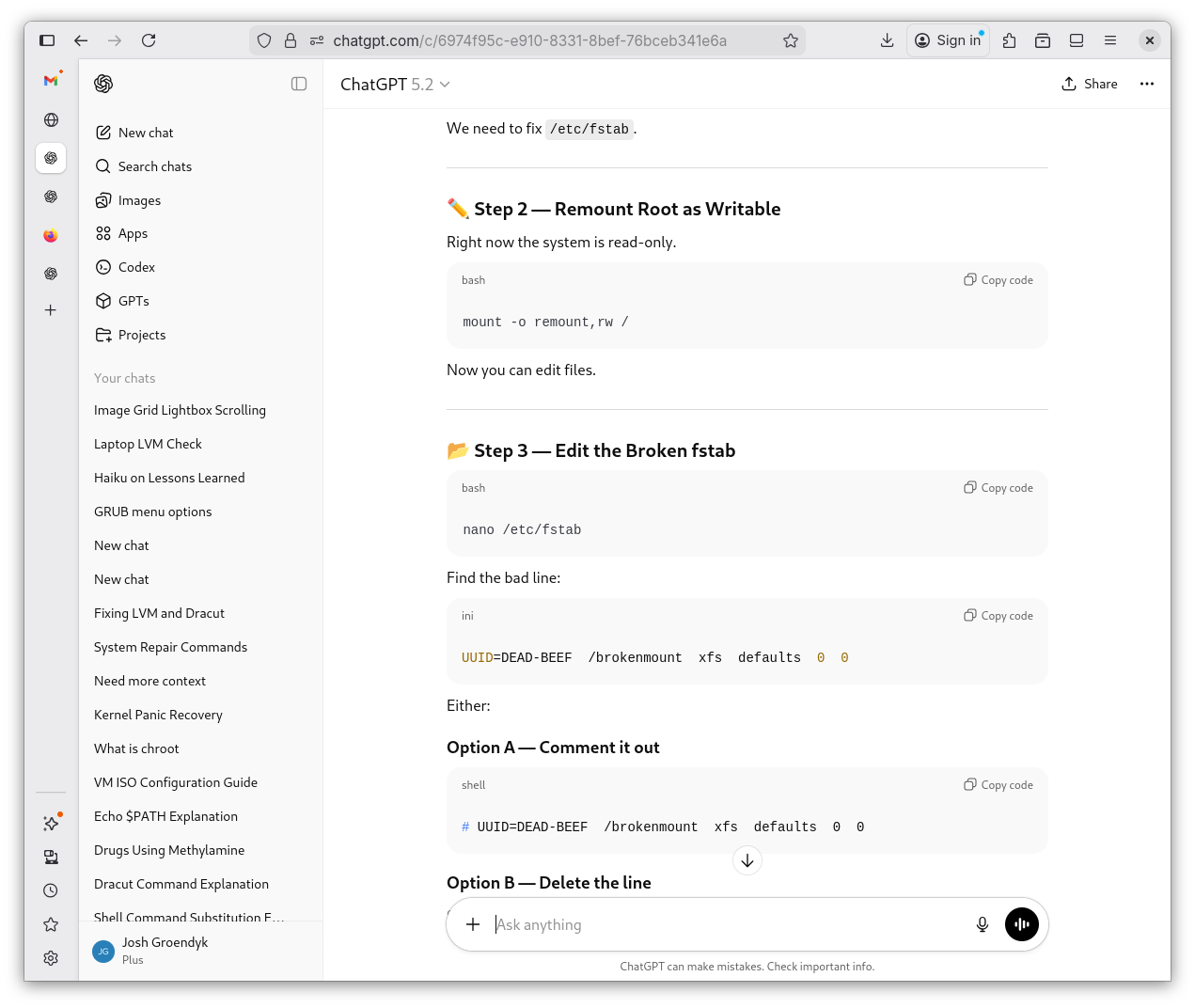
fstabLesson Plan 6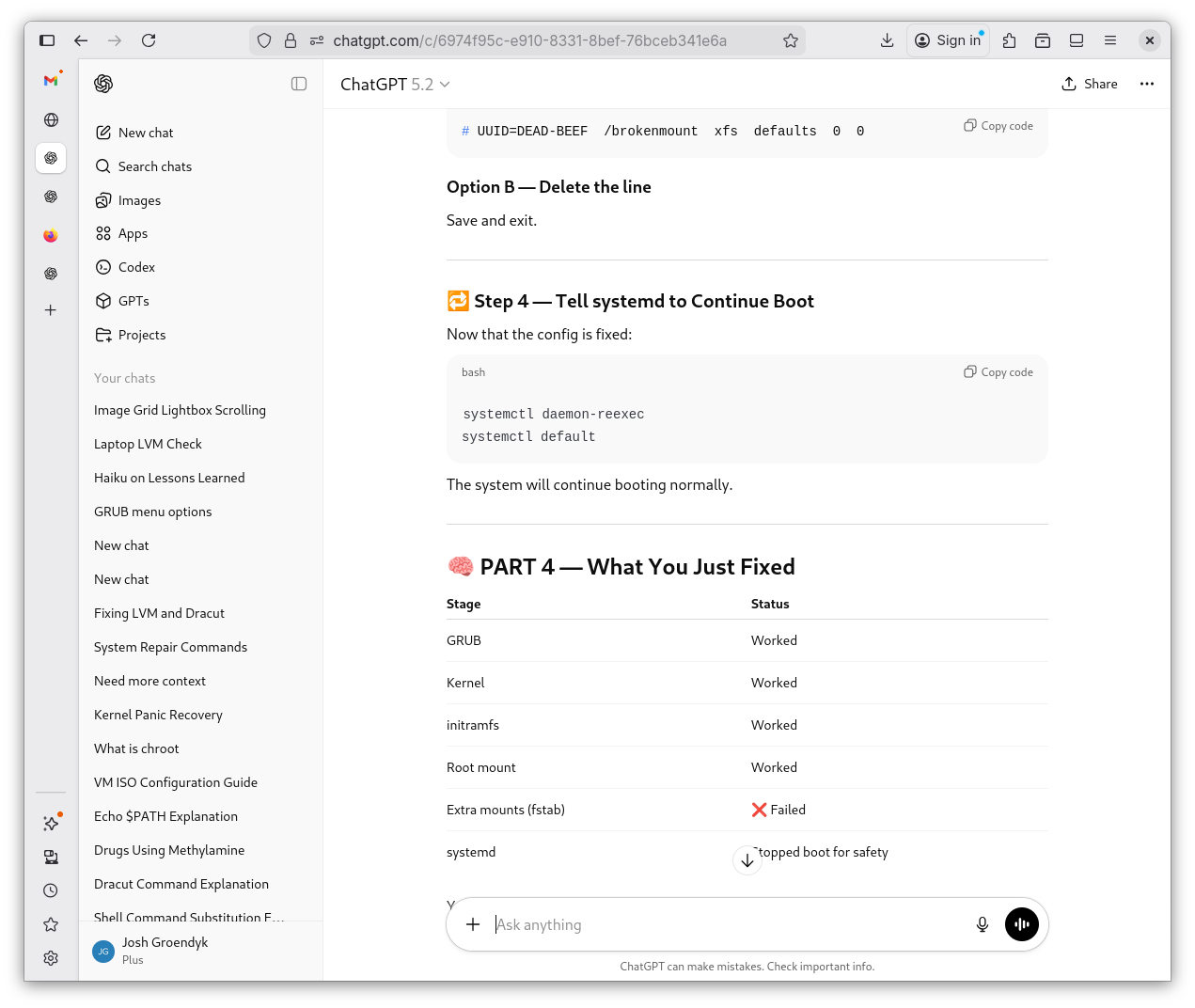
fstabLesson Plan 7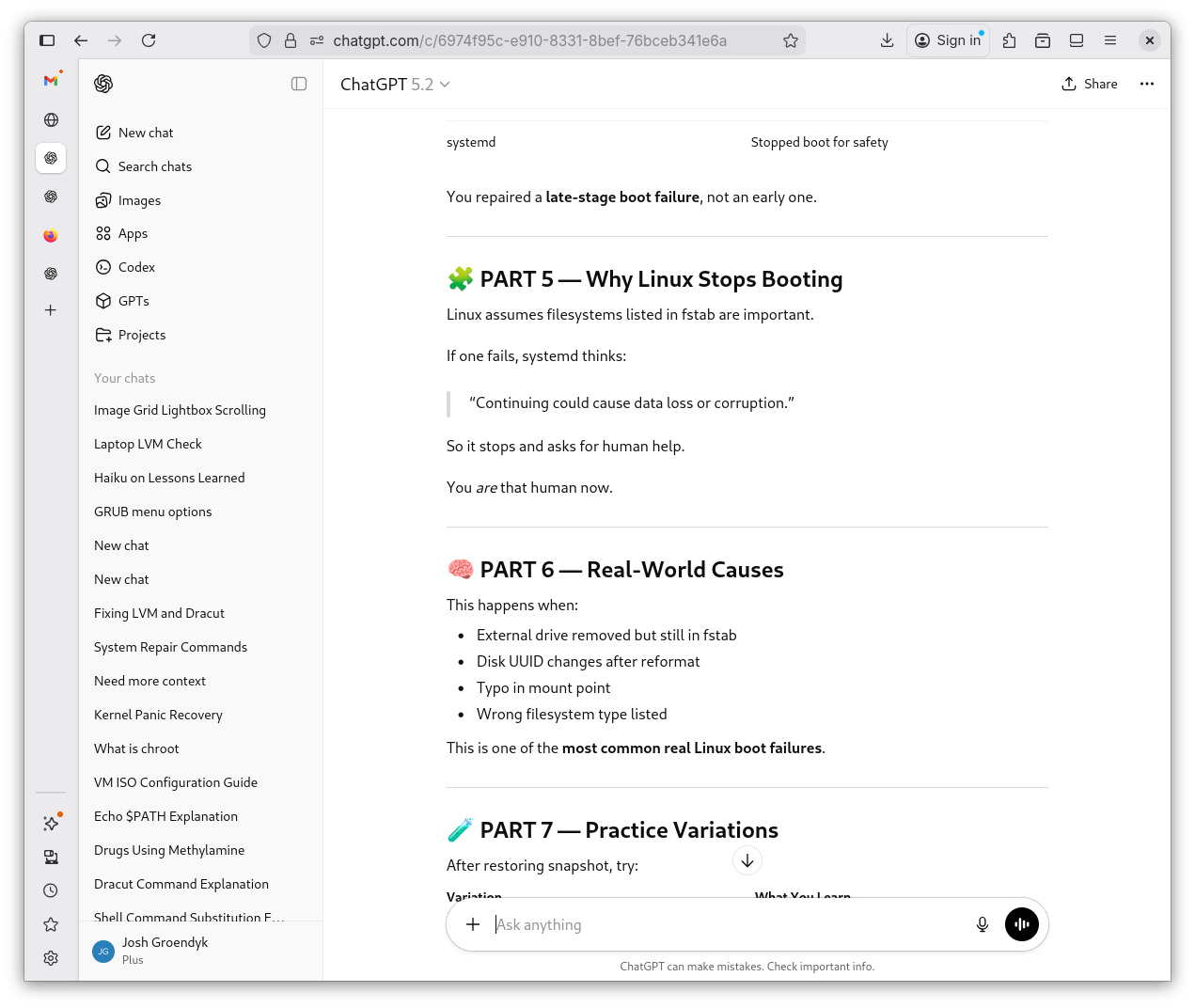
fstabLesson Plan 8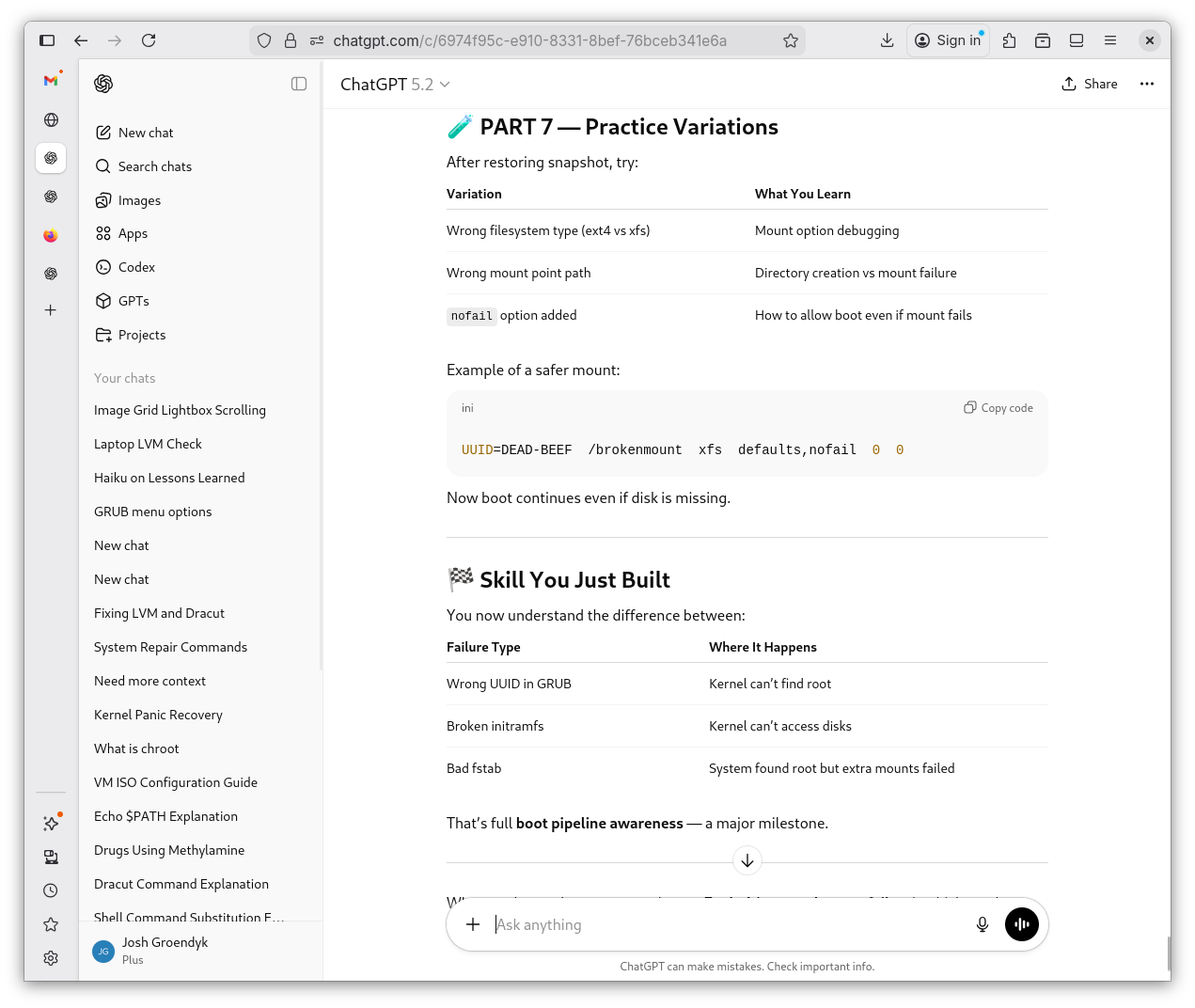
-
I follow Sheveks instructions and the lab functions as intended. I have to become
rootbefore I can modify the file. I then access/etc/fstaband add a mount to the mix. Next, I reboot to see the results. I remountrootas writtable, then I access/etc/fstaband change it back to it's original state. Lastly, I tellsystemdto continue boot withsystemctl.Modifying
fstab1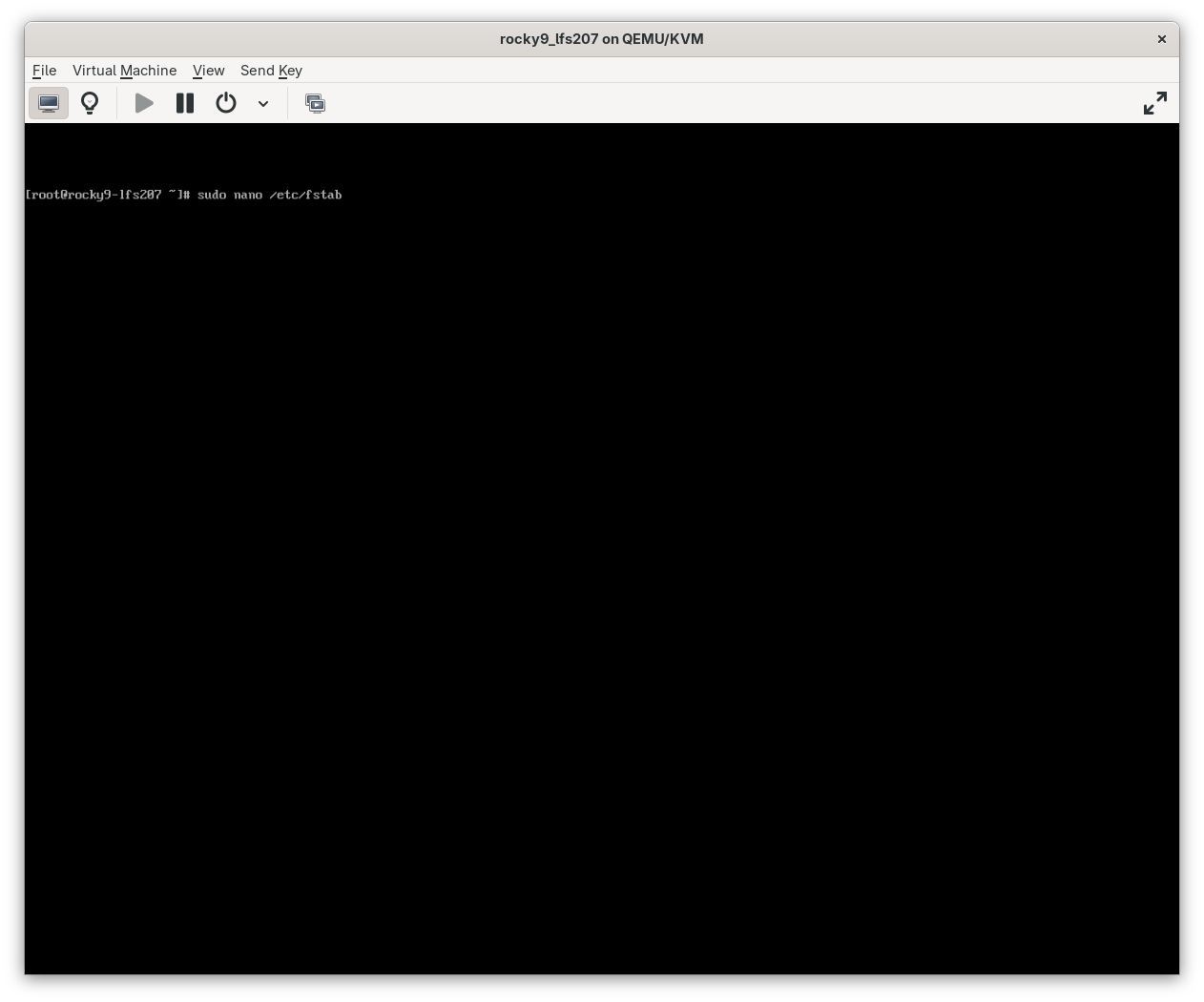
Modifying
fstab2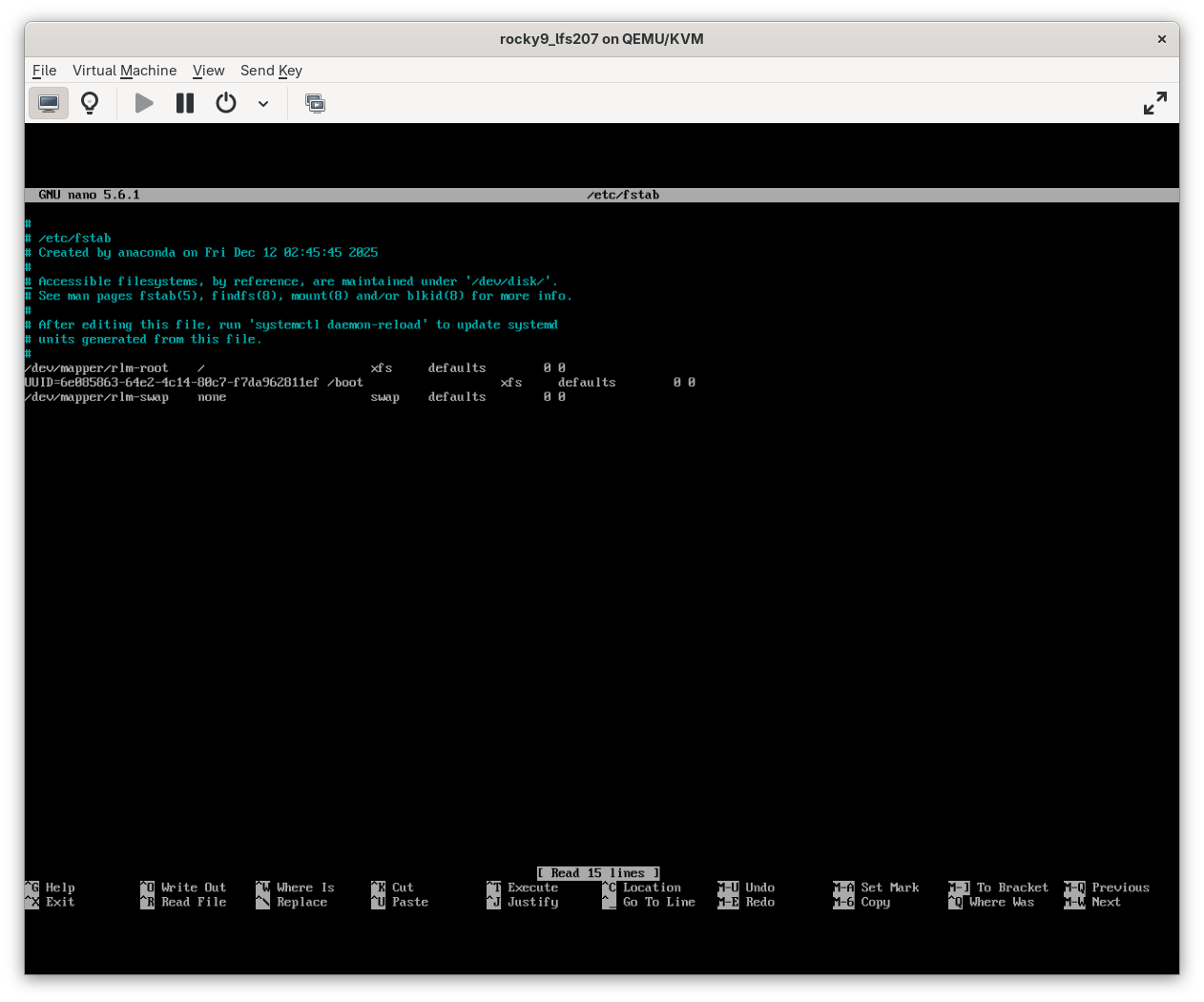
Modifying
fstab3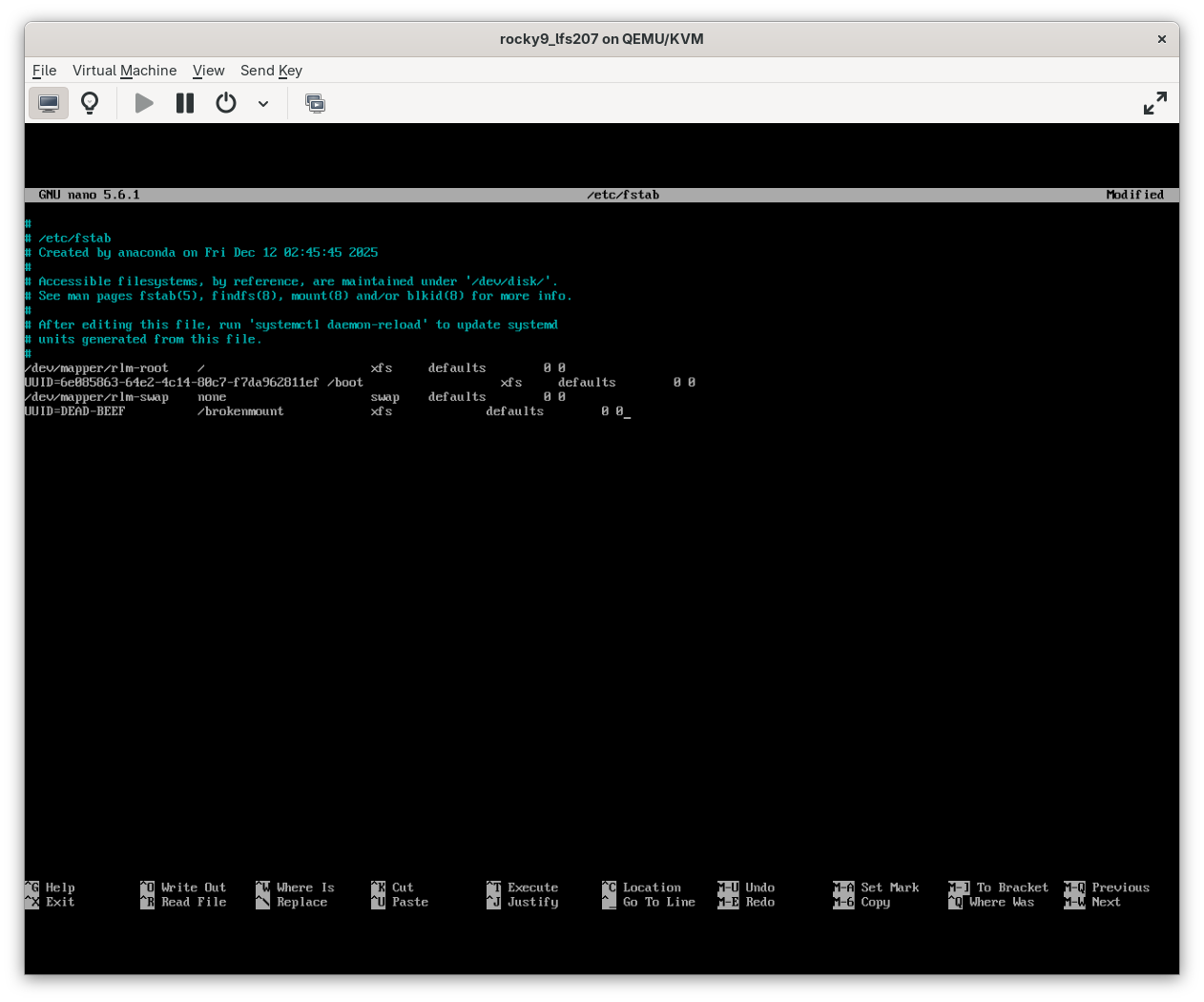
Modifying
fstab4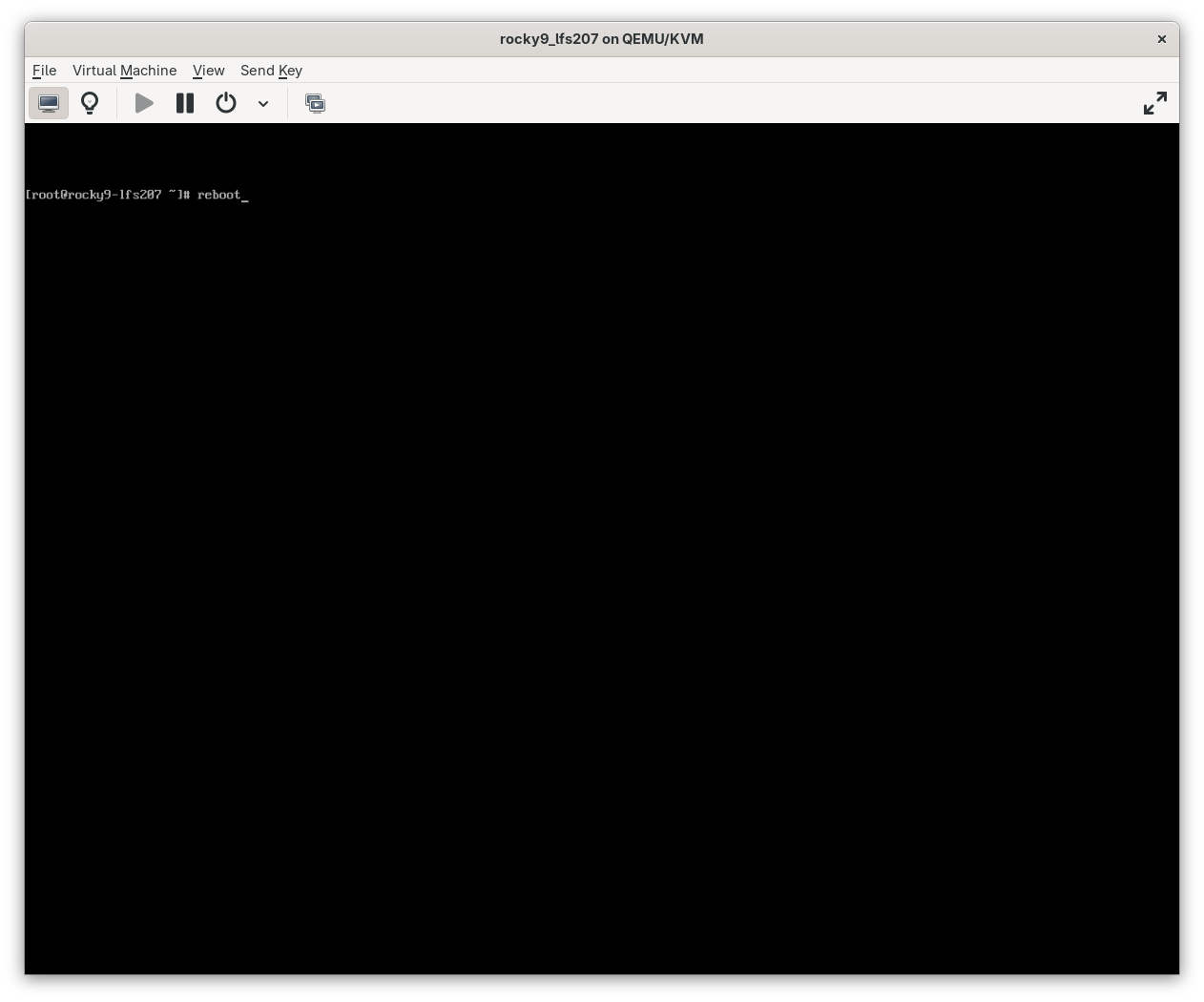
Modifying
fstab5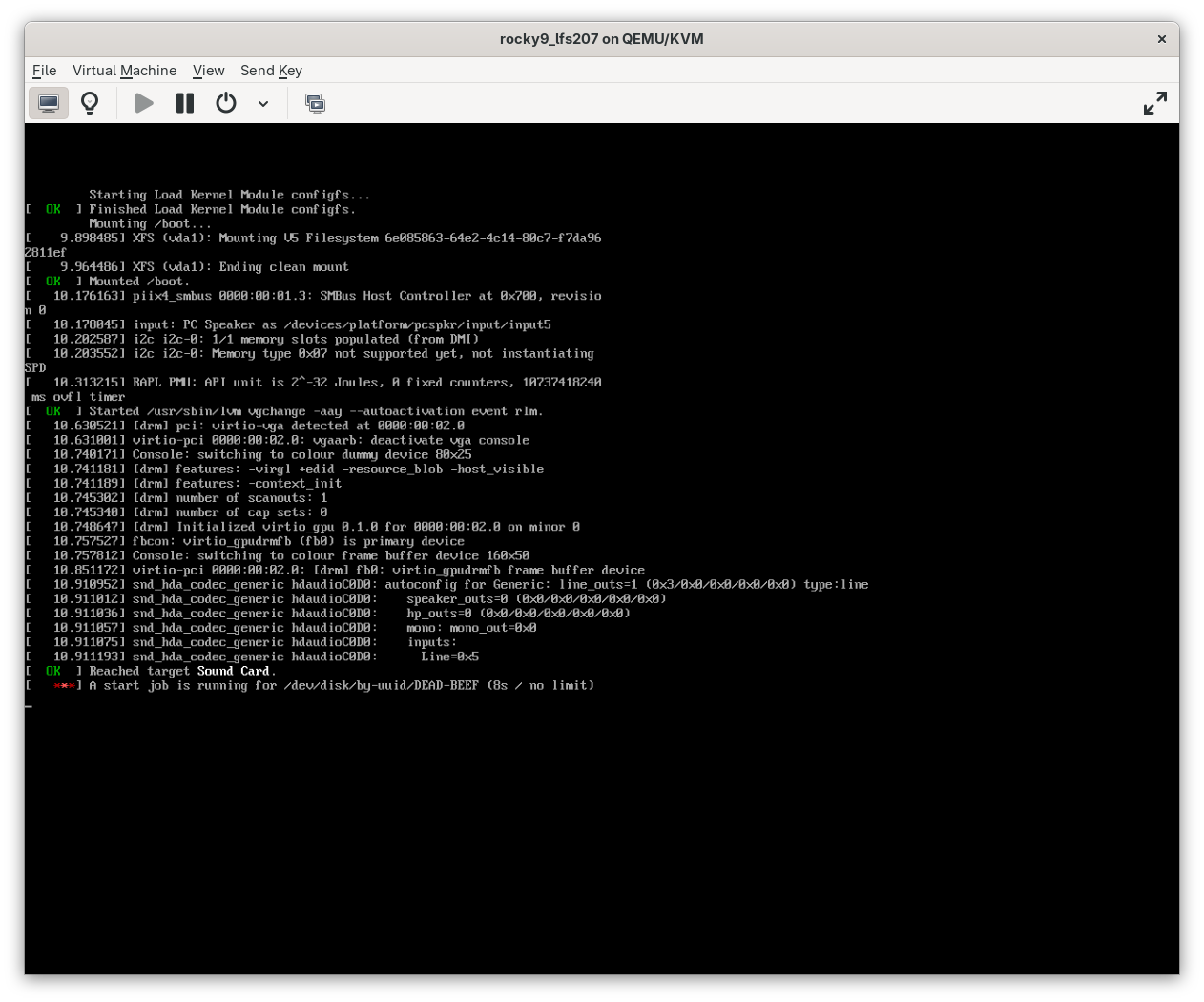
Modifying
fstab6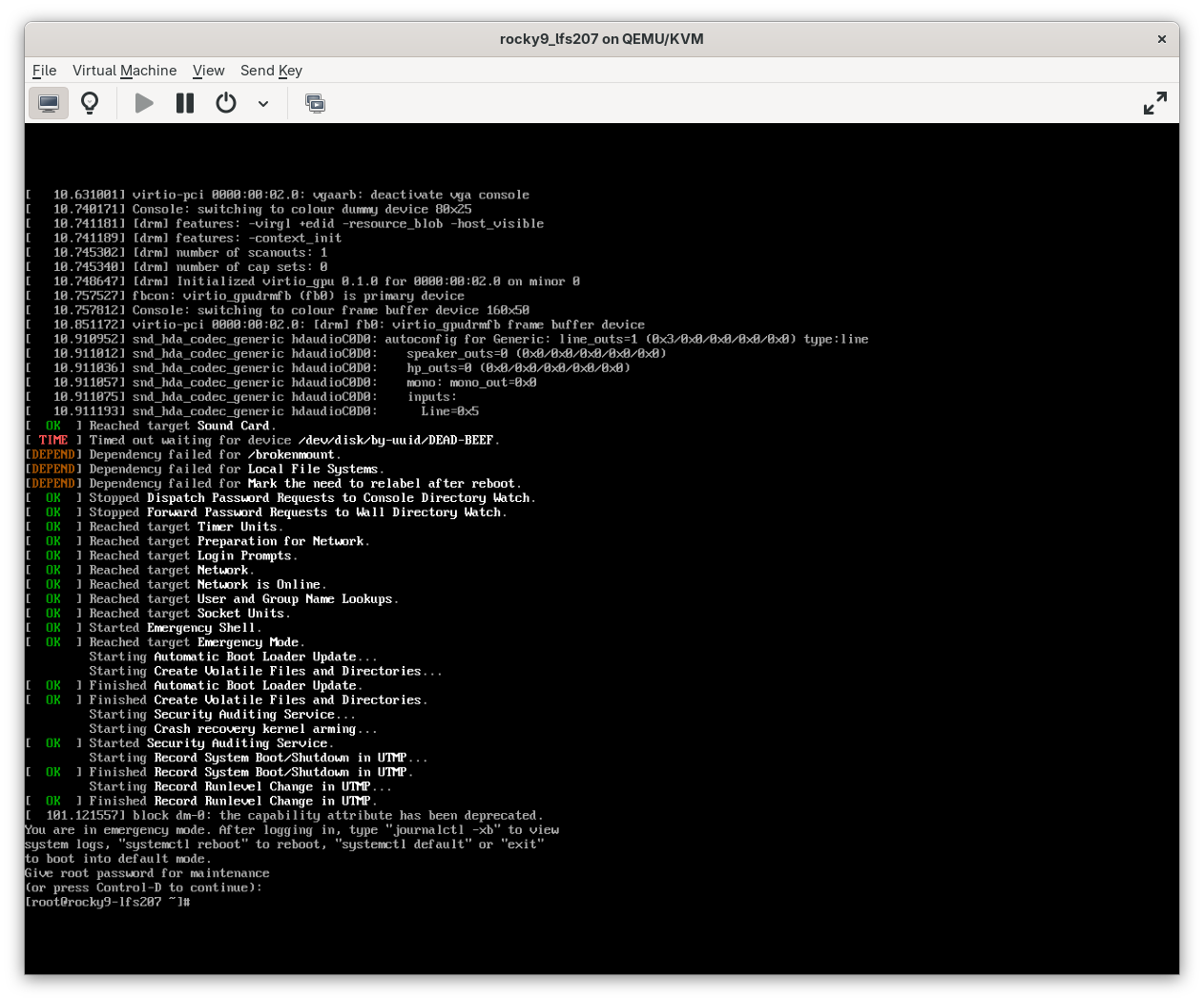
Modifying
fstab7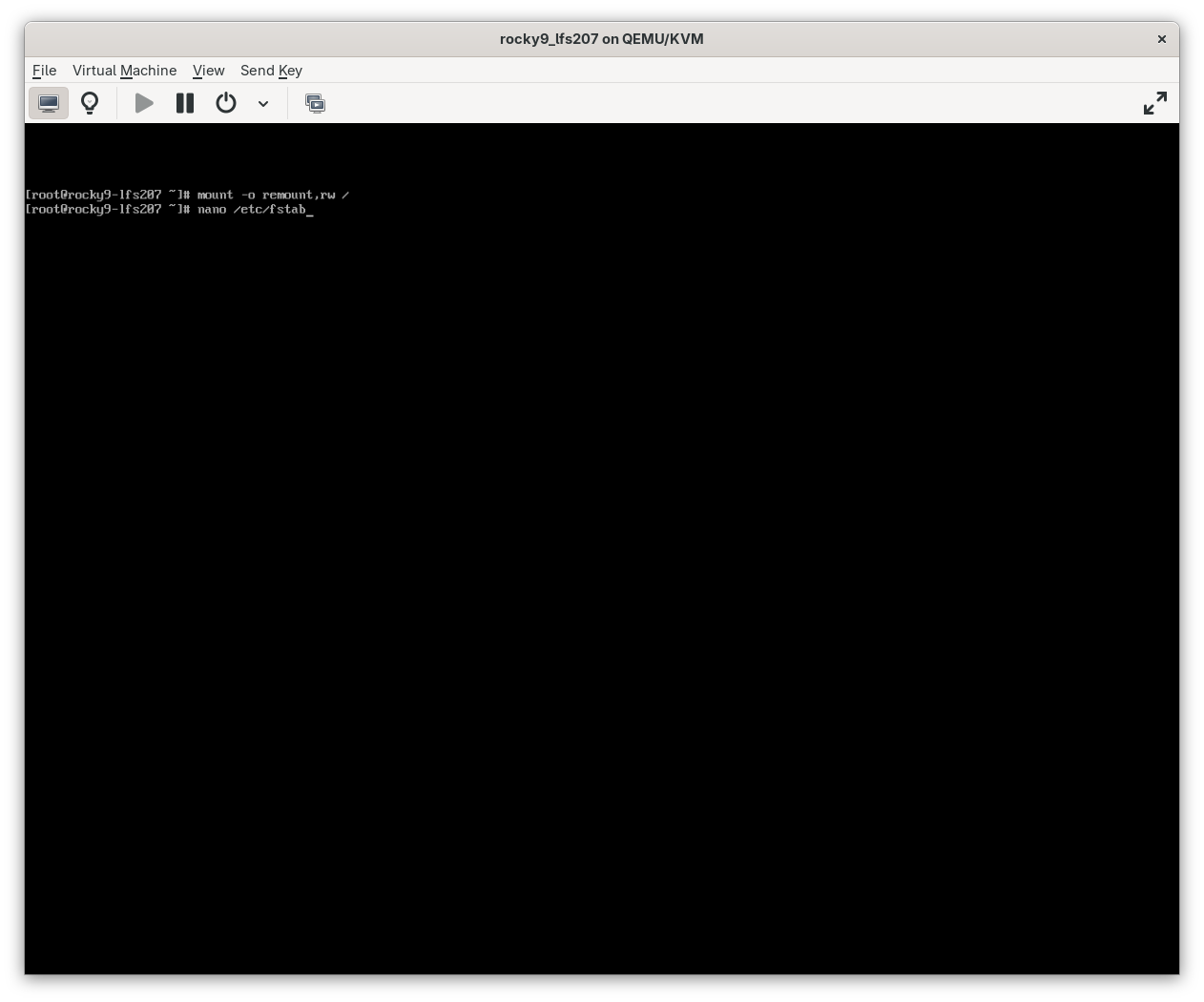
Modifying
fstab8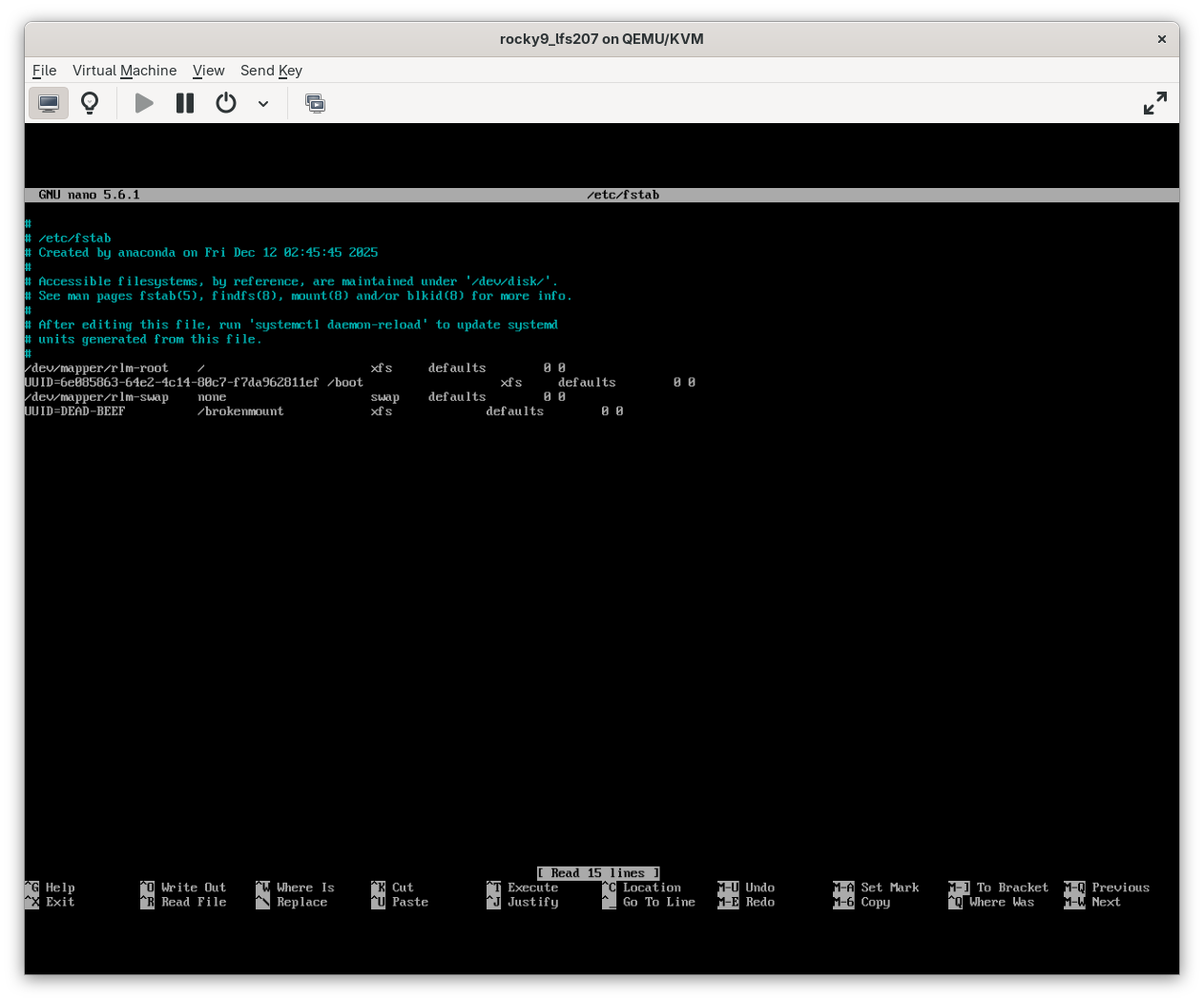
Modifying
fstab9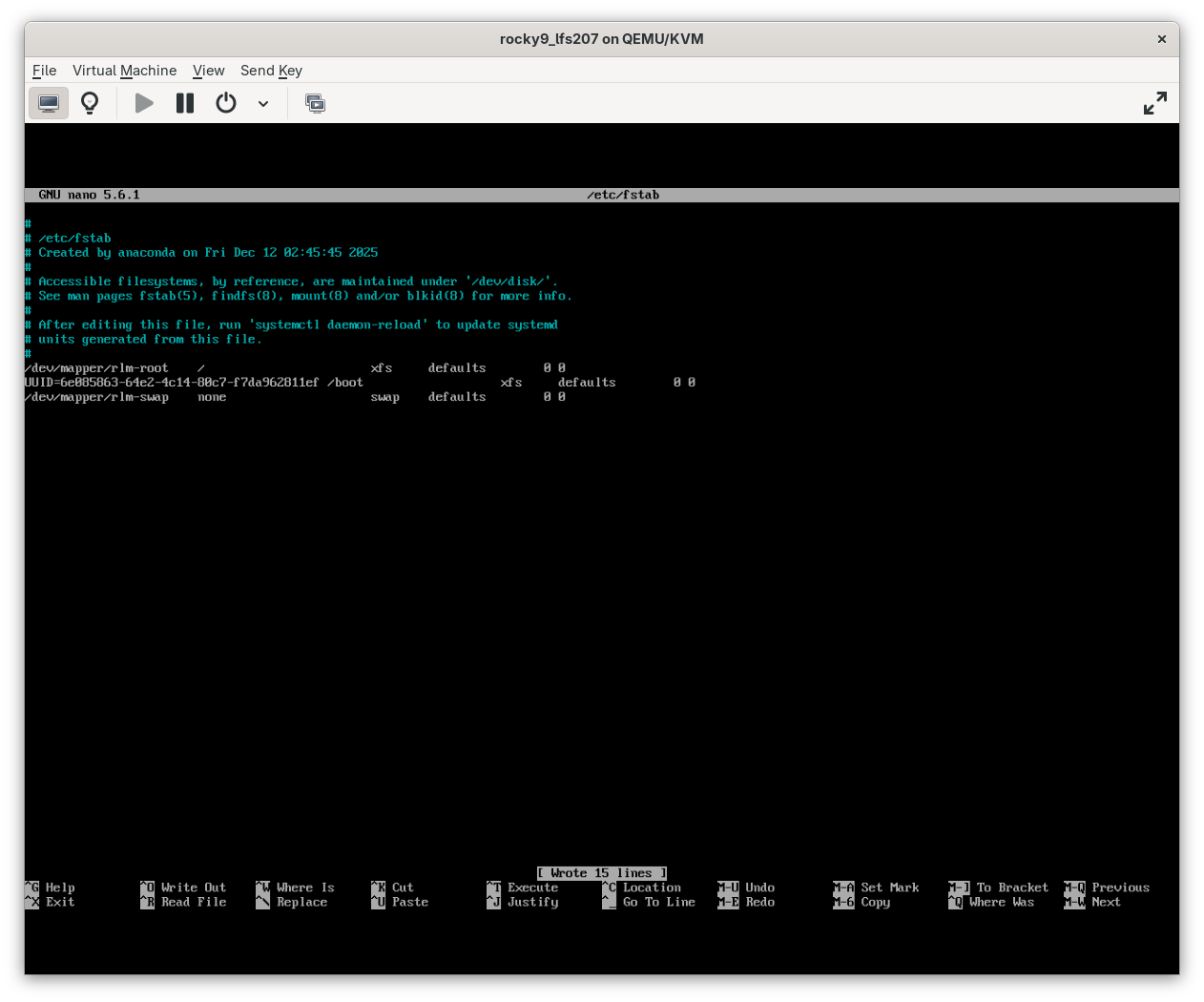
Modifying
fstab10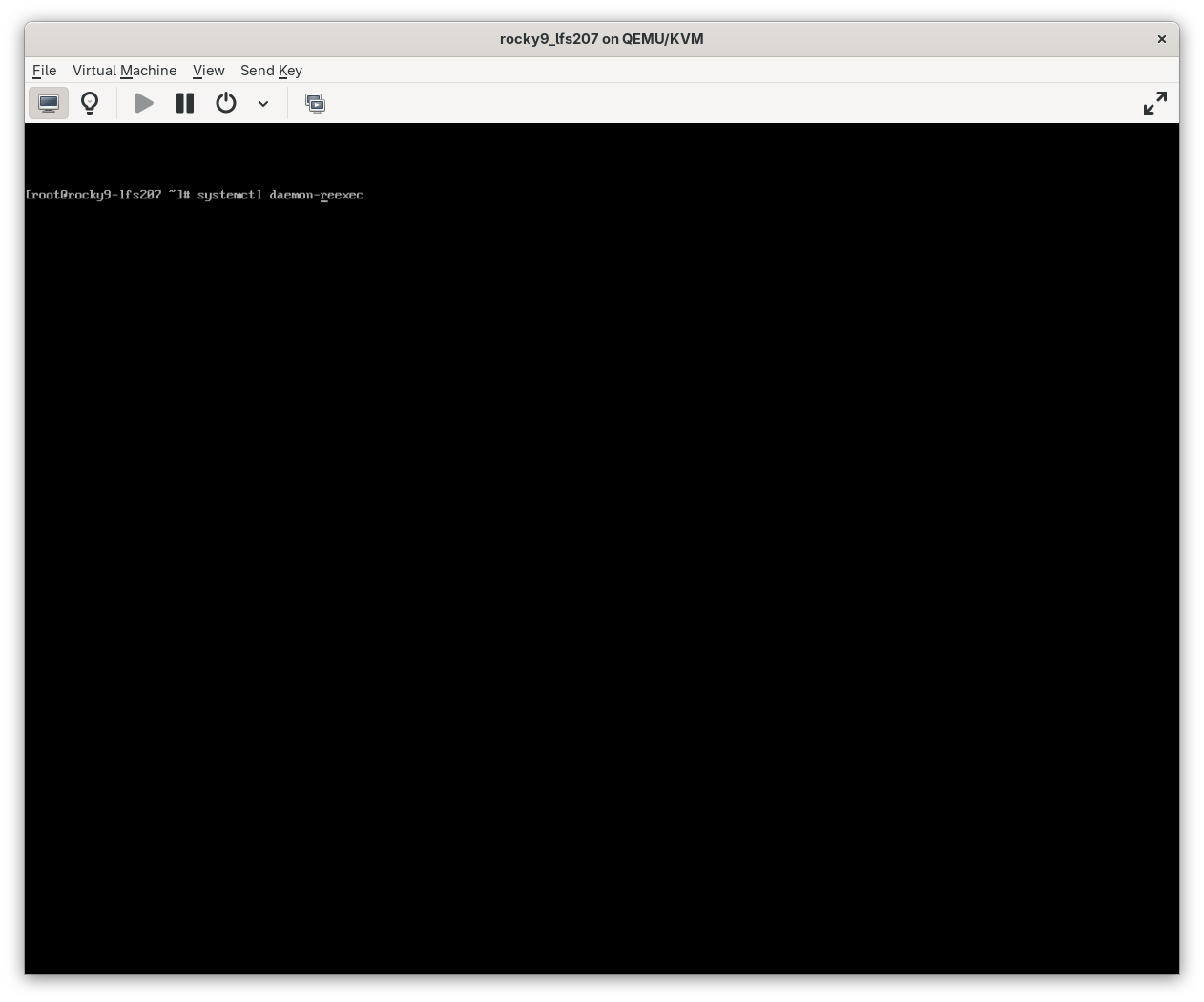
Modifying
fstab11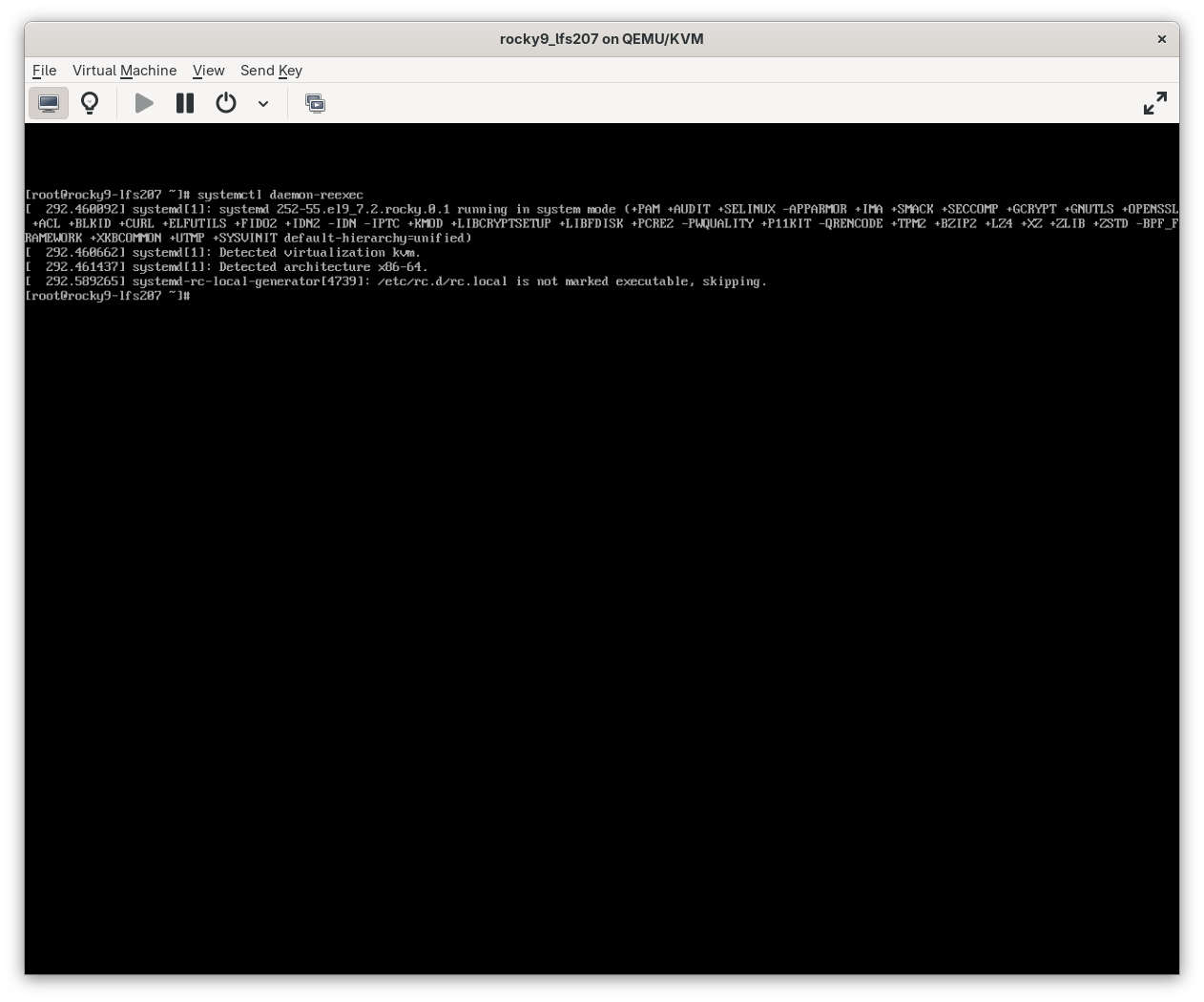
-
And it's that simple. Things went smoothly for a change, but I still have questions about what exactly I am doing when I use
systemctl. I have Shevek break it down for me. It would appearsystemctlis a means of controllingsystemd.systemctlExplained 1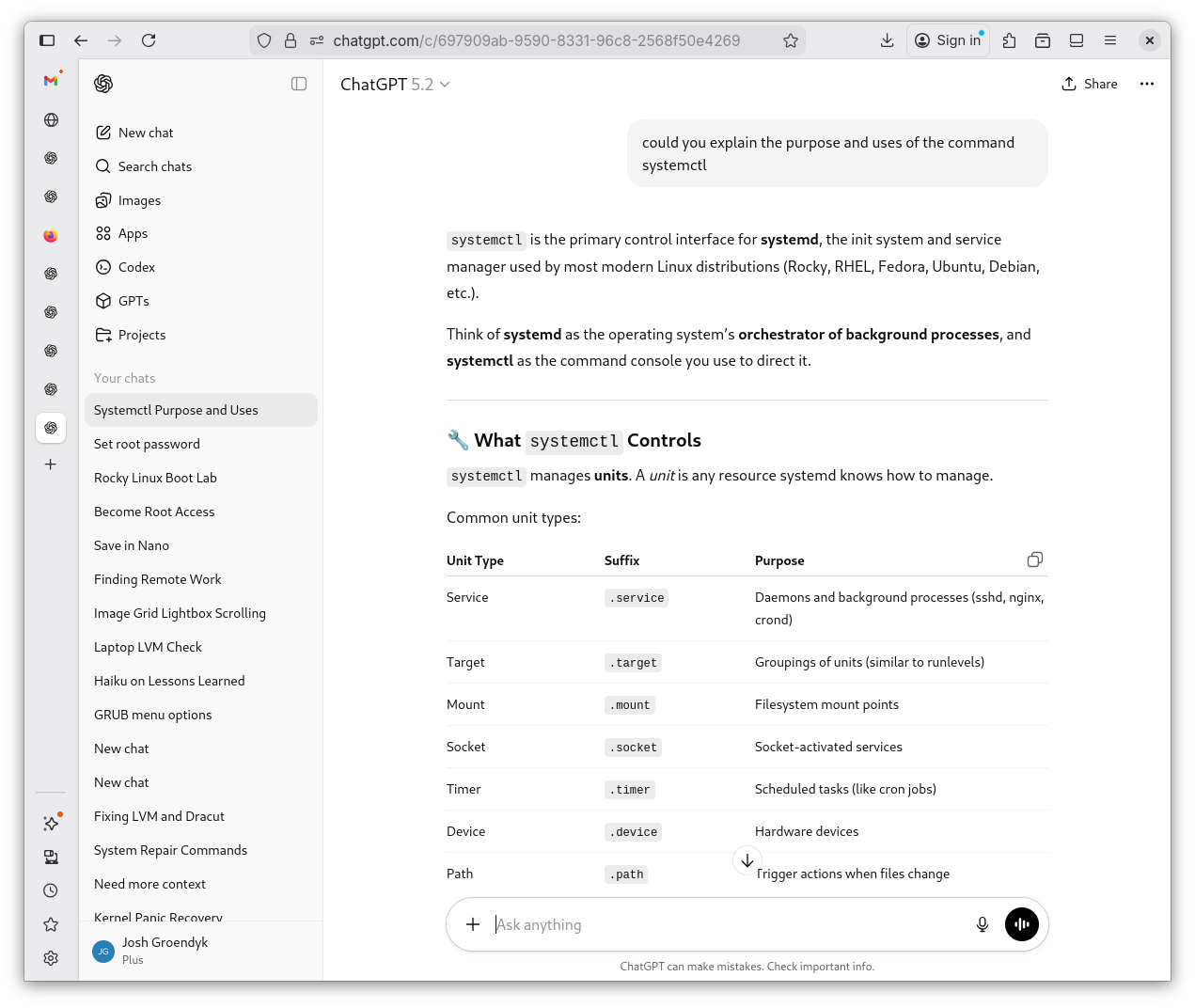
systemctlExplained 2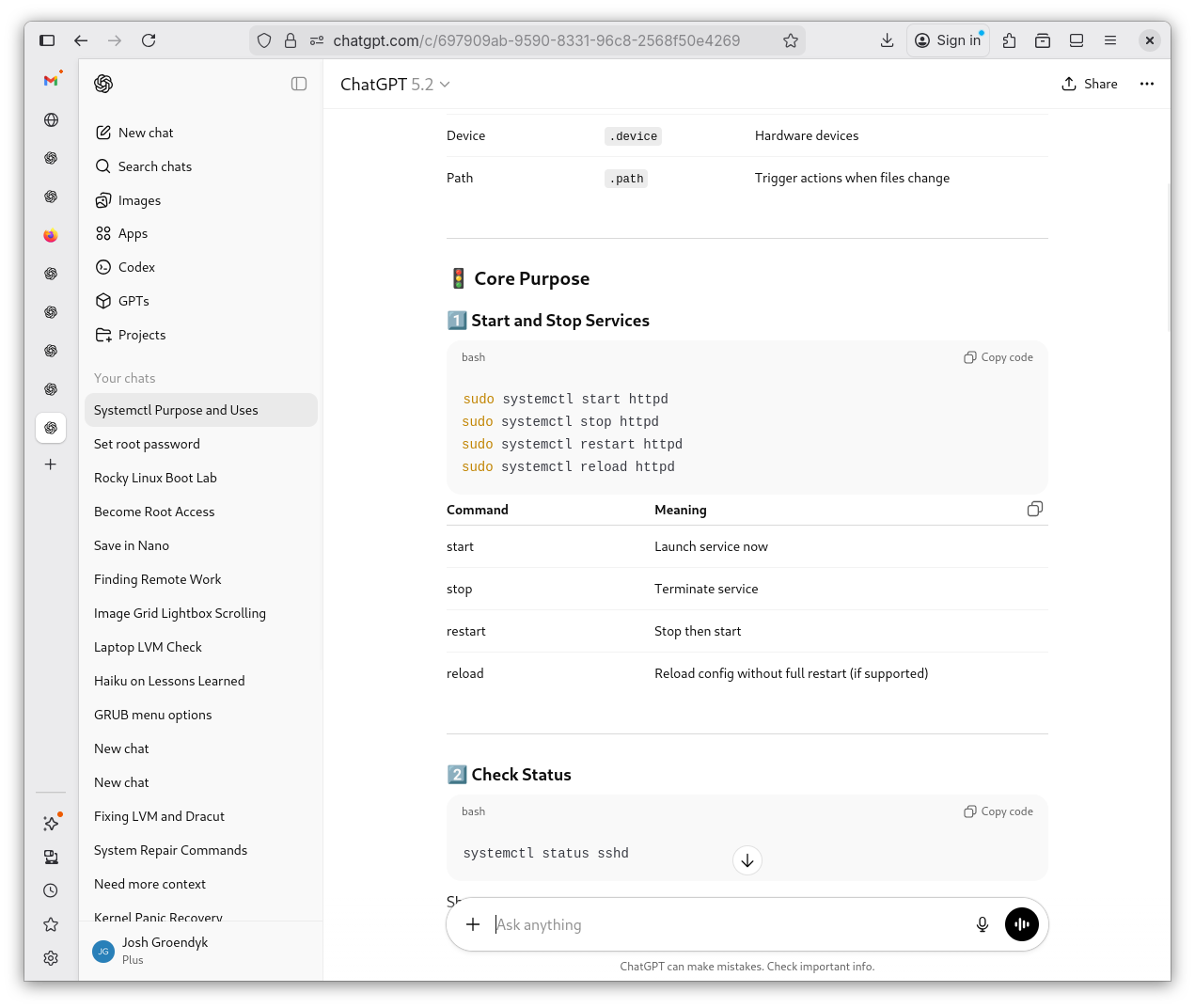
systemctlExplained 3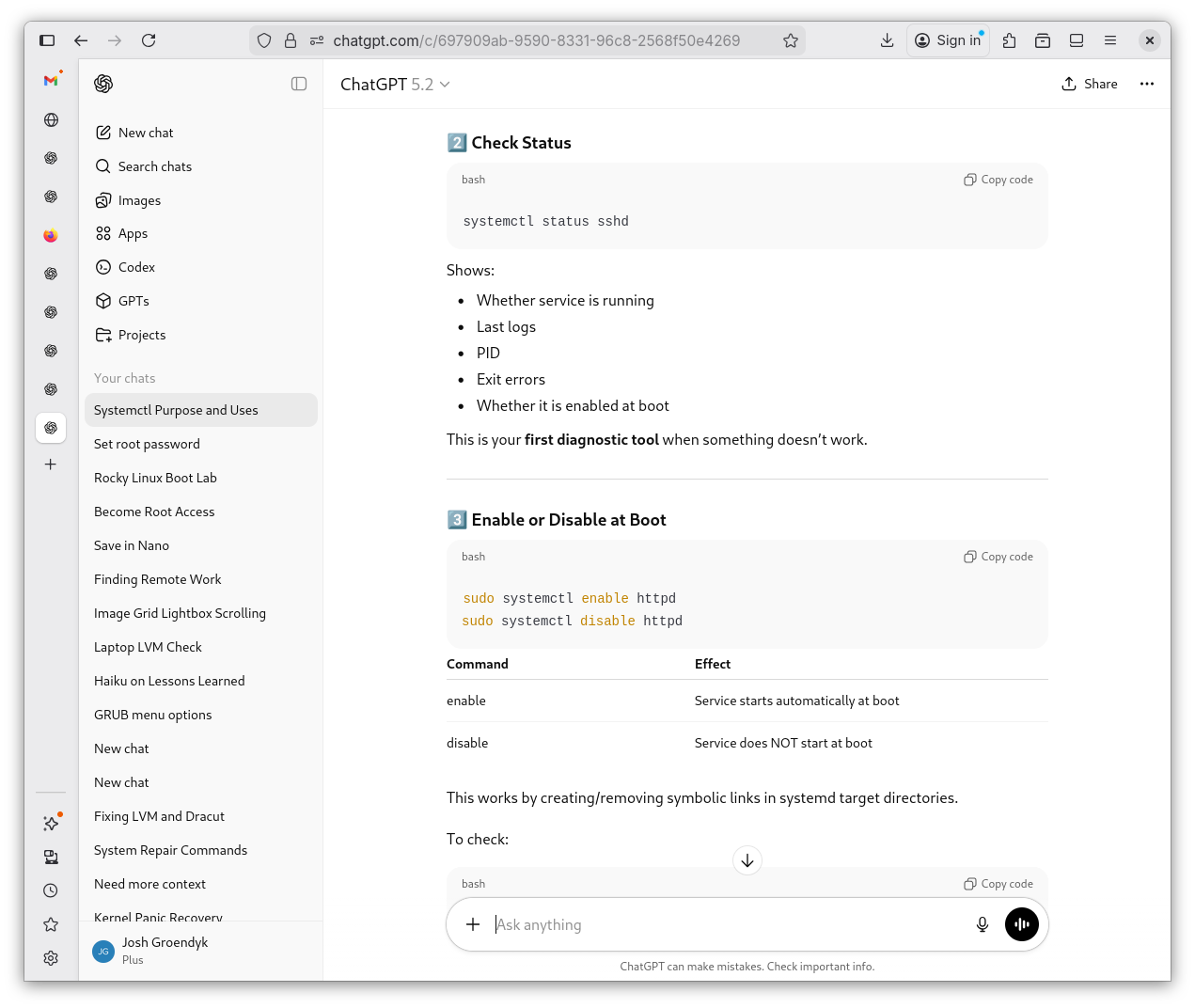
systemctlExplained 4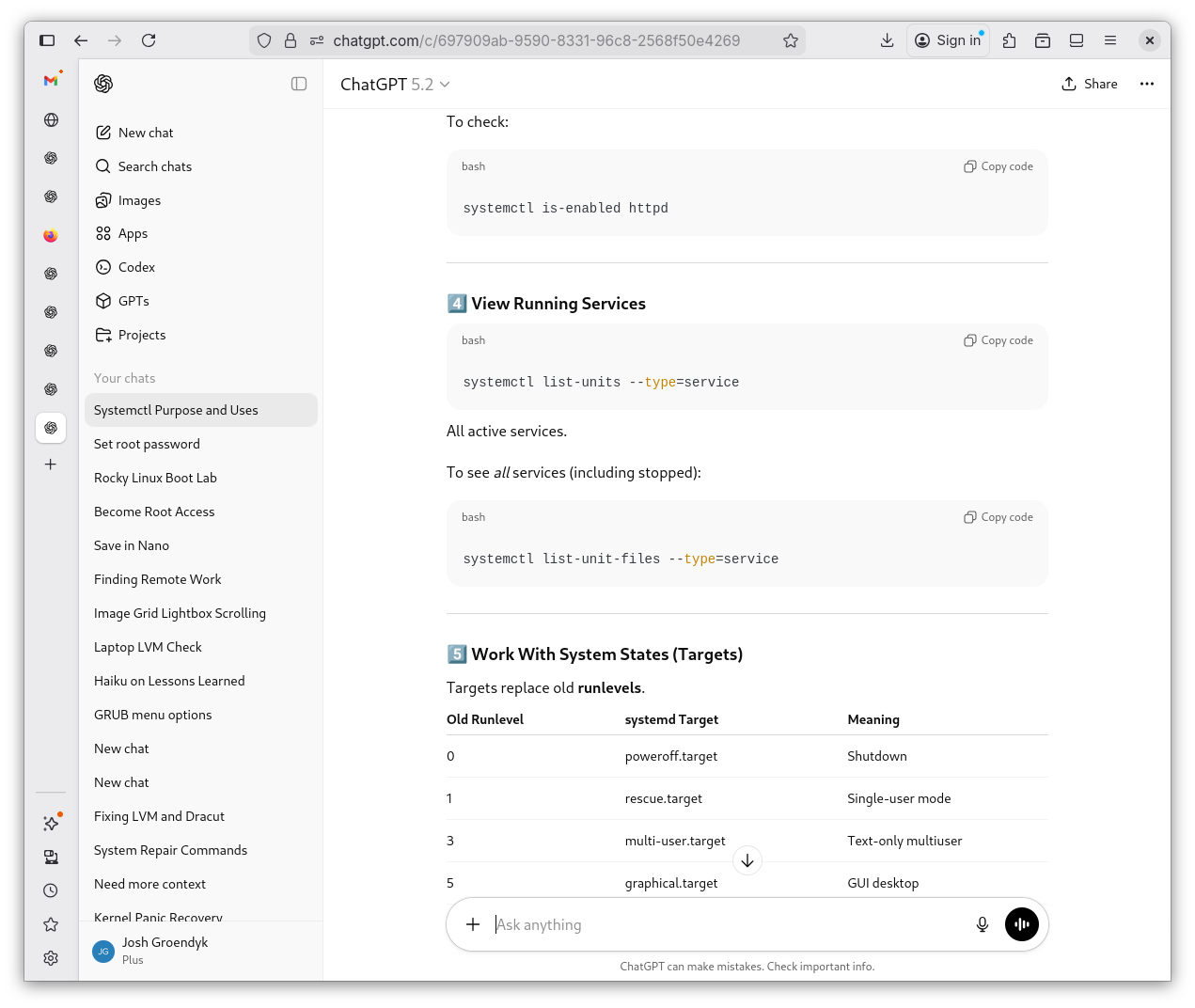
systemctlExplained 5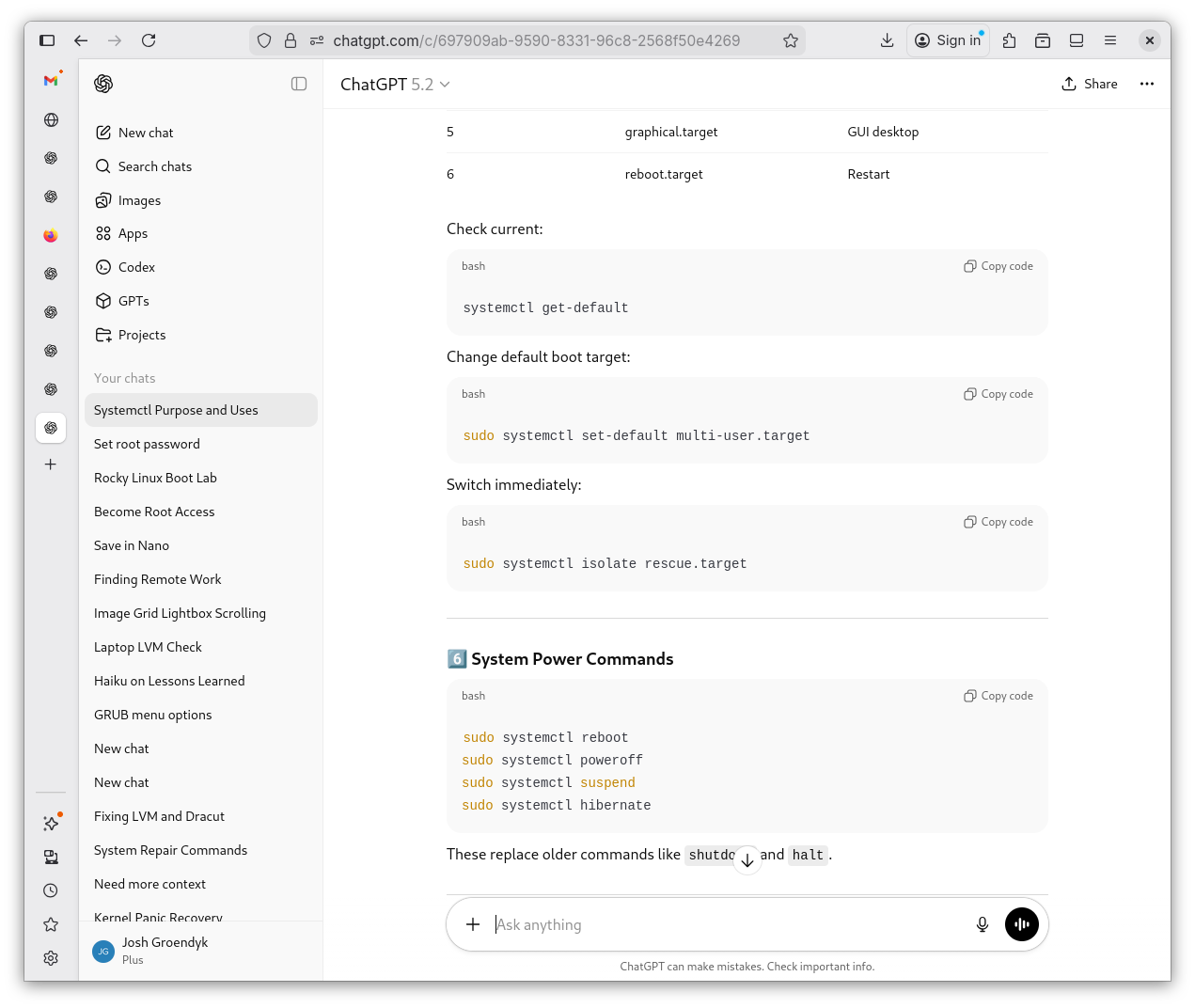
systemctlExplained 6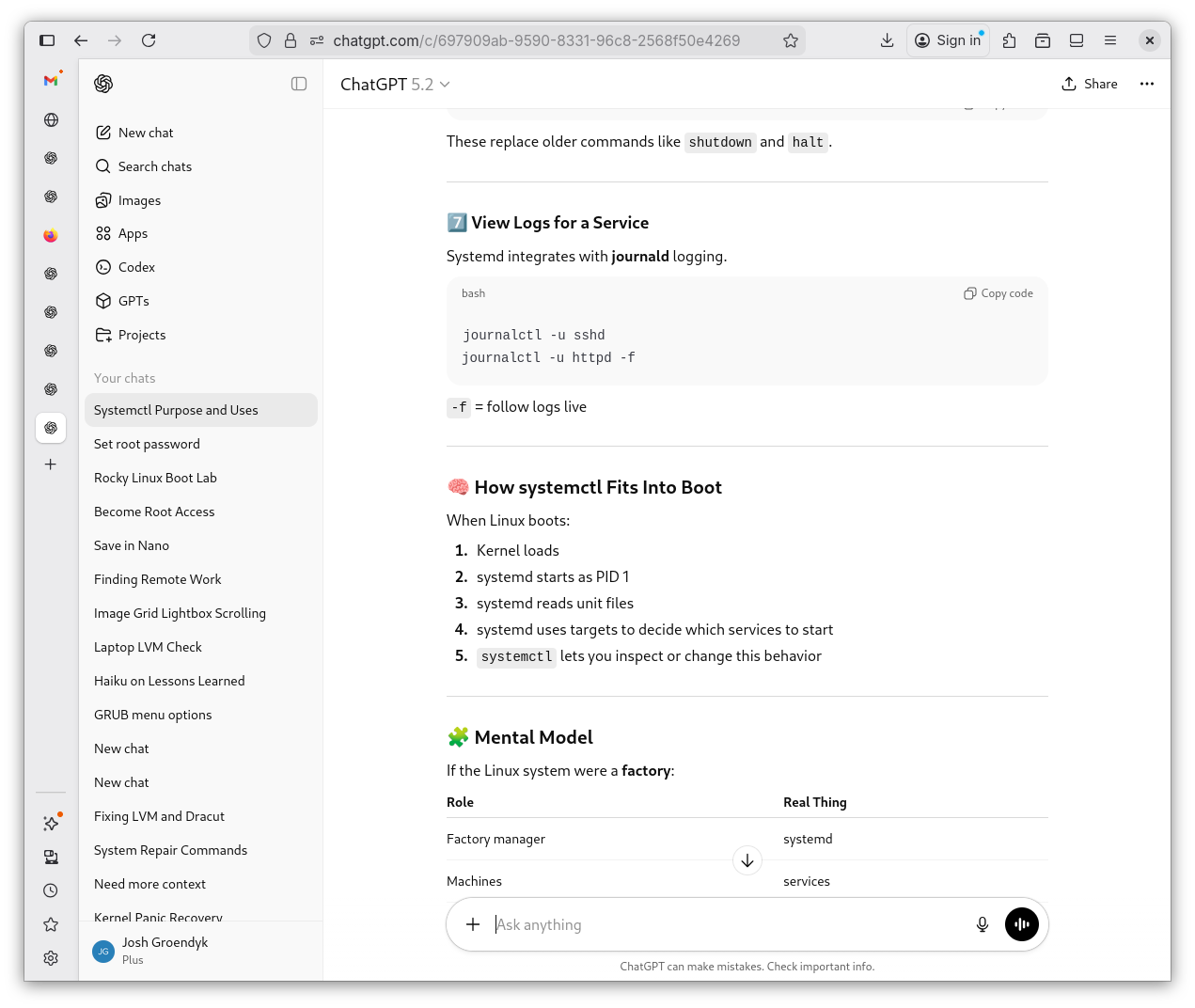
systemctlExplained 7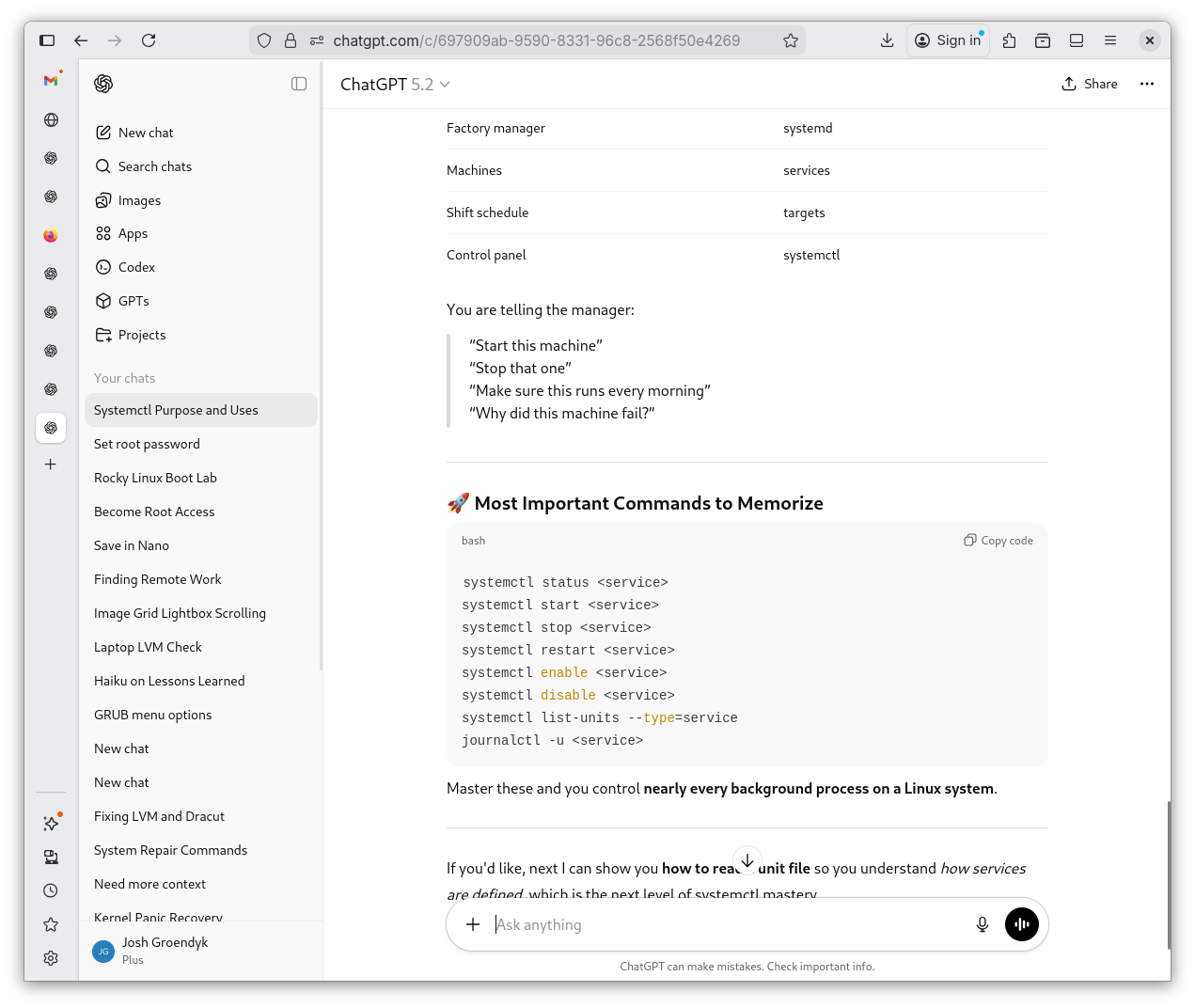
-
As I have made a habit of doing, I say back to Shevek what my understanding from this lesson is. As is always the case, I'm close, but not quite. He refines it and clarifies the things I don't quite understand.
fstabLesson Review 1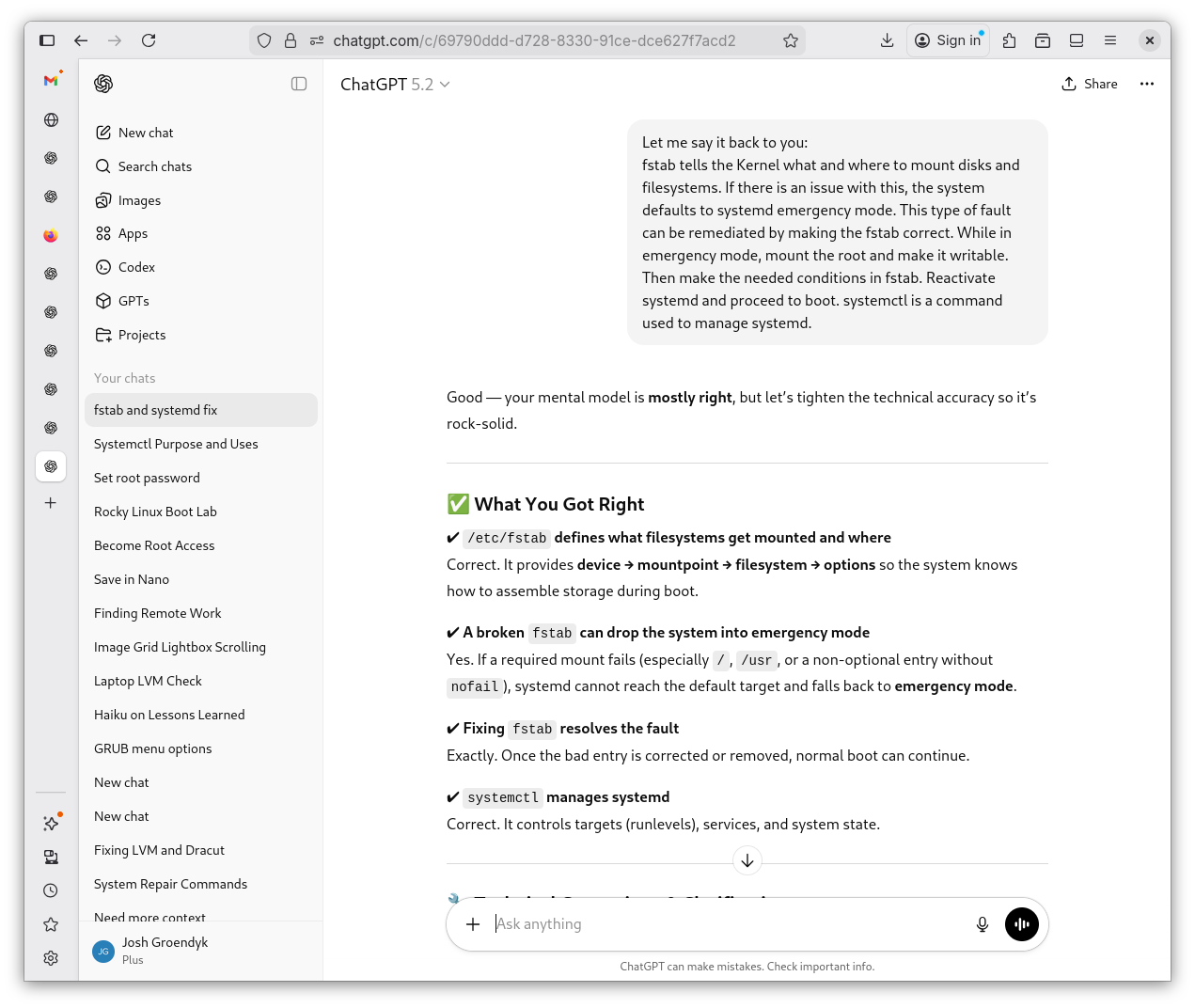
fstabLesson Review 2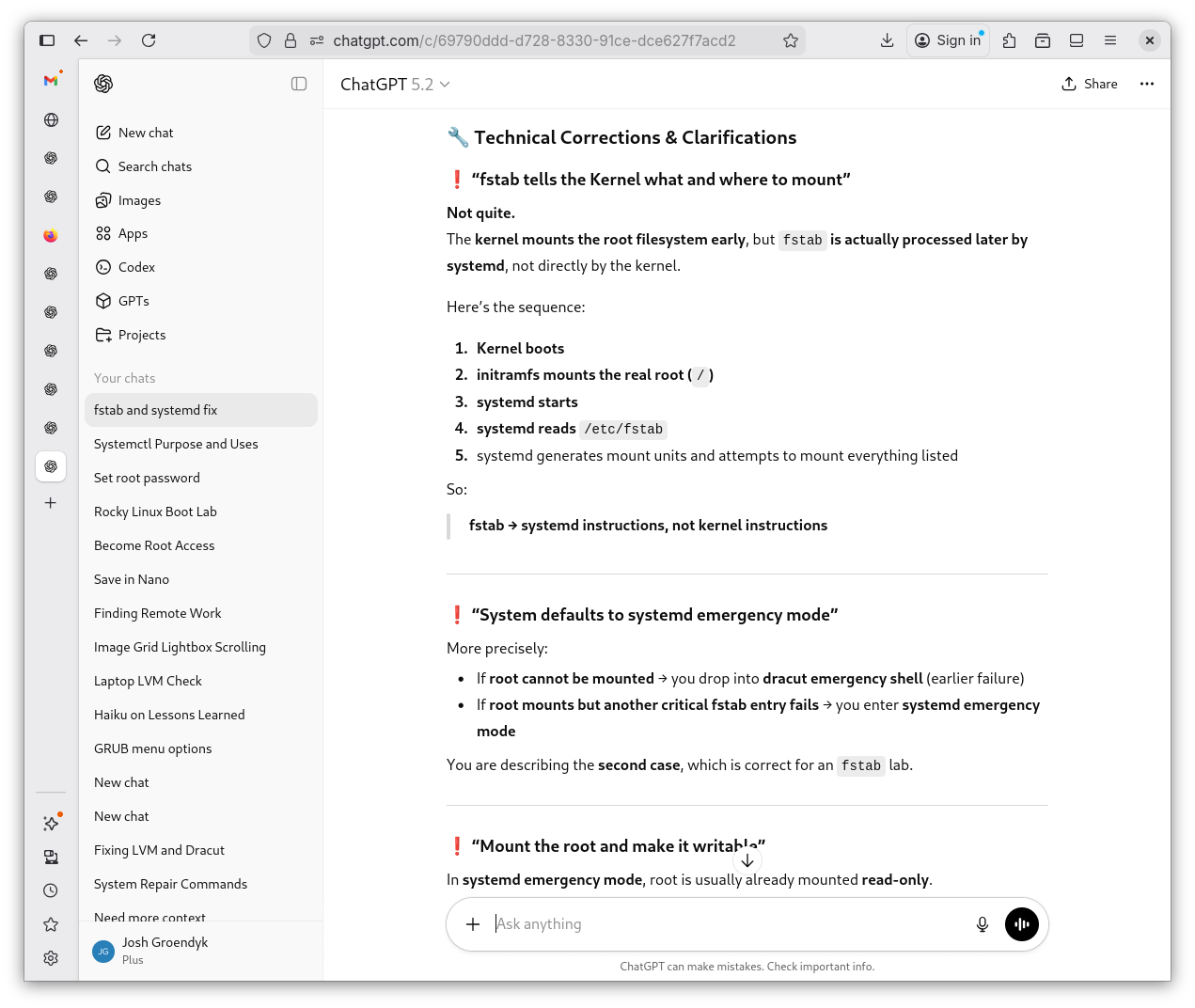
fstabLesson Review 3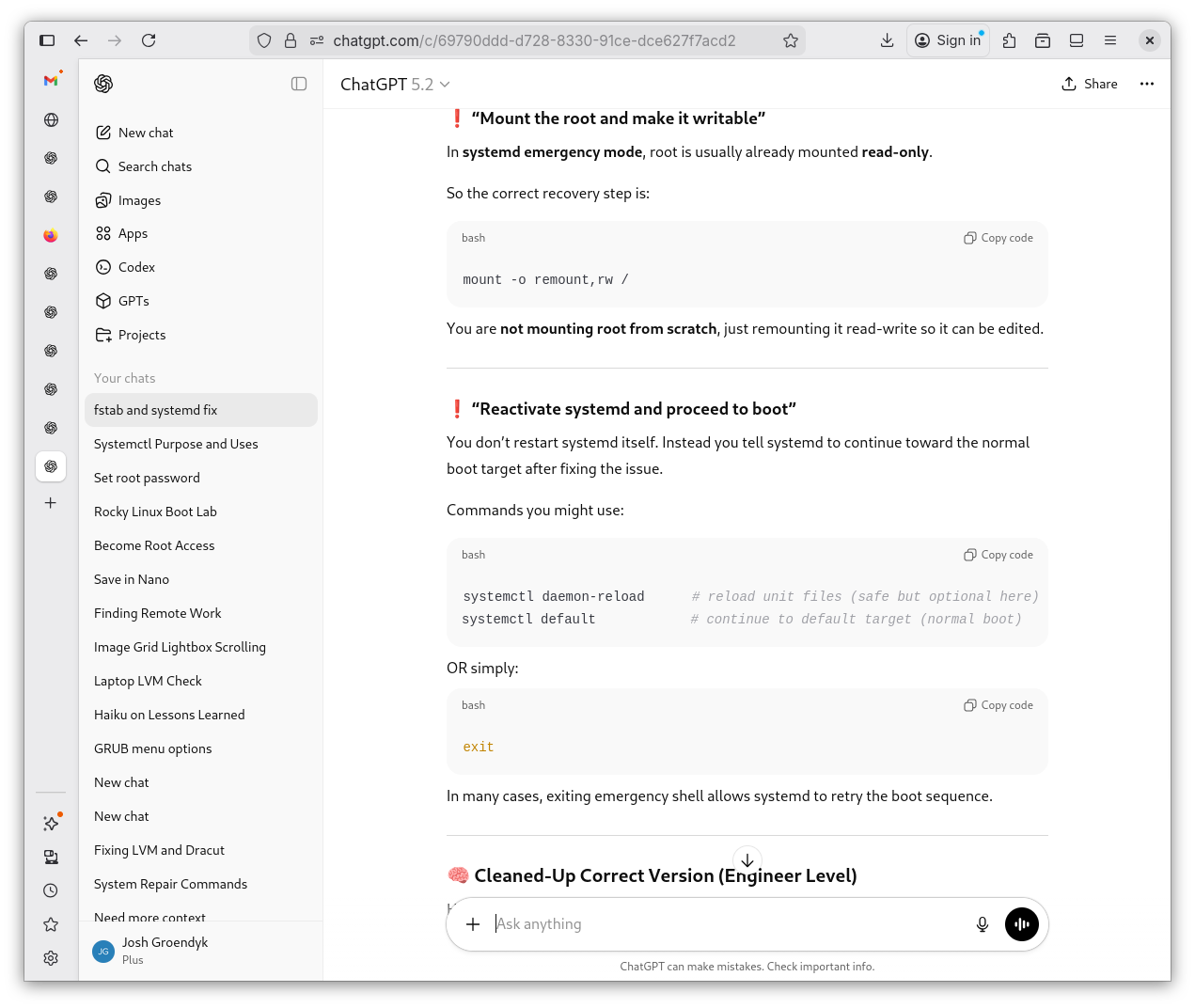
fstabLesson Review 4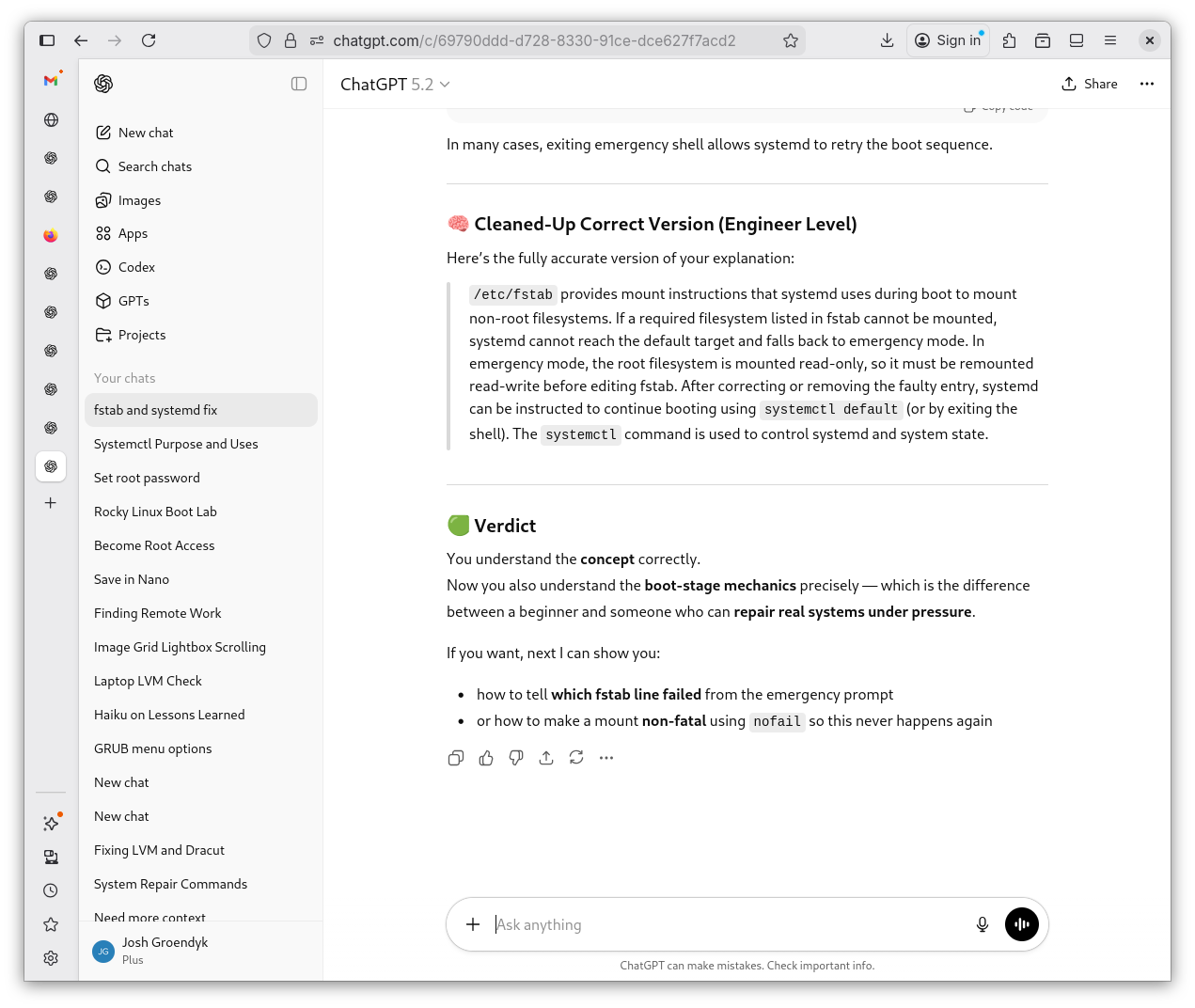
Conclusions
Corrupting fstab is relatively straight forward and simple, but has devastating implications for the system. If unable to mount something, the system will drop into emergency mode. If it fails to mount root, it defaults to dracut. If it fails to mount another item, it defaults to systemd. The root filesystem needs to be made writtable in systemd emergency shell before fstab can be corrected. systemctl is a useful tool for managing systemd.
Shevek's Haiku
Readonly root waits,
A single line breaks the boot —
Mount, mend, rise again.