Ask the Argus
GitHub Releases
How to Create Download Links on Your Website Via GitHub
Synopsis
In this entry, for the purposes of quick reference, I document the process of utilizing GitHub releases to create links for file downloads on my webpage. If not done in this way when GitHub is used as a server, the files will not download properly.
Questions & Objectives
- I want to update my latest entry to include a link for downloading Sheveks "booting fault" sandbox and future sandboxes.
- I want to better understand what the purpose of the release is intended for apart from this.
Process
-
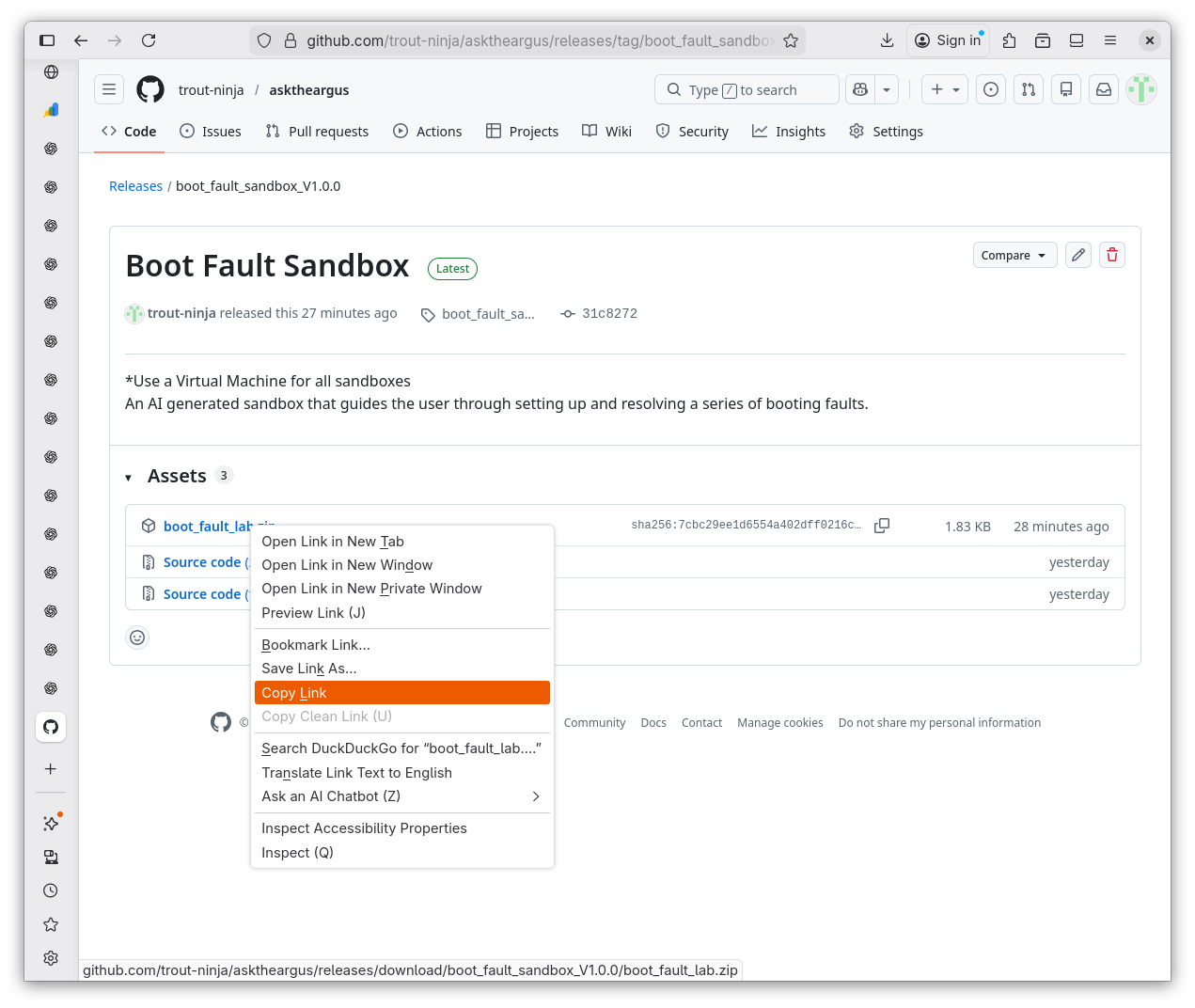
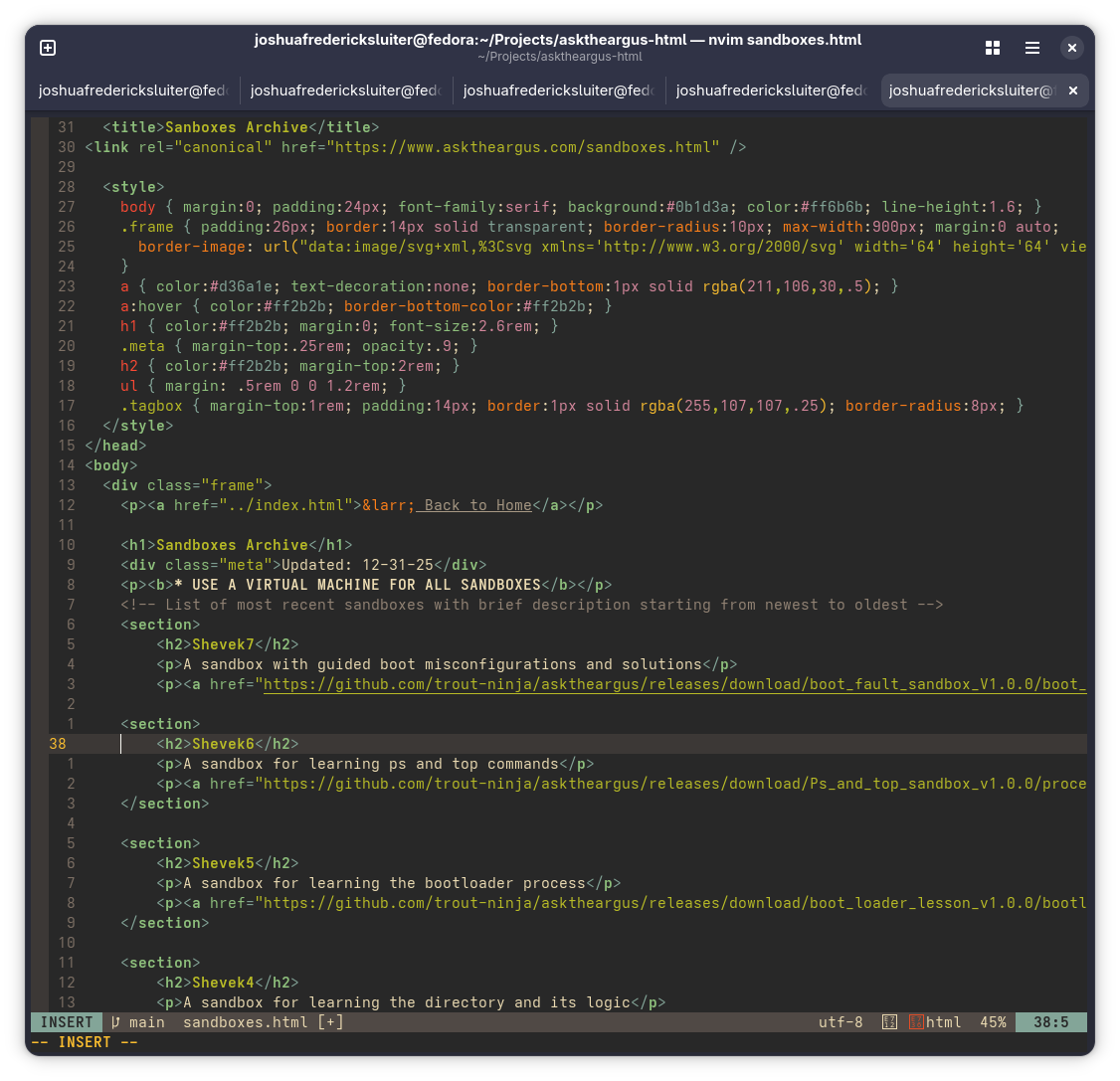
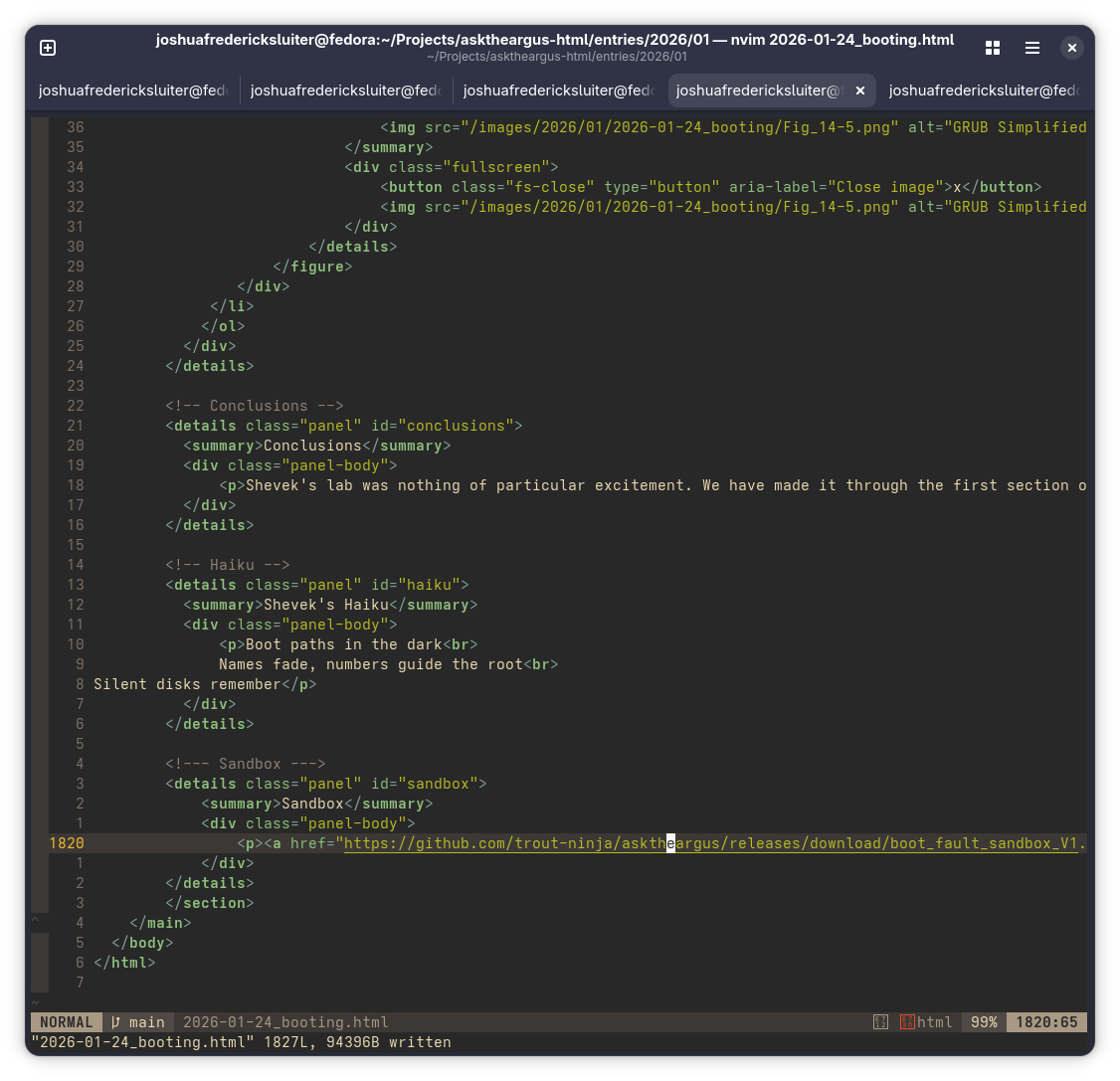
In the following, I make it as obvious what I am doing as possible. In the right hand side of the screen I click "releases". On the next page I click "draft new release". I provide a tag for the release, upload the file, and click "publish". I then copy the link of the published file and edit that link into my HTML where desired.
GitHub Release Step 1
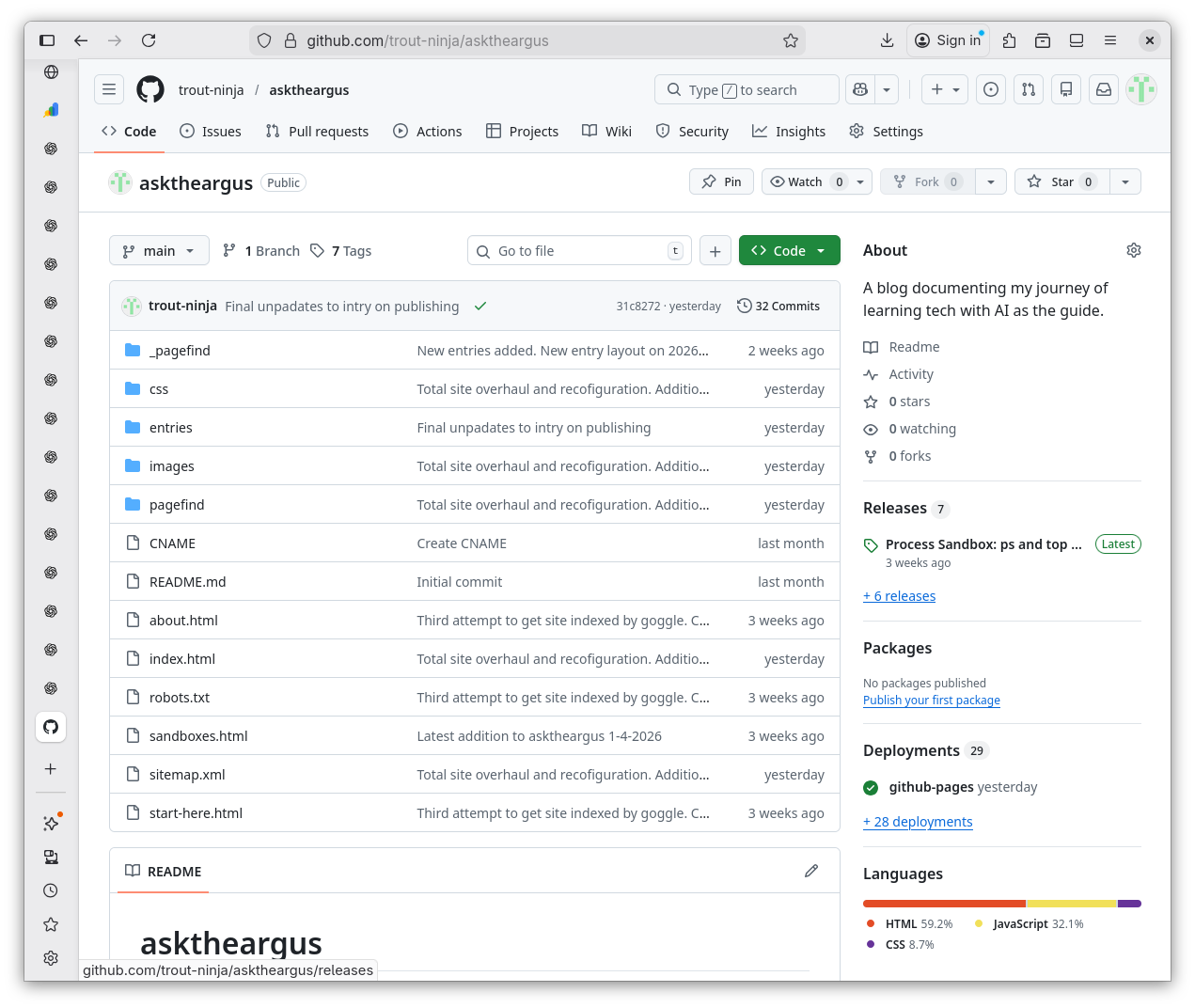
GitHub Release 2
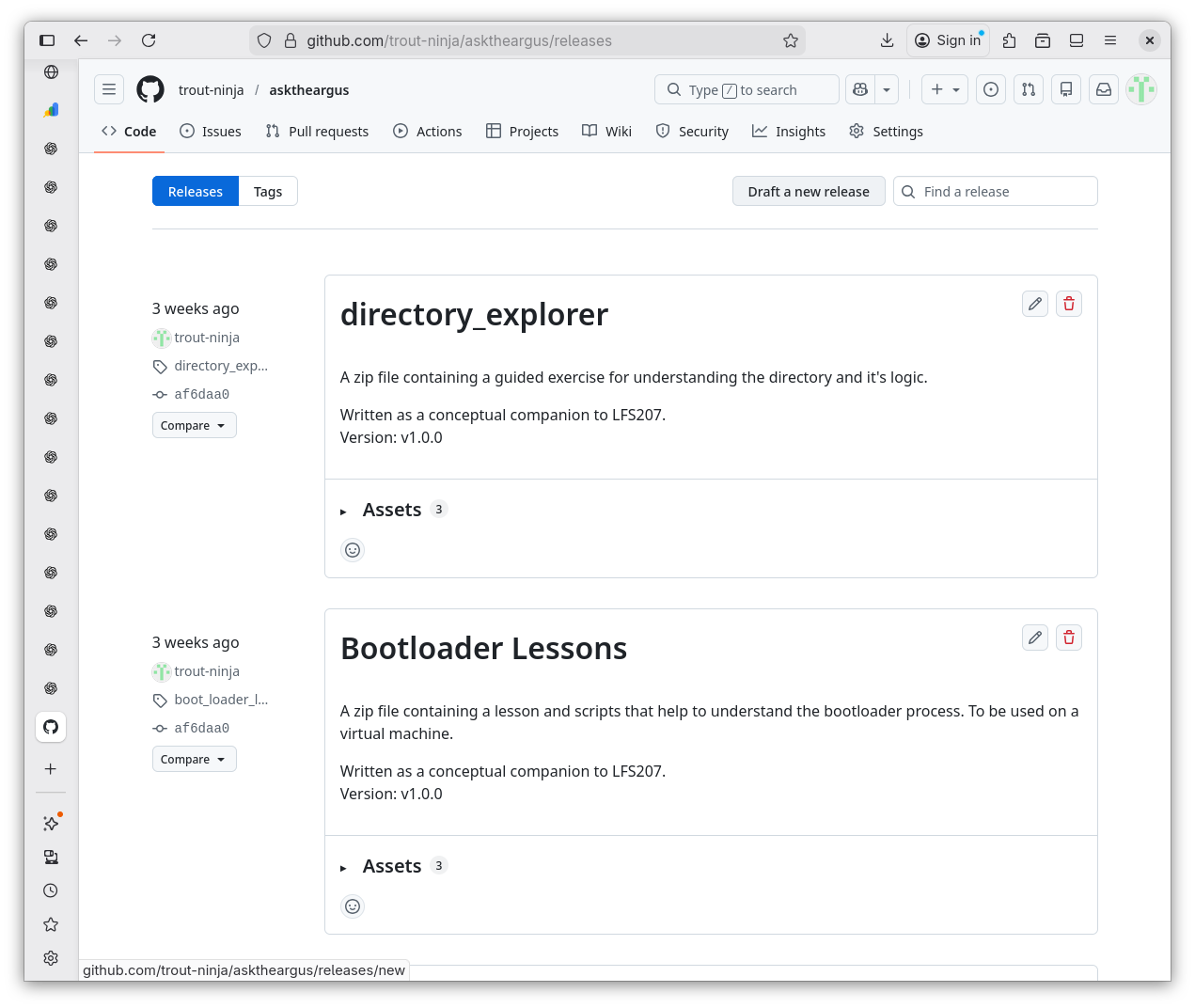
GitHub Release 3
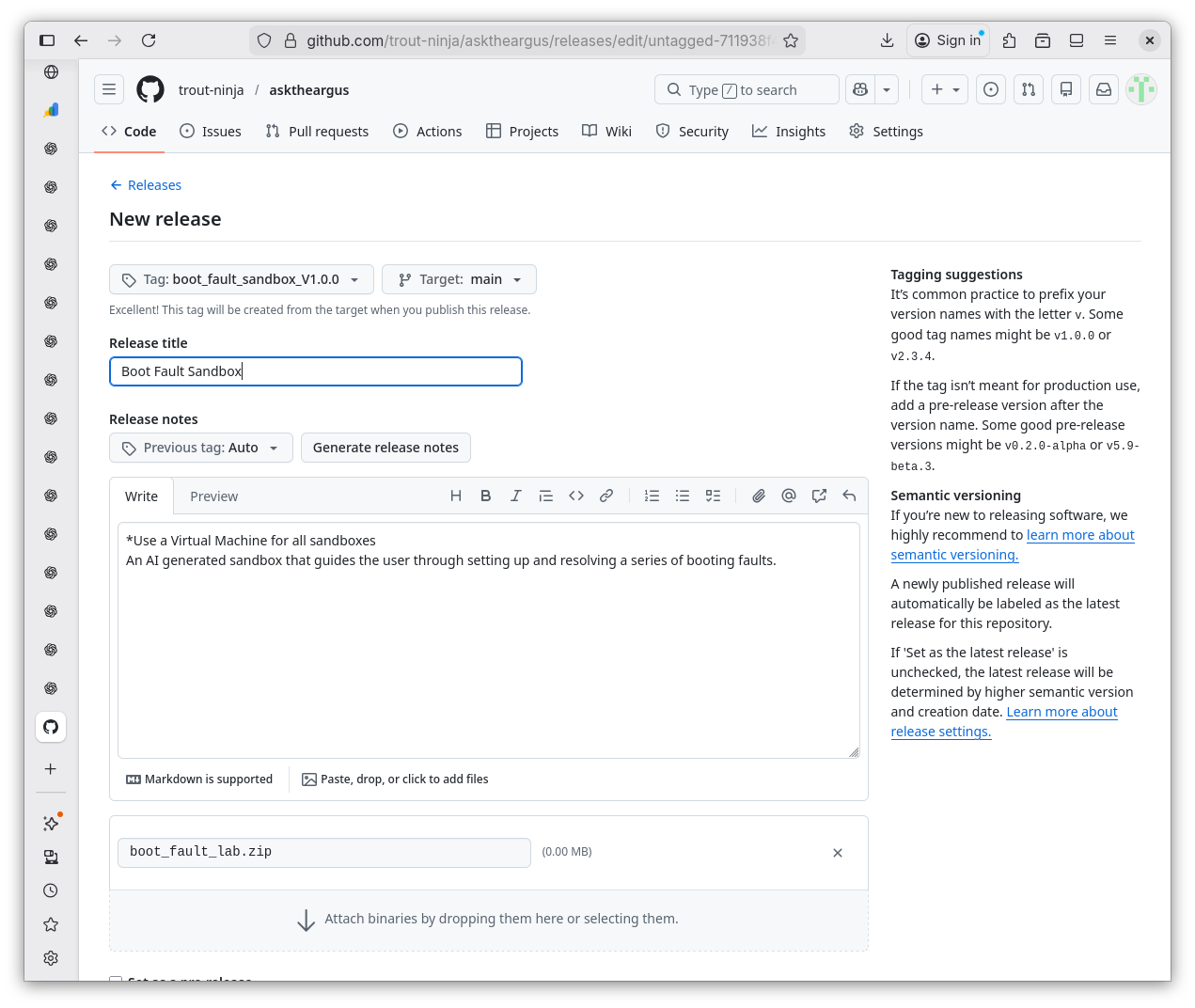
GitHub Release 4
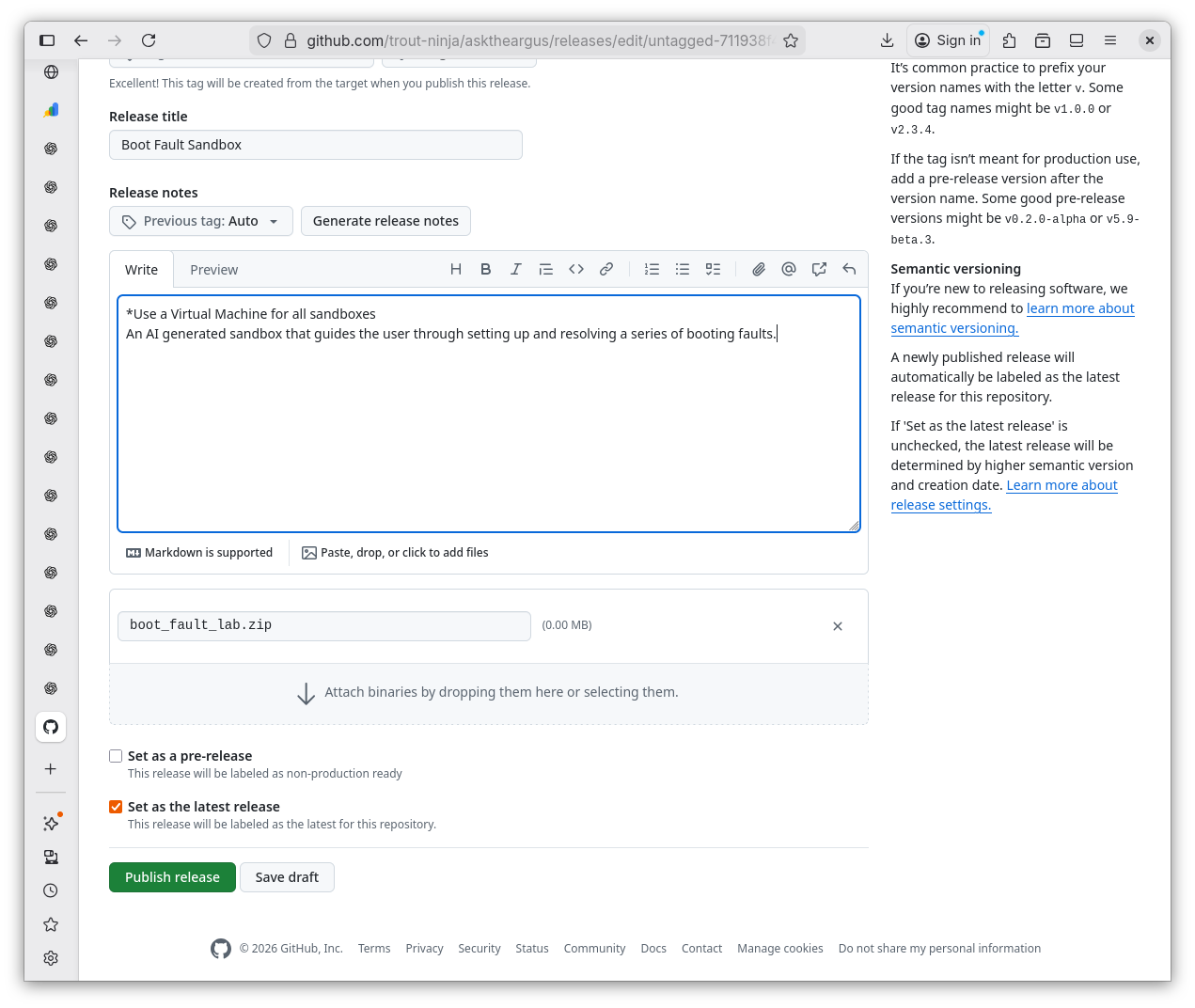
GitHub Release 5
Updating HTML 1
Updating HTML 2
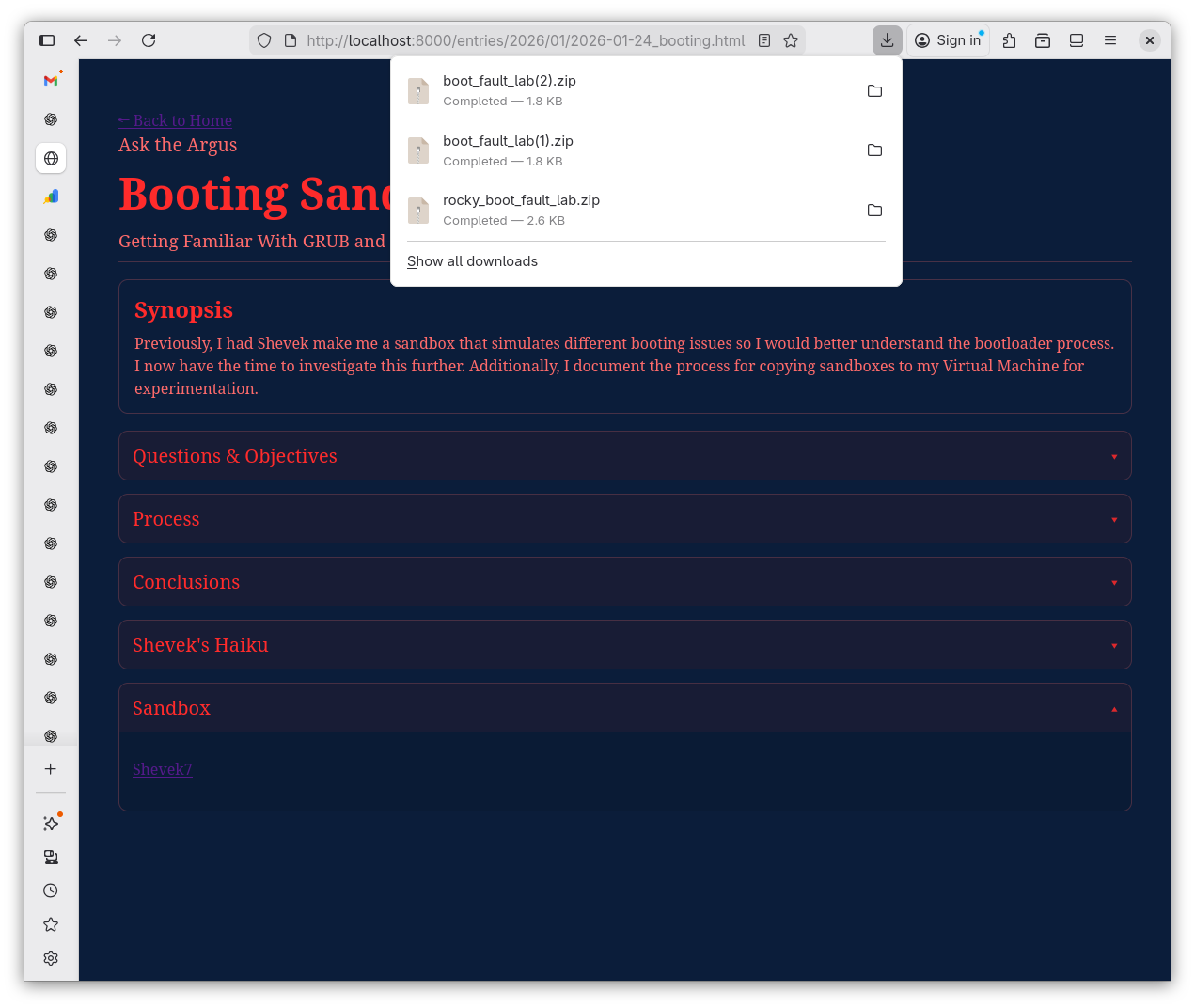
Verifying the Download
-
That seemed simple enough. But I'm not satisfied. I ask Shevek to elaborate what the intended purpose of GitHub release is.
GitHub Release Explained 1
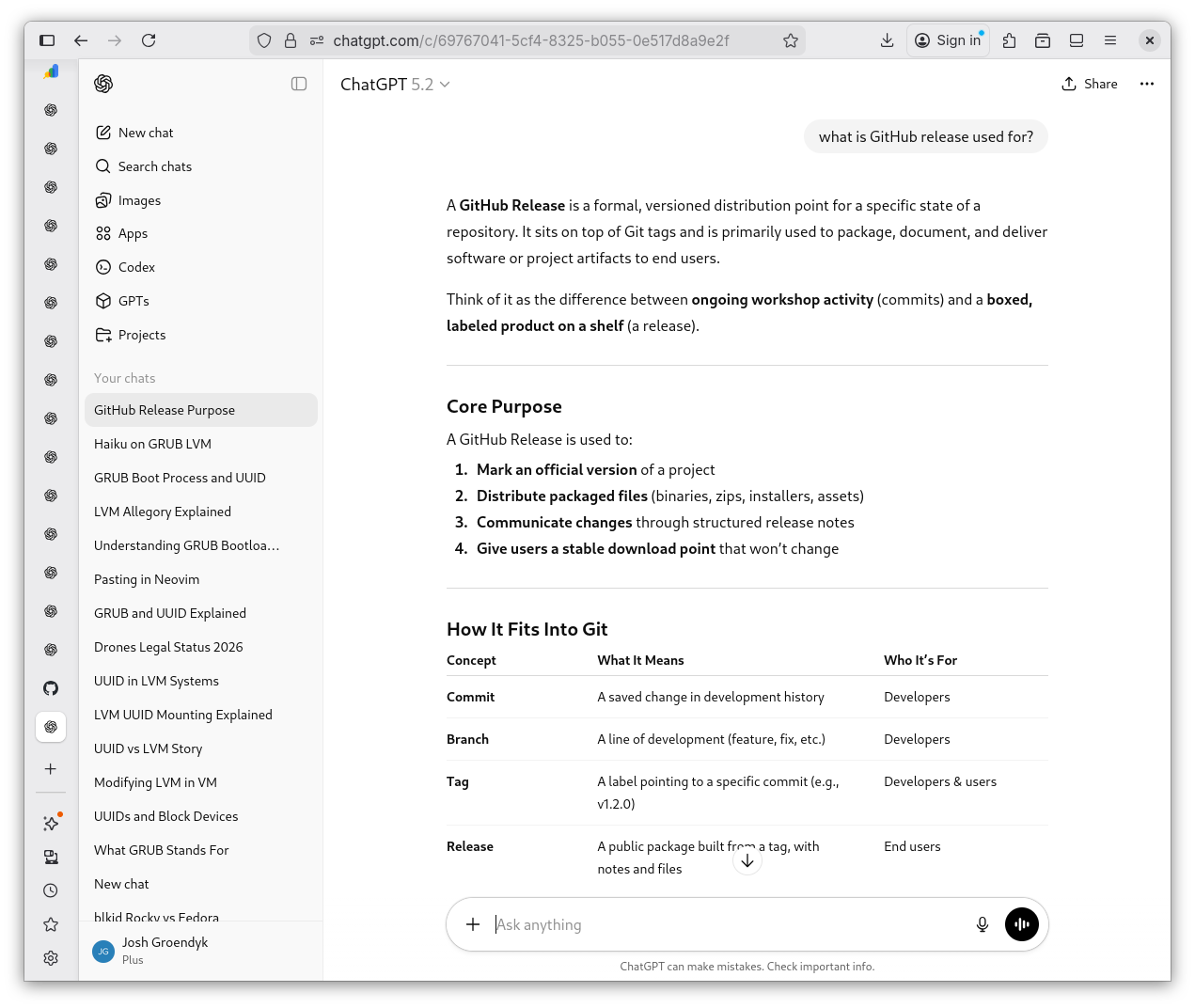
GitHub Release Explained 2
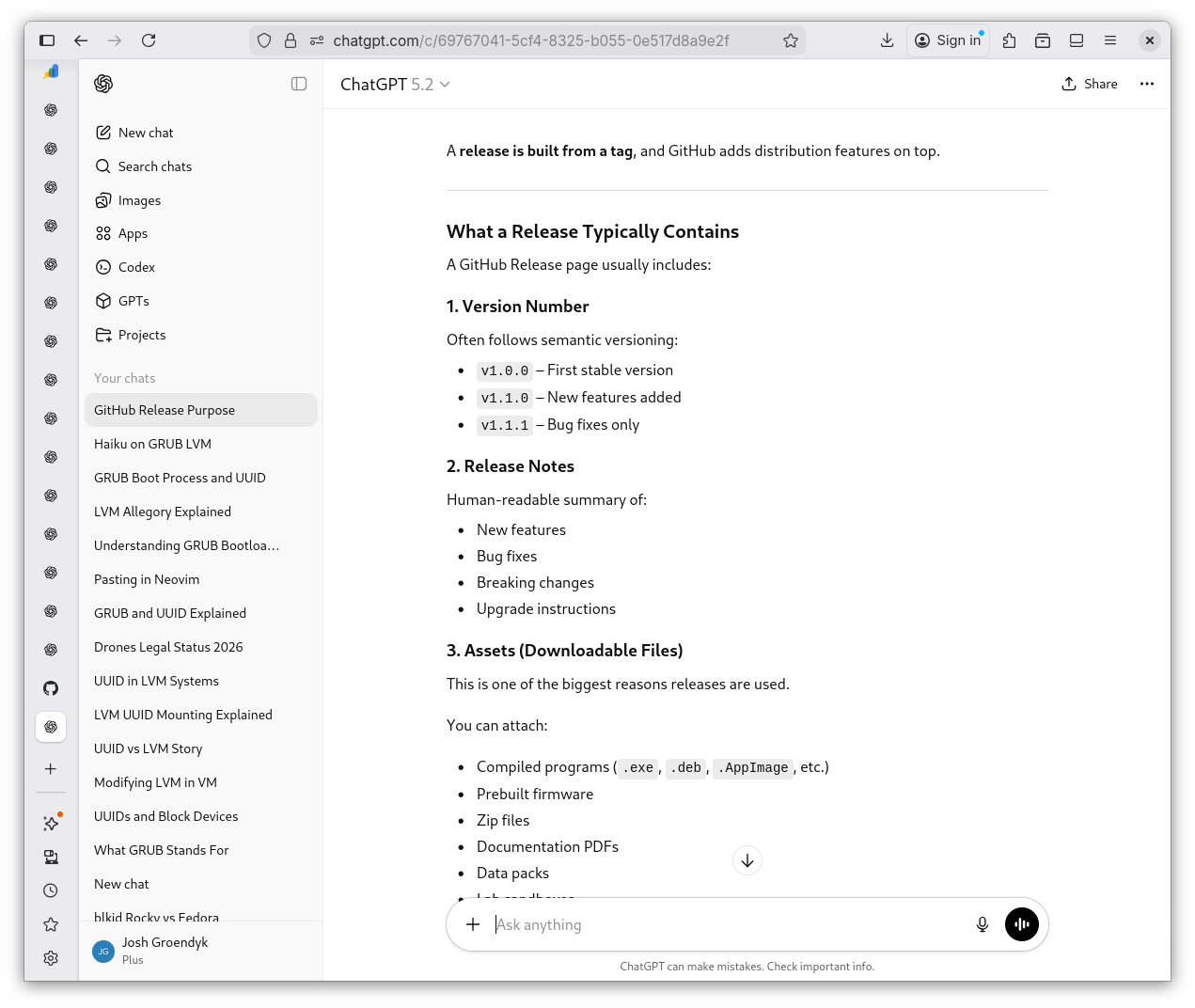
GitHub Release Explained 3
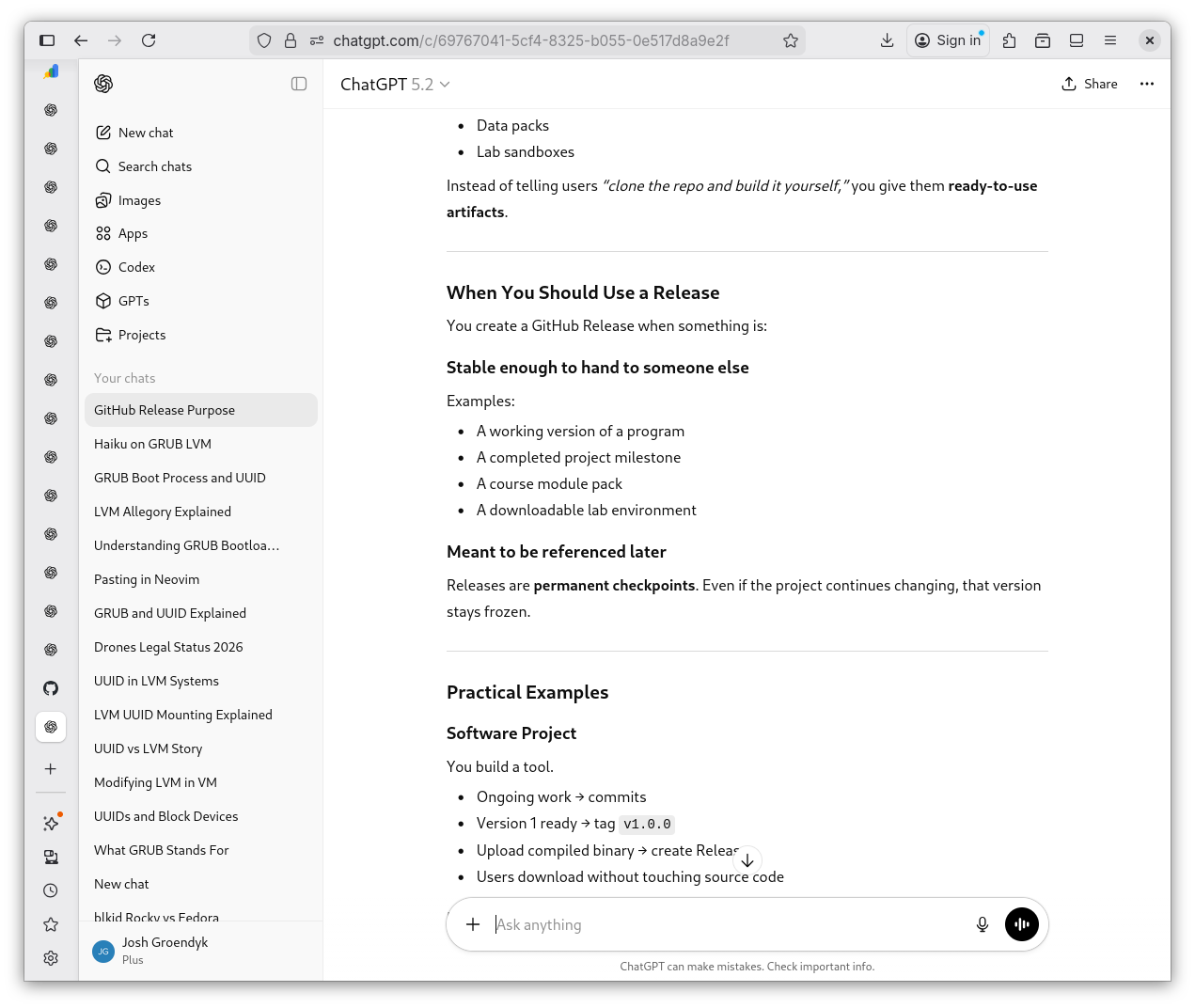
GitHub Release Explained 4
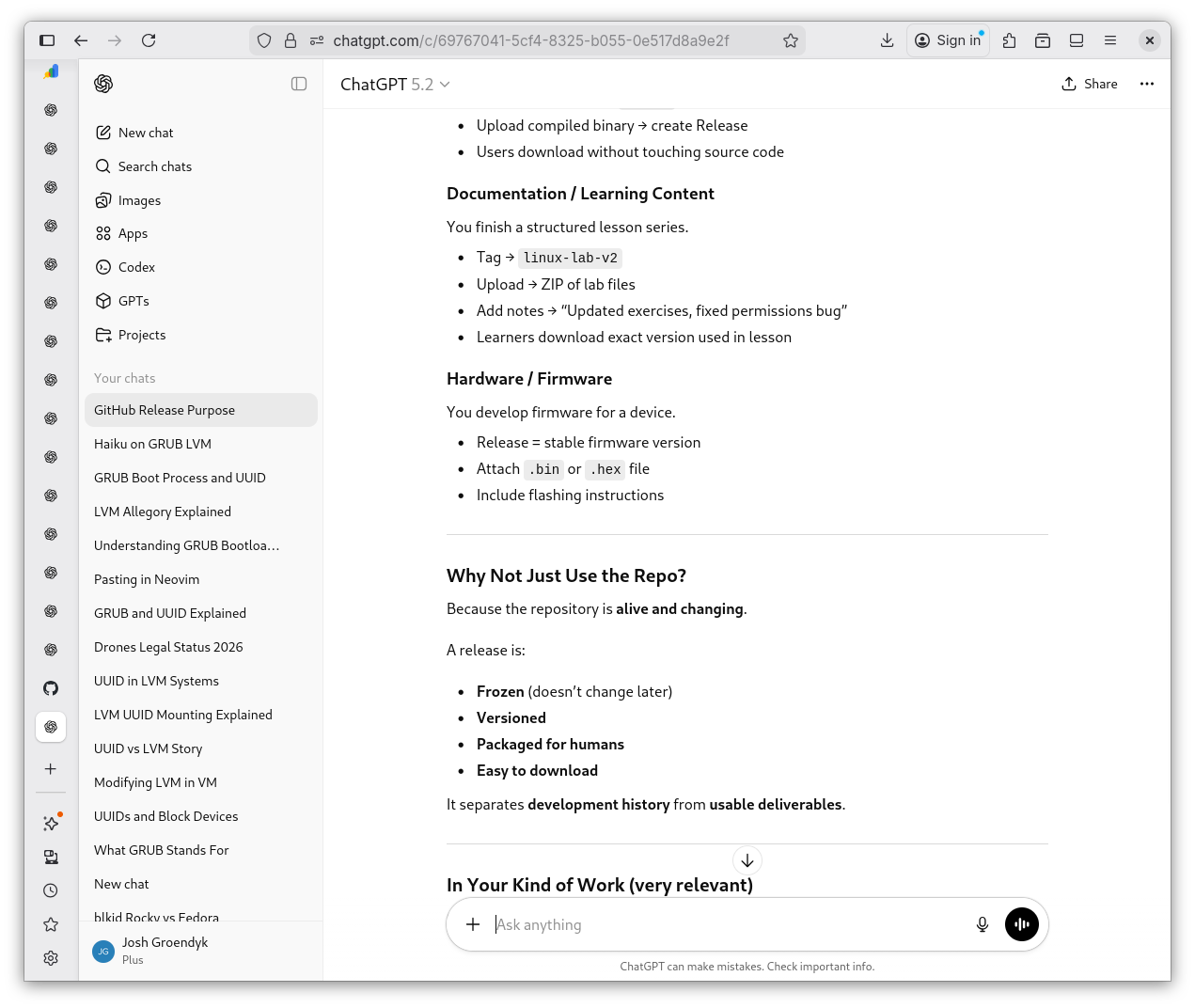
GitHub Release Explained 5
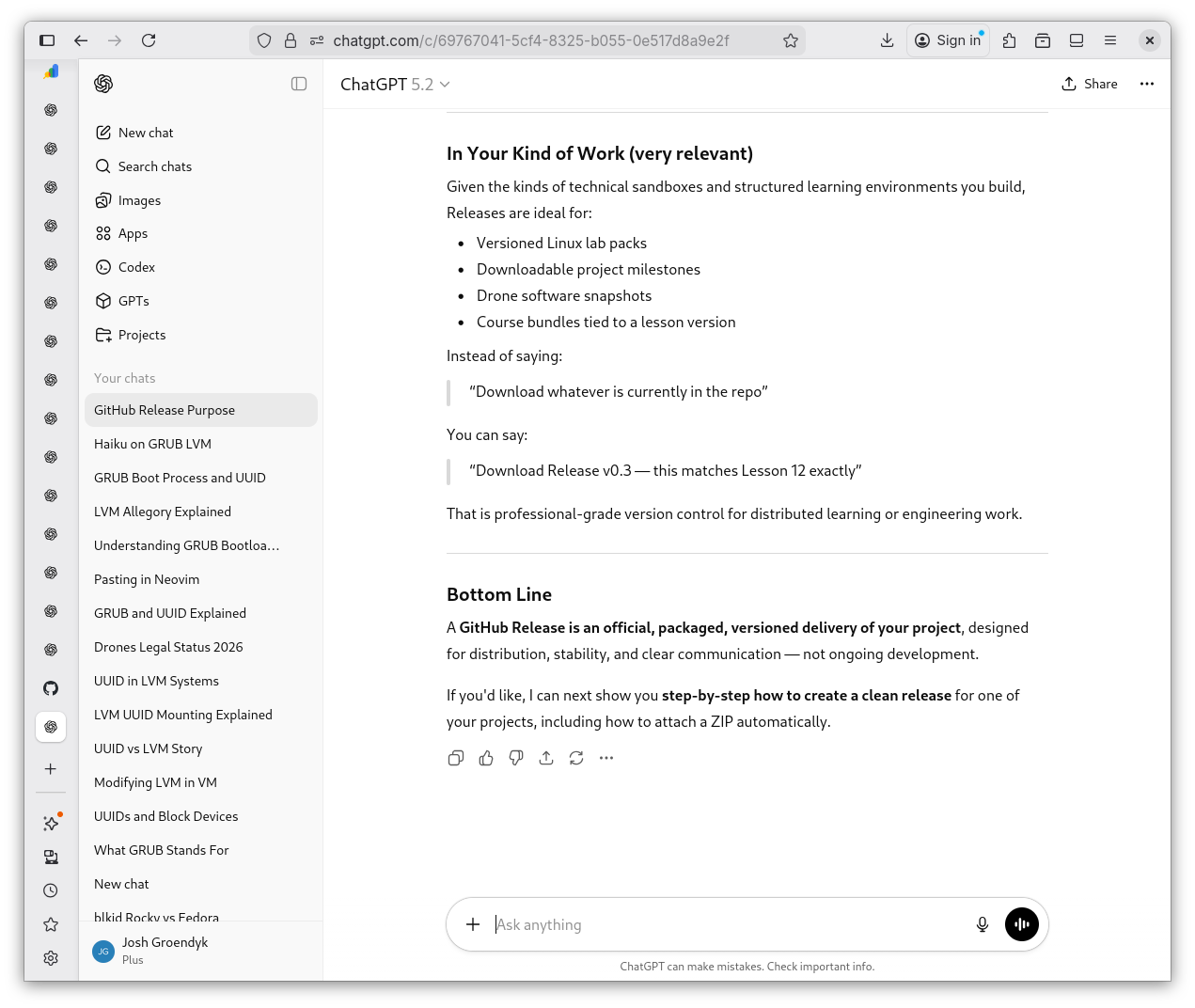
Conclusions
Uploading a file onto GitHub releases is relatively straight forward. I now have a clearer insight into how I might be using GitHub in the future as well.
Shevek's Haiku
Version tag pushed live
Code leaves home, meets the wide world
Quiet build exhales