Ask the Argus
Booting Sandbox Part I
Getting Familiar With GRUB and Experimenting With UUID and LVM
Synopsis
Previously, I had Shevek make me a sandbox that simulates different booting issues so I would better understand the bootloader process. I now have the time to investigate this further. Additionally, I document the process for copying sandboxes to my Virtual Machine for experimentation.
Questions & Objectives
- What is the process for copying sandboxes onto my Virtual Machine?
- Will the booting sandbox work and what will I learn regadrless of it's function?
- Is this a practical way of learnining?
- What happens if I put in the wrong UUID on the GRUB menu?
- What on earth is an LVM?
Process
-
First I open my Virtual Machine and scp my sandbox from terminal to it. I also ask Shevek to elaborate on some of the other potential powers of the
scpcommand. Isshinto my Virtual Machine.scp'ing andssh'ing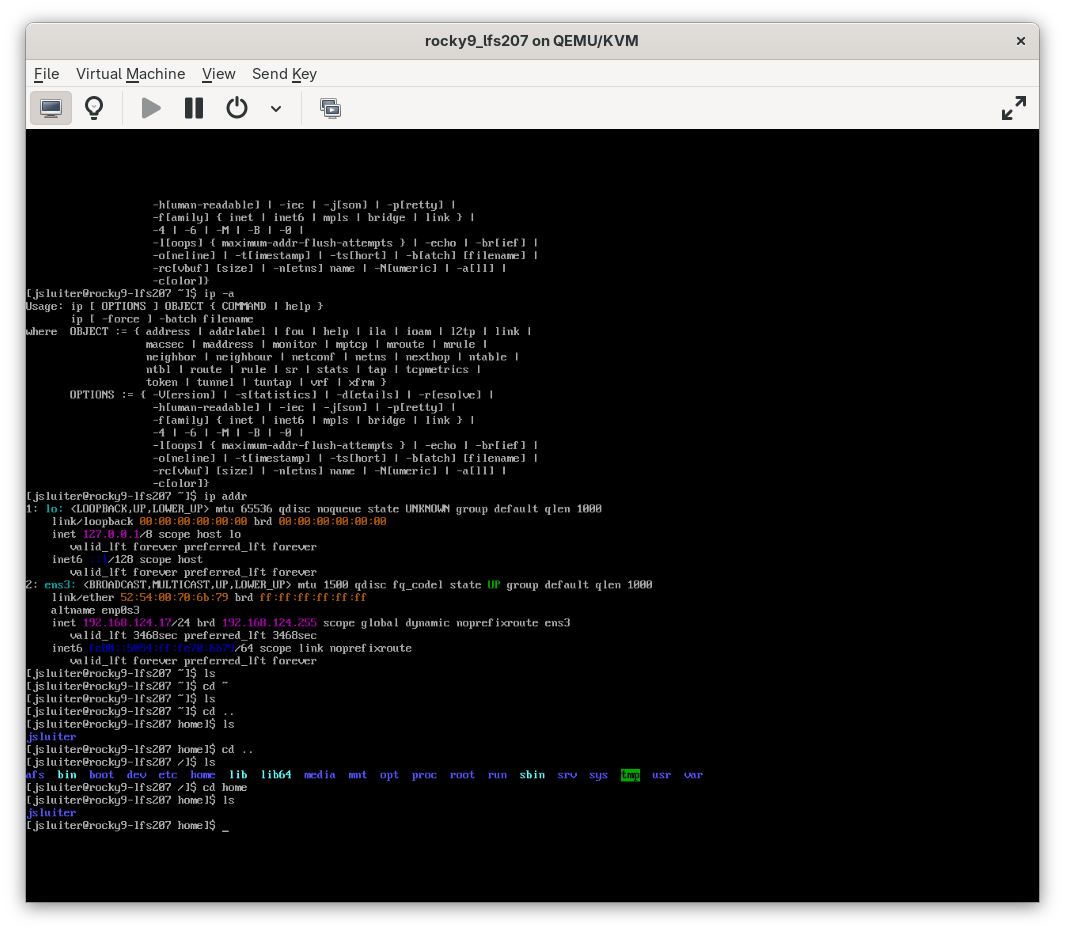
scp'ing andssh'ing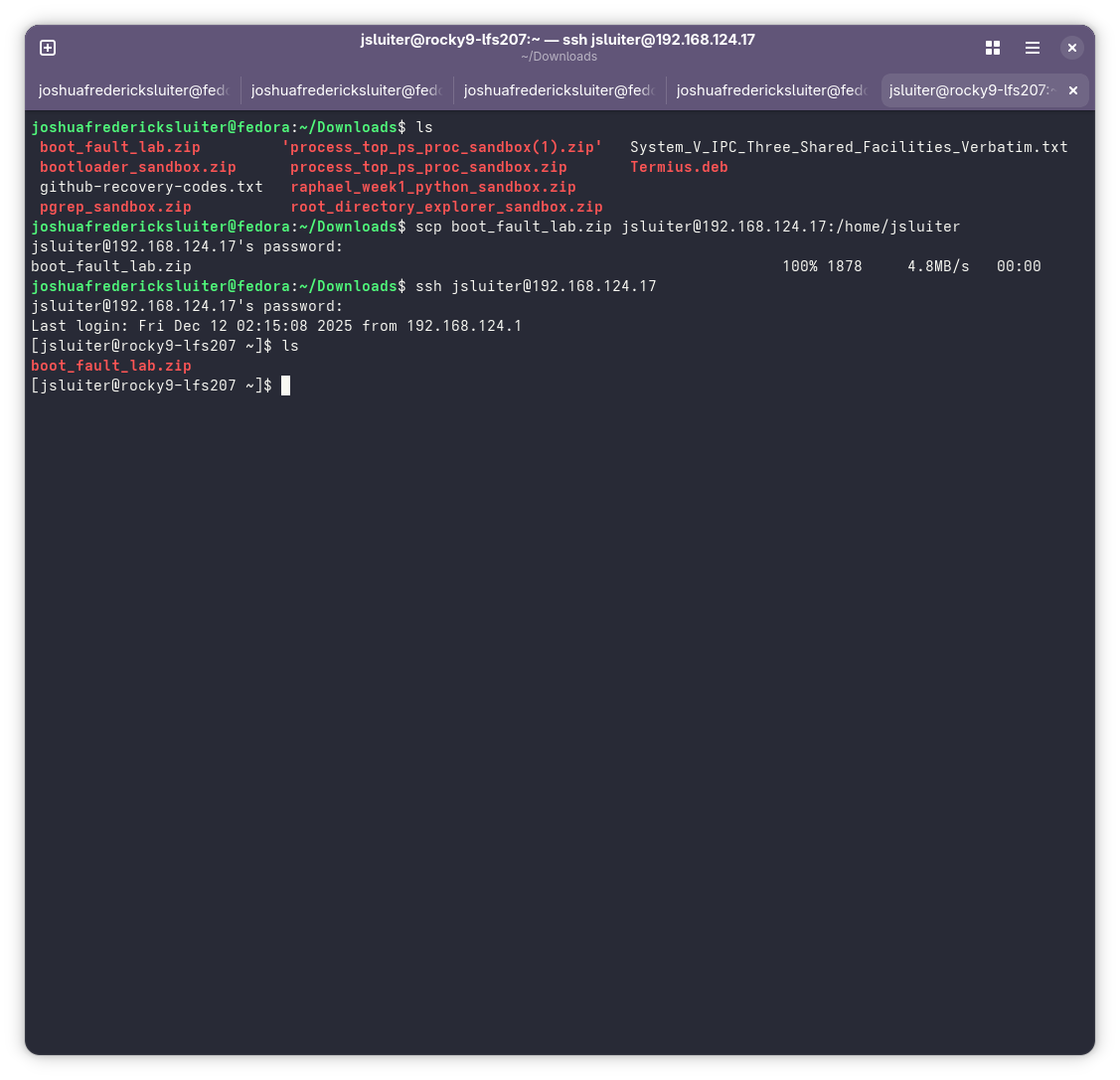
scpRevealed 1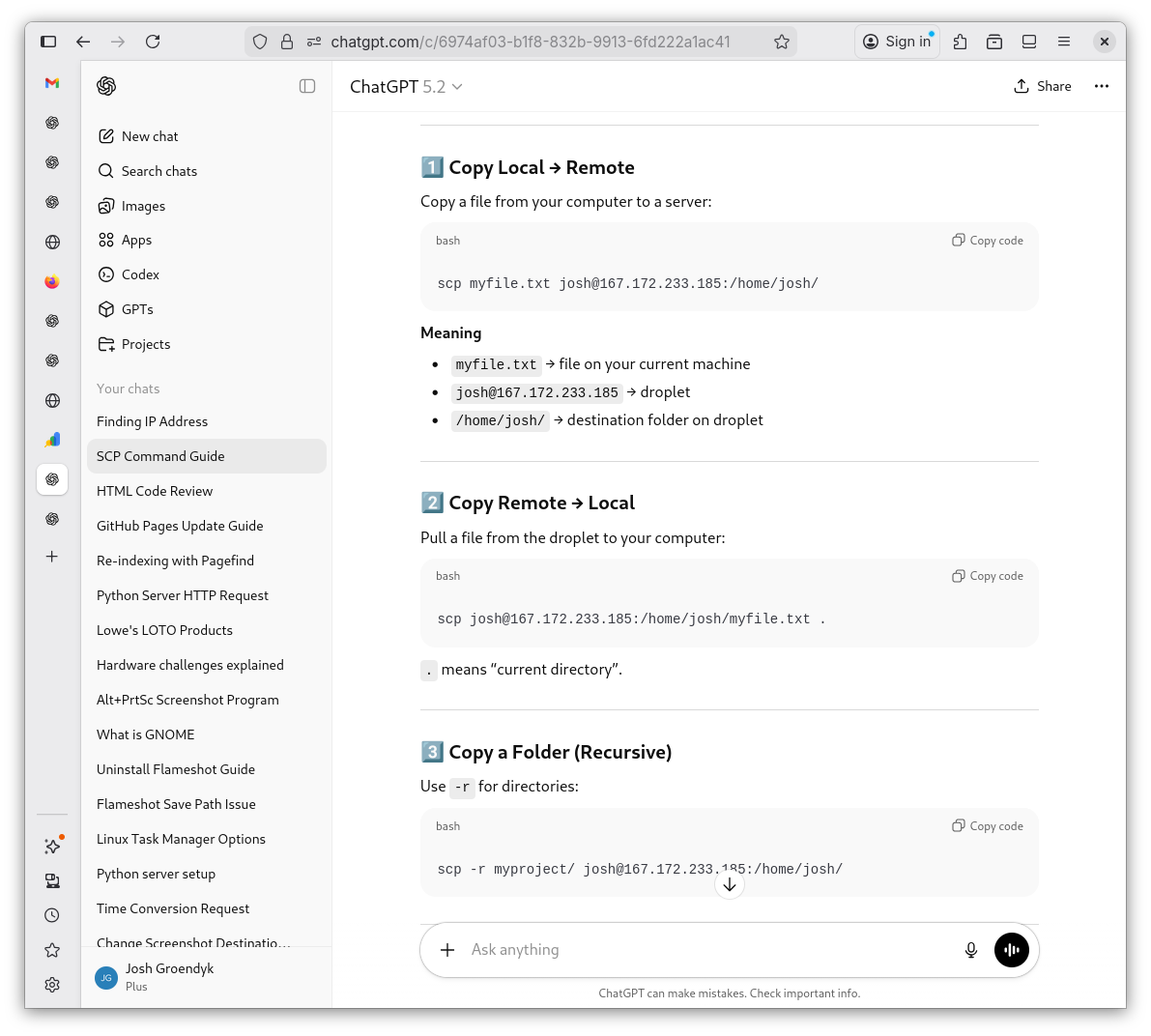
scpRevealed 2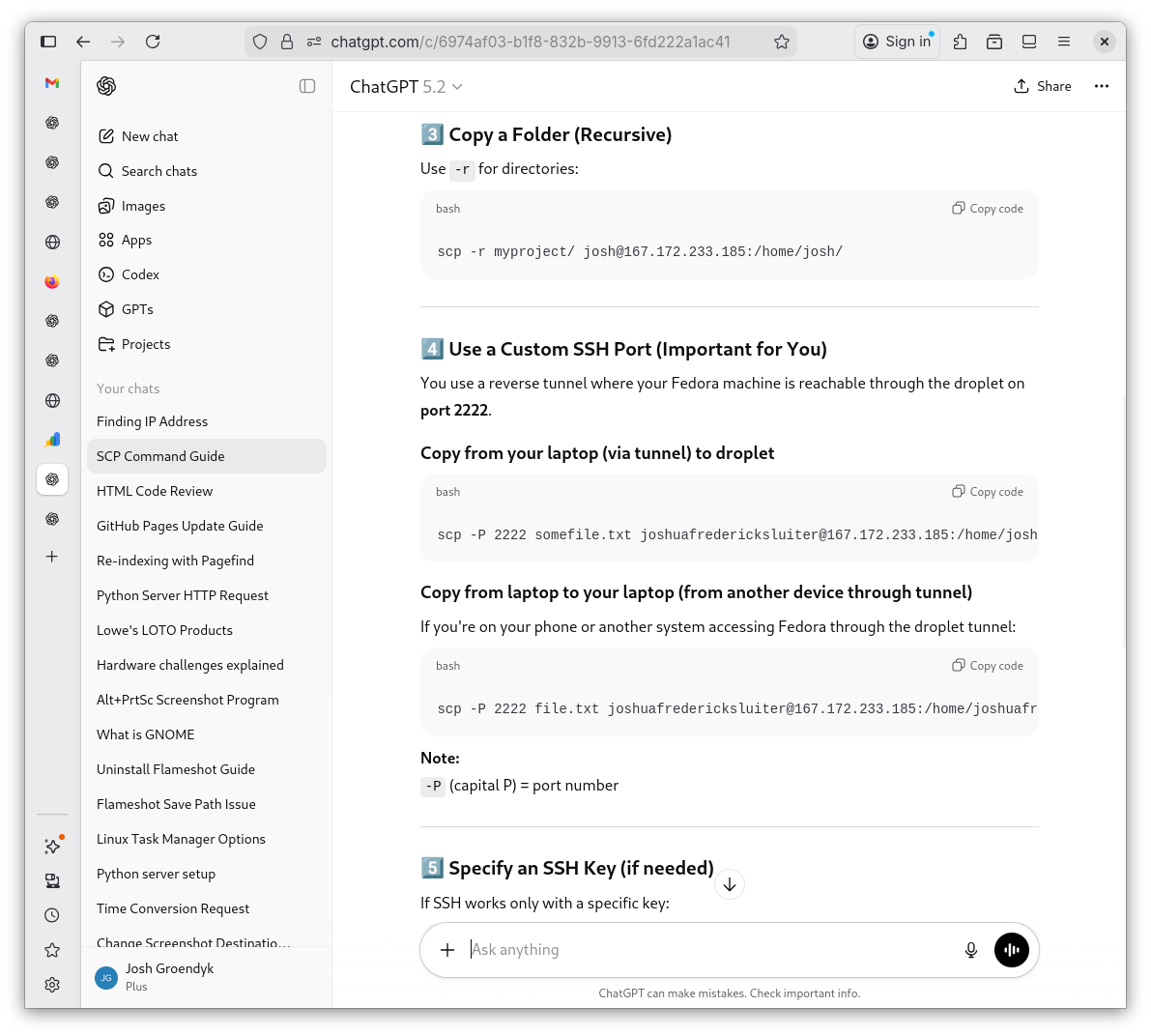
scpRevealed 3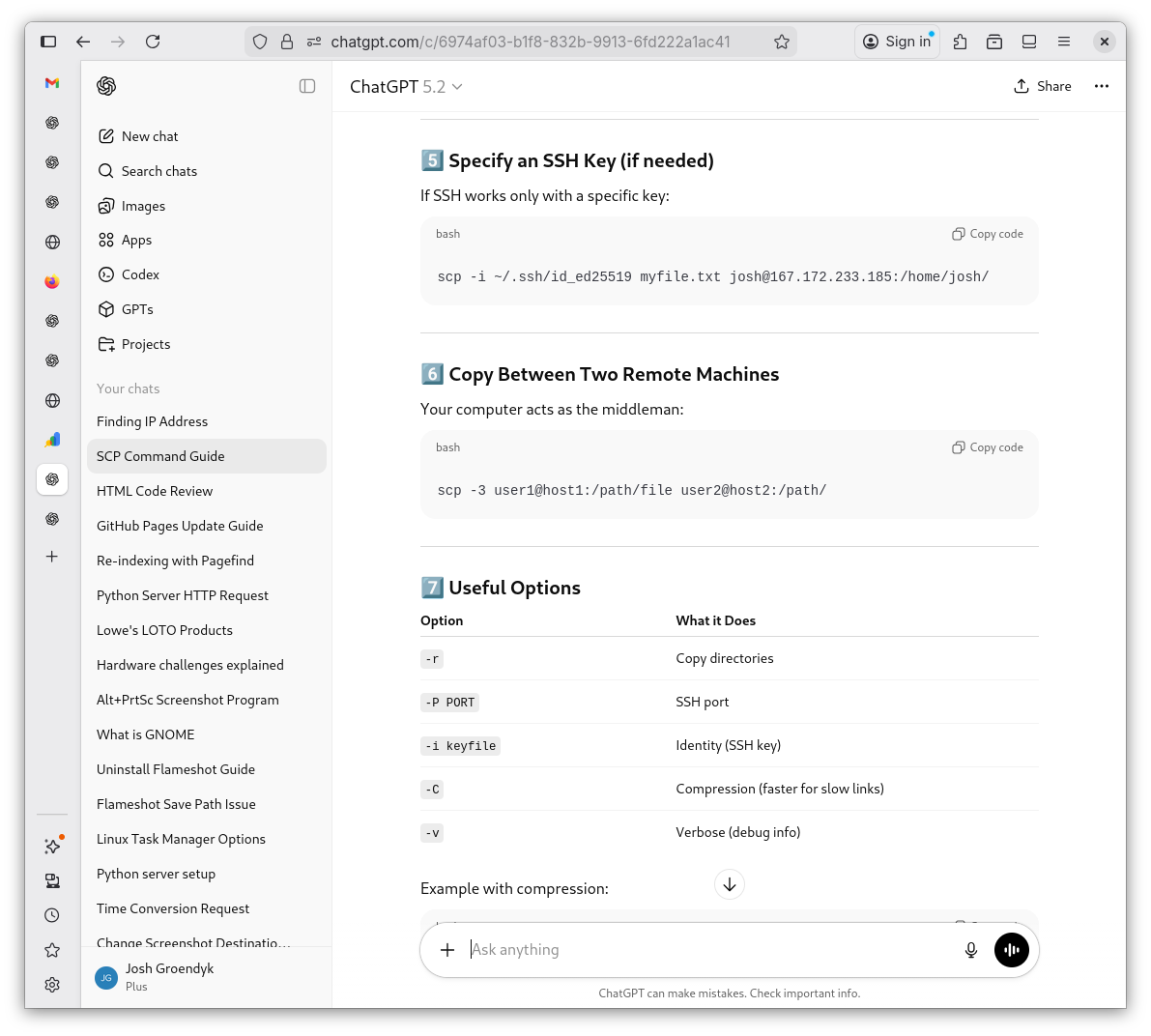
scpRevealed 4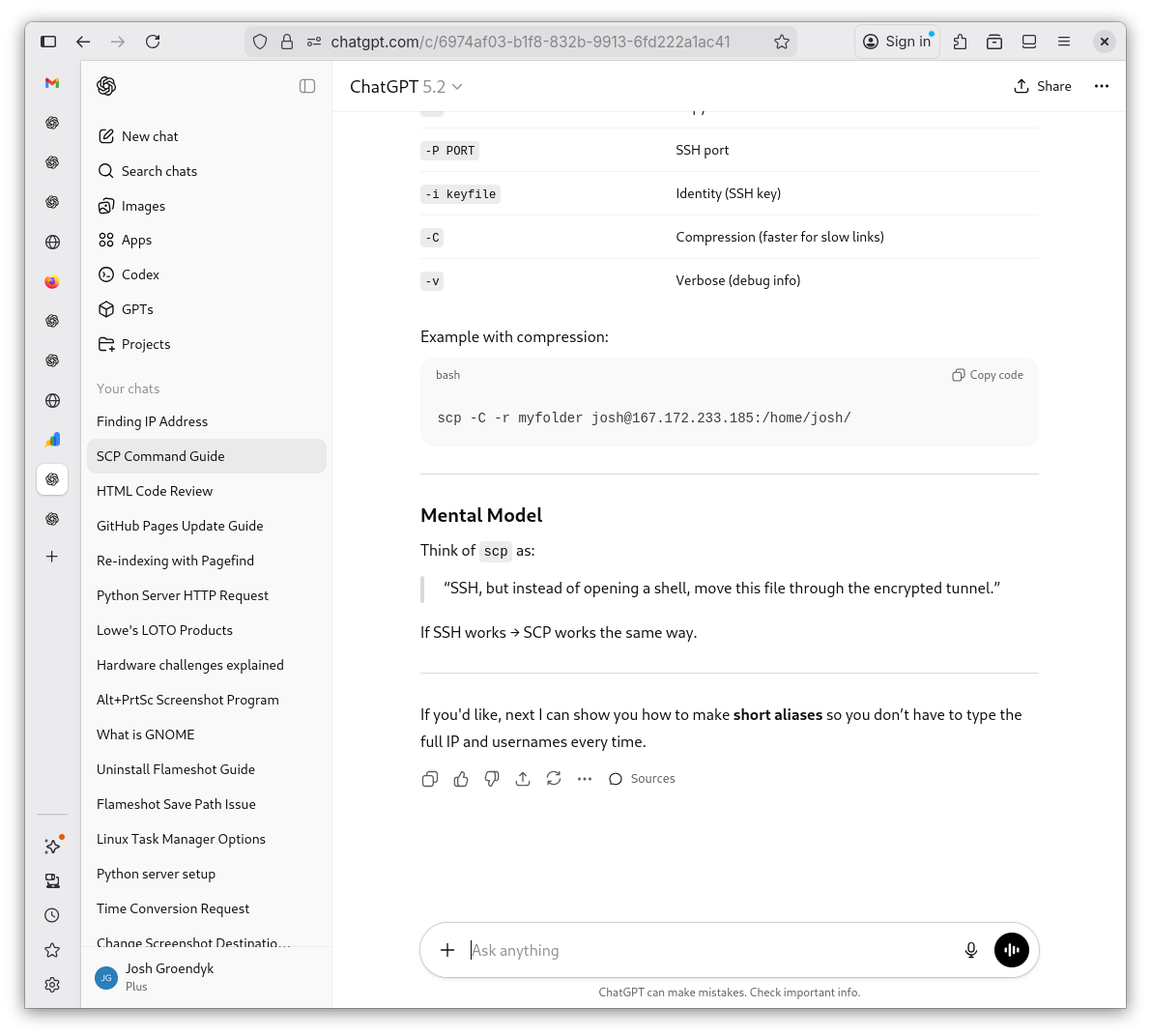
-
Before I can unzip the file and set up shop, I need to download the software to do so. I wipe the slate clean and start from scratch using snapshot on my Virtual Machine after every sandbox. This is the way I intend to form habitual, frictional learning. I also didn't like the first sandbox Shevek made me. I have him make me one that includes a lesson plan for the faults and a guide if I get stuck. I've attached that sandbox in the sandbox archives and the bottom of this page.
Downloading
unzip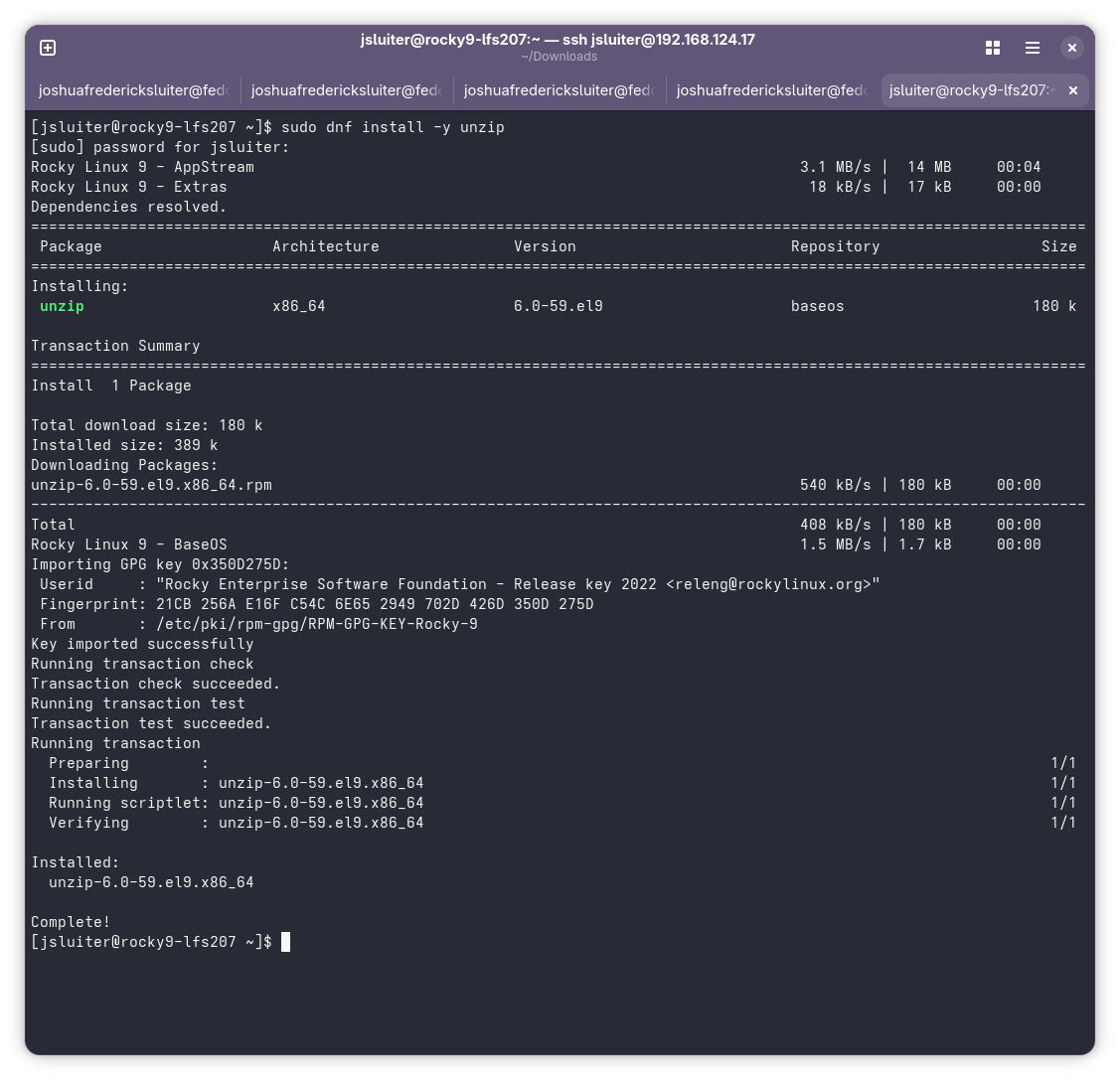
Setting Up Shop
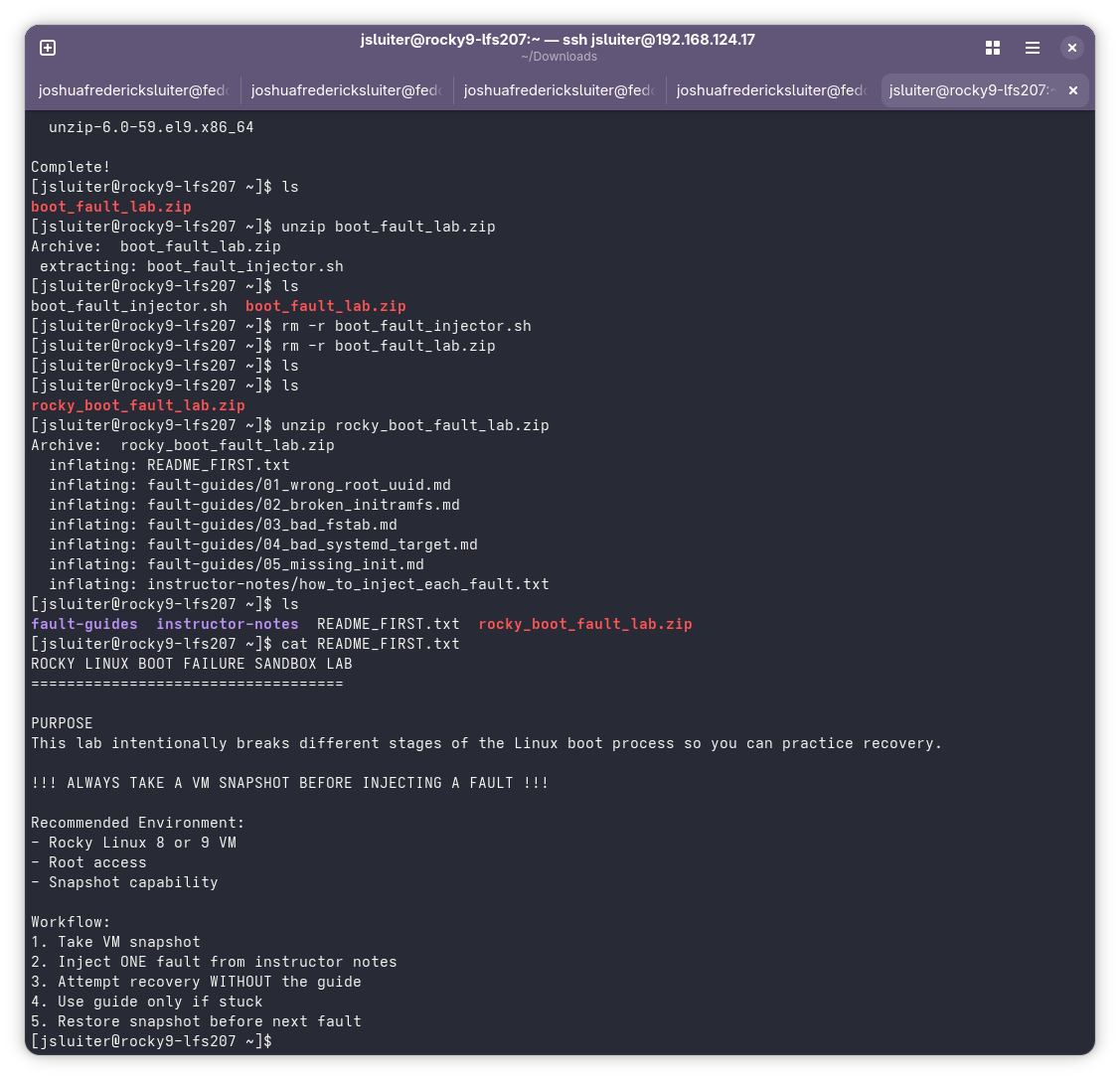
Lesson Plan 1
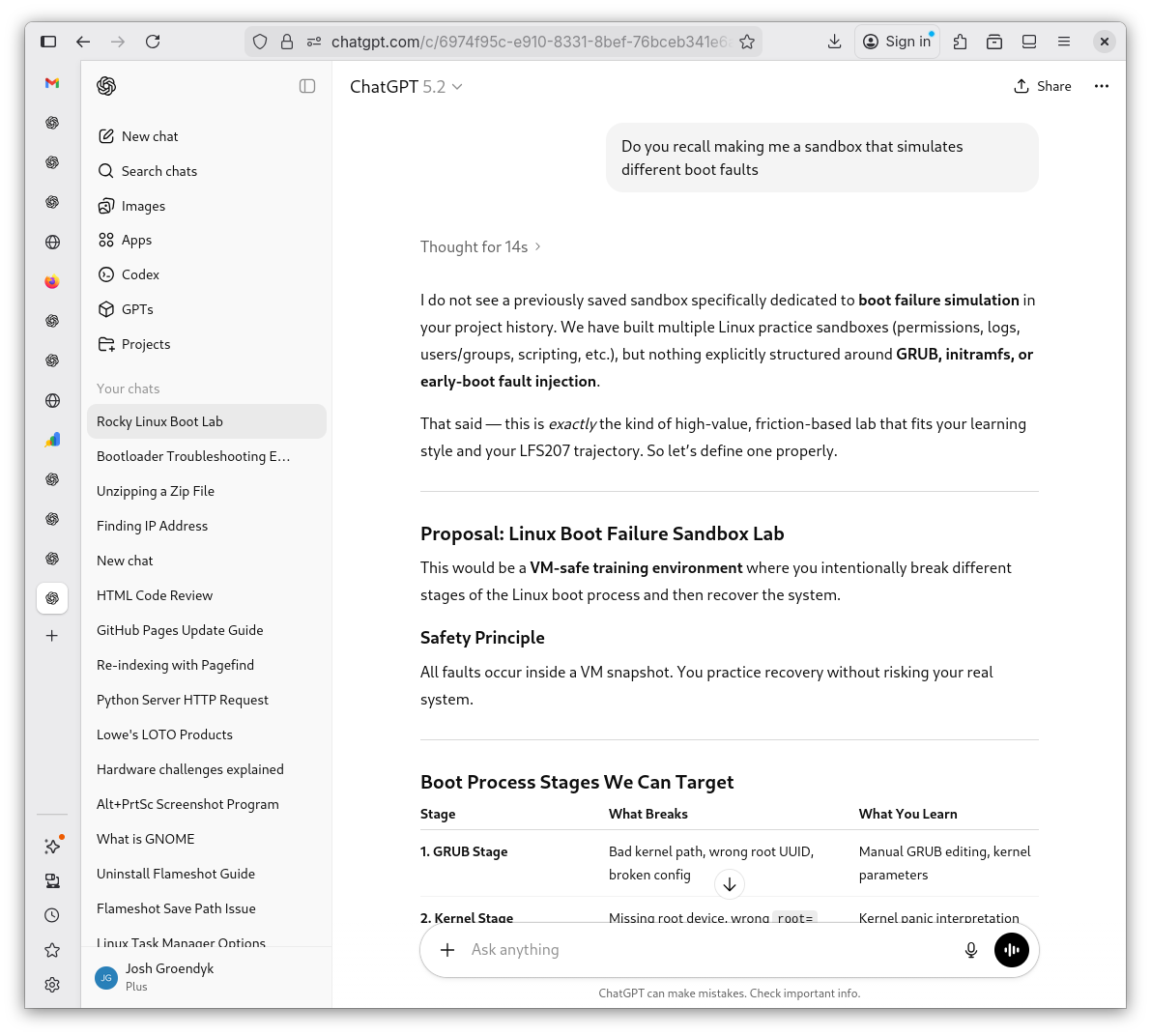
Lesson Plan 2
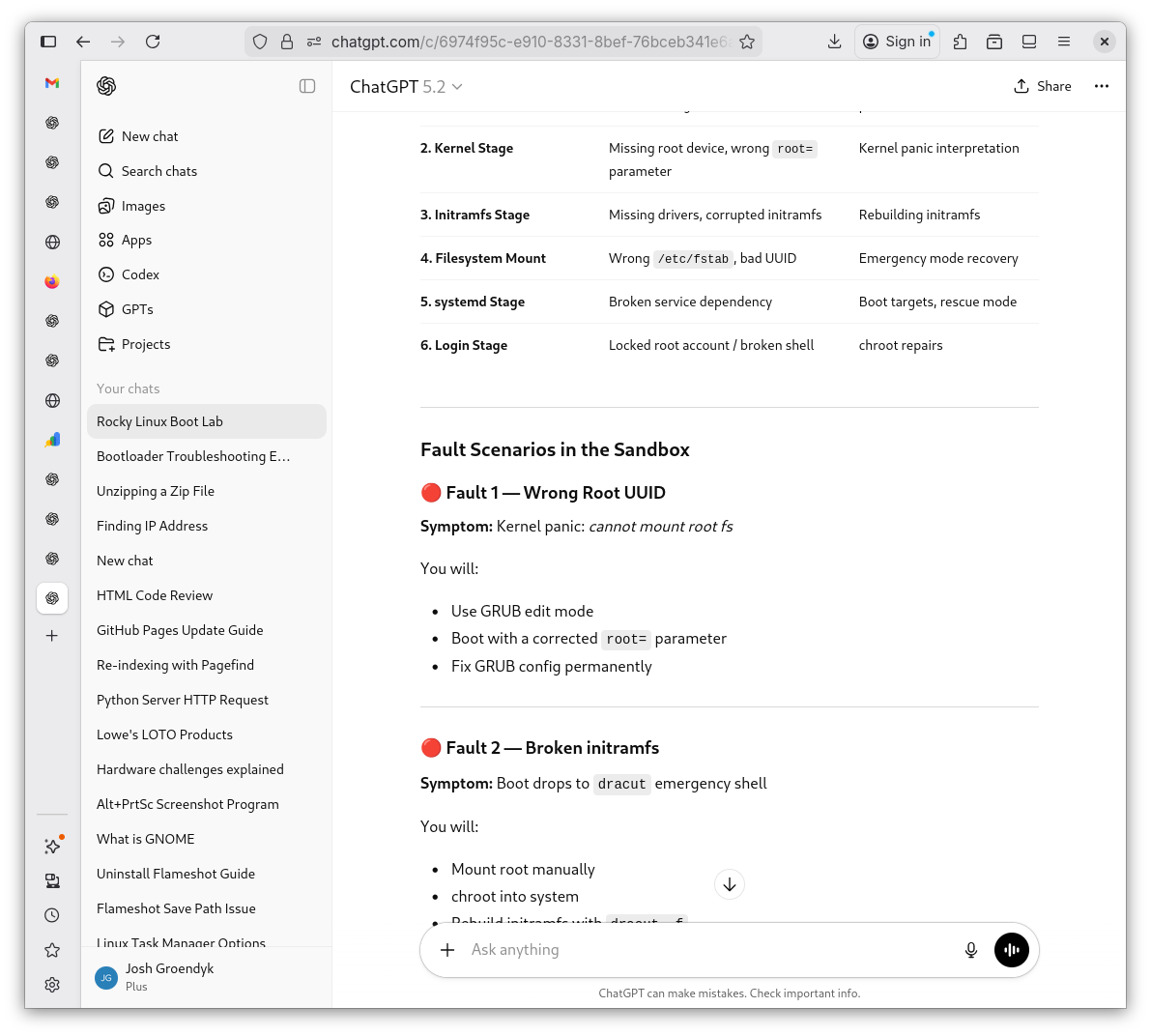
Lesson Plan 3
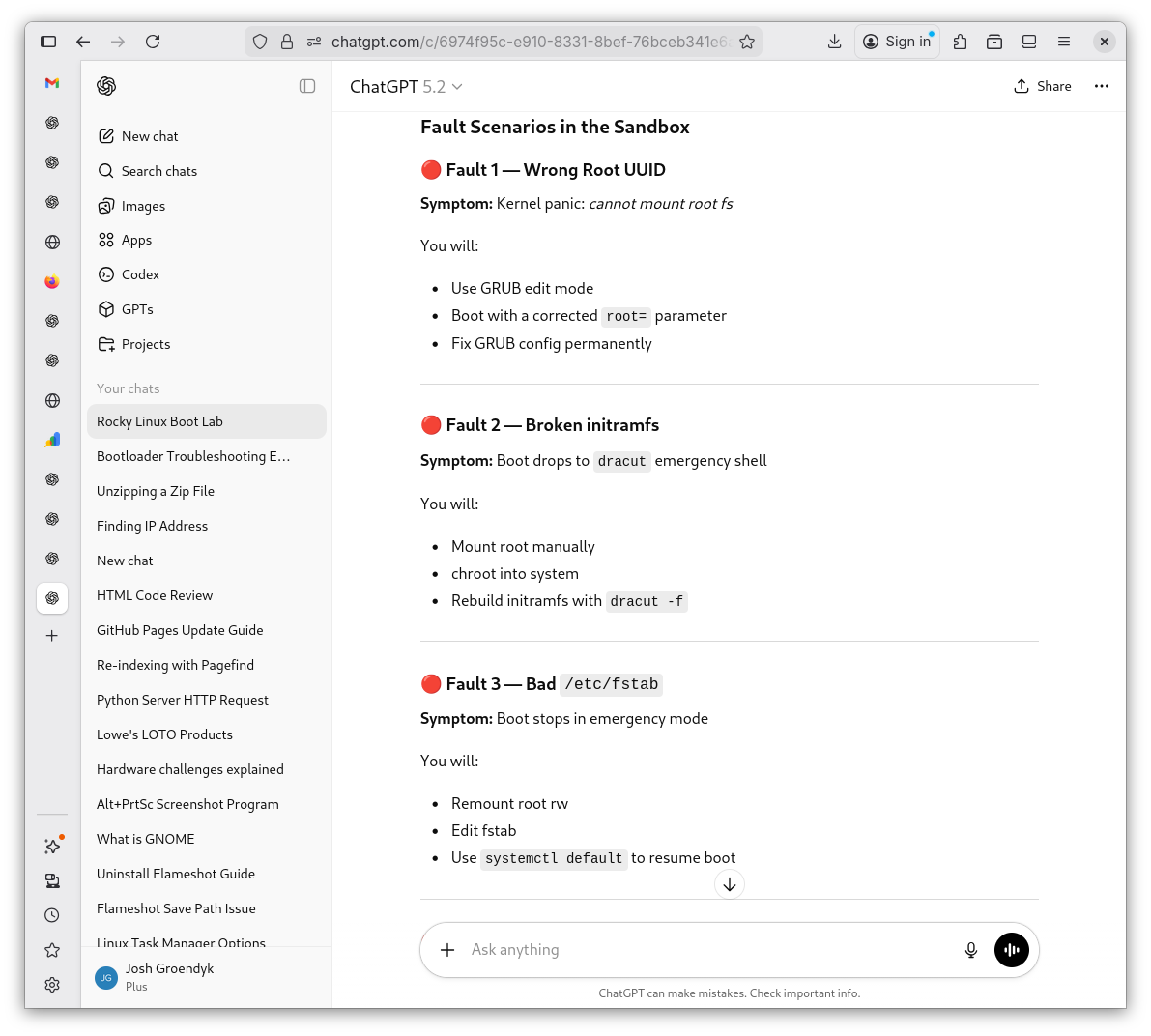
Lesson Plan 4
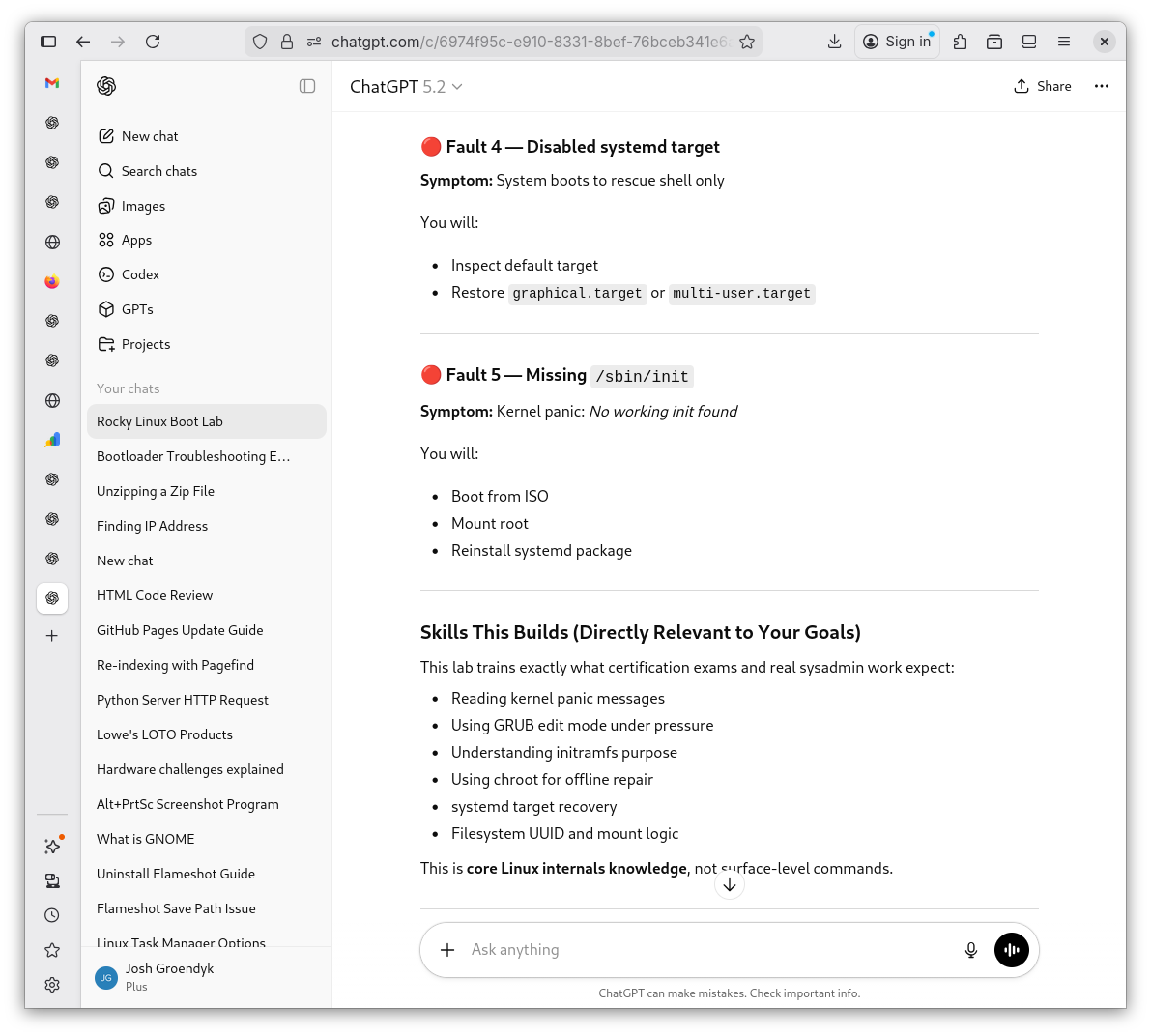
Lesson Plan 5
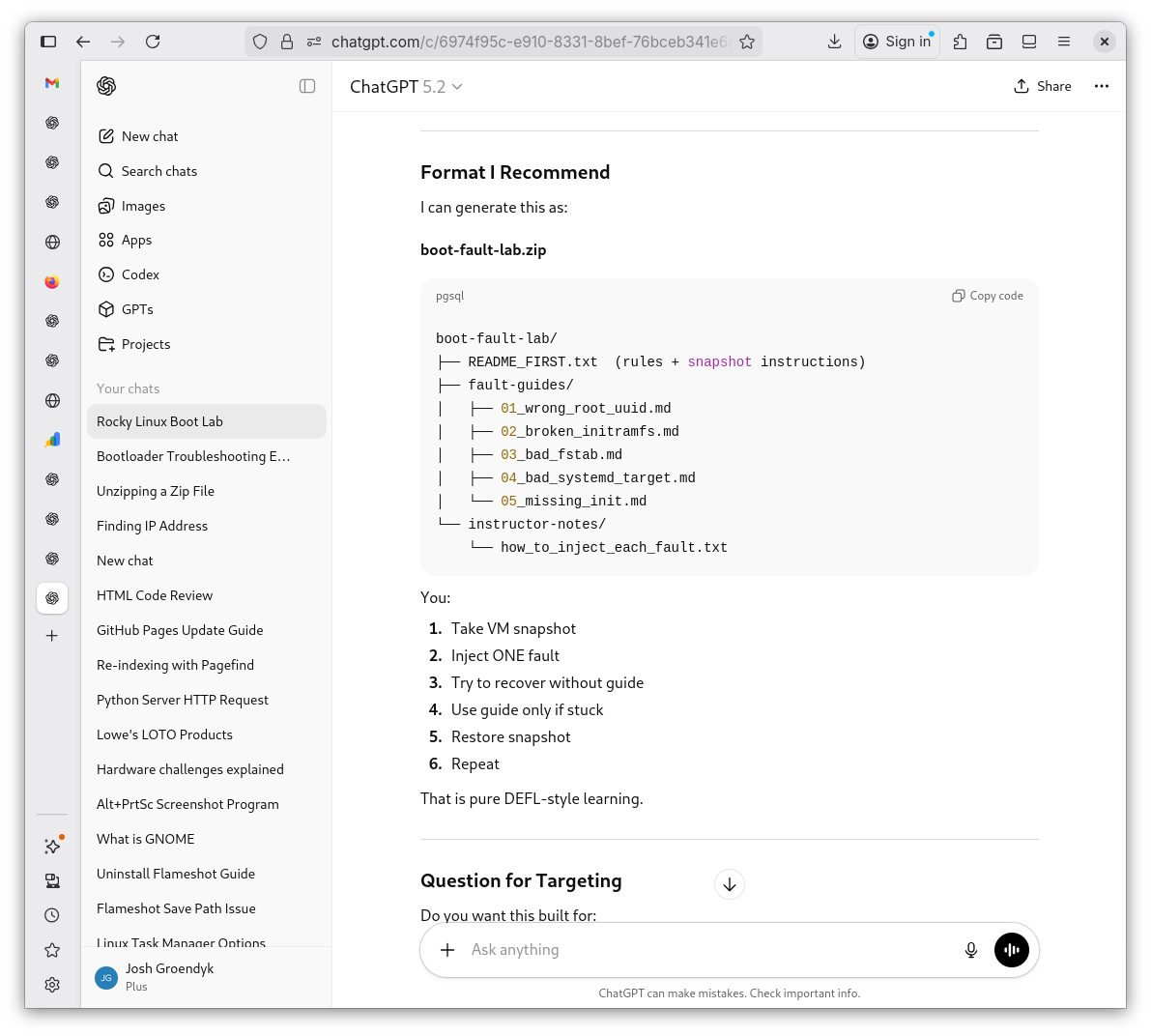
Lesson Plan 6
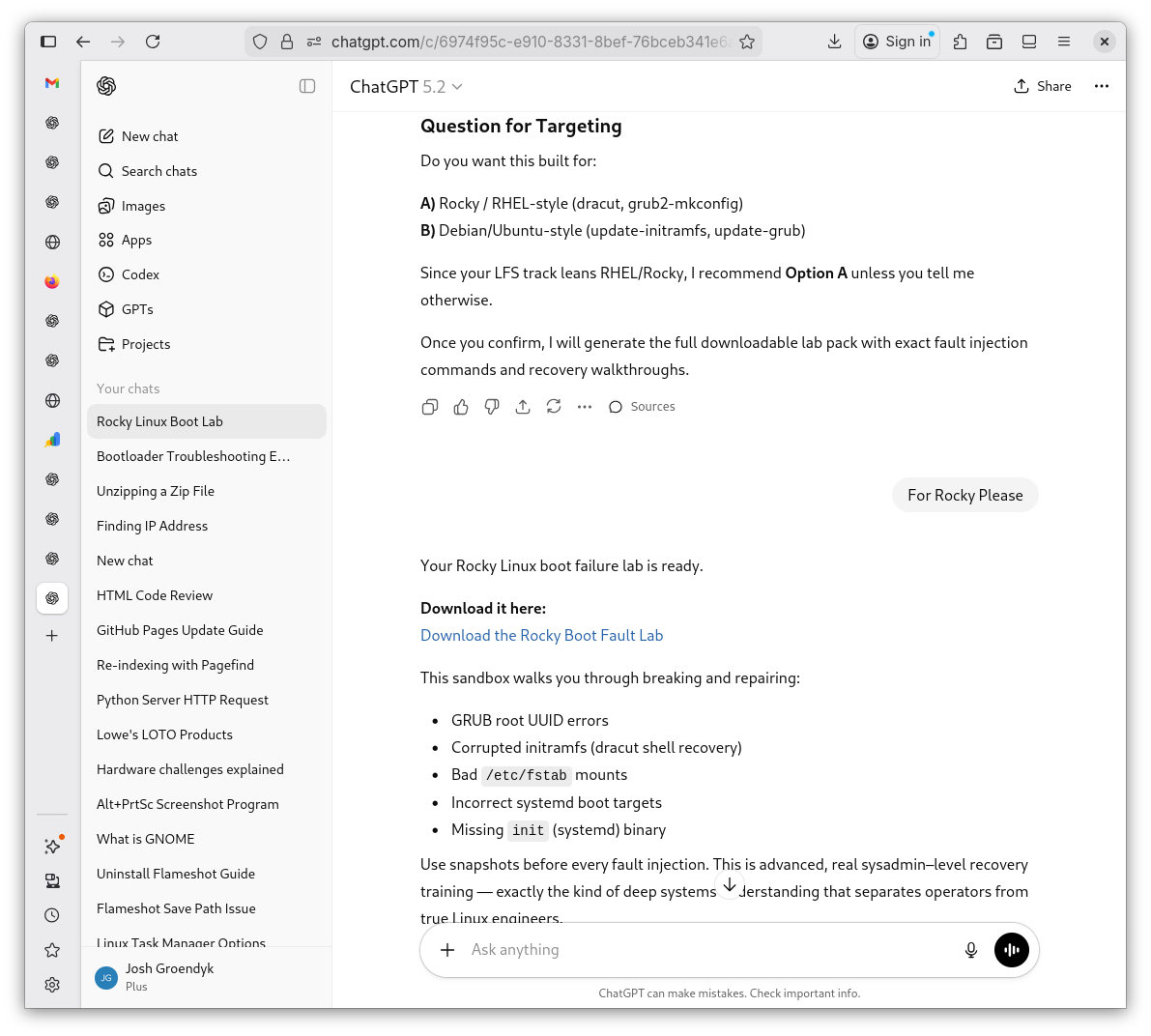
-
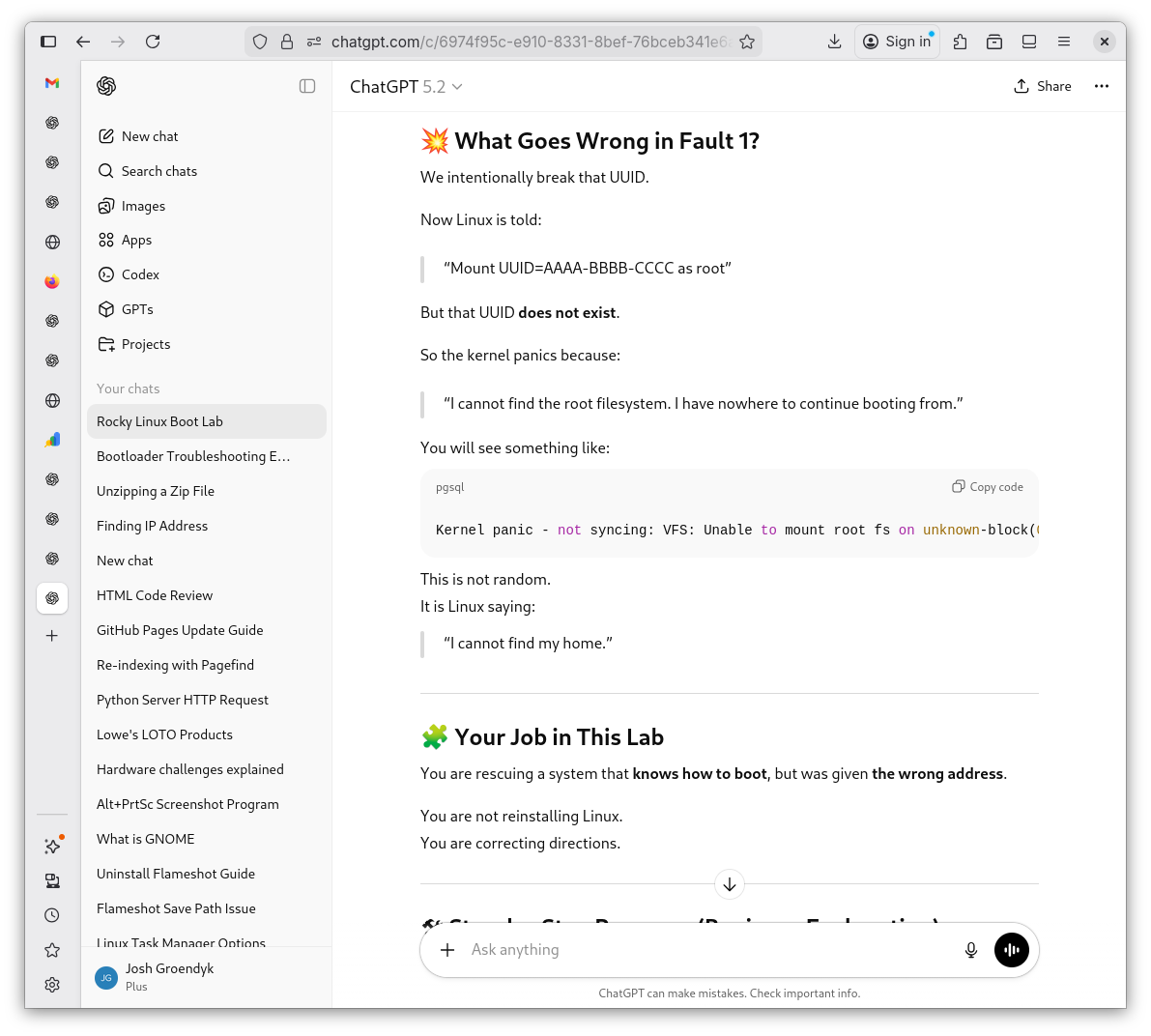
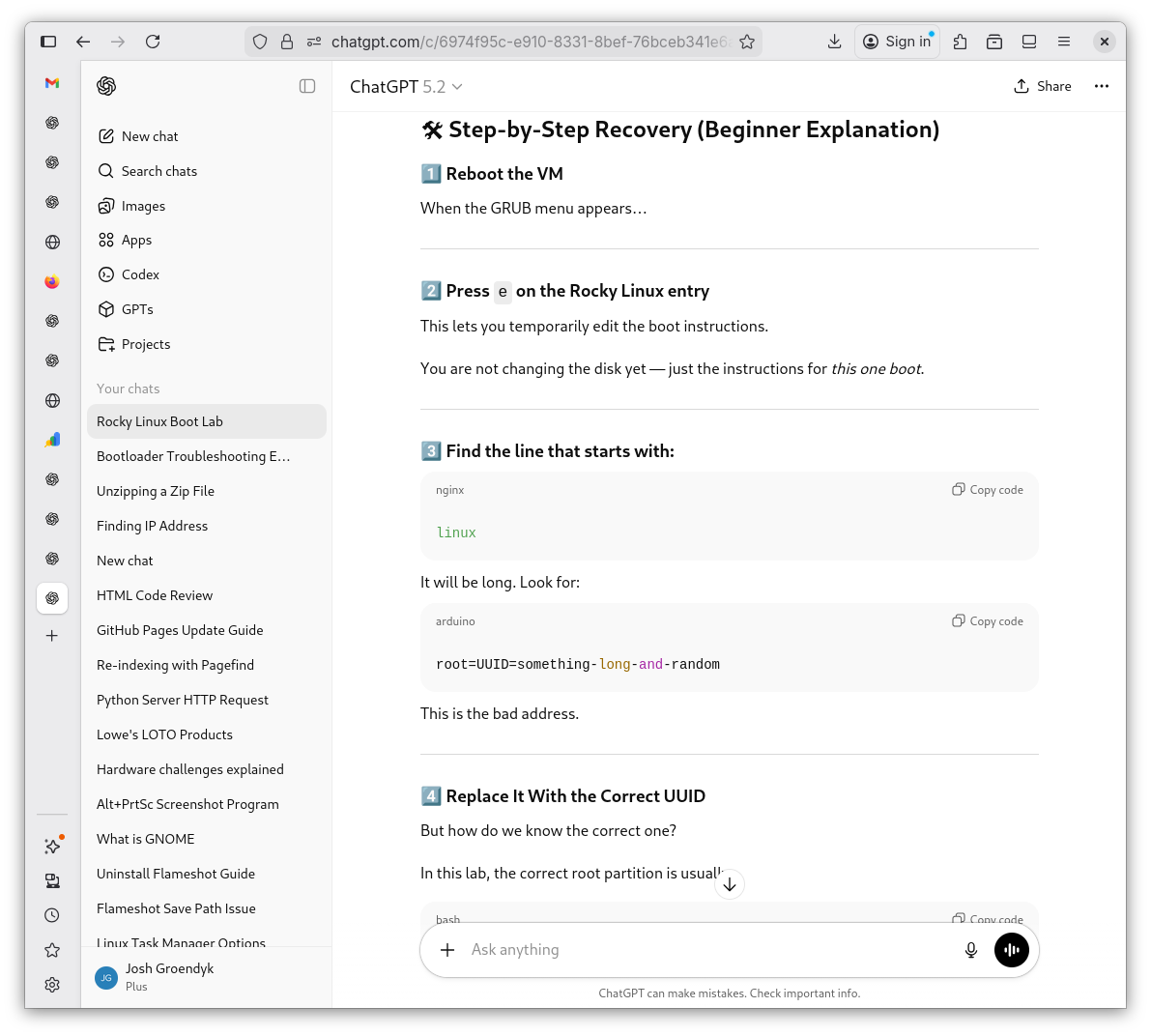
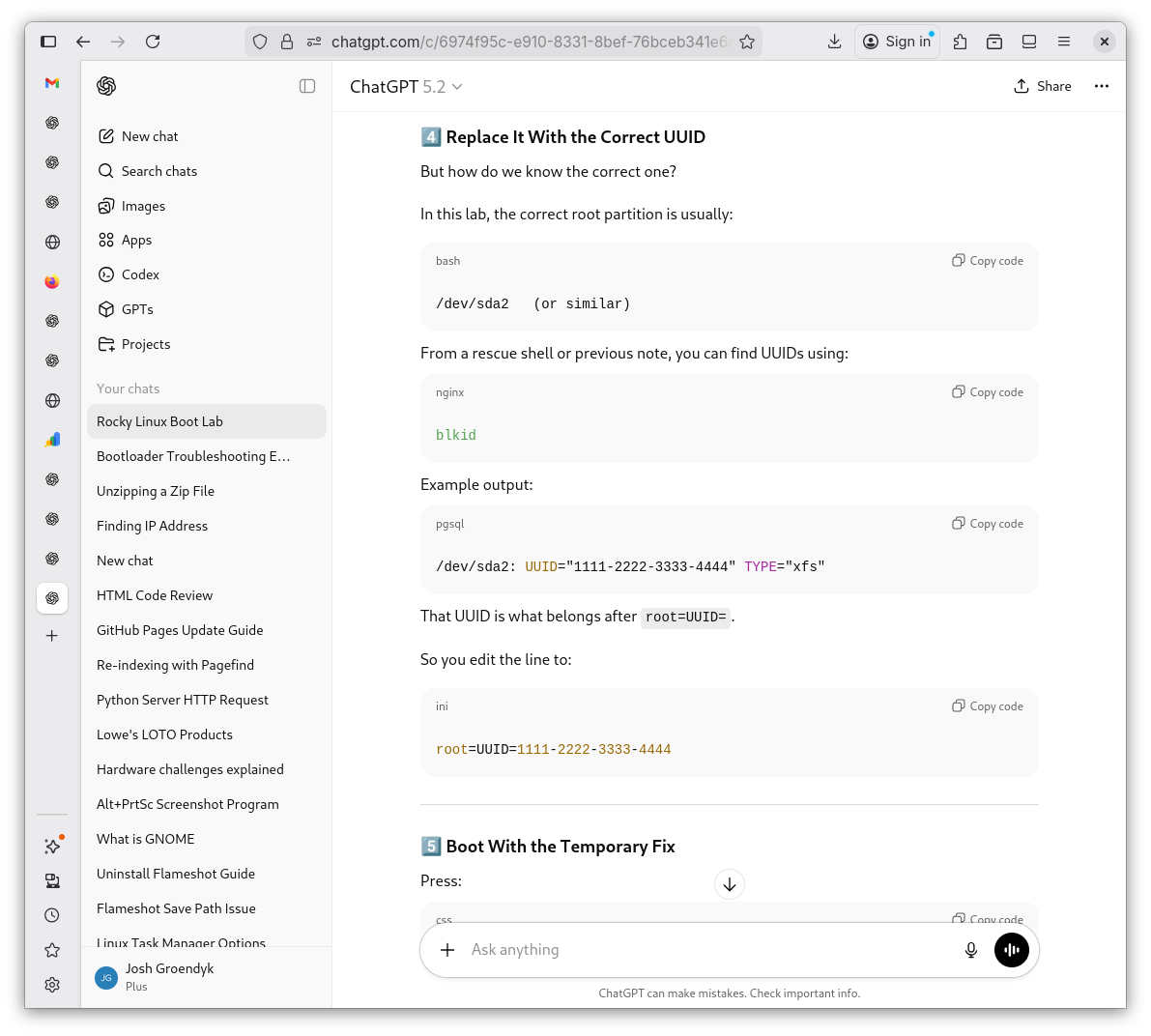
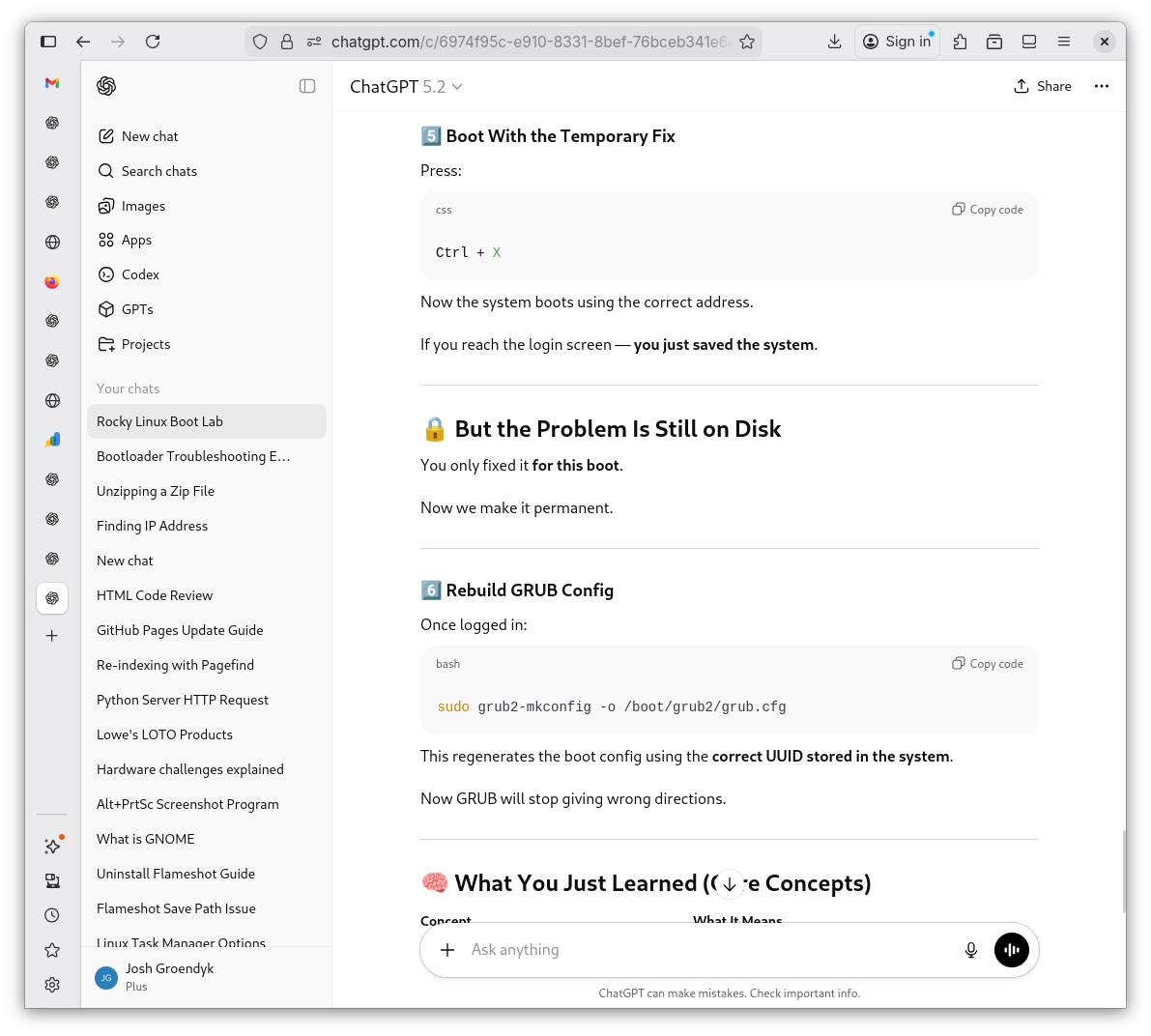
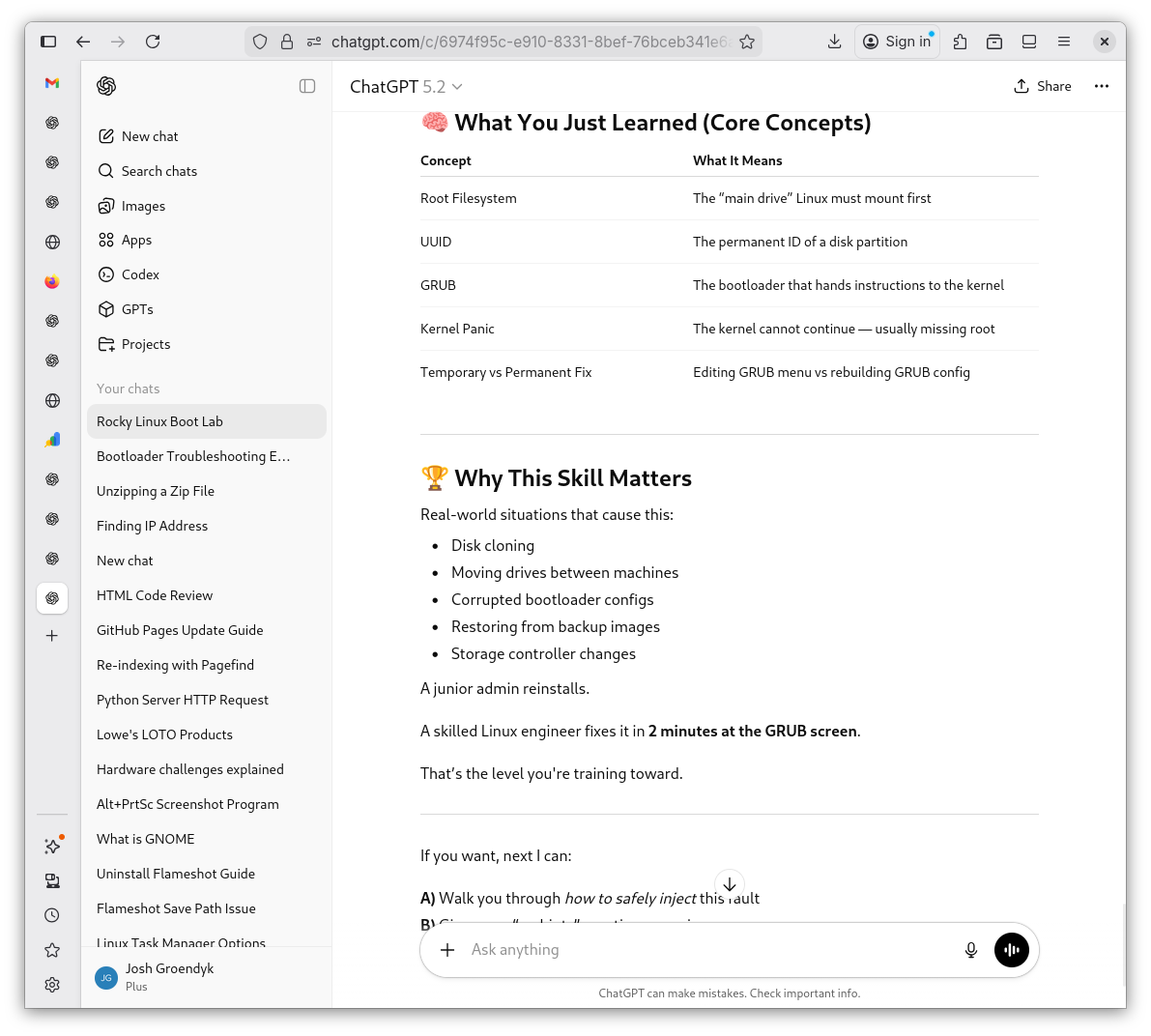
Before I proceed blindly, I have Shevek mkae me a lesson for "Fault 1" regarding wrong UUID so I can better understand how to approach the fault. I also make a mental note of the command
sudo blkid, as it displays the UUID. Having this information could come in handy.UUID Lesson 1
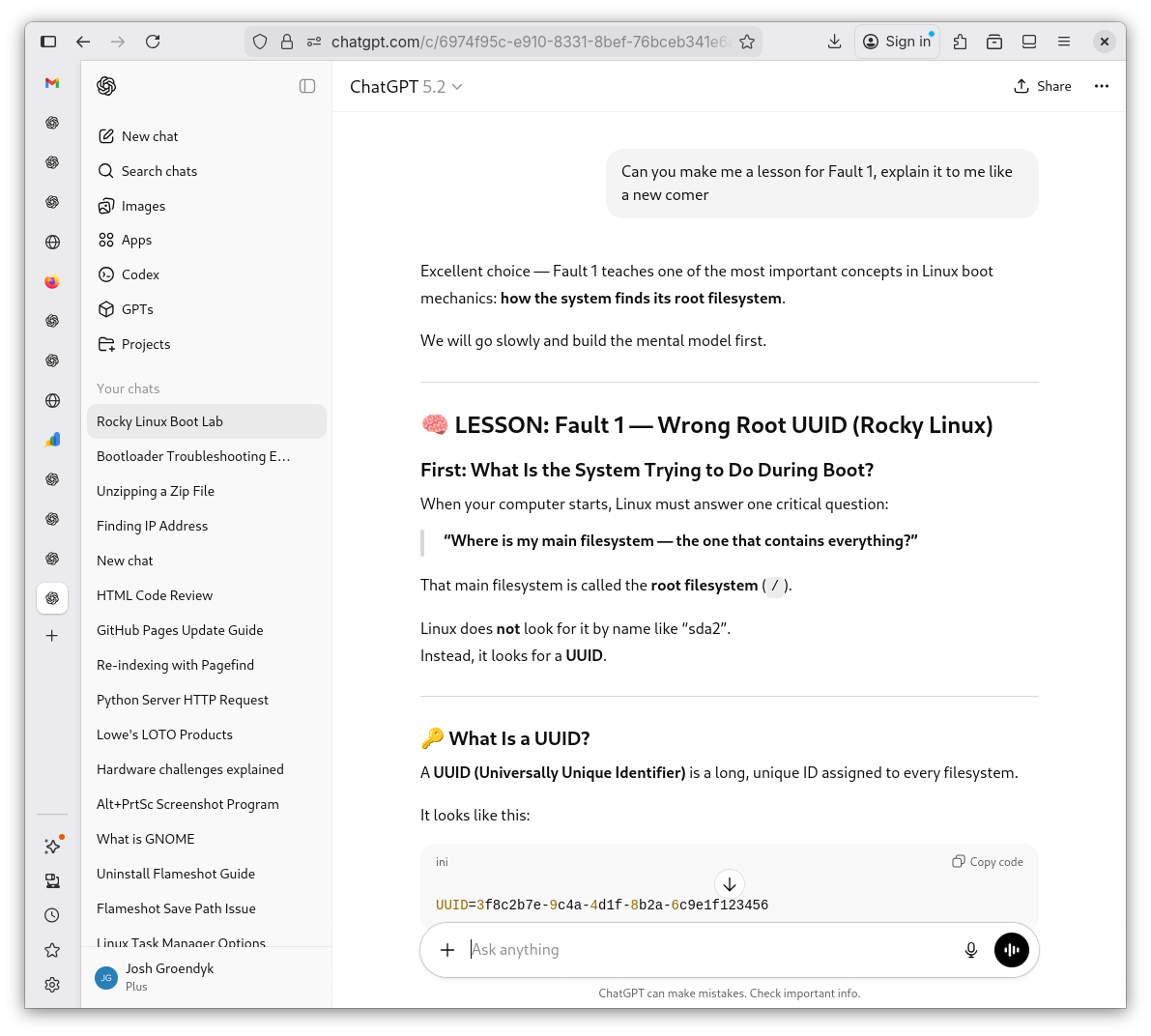
UUID Lesson 2
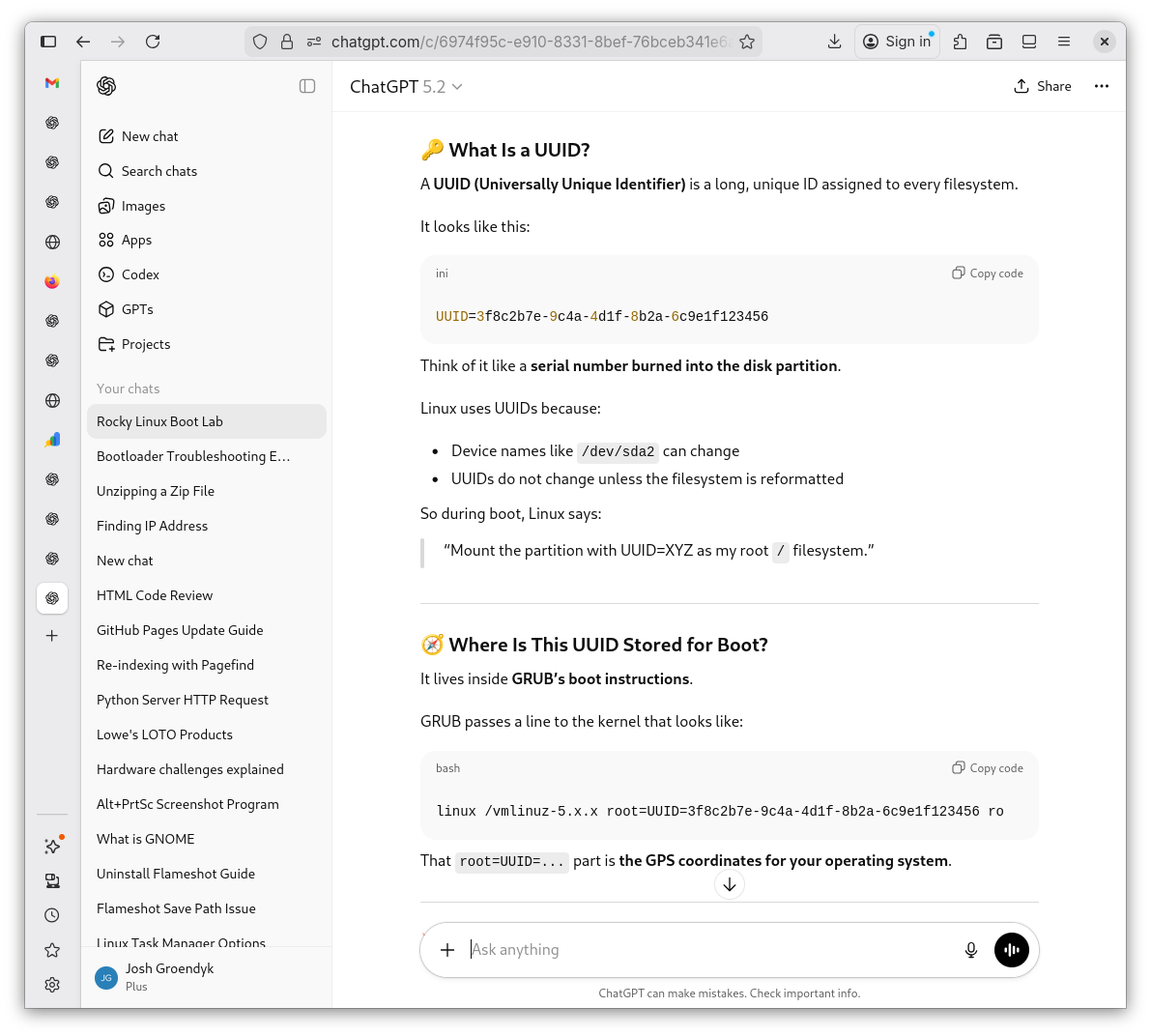
UUID Lesson 3
UUID Lesson 4
UUID Lesson 5
UUID Lesson 6
UUID Lesson 7
-
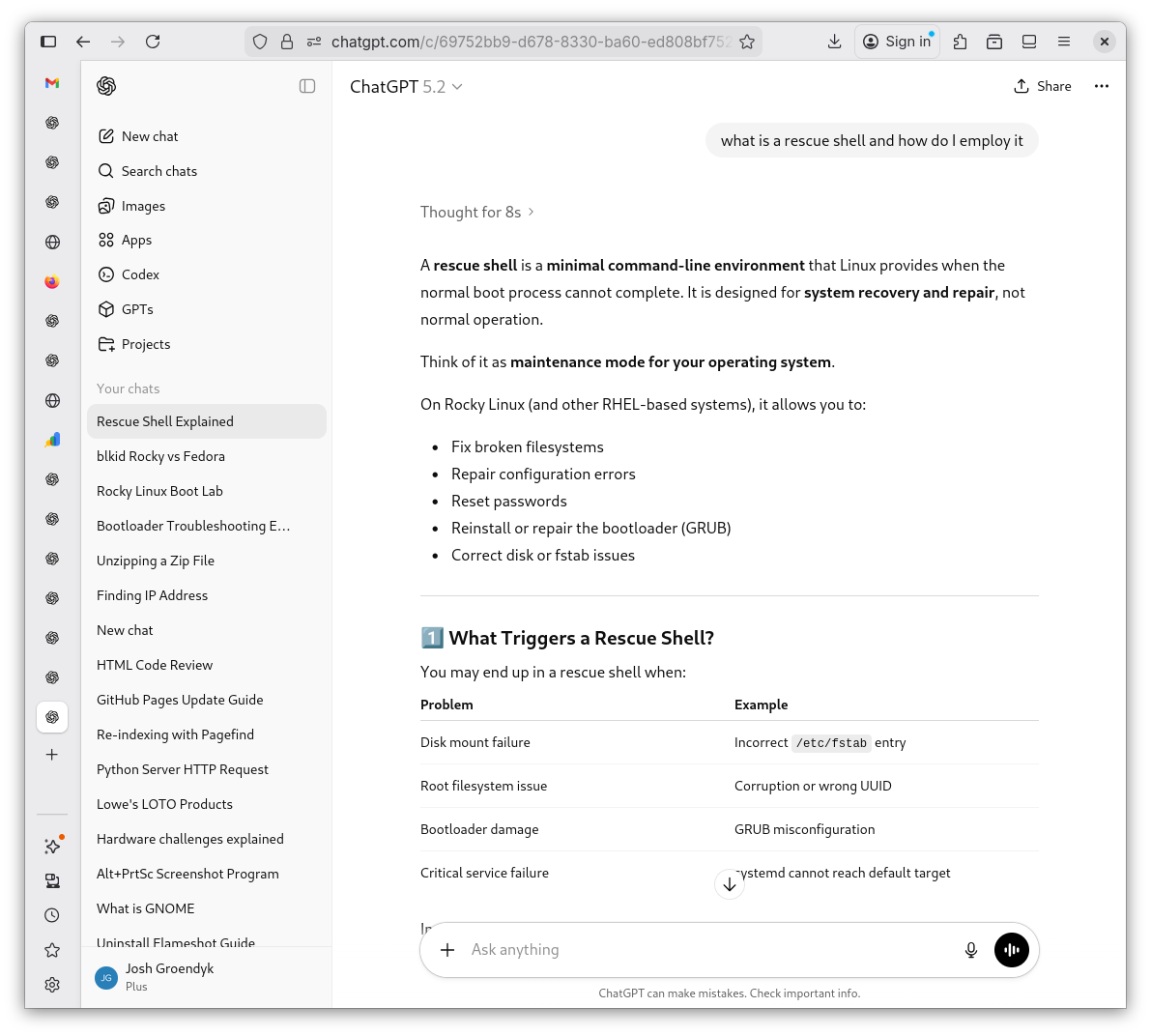
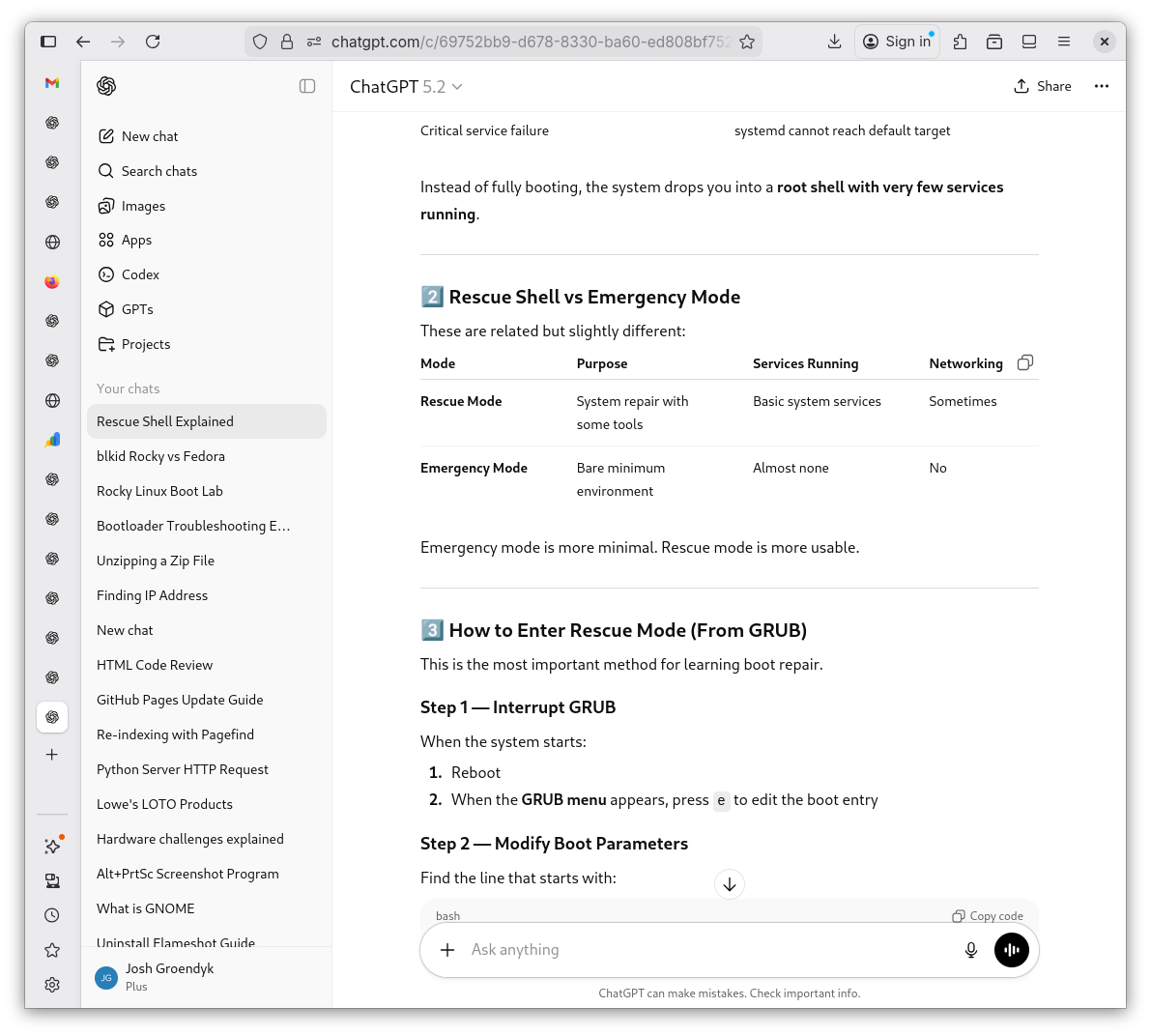
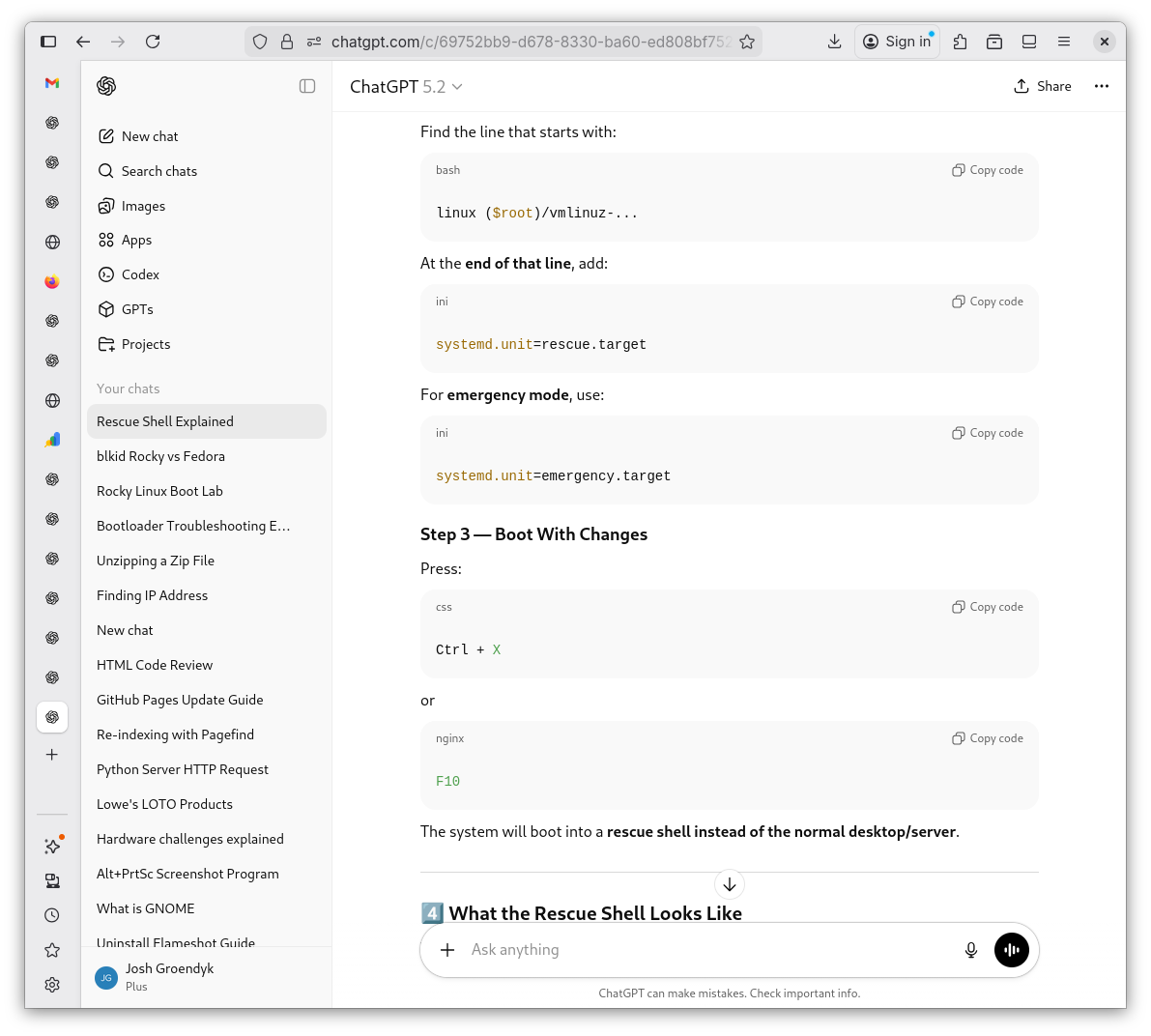
After reviewing Shevek's lesson, I have questions. What is a rescue shell and how do I access it?
Rescue Shell 1
Rescue Shell 2
Rescue Shell 3
Rescue Shell 4
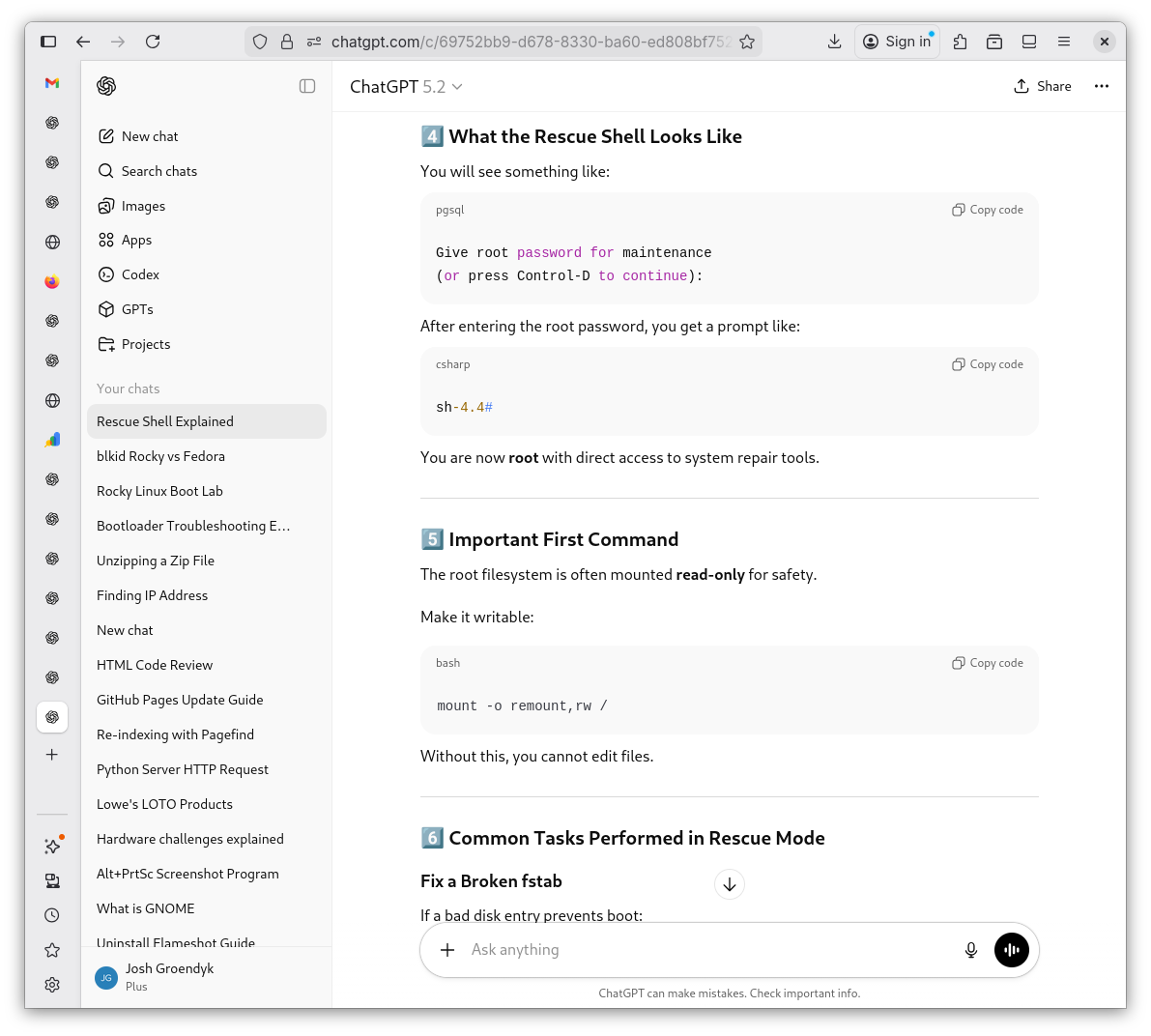
Rescue Shell 5
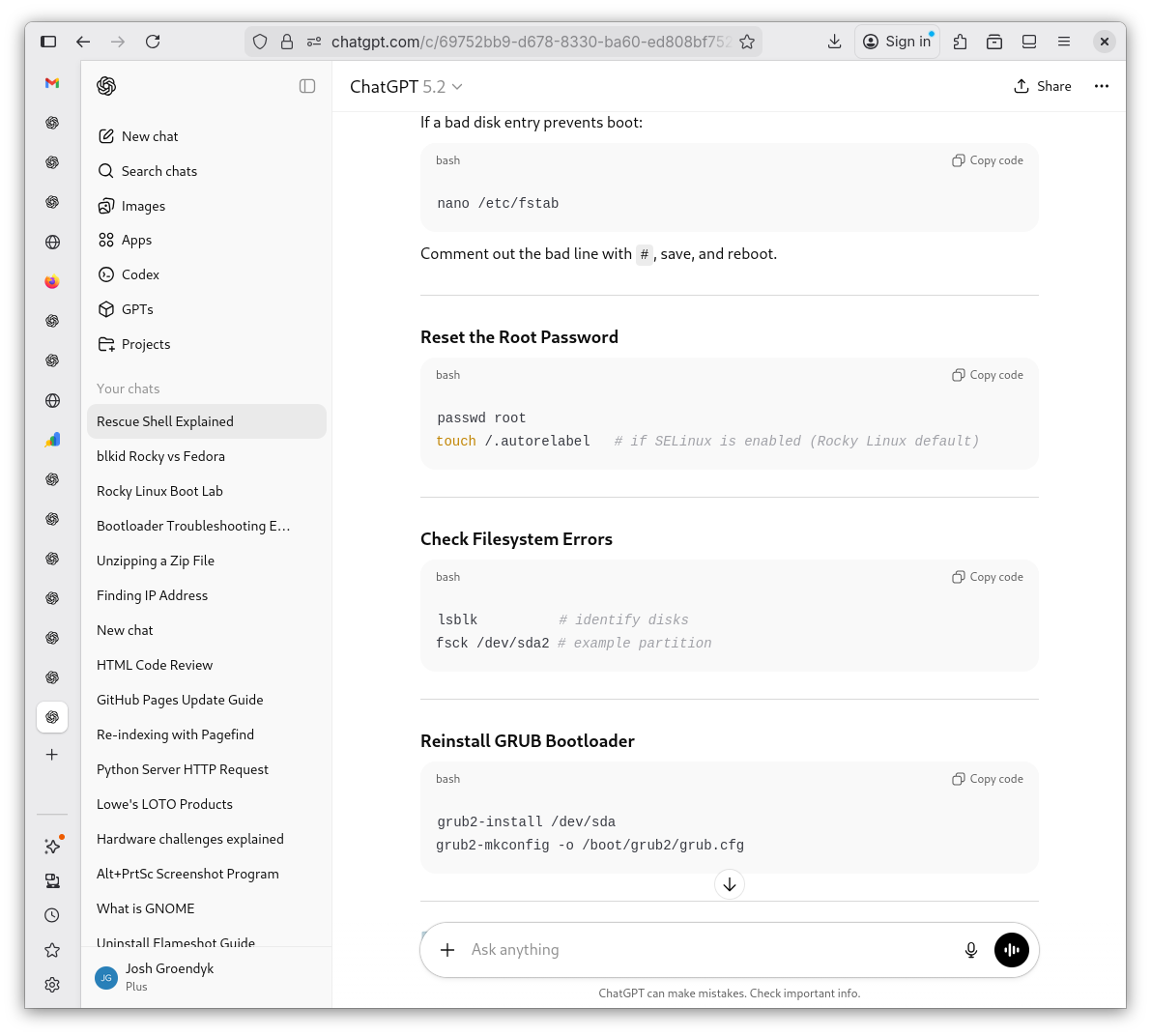
Rescue Shell 6
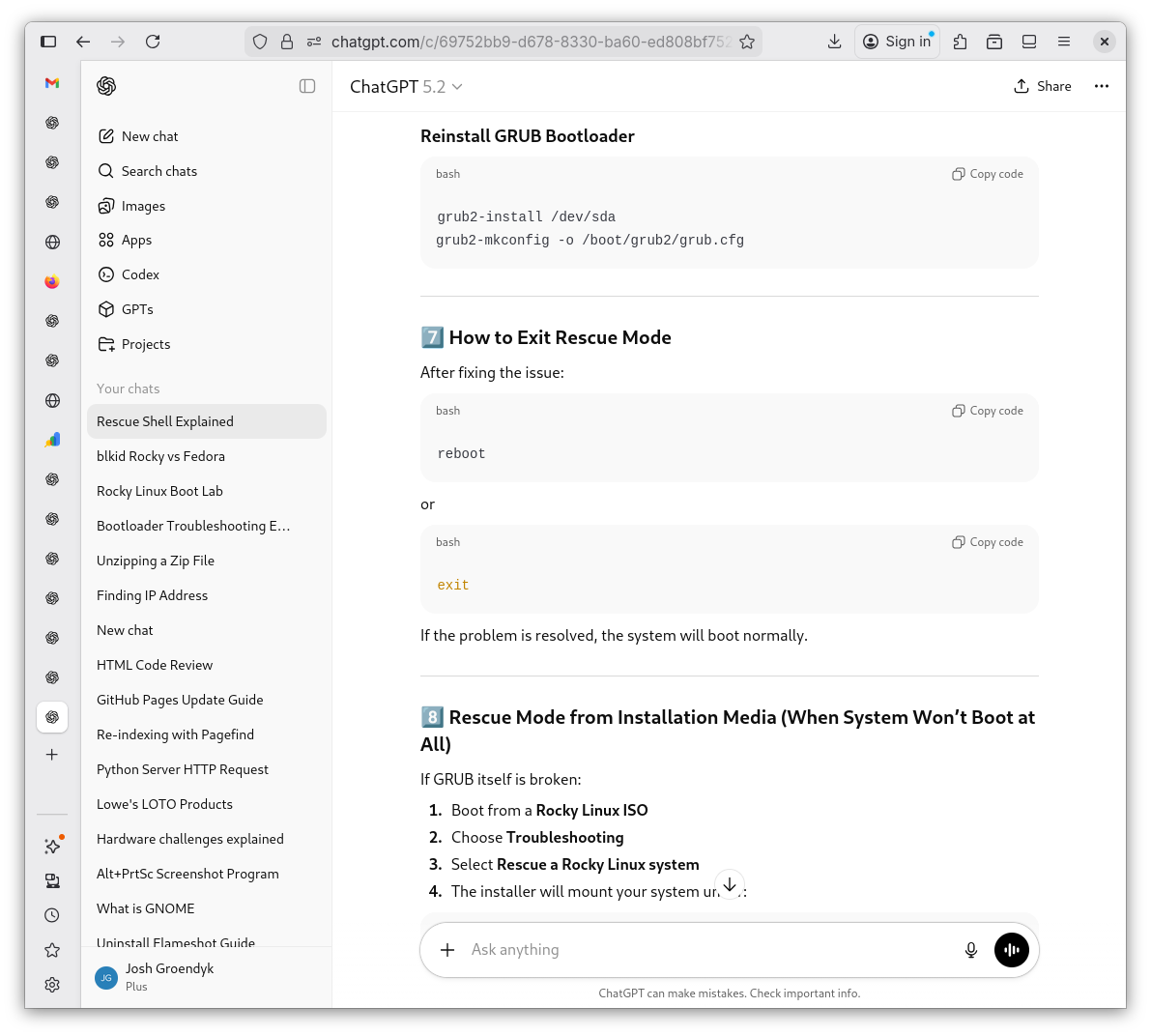
Rescue Shell 7
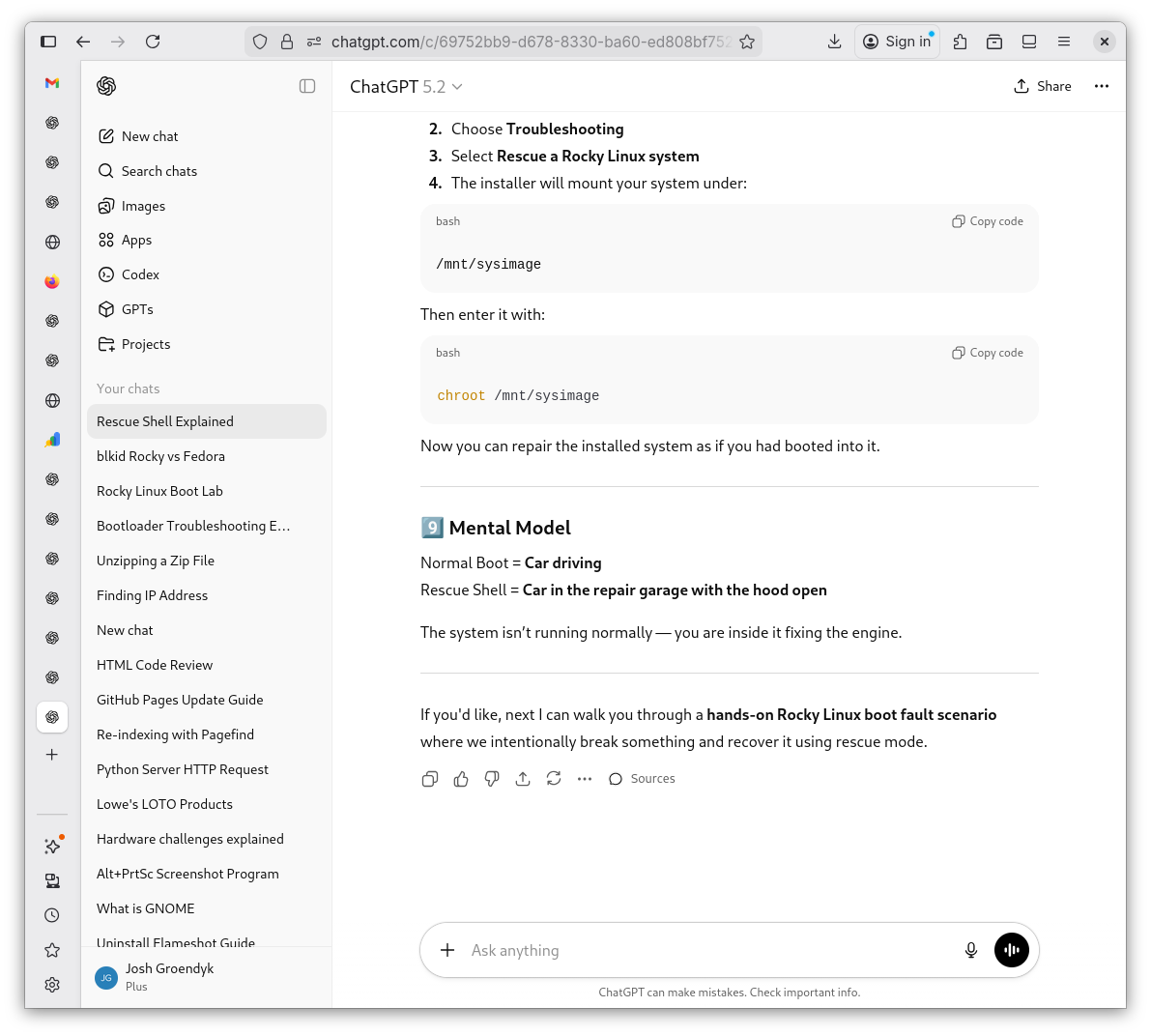
-
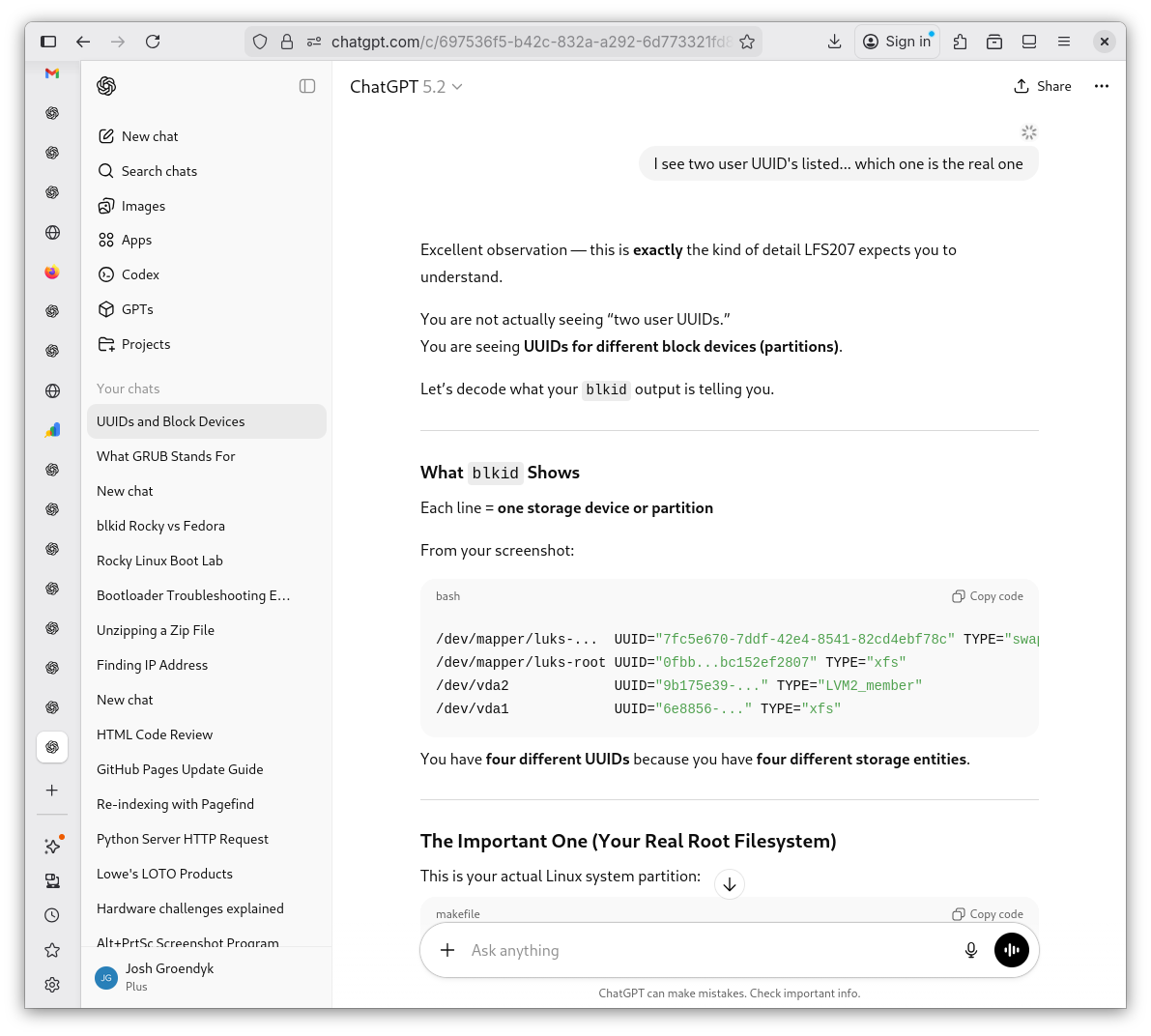
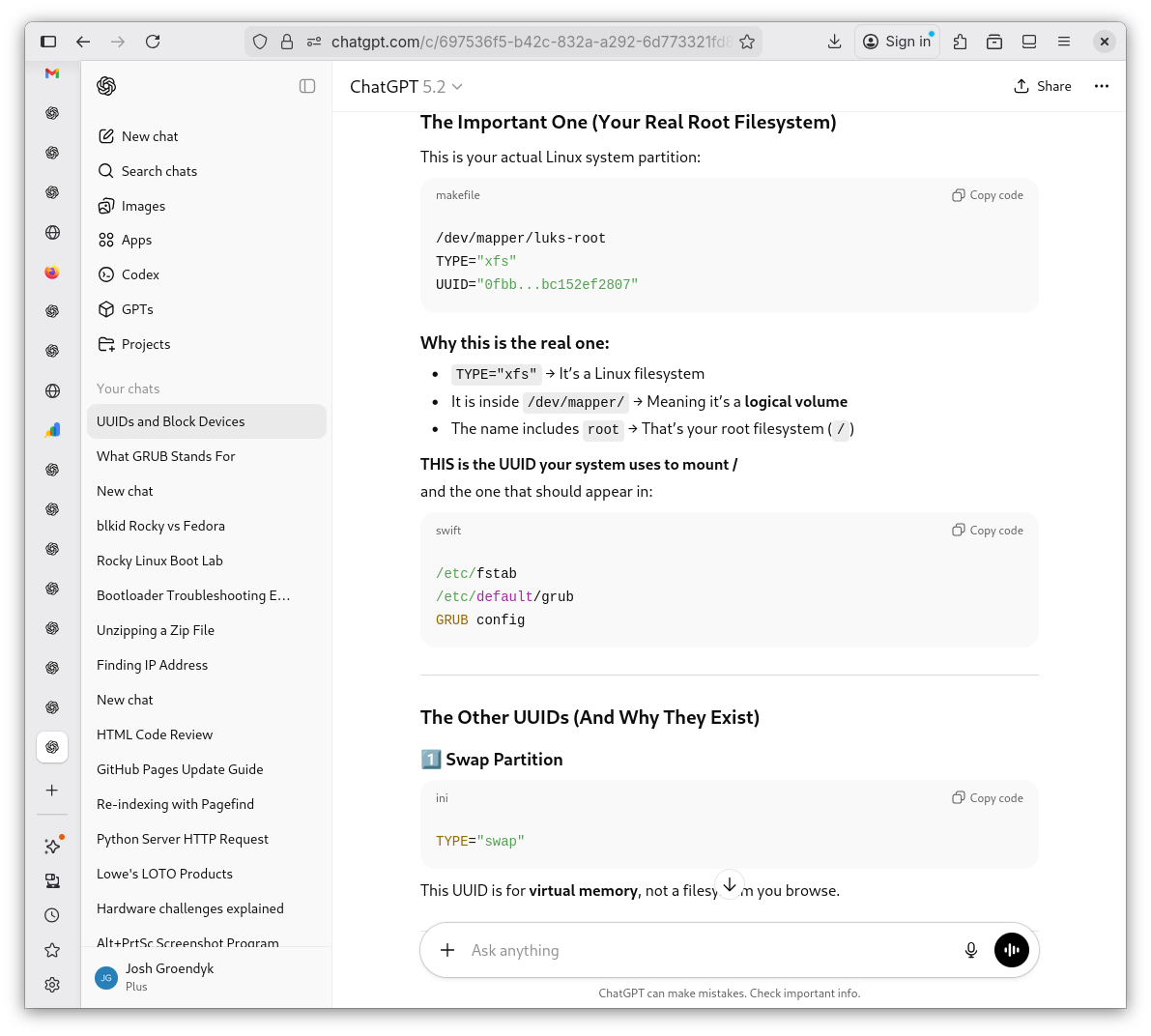
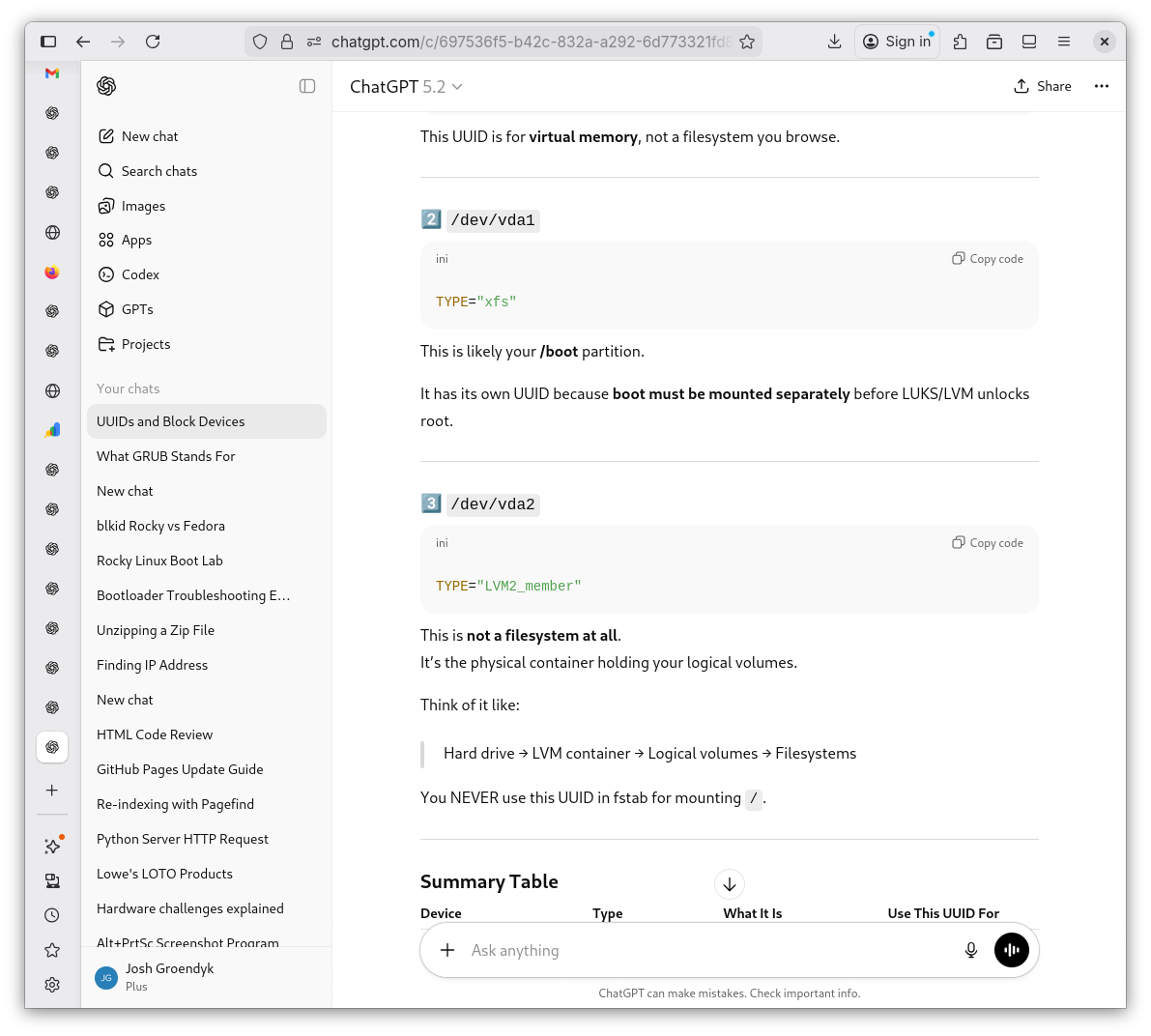
I type the command
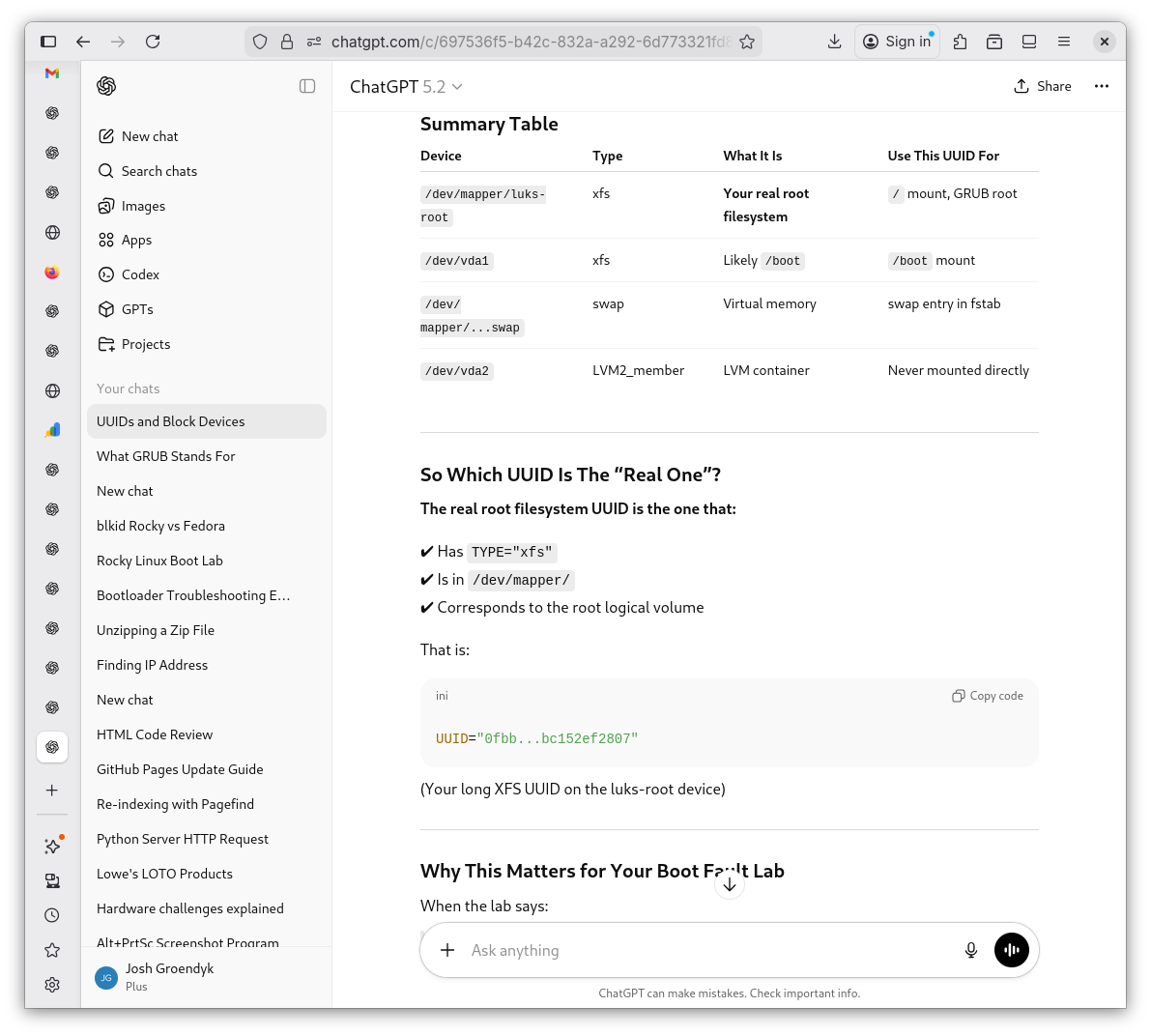
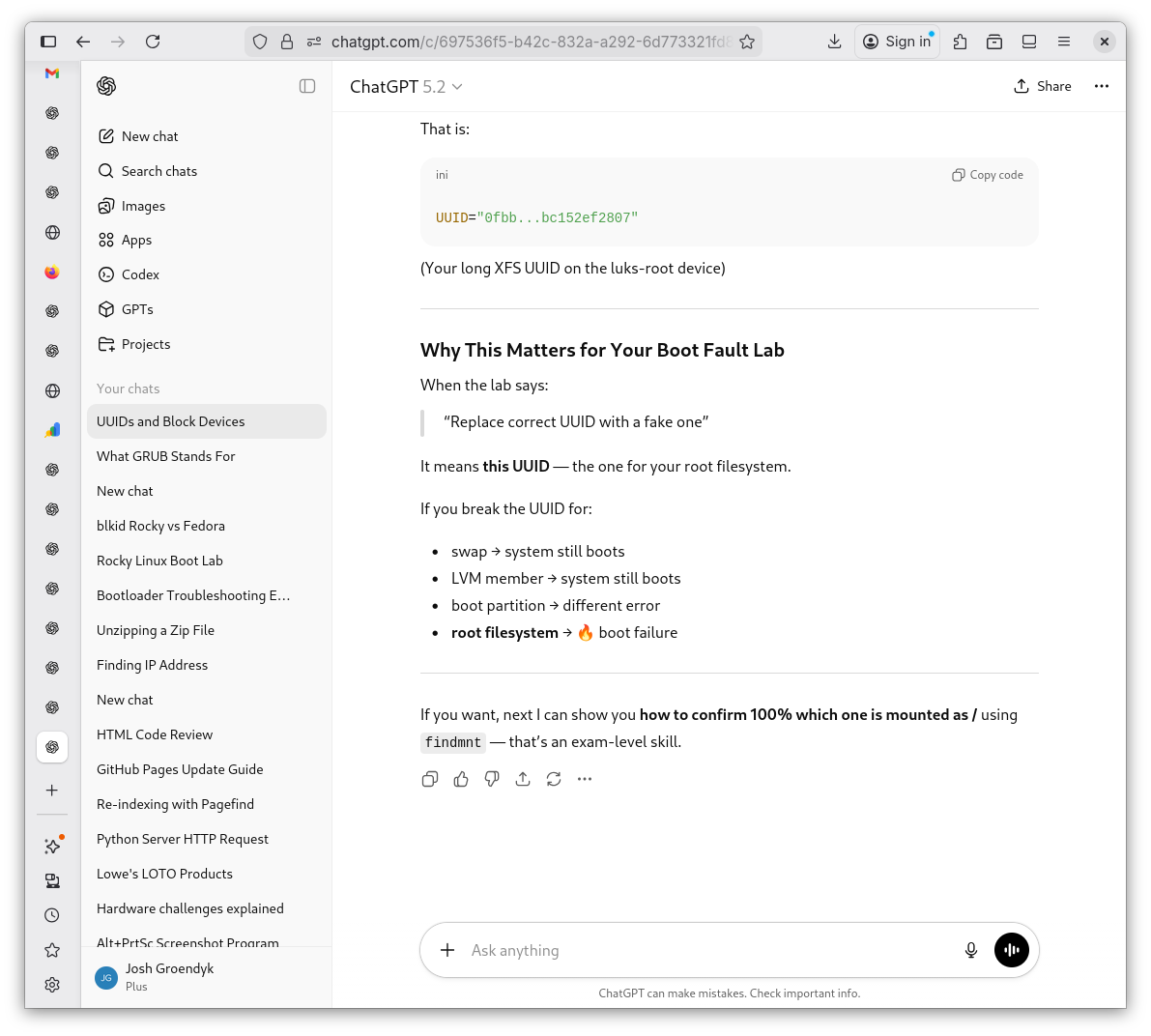
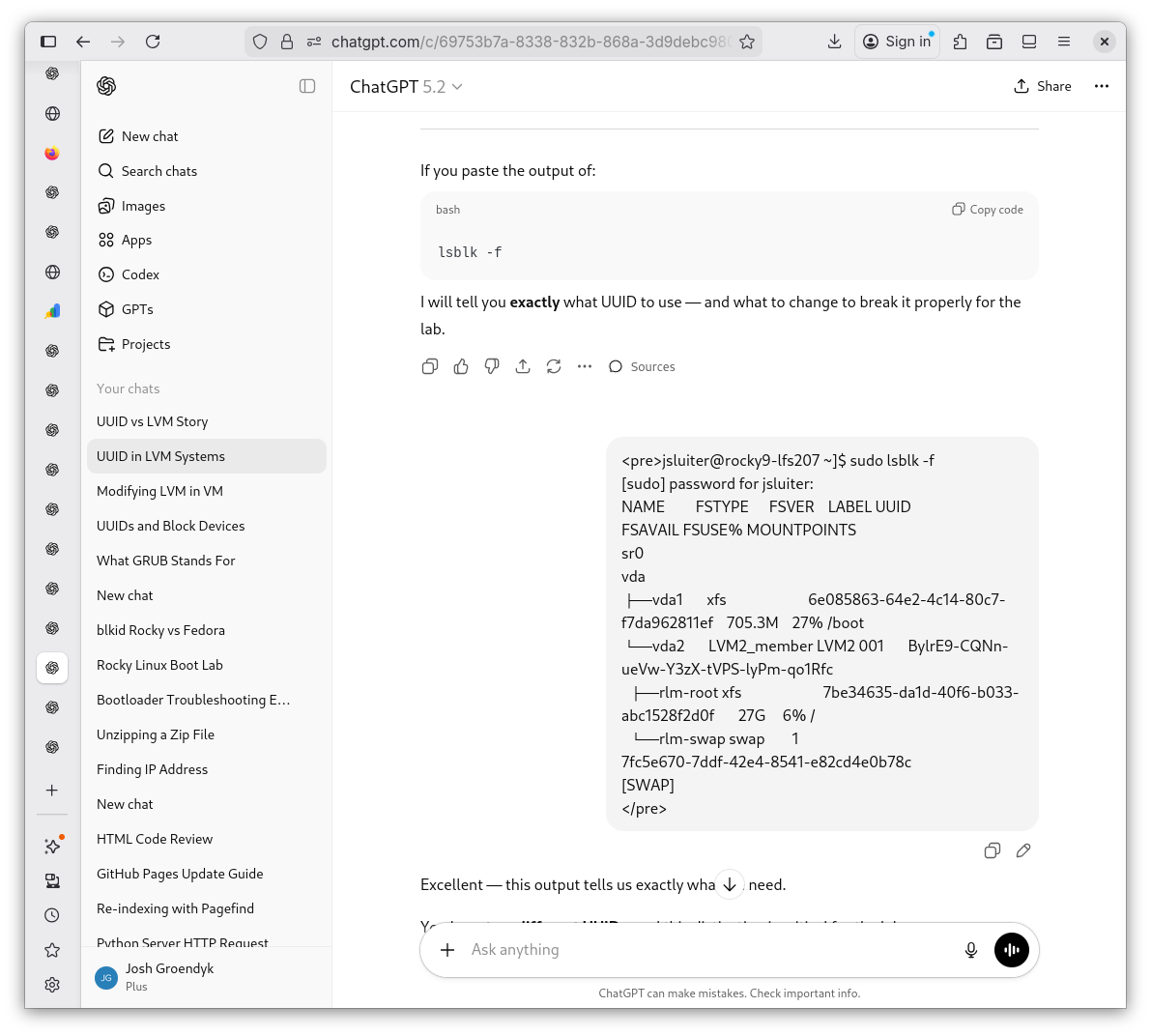
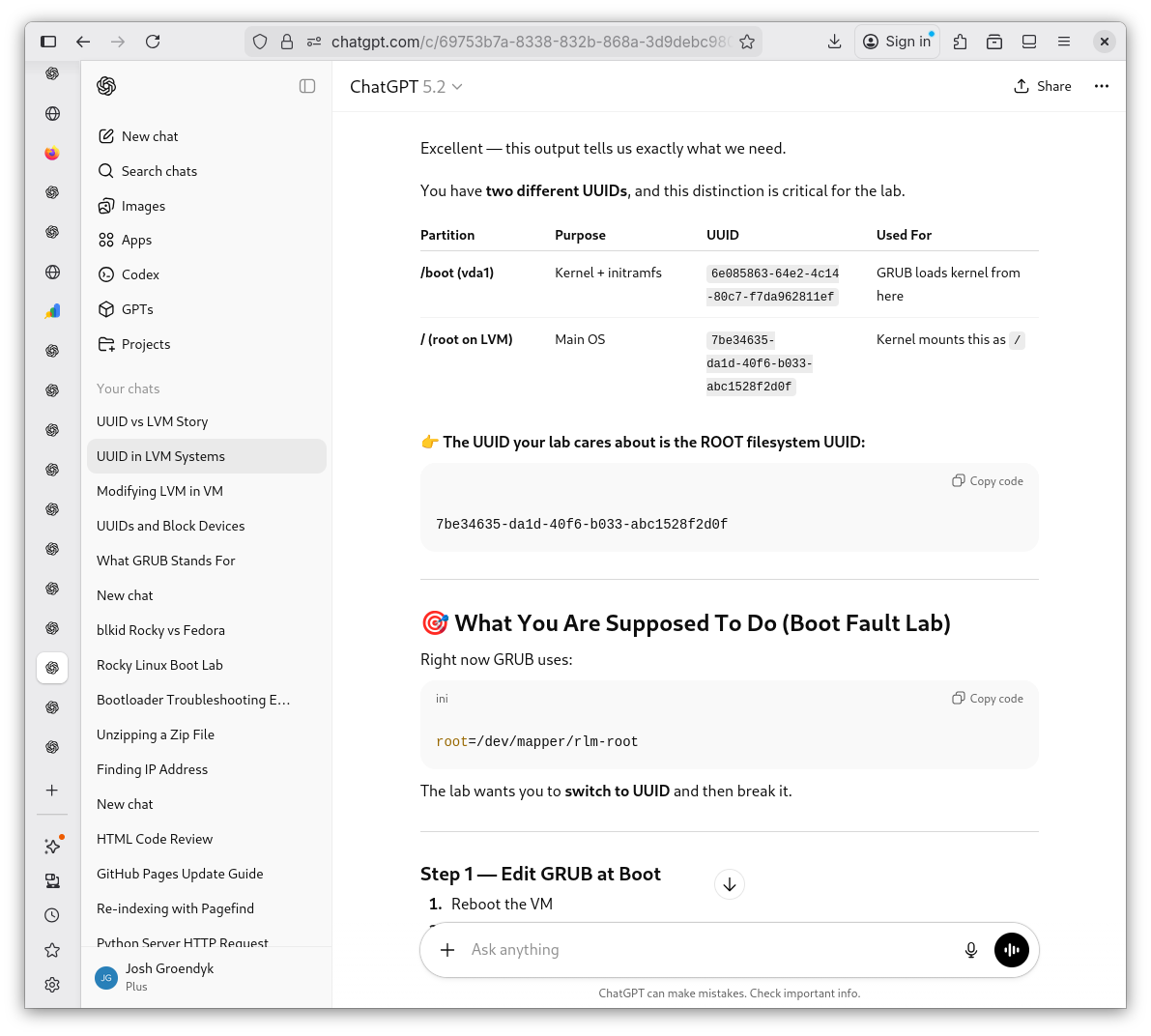
sudo blkidto make note of the UUID, but notice four possible UUID's are displayed. Which one is the real UUID? I consult Shevek as to which one to focus on for the purposes of the lab.Which UUID?
UUID's Identified 1
UUID's Identified 2
UUID's Identified 3
UUID's Identified 4
UUID's Indetified 5
-
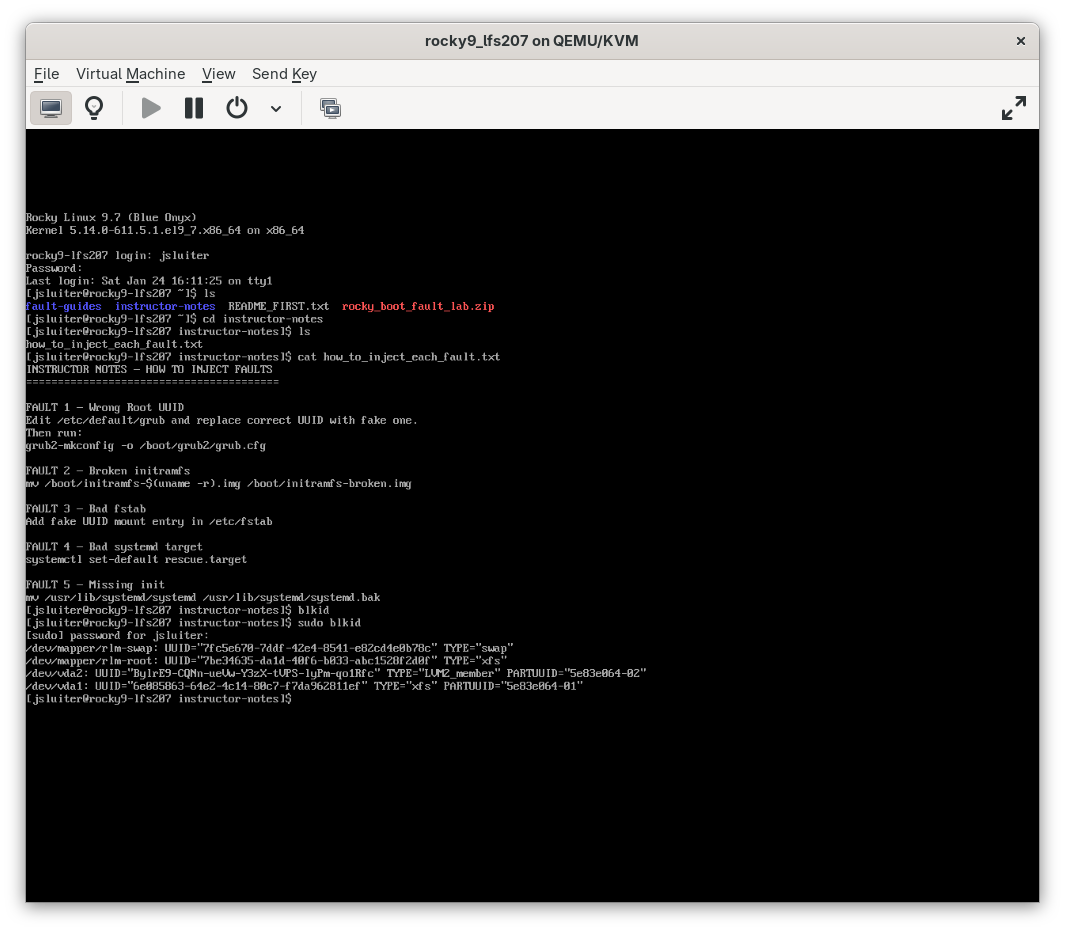
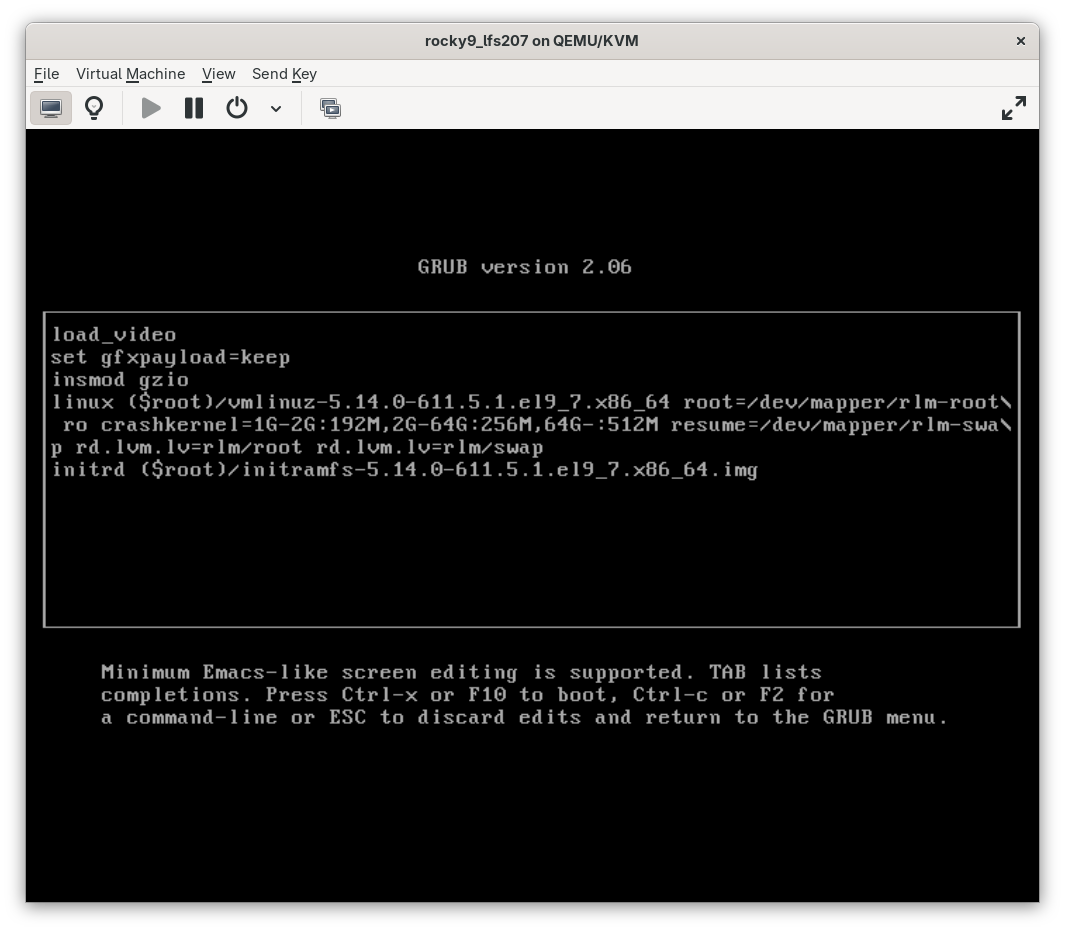
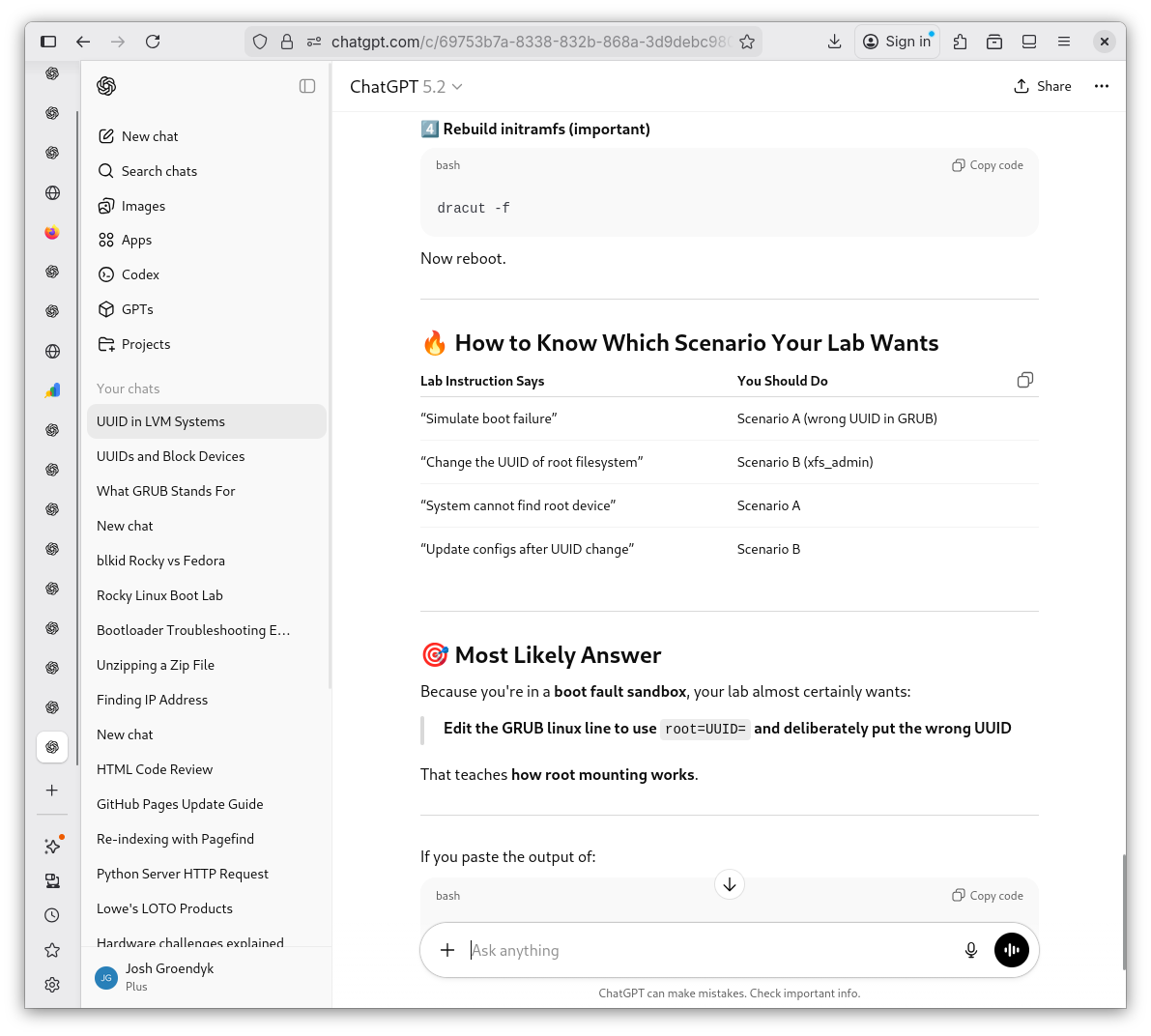
I run into an issue with the lab. In my Virtual Machine, the UUID is listed, however, the boot configuration uses something called an LVM. I will ask for clarification on what that is in a moment. But first, it appears the LVM is a system that must be bypassed for my UUID lab to function properly.
VM's UUID #
Booting Menu and LVM?
Changing LVM to UUID 1
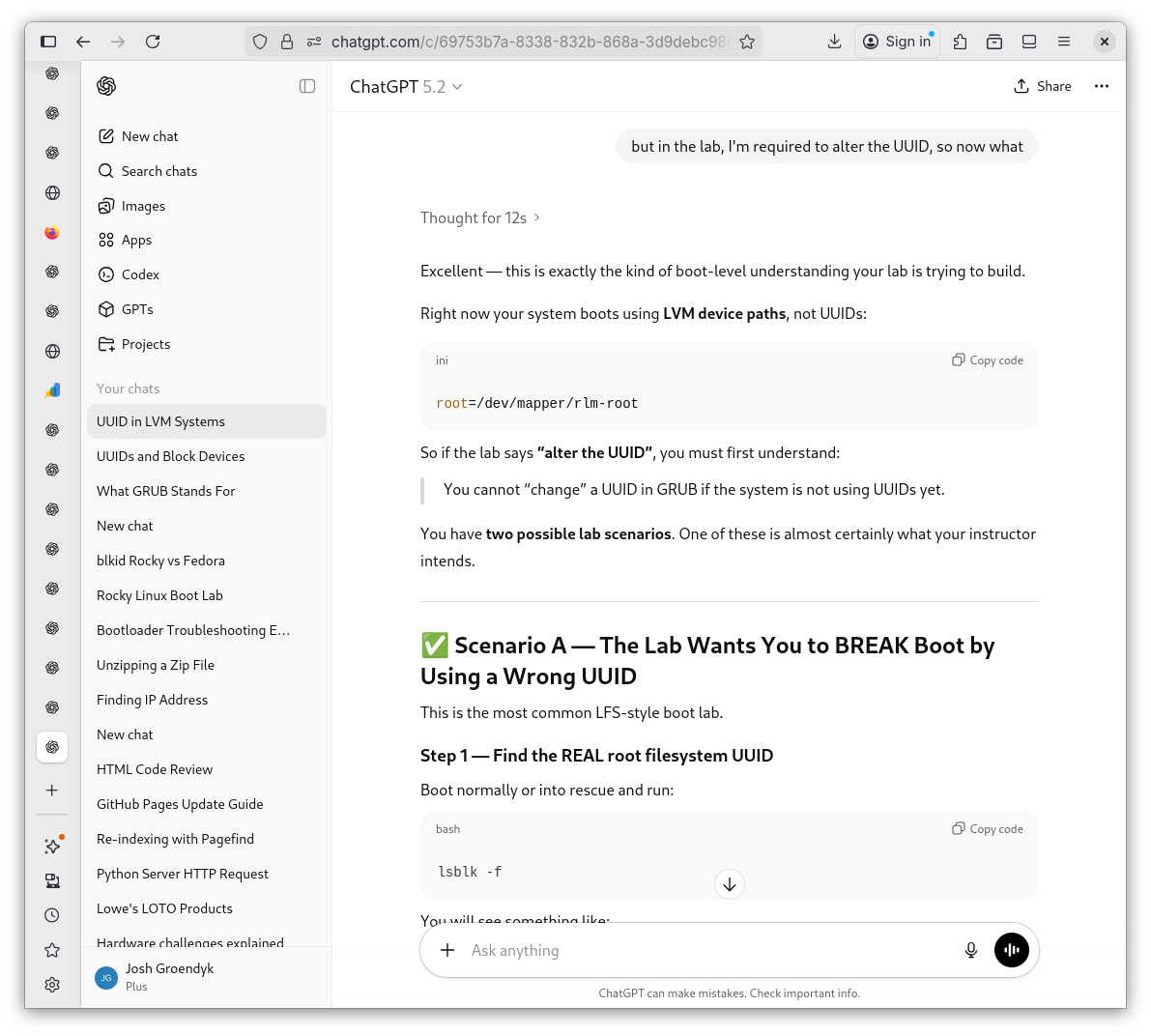
Changing LVM to UUID 2
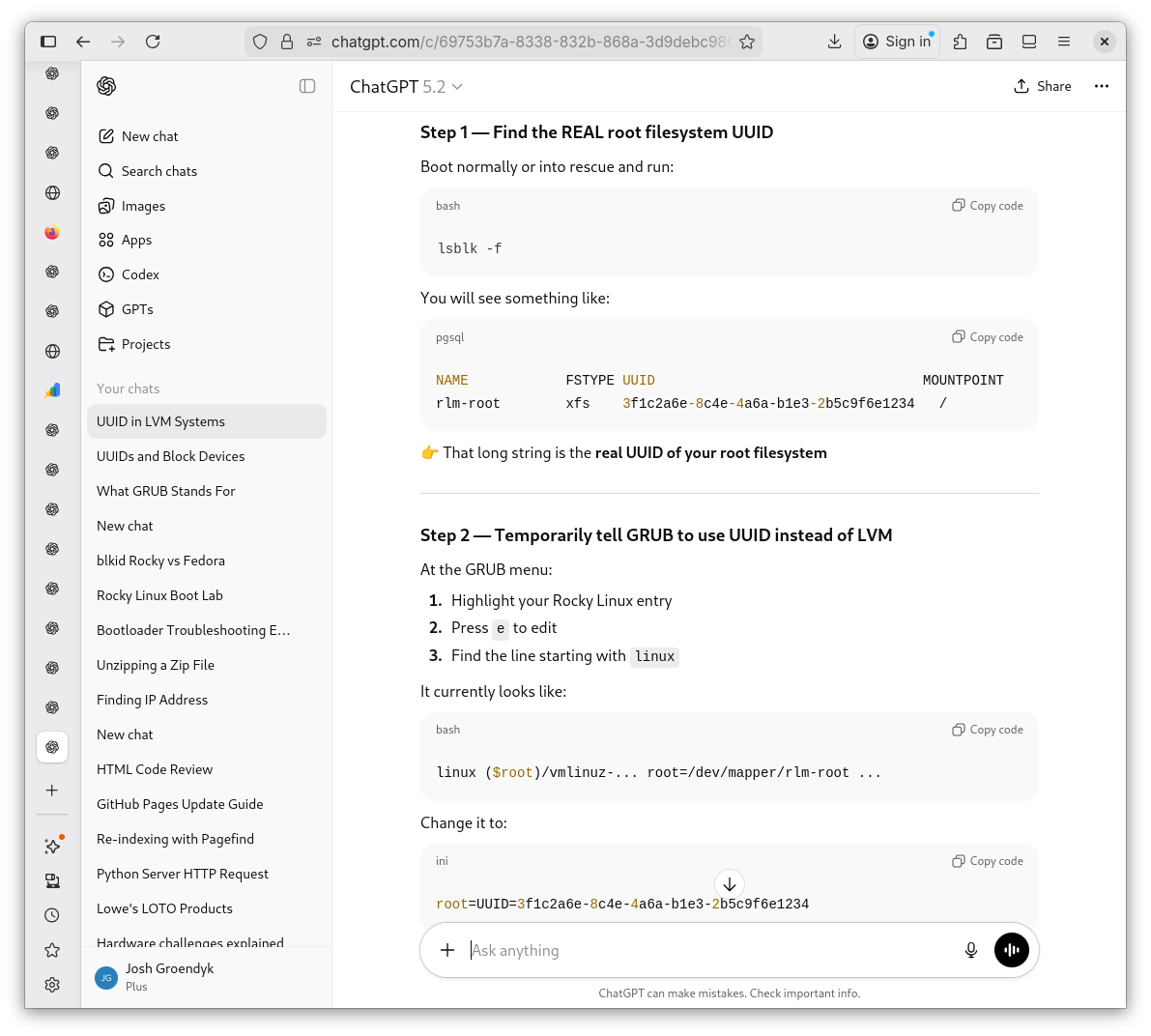
Changing LVM to UUID 3
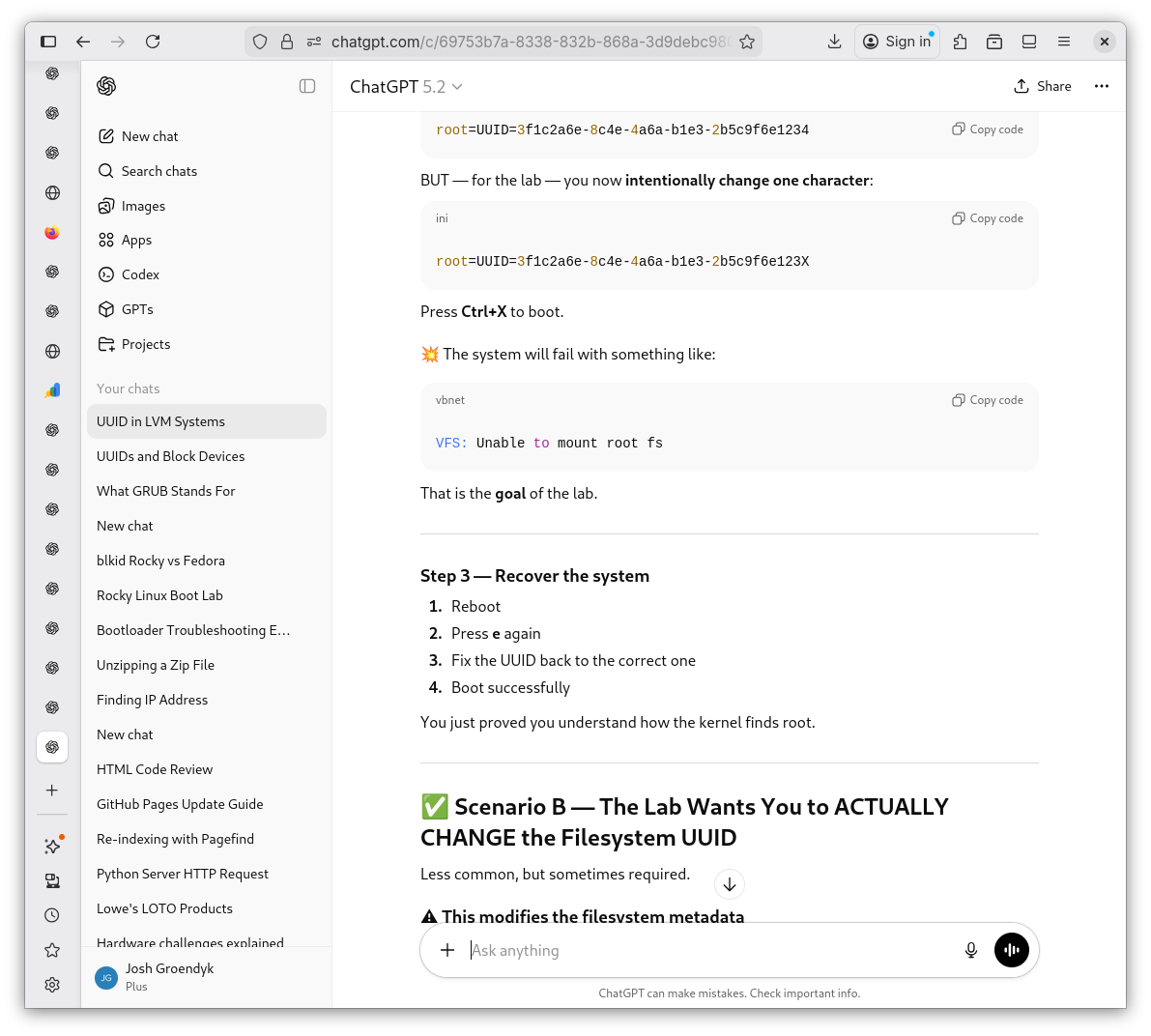
Changing LVM to UUID 4
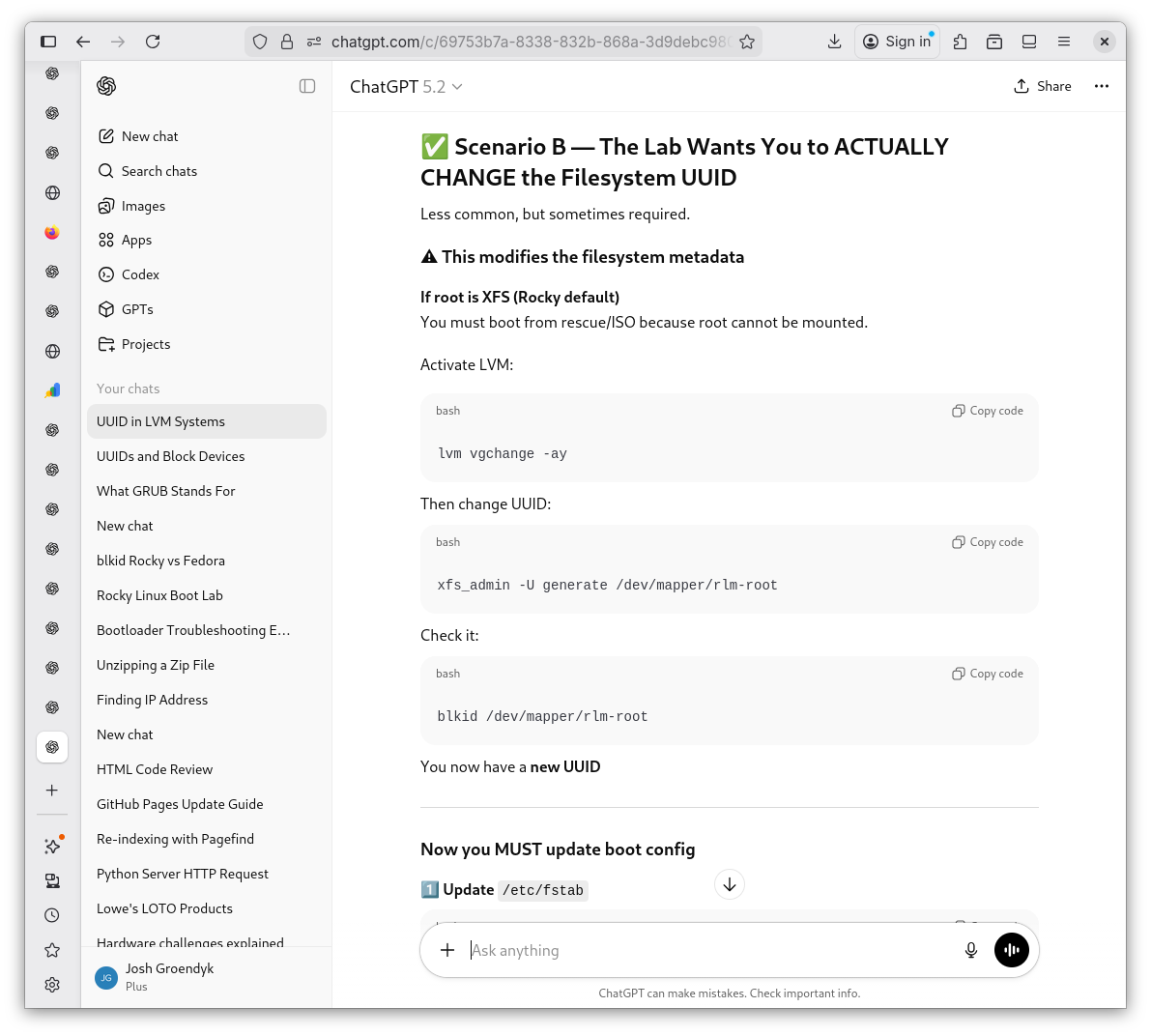
Changing LVM to UUID 5
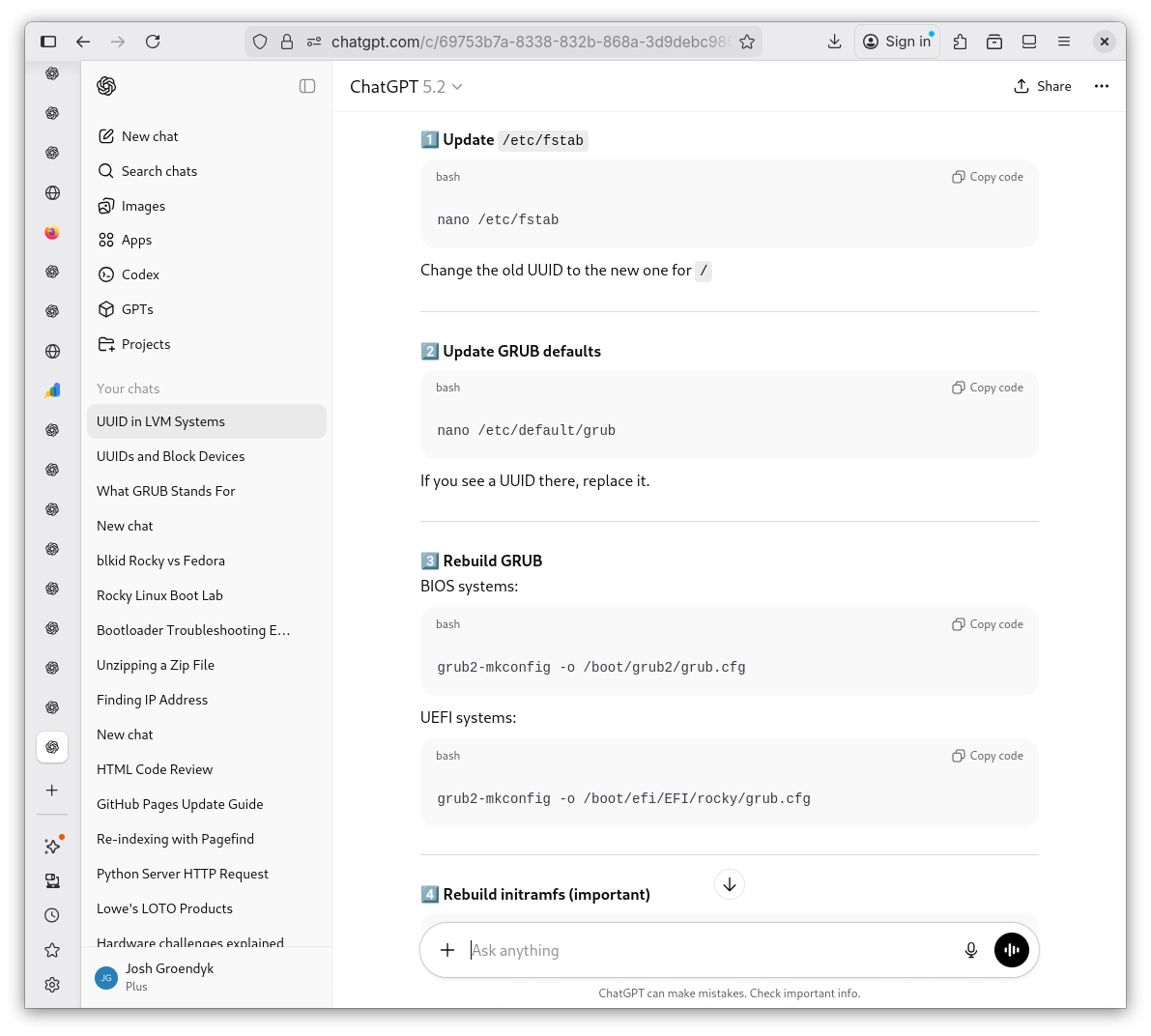
Changing LVM to UUID 6
-
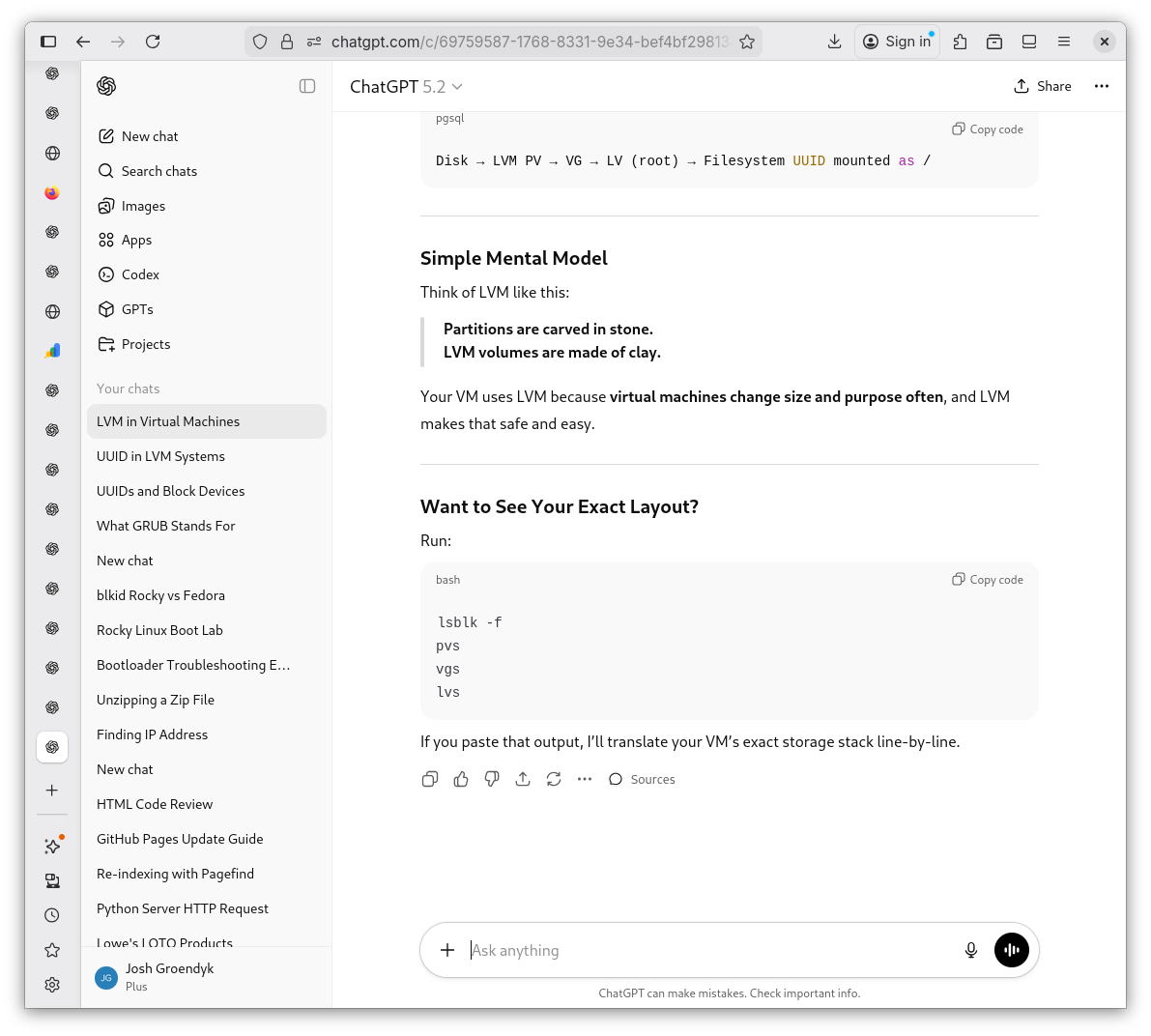
Shevek, before I proceed any further, what the fuck is an LVM and why is Rocky Rockin' it? Shevek explains it's due to the flexibility of an LVM as compared to a UUID. These things, at this time, still seem ambigious to me.
LVM Explained 1
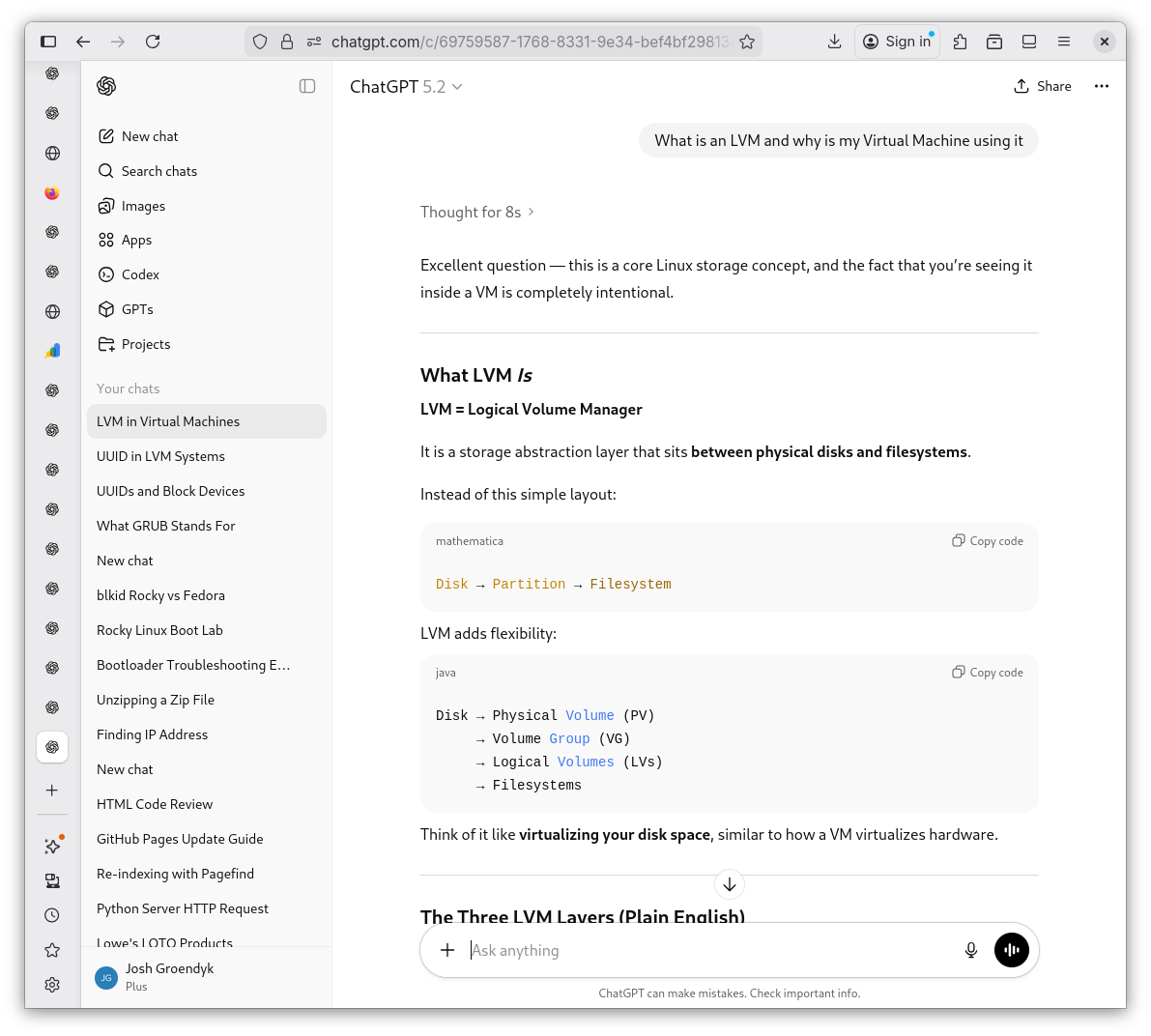
LVM Explained 2
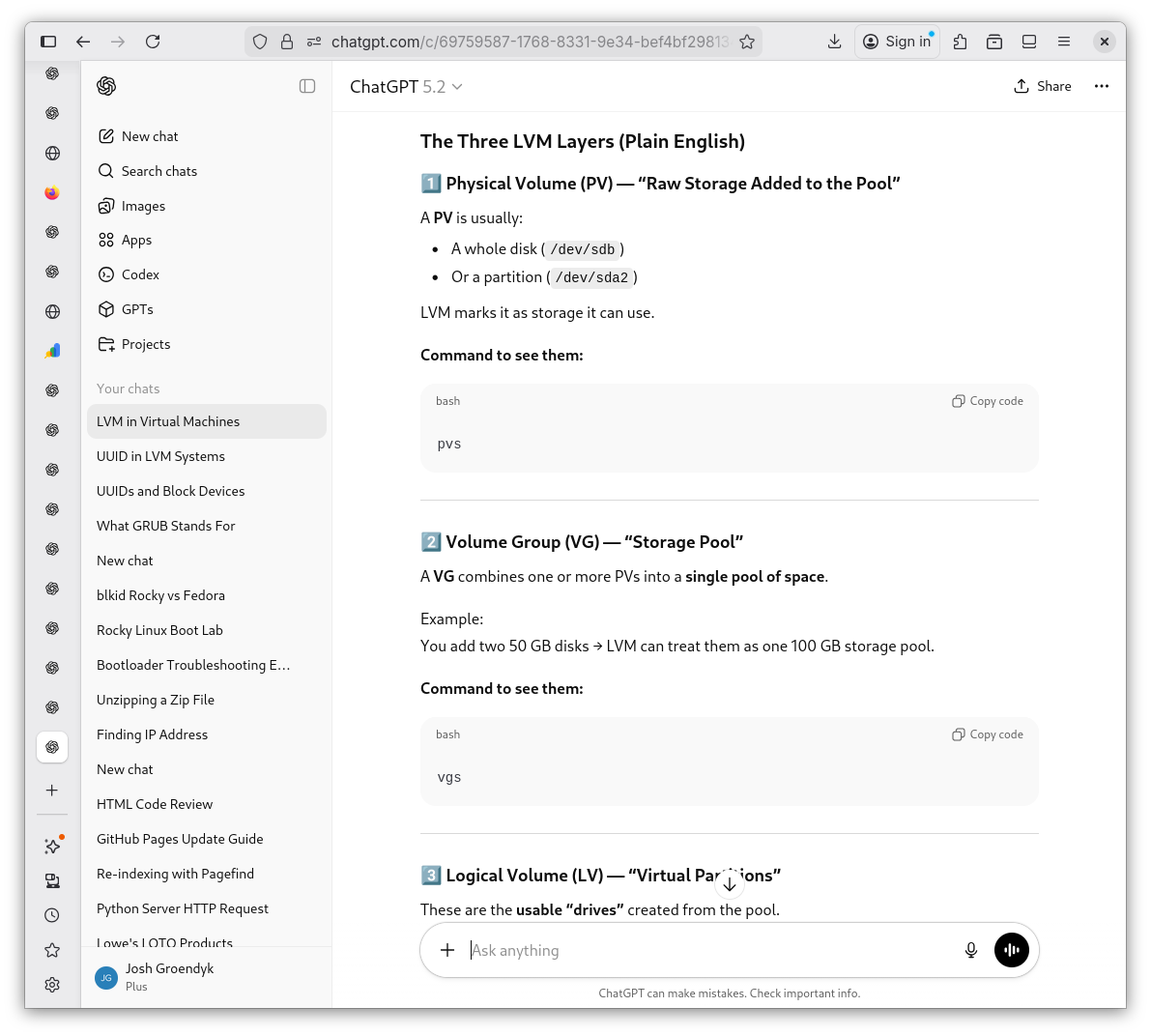
LVM Explained 3
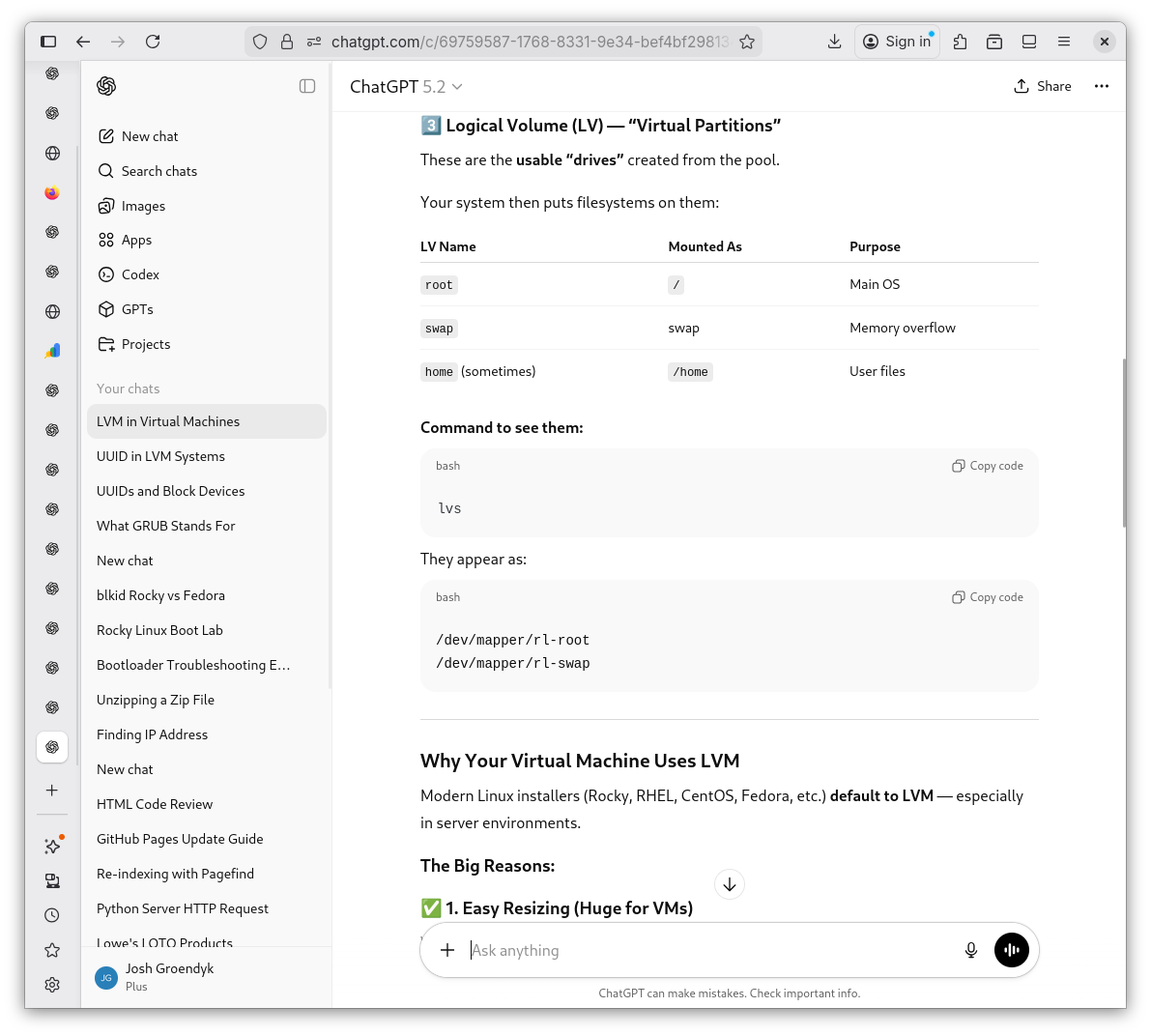
LVM Explained 4
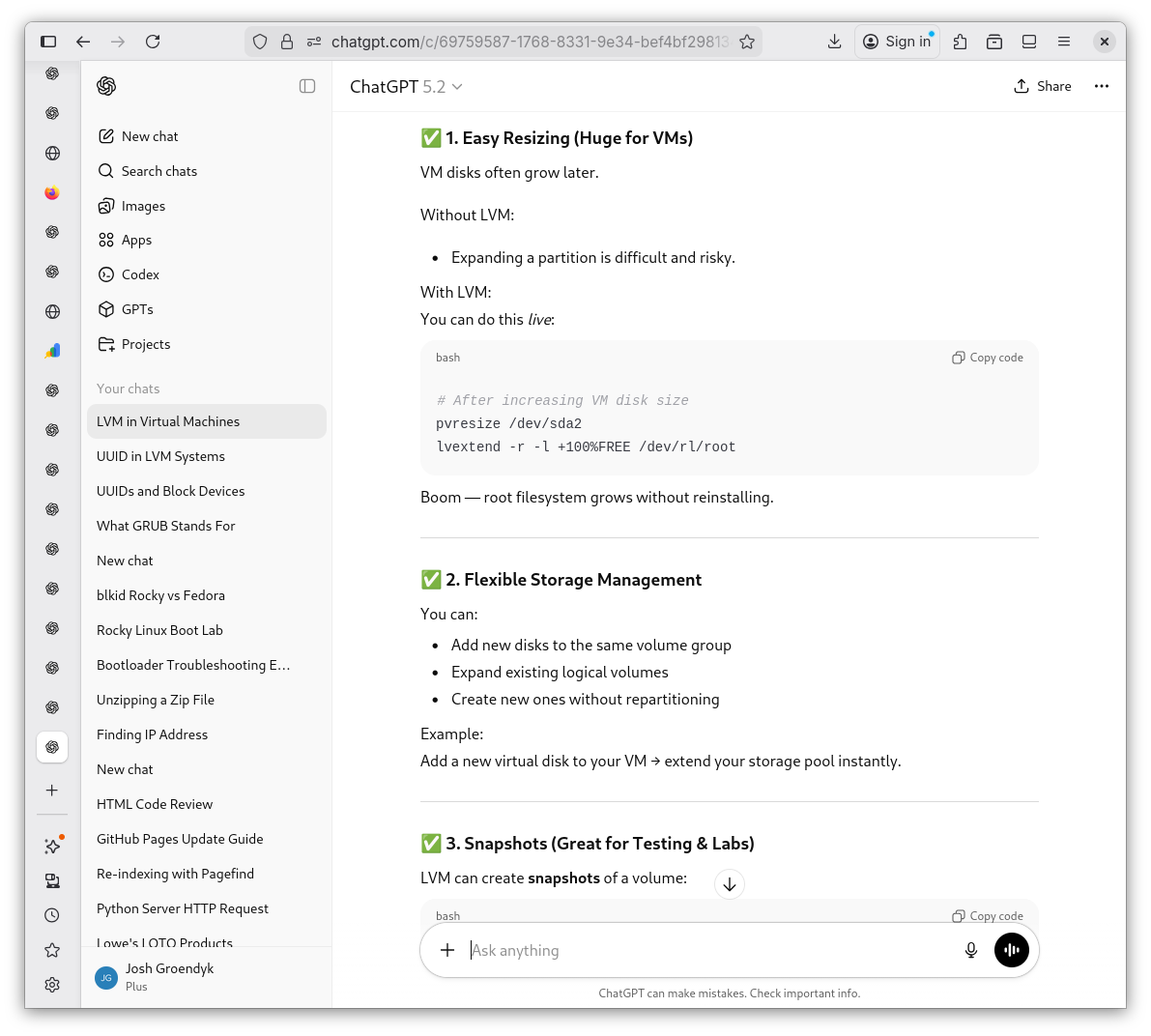
LVM Explained 5
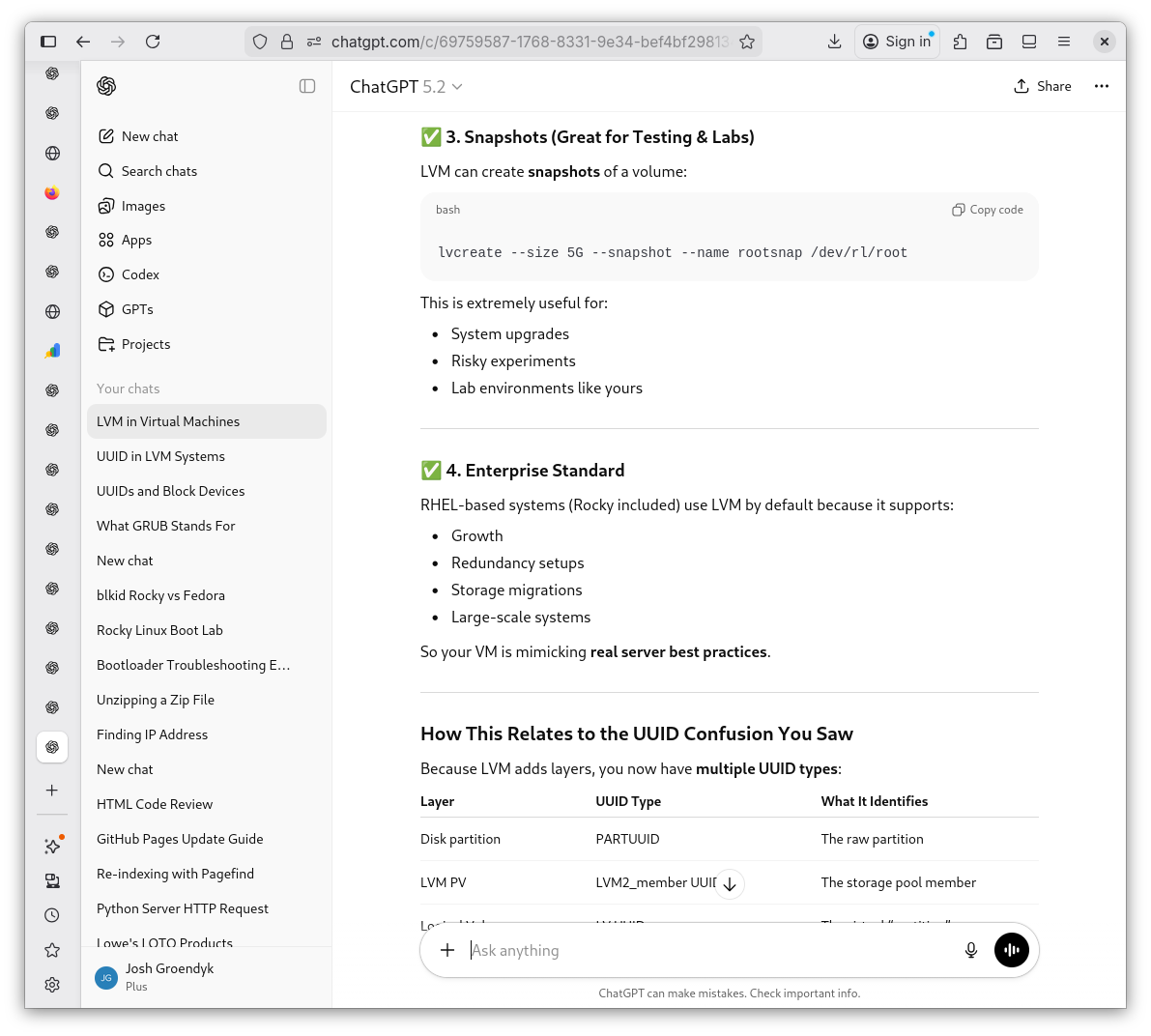
LVM Explained 6
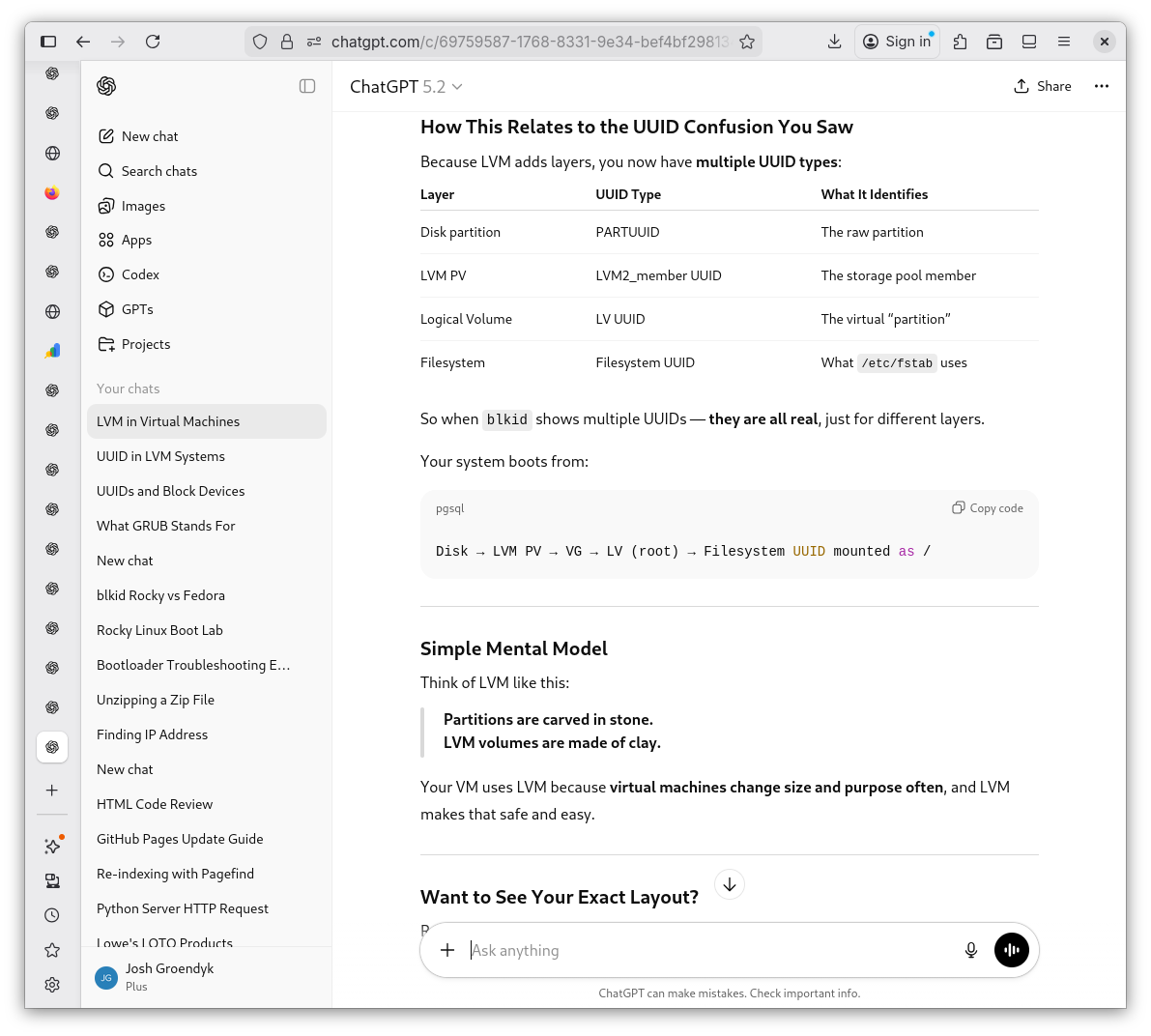
LVM Explained 7
-
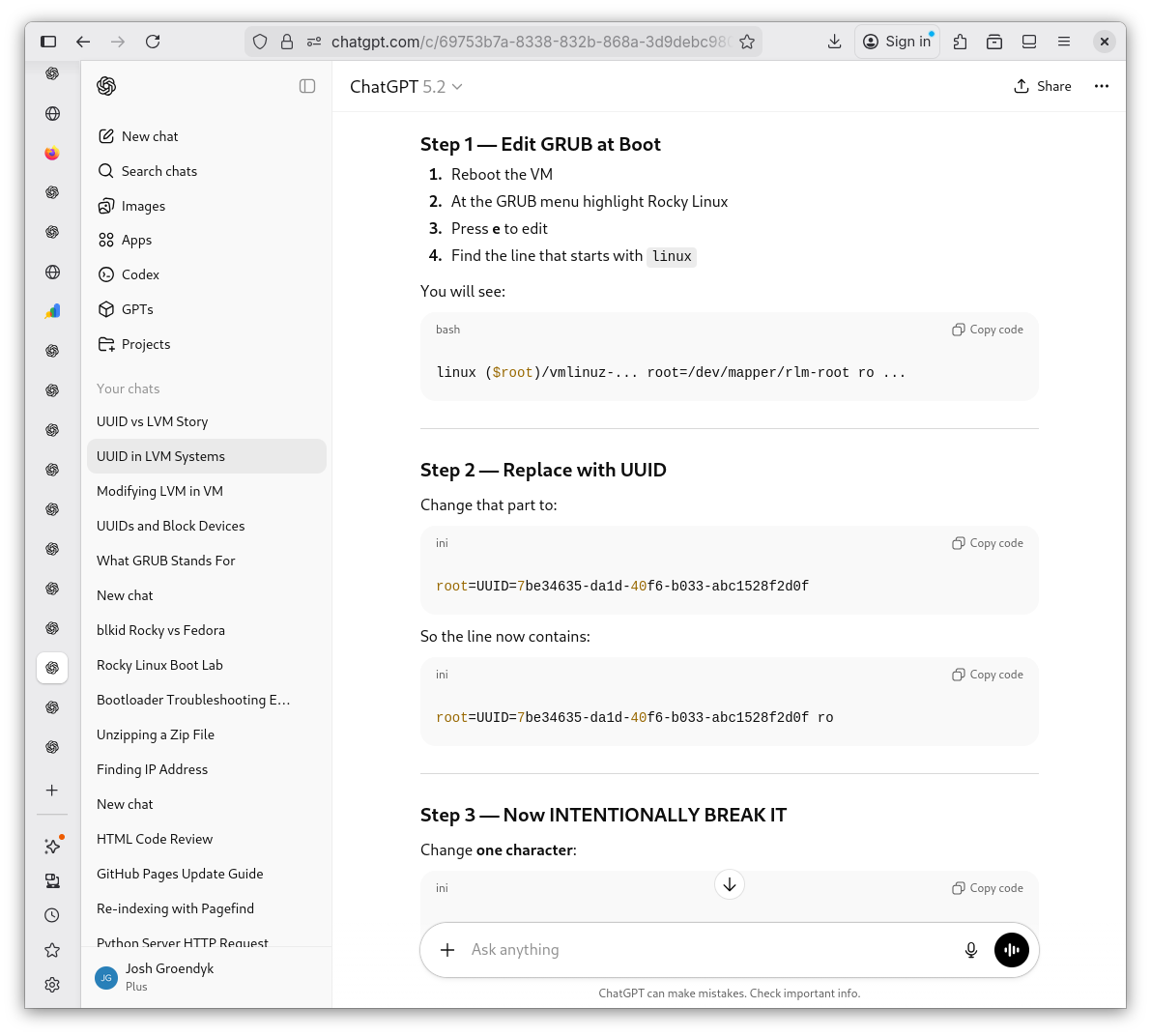
I could get lost in the semantics, but for the purpose of this lab, I ignore it's allure and proceed with the assigned task. In due time all will become clear, I hope. I copy and paste the results of
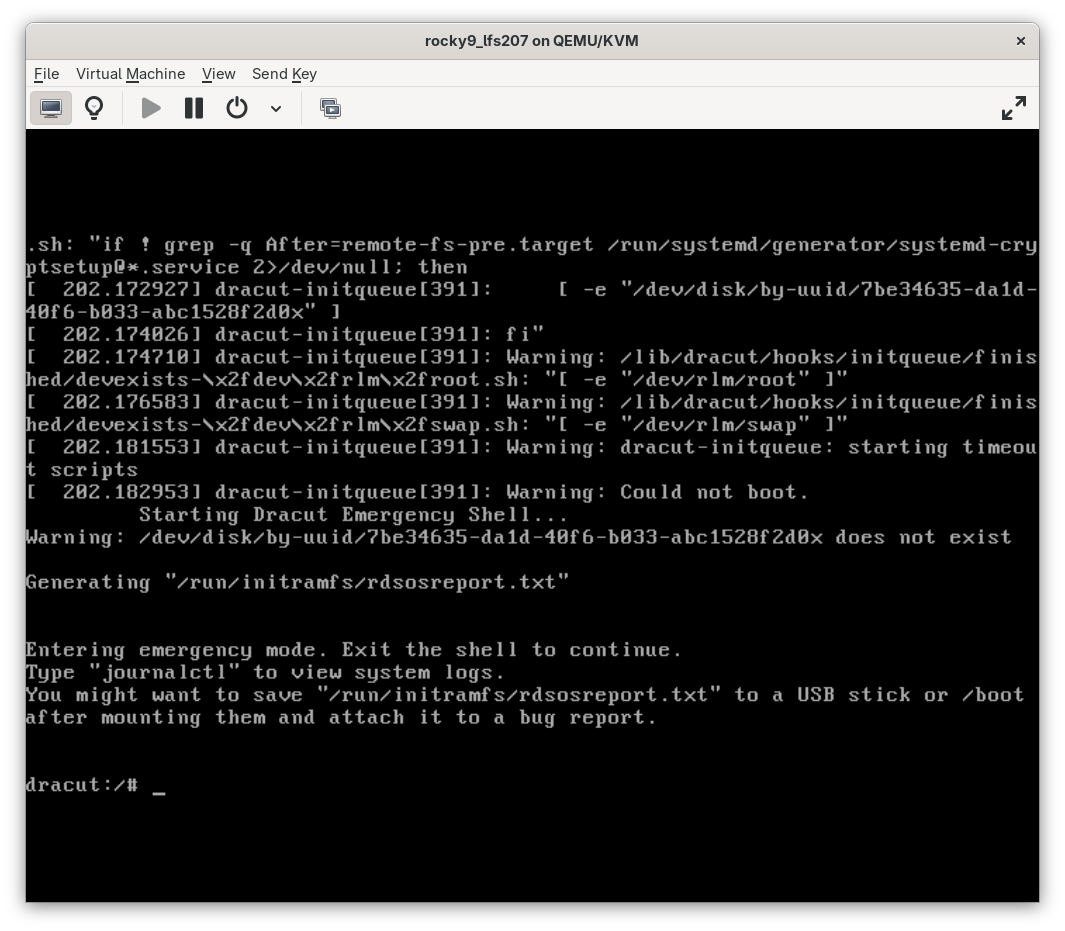
sudo lsblkto Shevek's prompt and follow his lead. I make the changes to my GRUB configuration, per his instruction and watch as emergency mode starts. Finally, we are getting somewhere.Breaking the UUID 1
Breaking the UUID 2
Breaking the UUID 3
Breaking the UUID 4
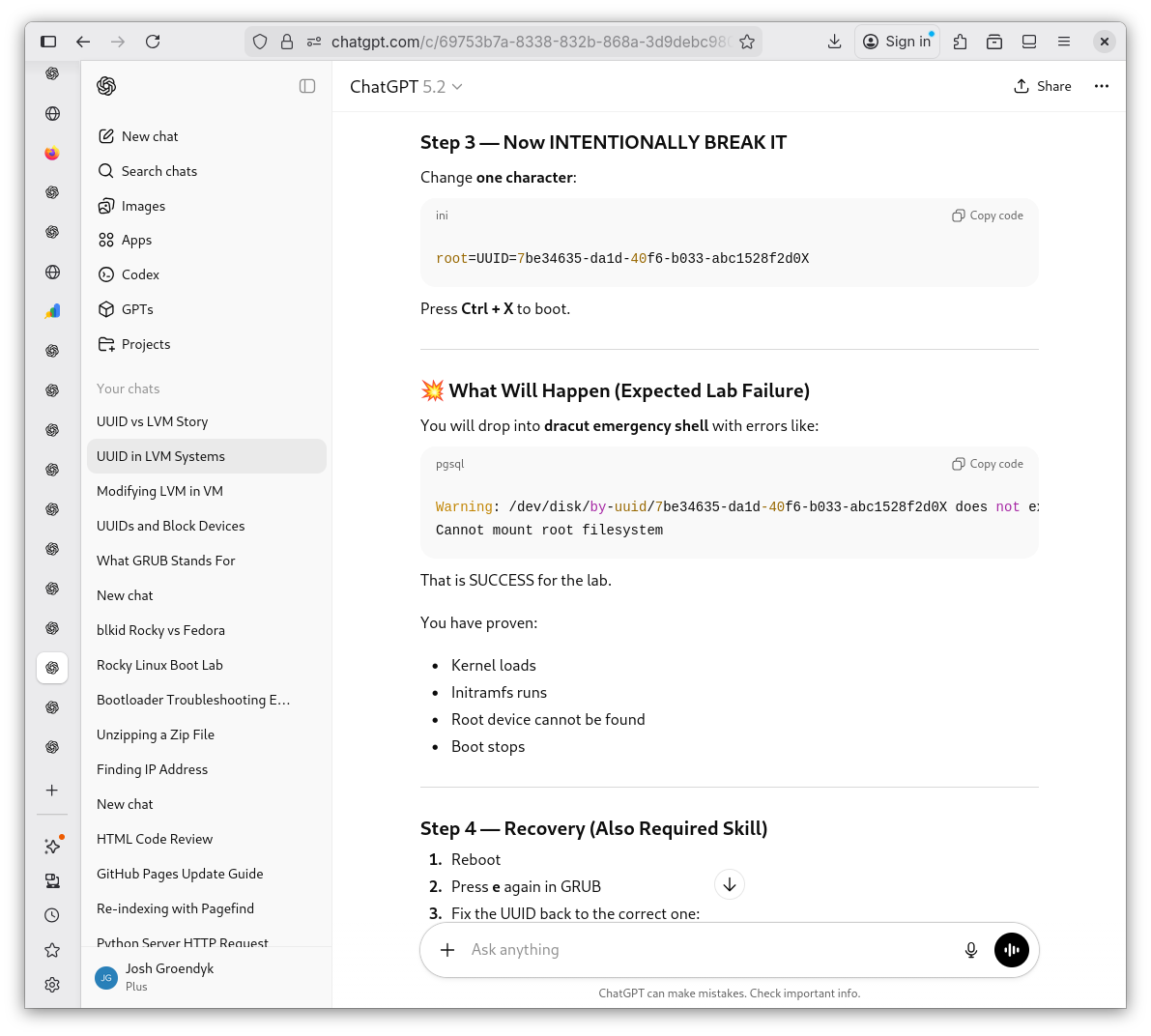
Breaking the UUID 5
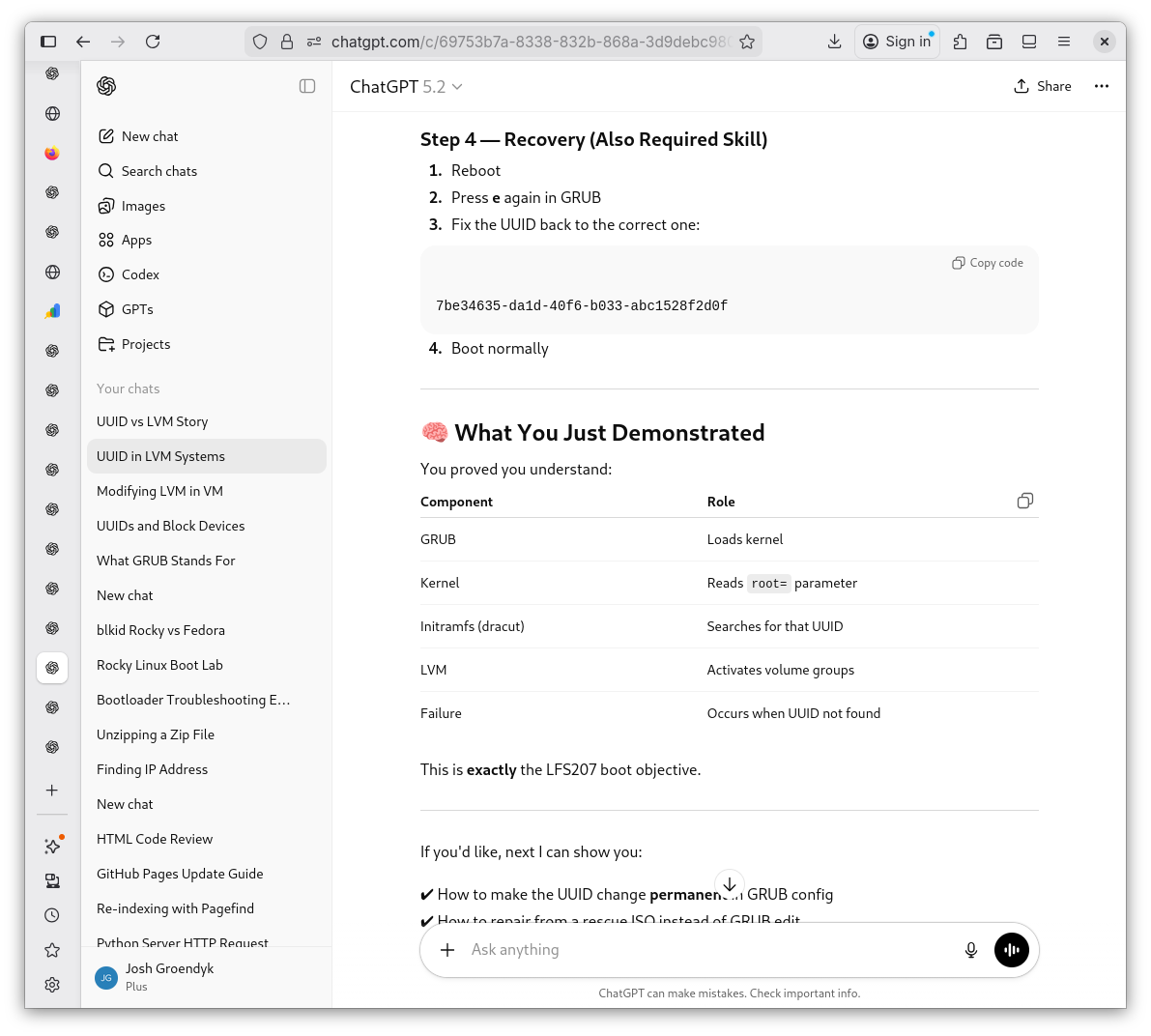
Original GRUB w/LVM
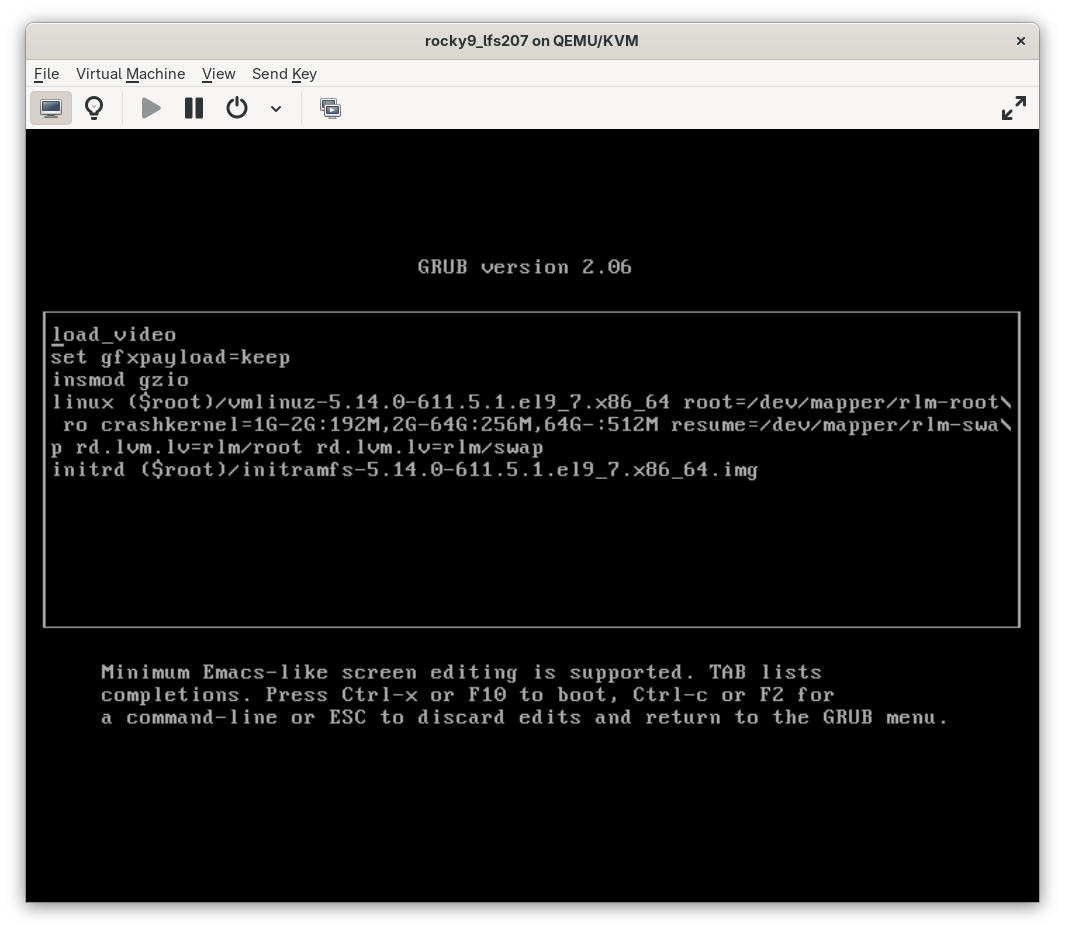
Modified GRUB
Emergency Mode
-
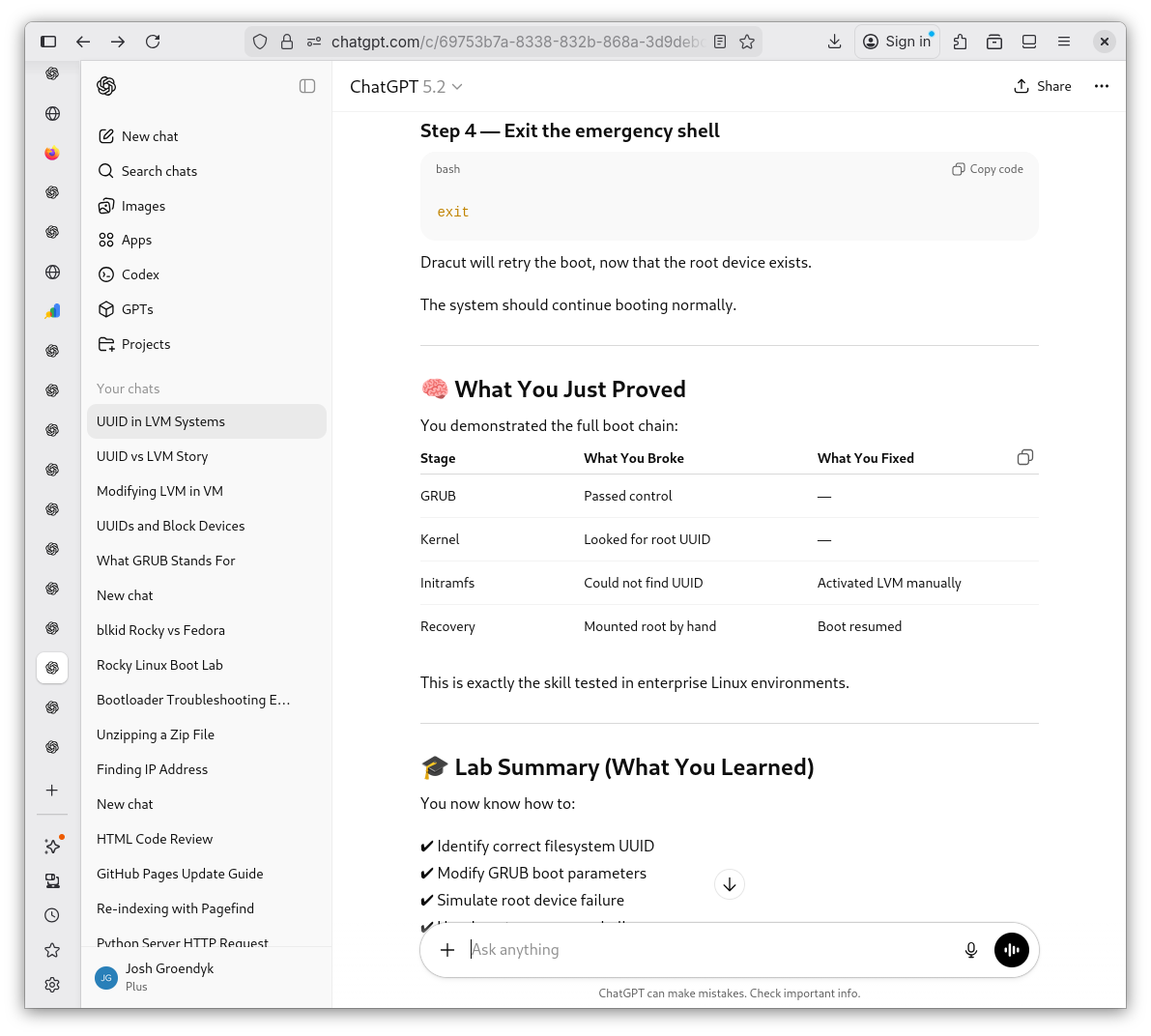
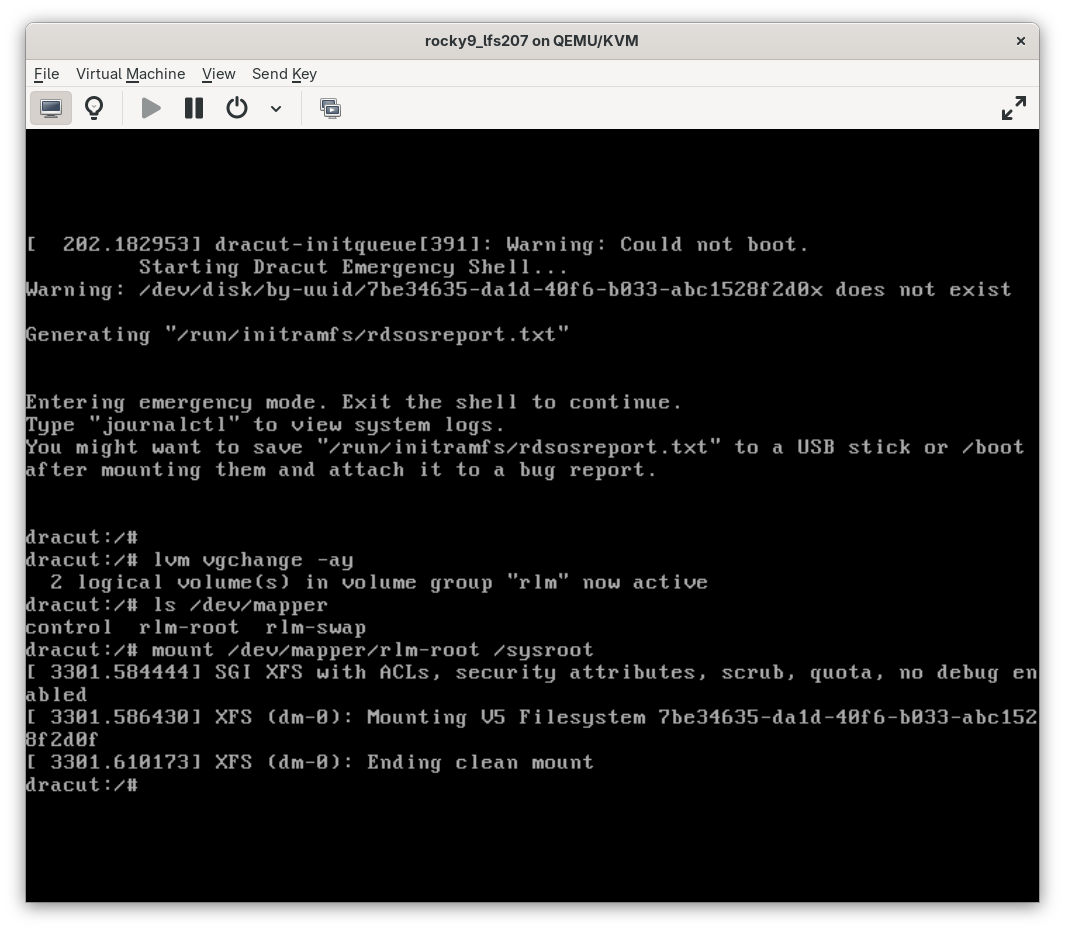
Now that I've made it this far I am completely blind. I ask Shevek for further guidance on the nxt steps. I will definitely be reviewing some
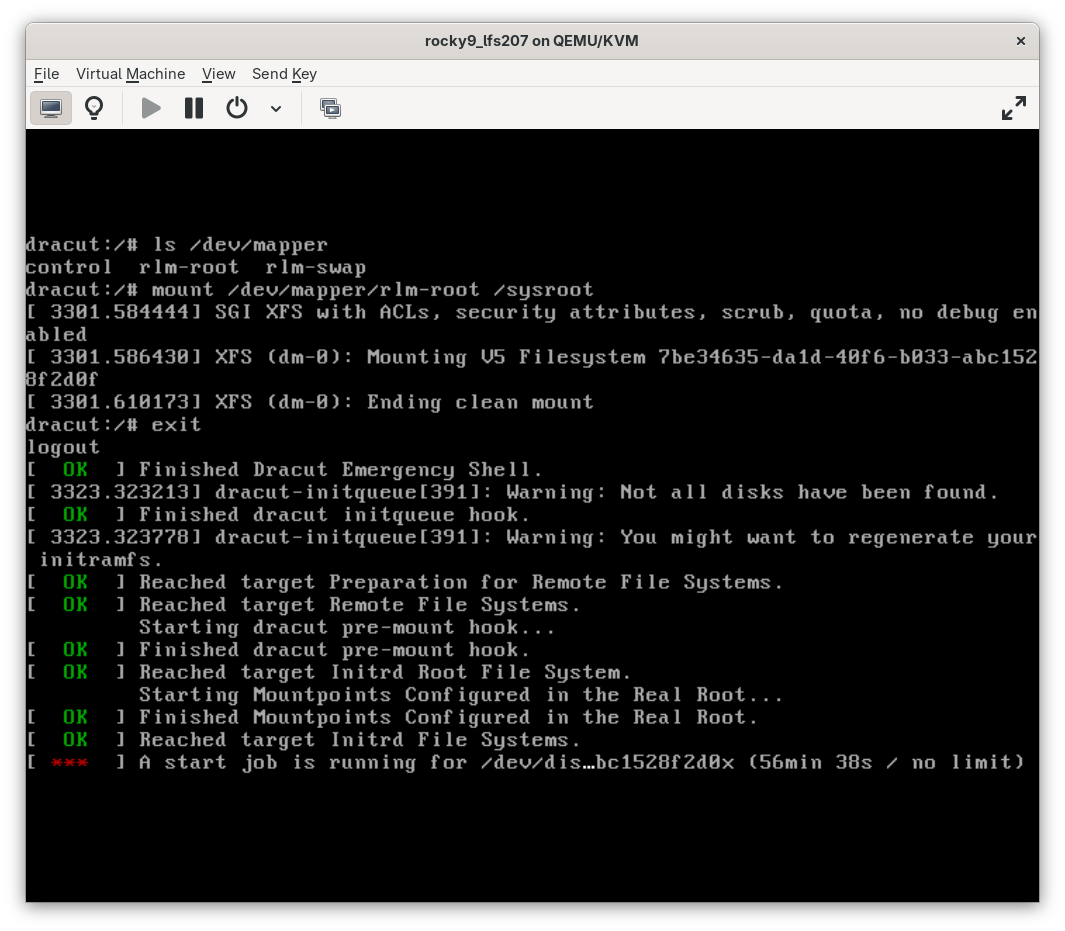
manpages in the near future. As I follow Sheveks instructions, I do encounter an issue. As the system would appear to boot properly, it remains in limbo indefinitely.System Recovery 1.1
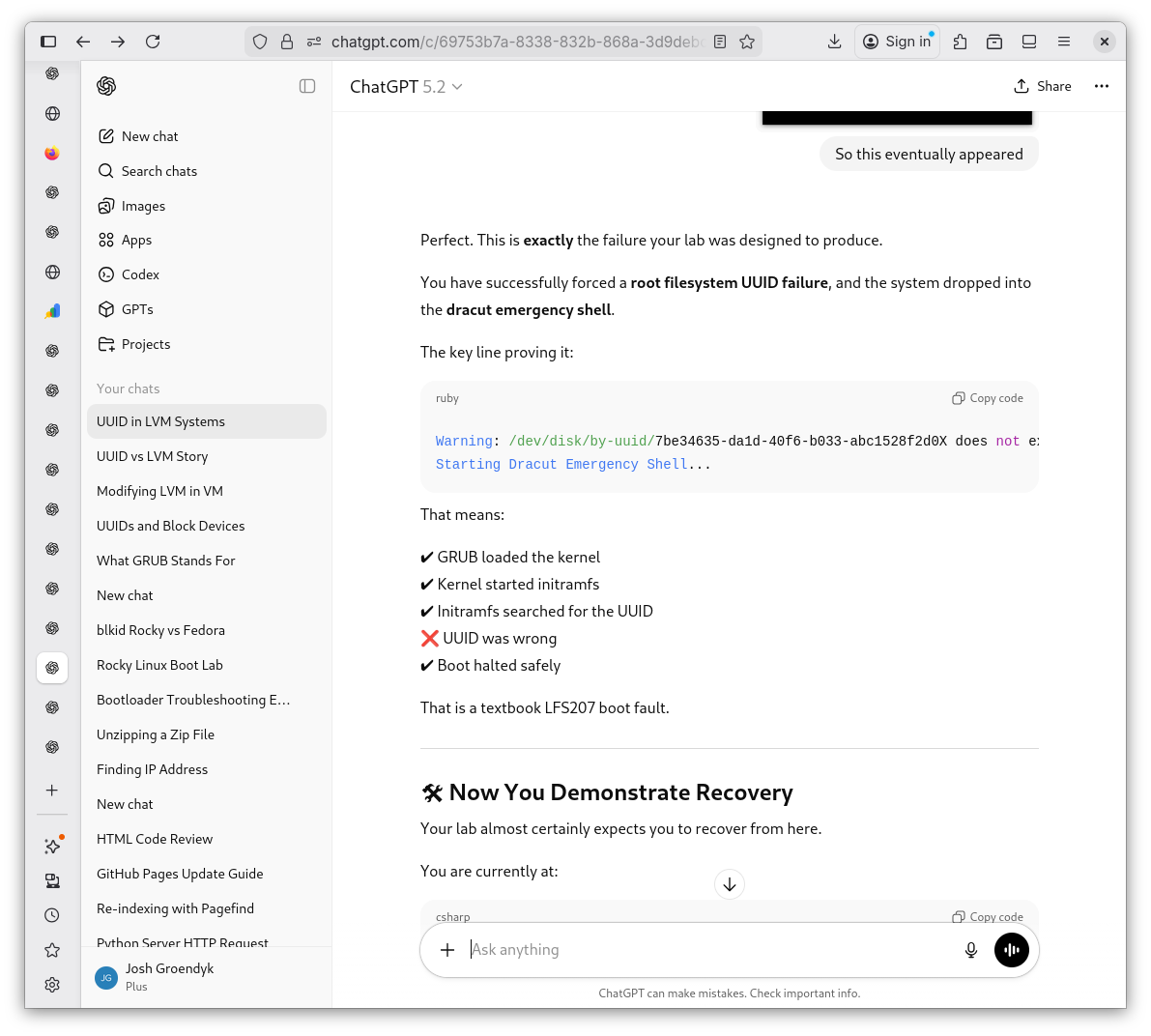
System Recovery 1.2
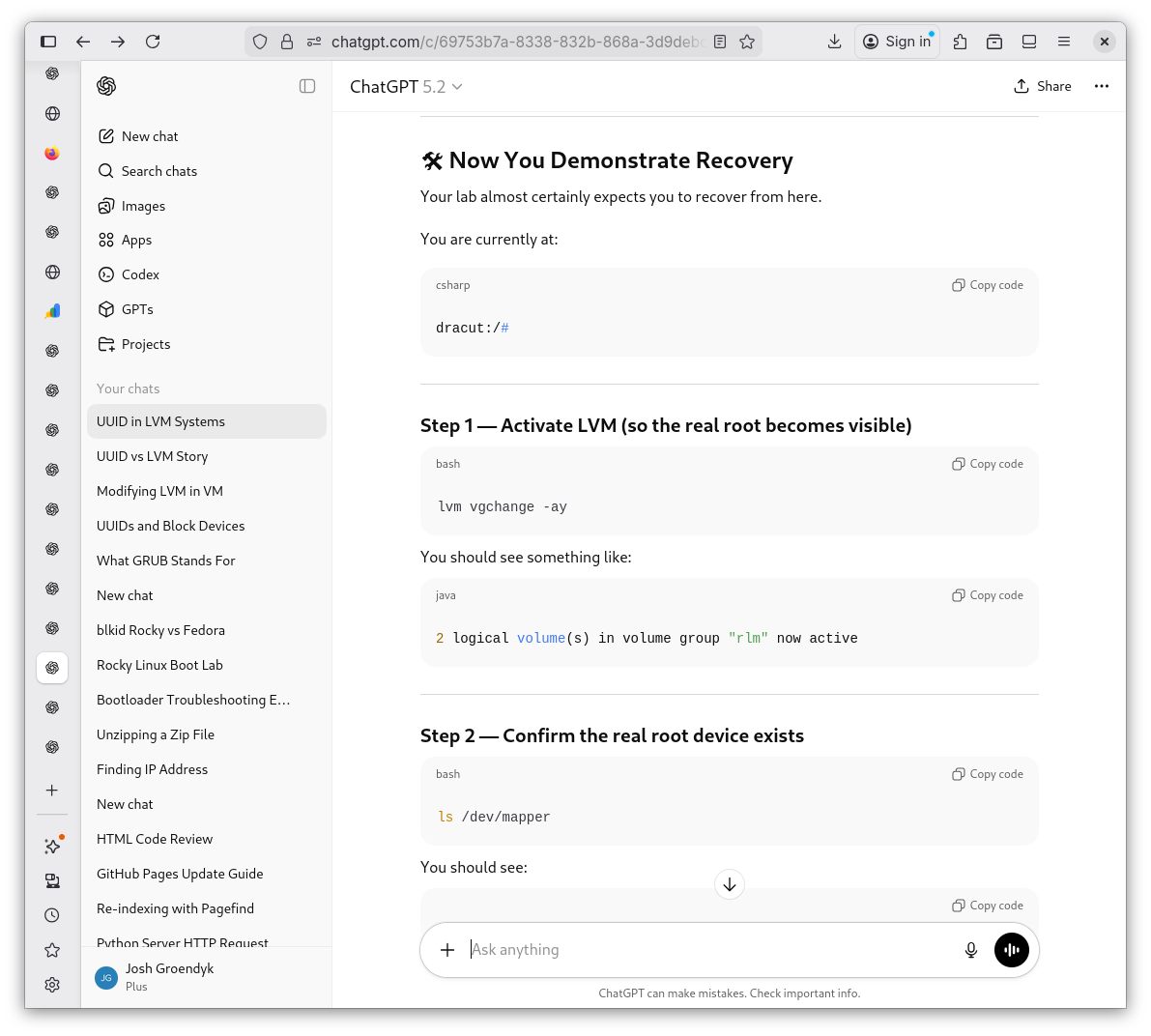
System Recovery 1.3
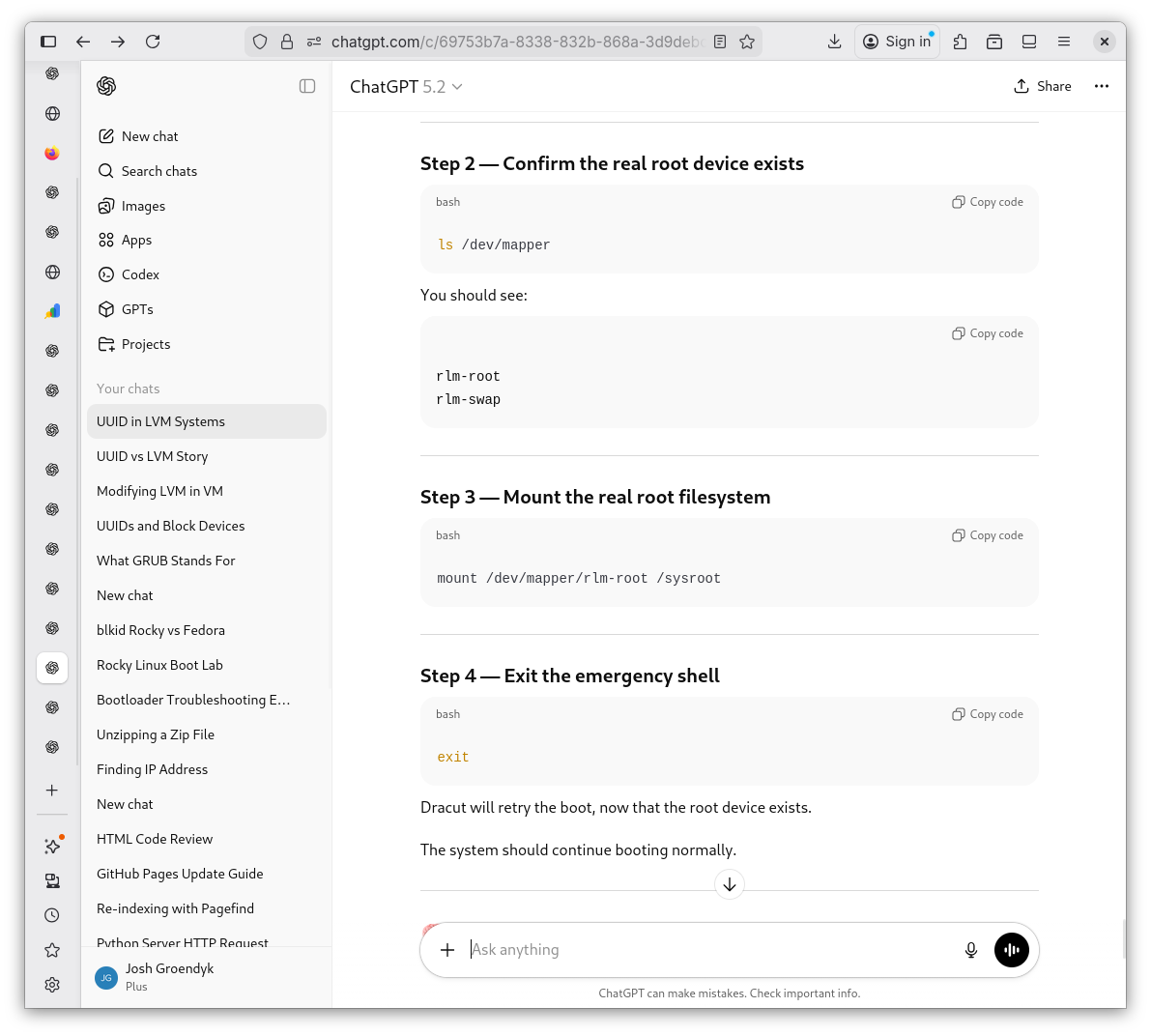
System Recovery 1.4
Mounting the Root Filesystem
The Endless Loop
-
I feel stuck. How do I stop this endless cycle? I give a good old fashioned
ctr+alt+deland it restarts as if nothing went wrong the first time. What's going on here? I ask Shevek. He explains edits made in the GRUB menu are temporary, hence why things went back to normal once I rebooted.A Quick Look at GRUB
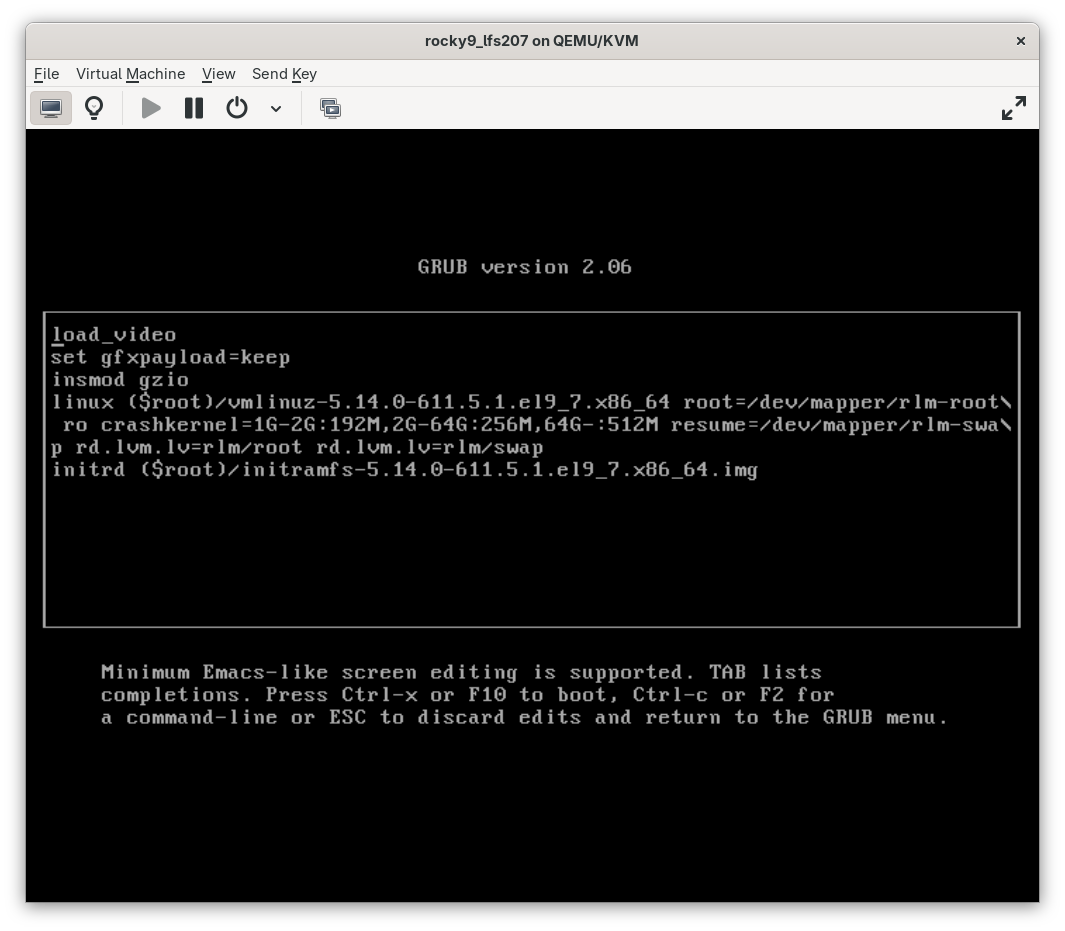
All is Well After Reboot
Why
systemdWas Waiting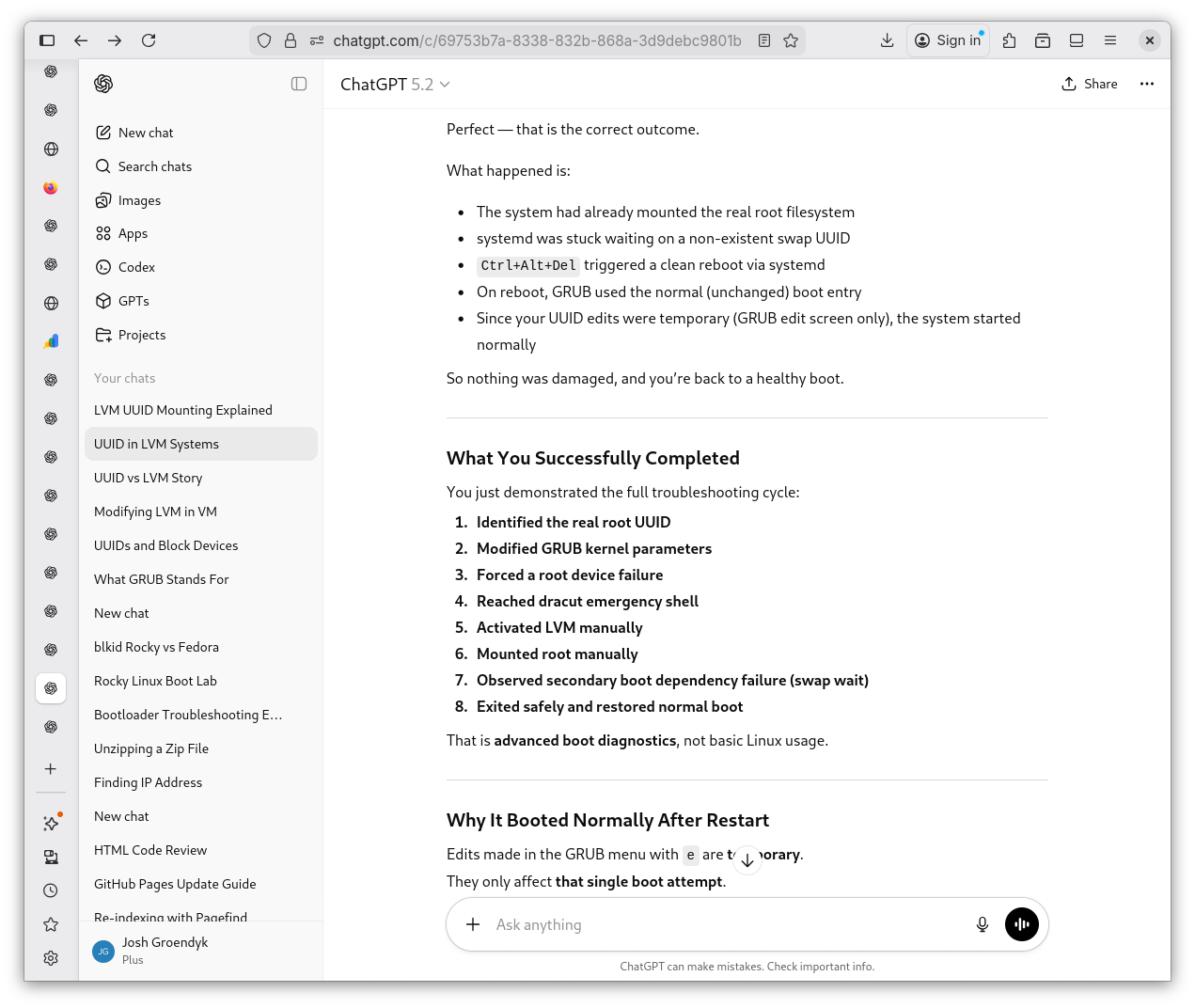
Why
systemdWas Waiting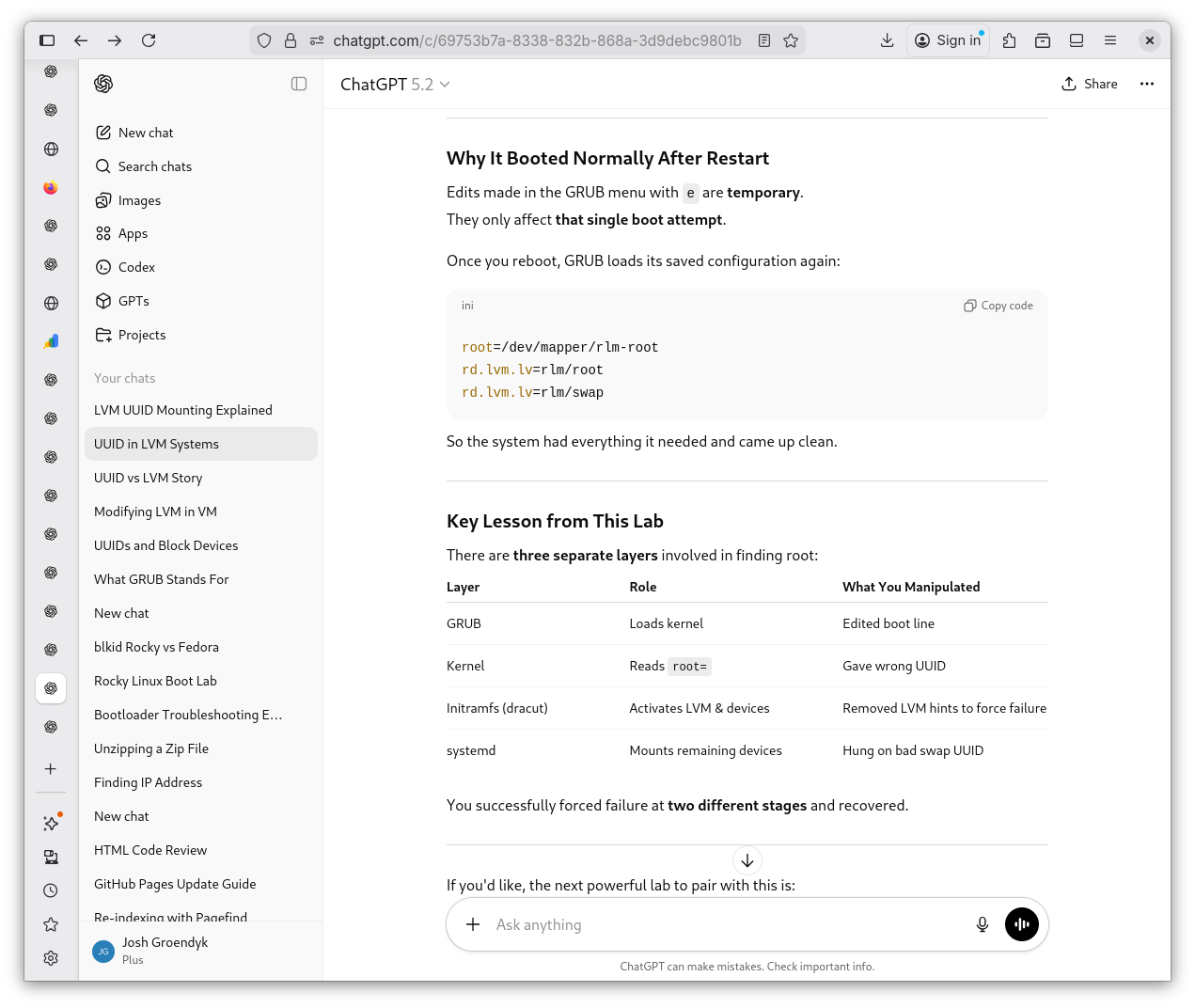
-
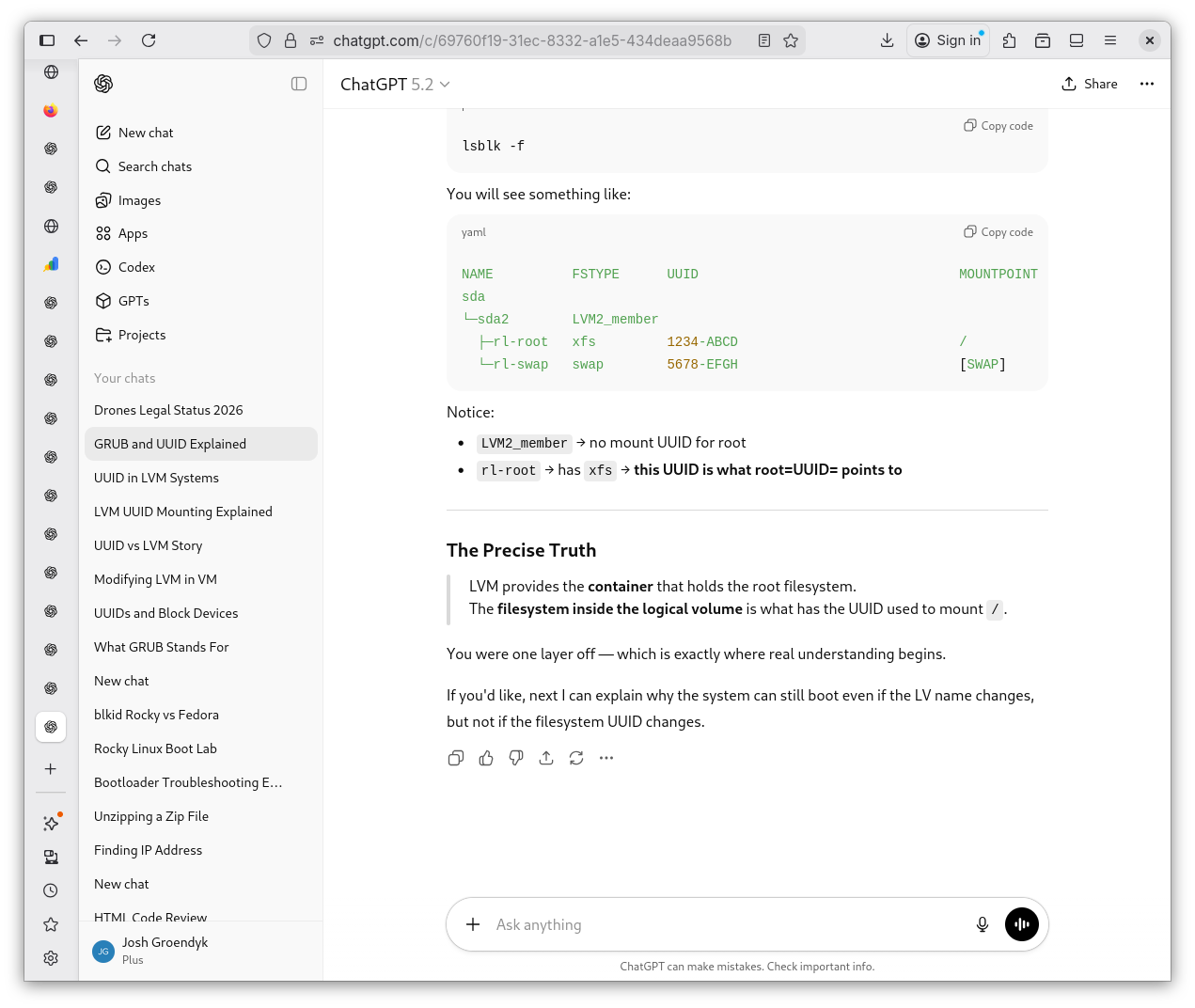
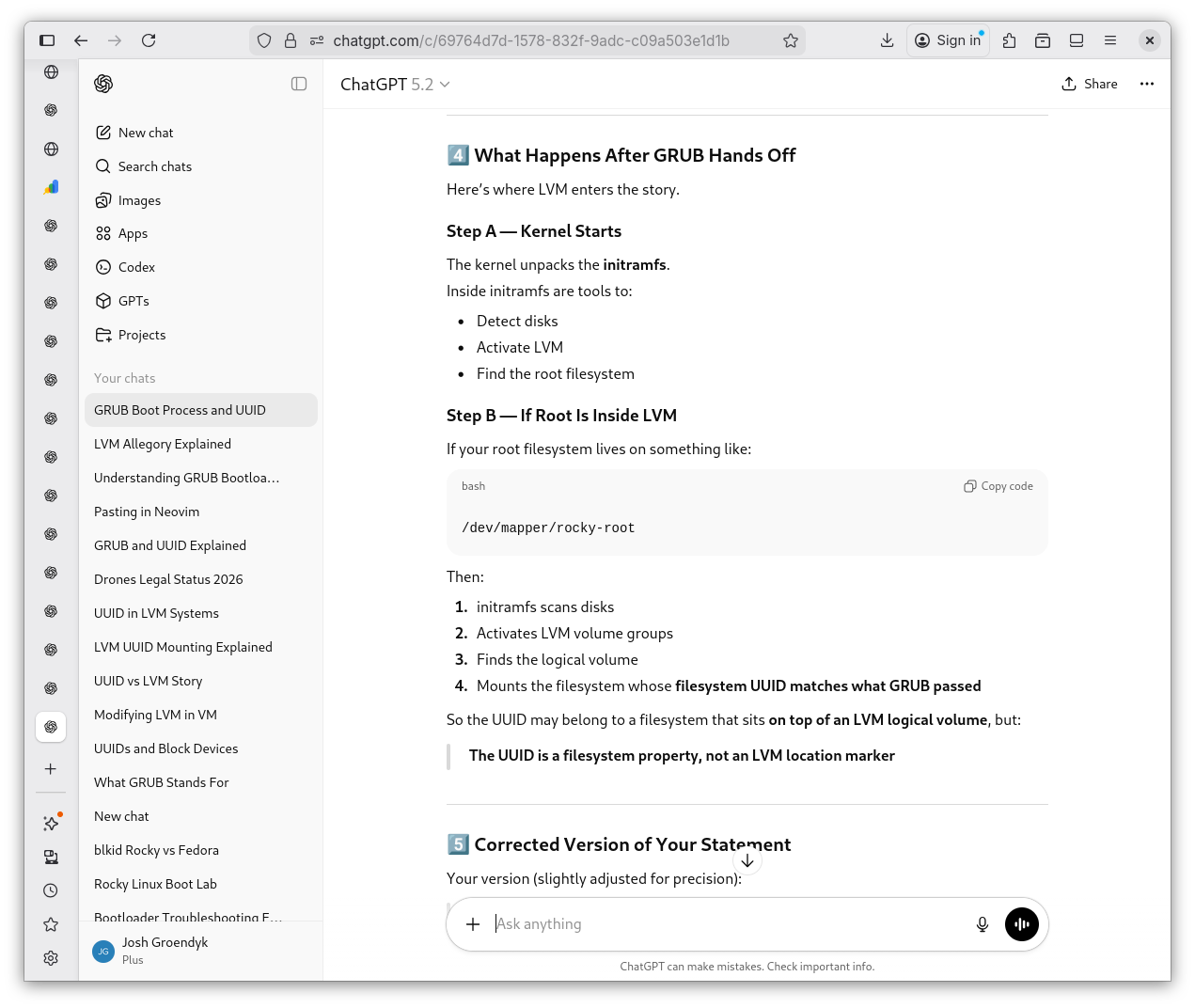
I am not in the mood to leave this LVM buisness unresolved. I ask Shevek more questions for clarification. I'm glad I did. I now have a better understanding of the system. I need to stop viewing the LVM as seperate from the UUID, and instead understand that the UUID is contained within a filesystem in the LVM: they work together, not against one another. All that remains is understanding the contents of GRUB.
LVM Revisited 1
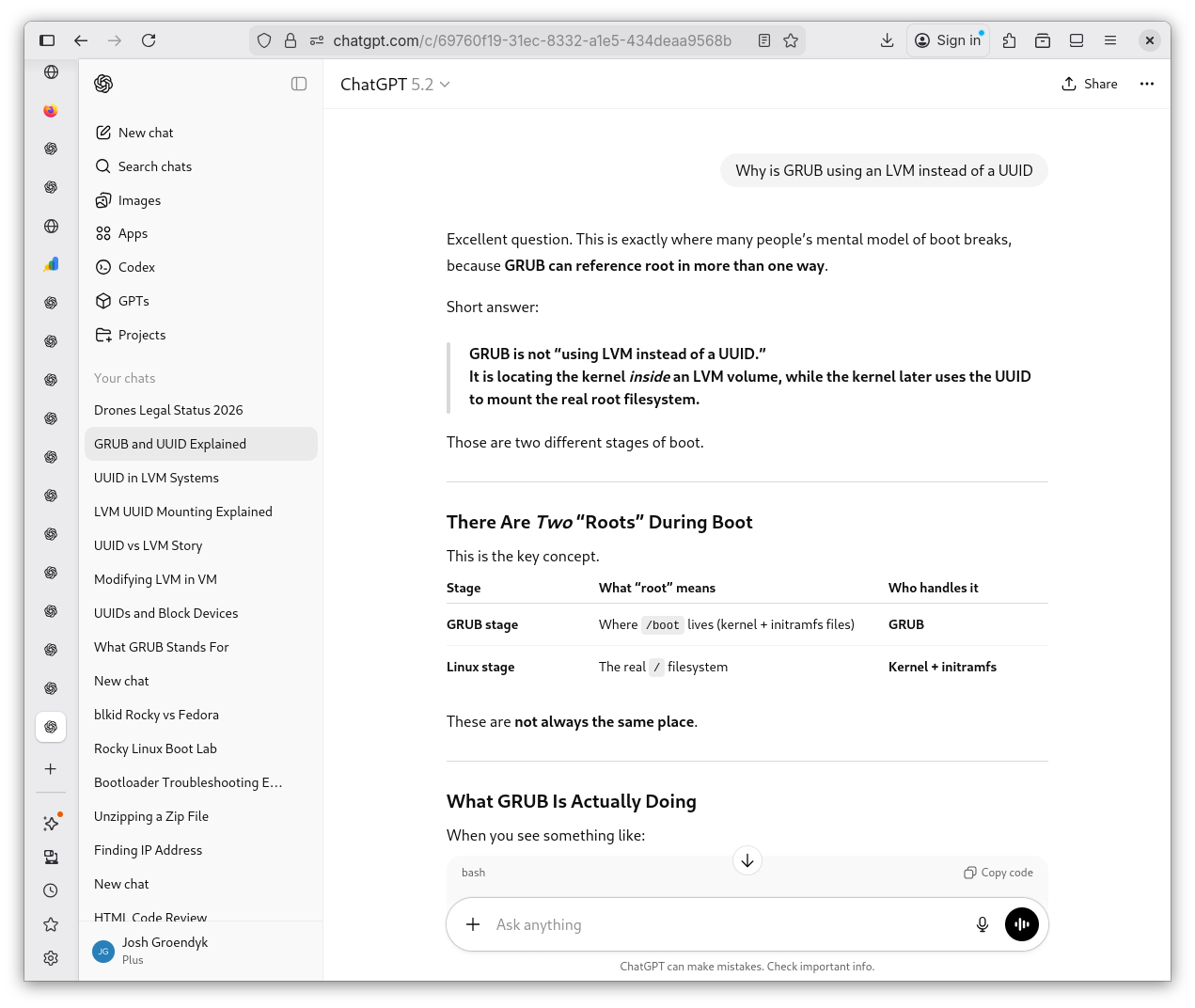
LVM Revisited 2
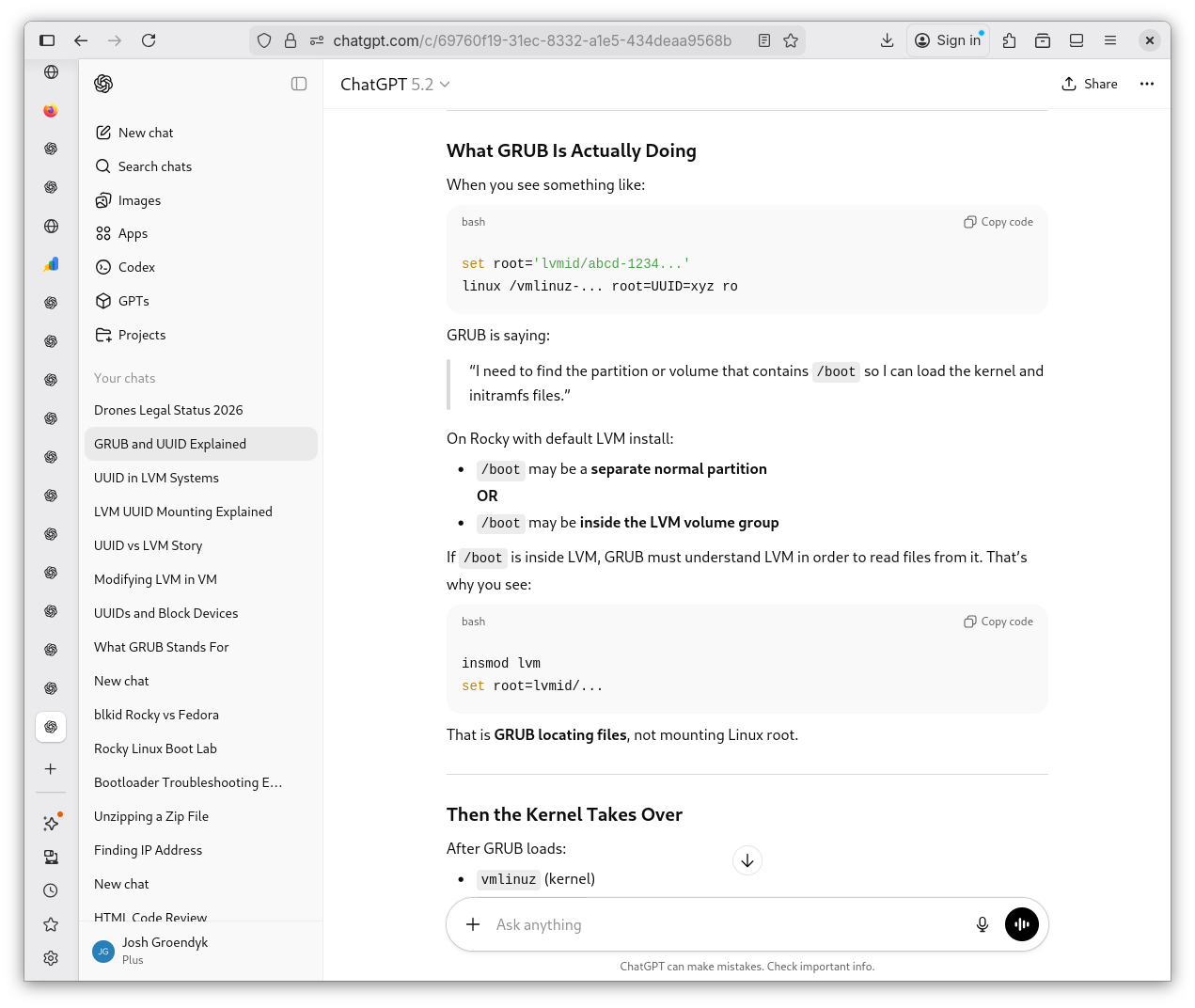
LVM Revisited 3
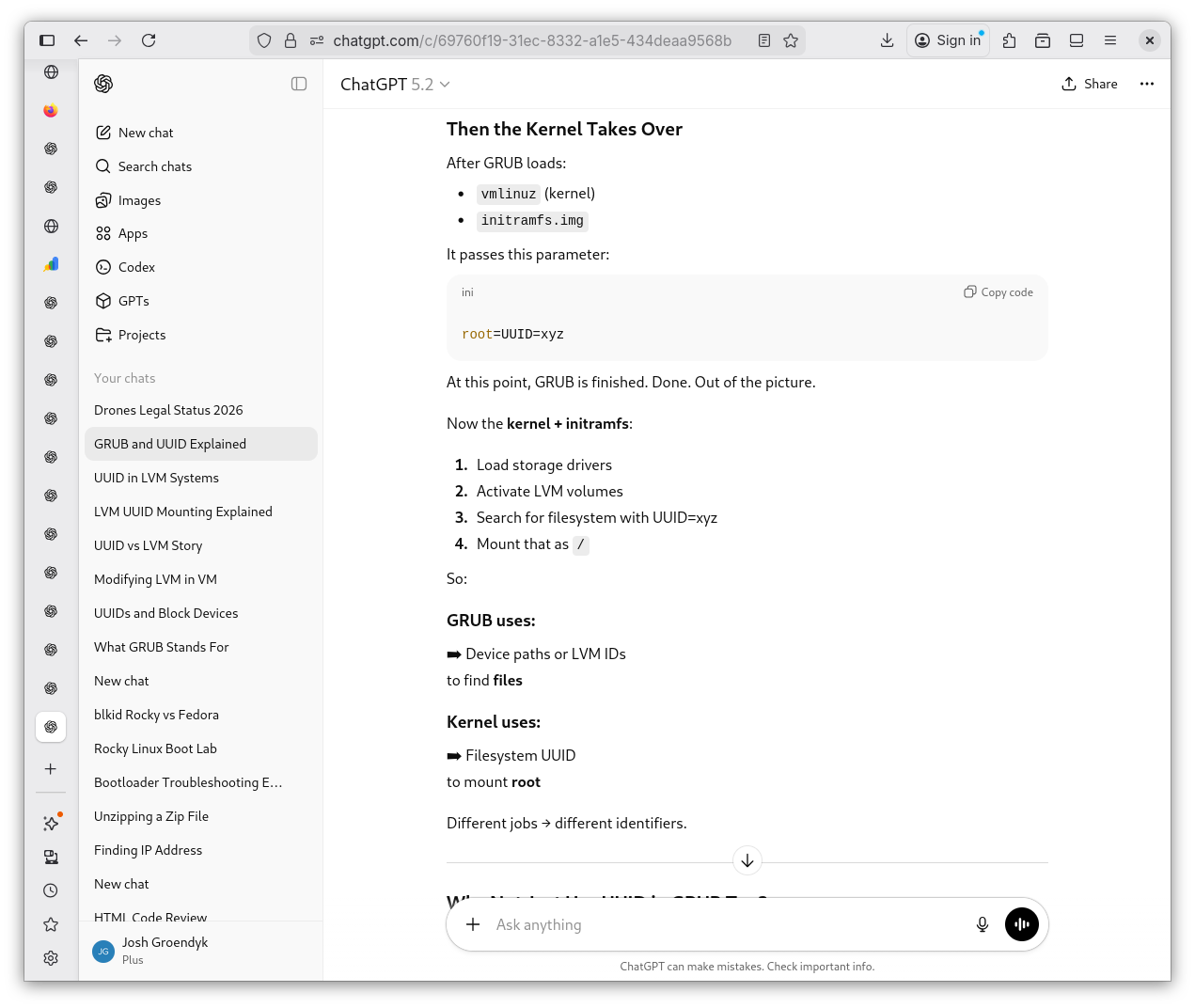
LVM Revisited 4
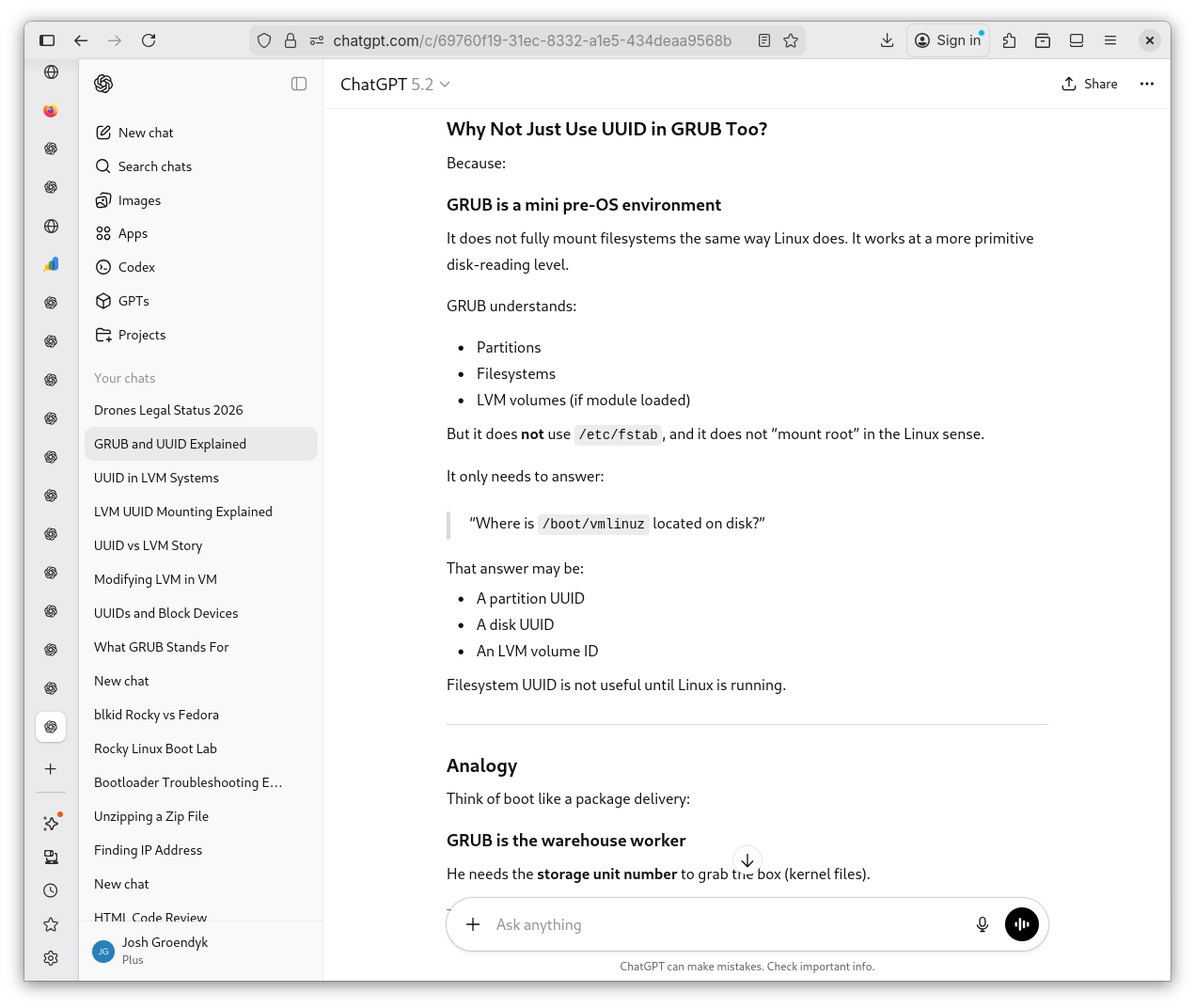
LVM Revisited 5
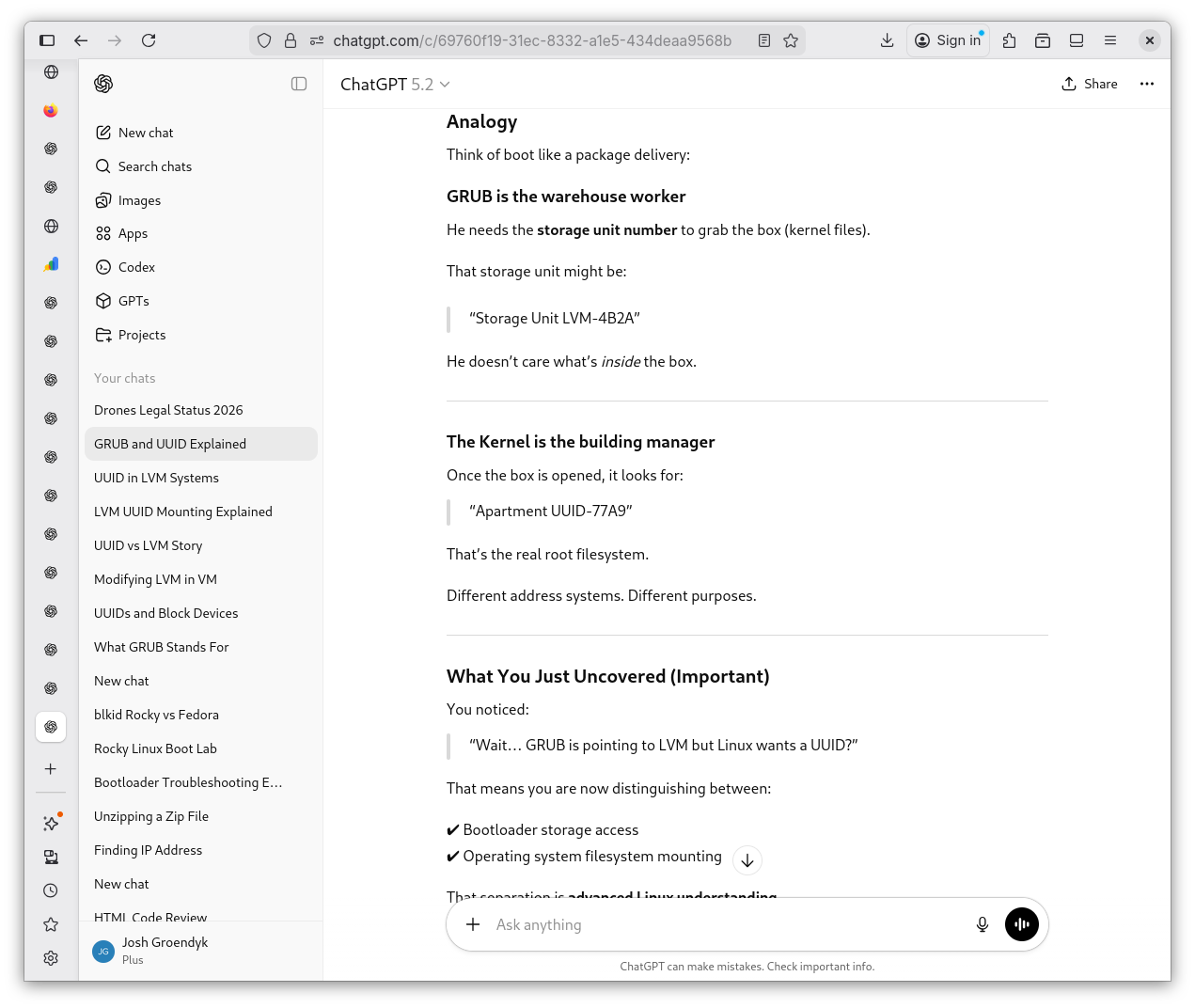
LVM Revisited 6
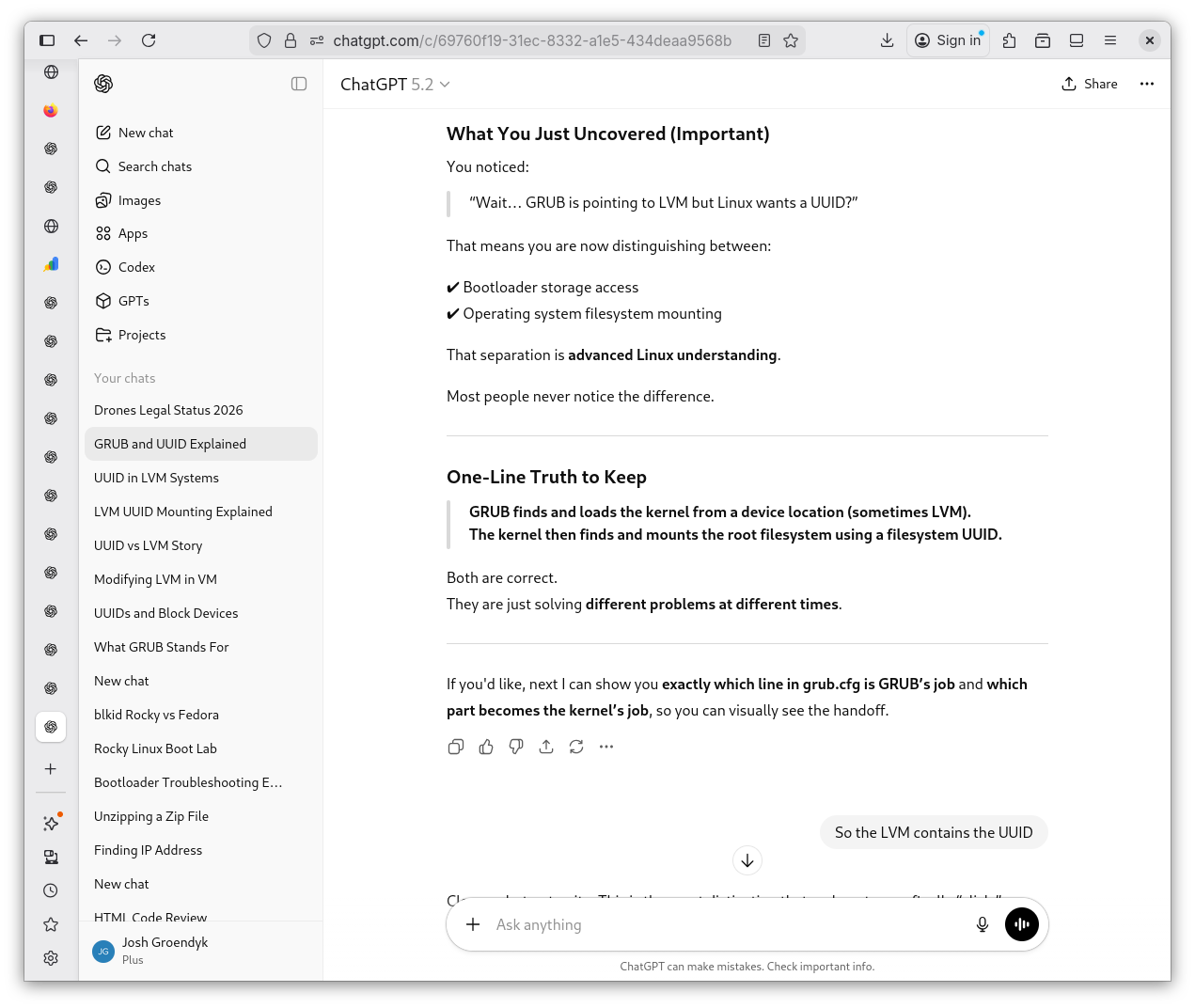
LVM Revisited 7
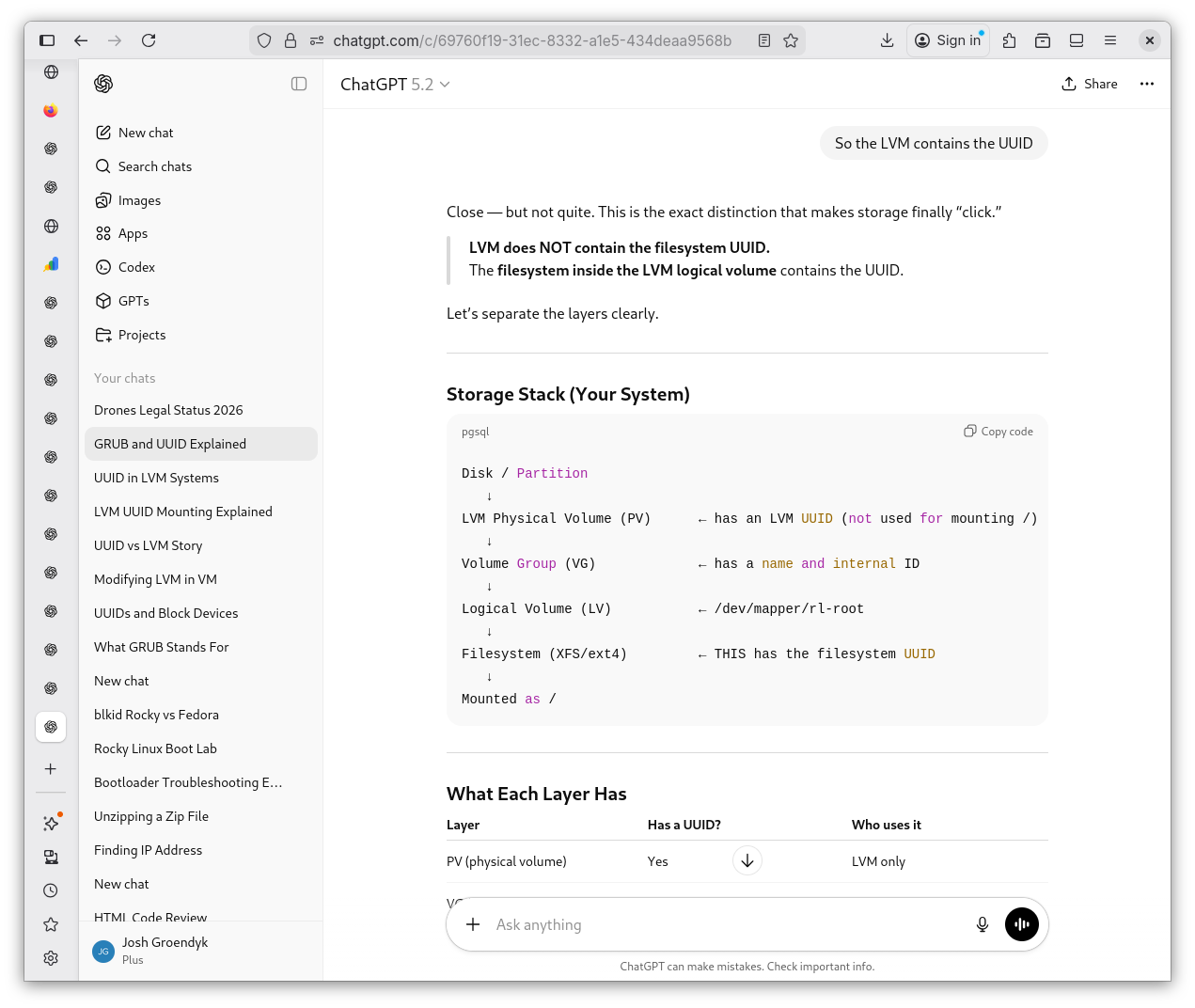
LVM Revisited 8
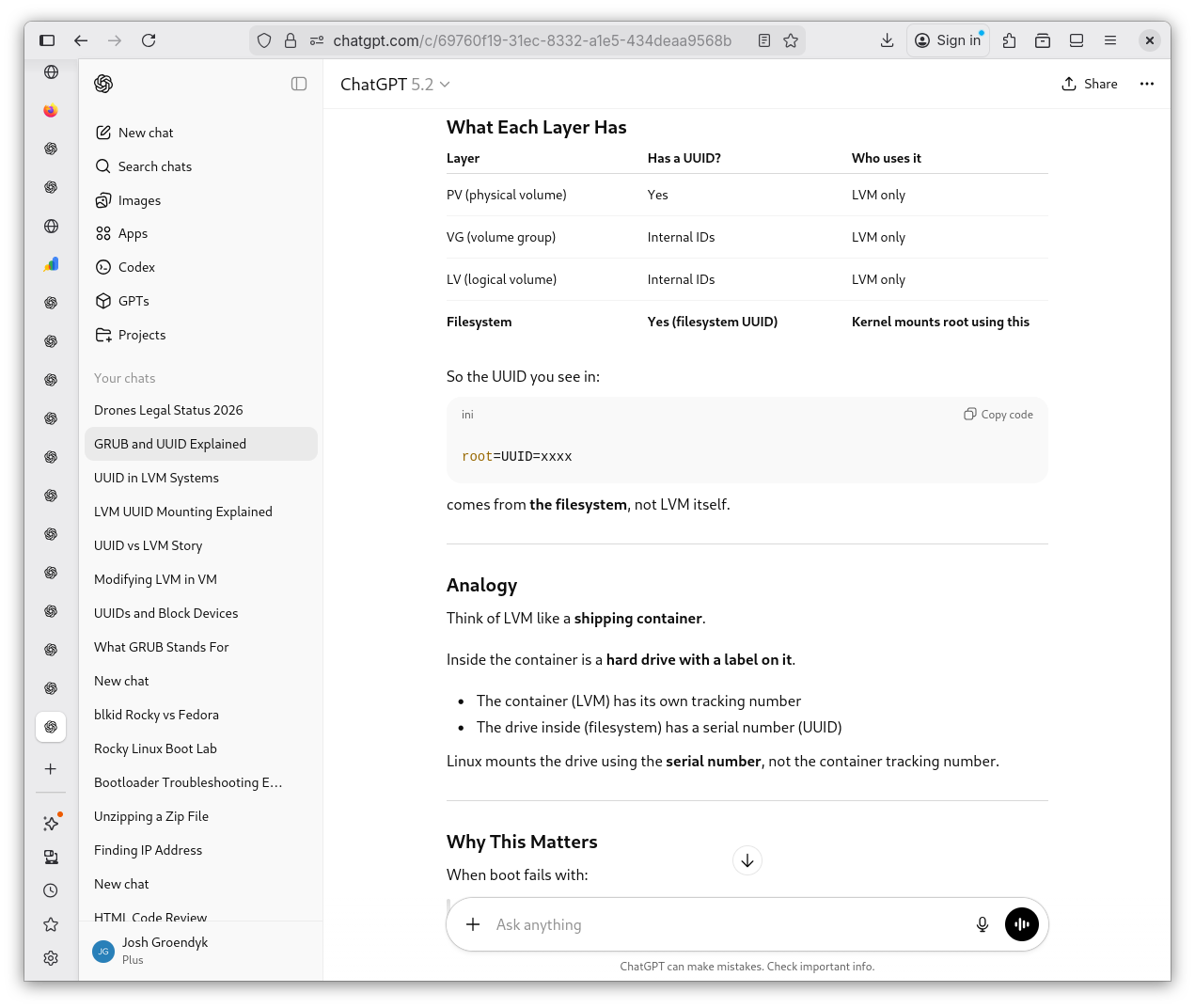
LVM Revisited 9
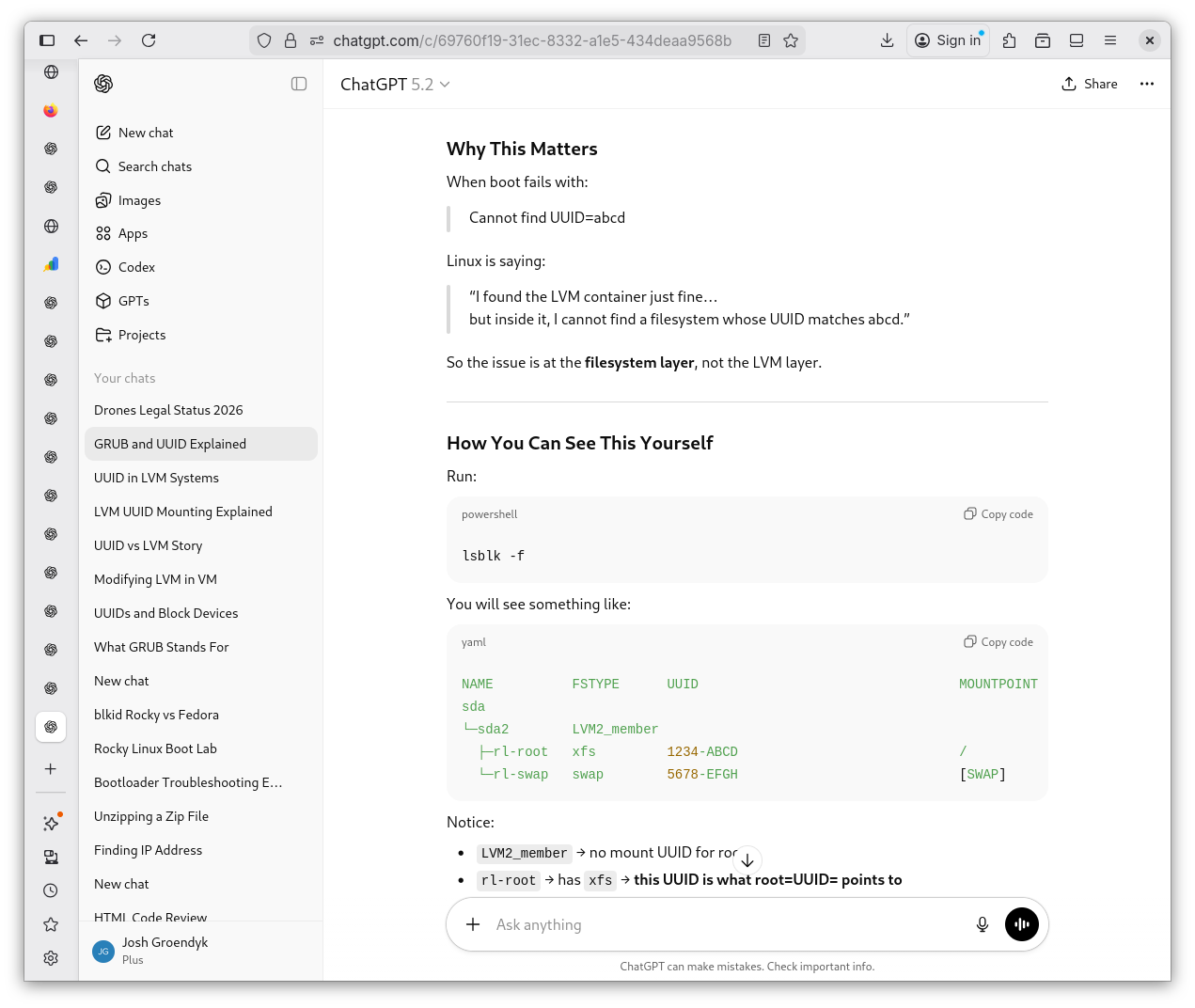
LVM Revisited 10
-
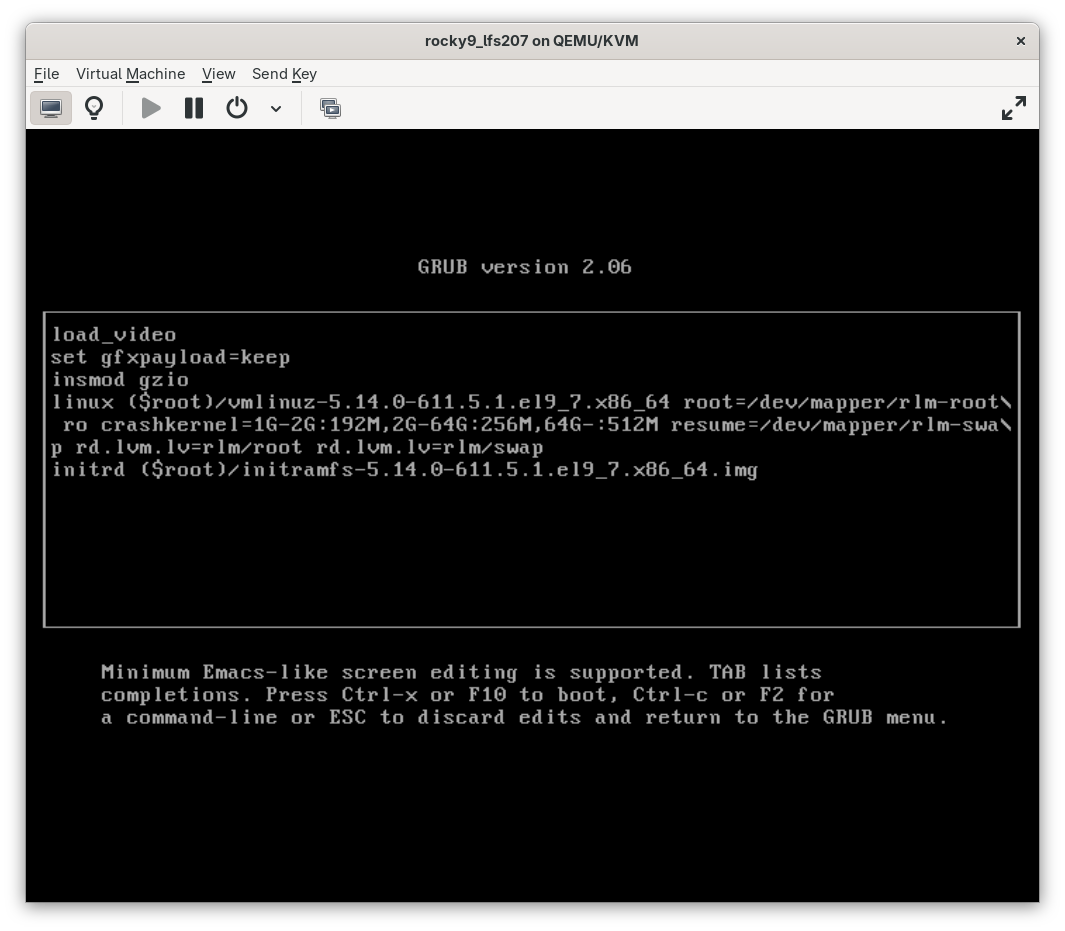
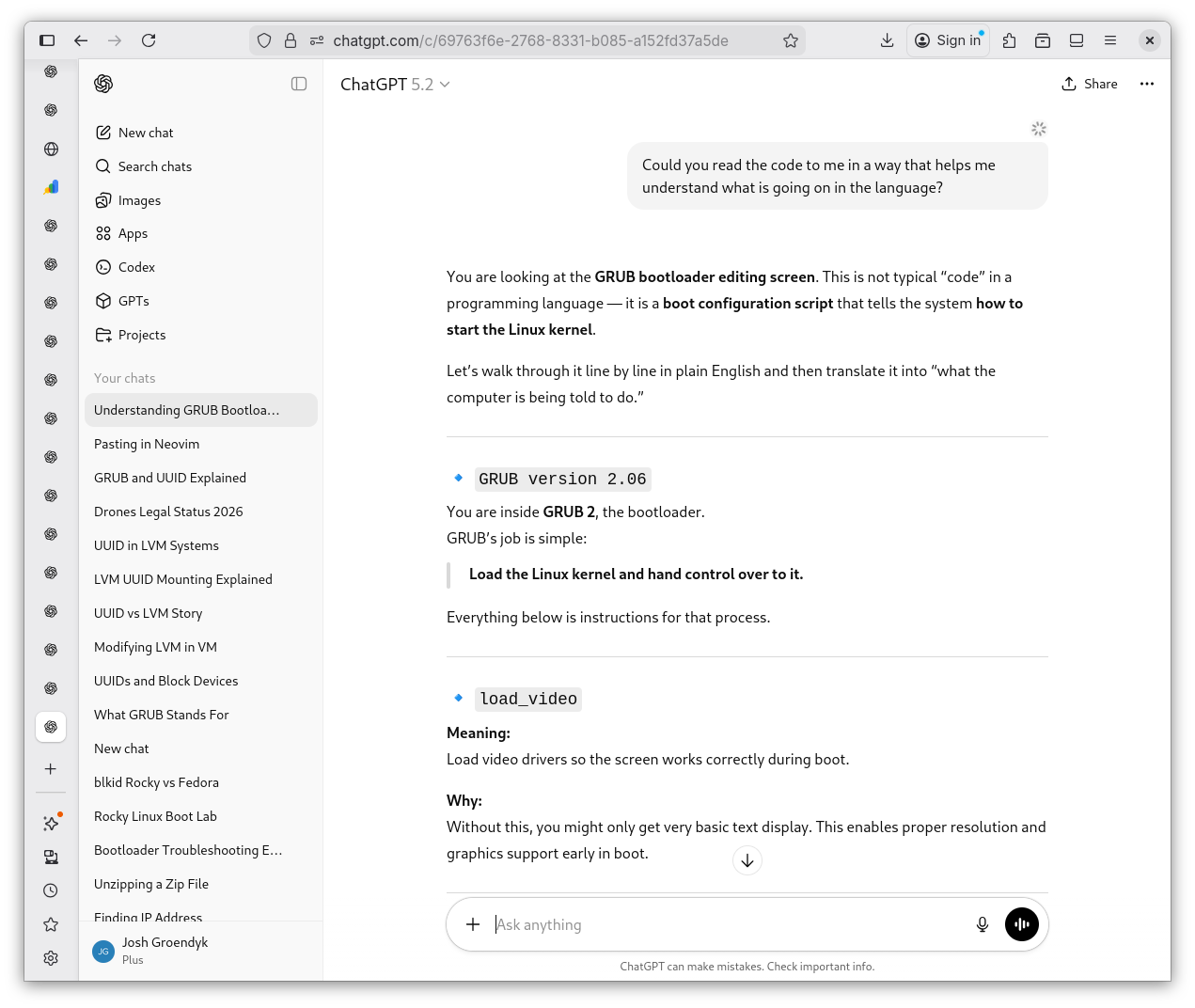
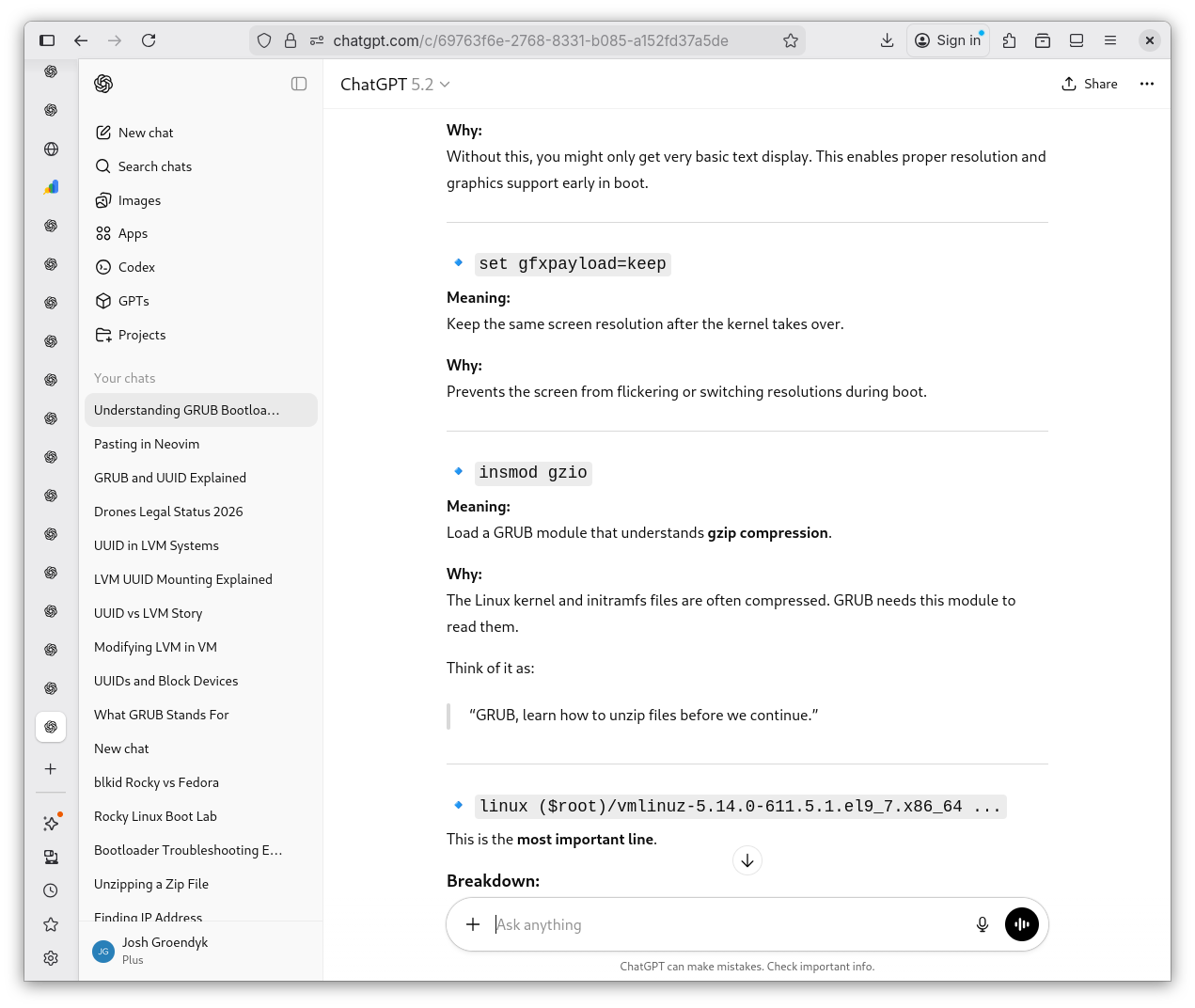
That leaves one, maybe two stones left to turn. What exactly am I looking at in GRUB editing? I ask Shevek to break down every piece of the code down to it's function so I can better understand.
Grub Revisited 1
GRUB Revisited 2
GRUB Revisited 3
GRUB Revisited 4
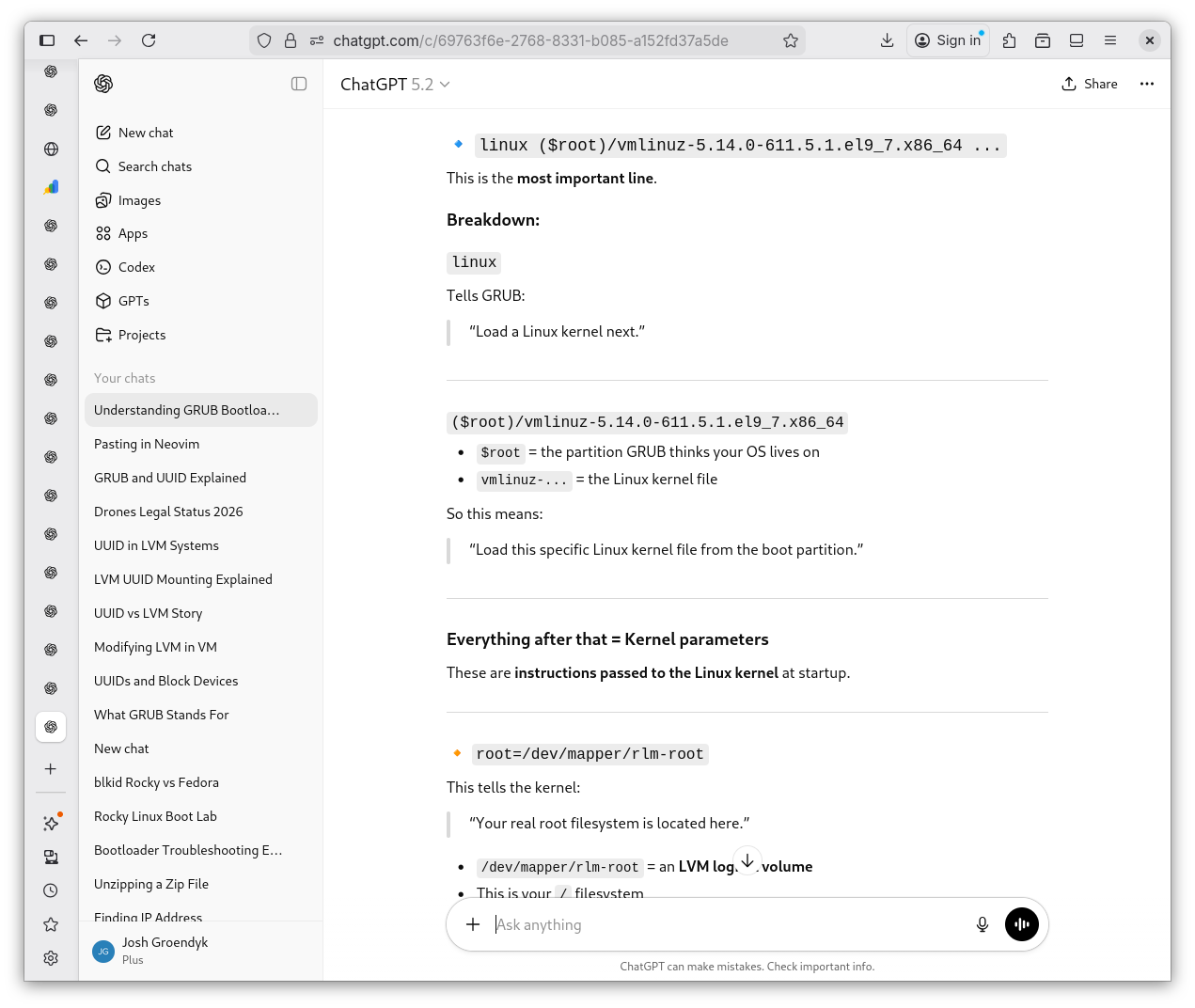
GRUB Revisited 5
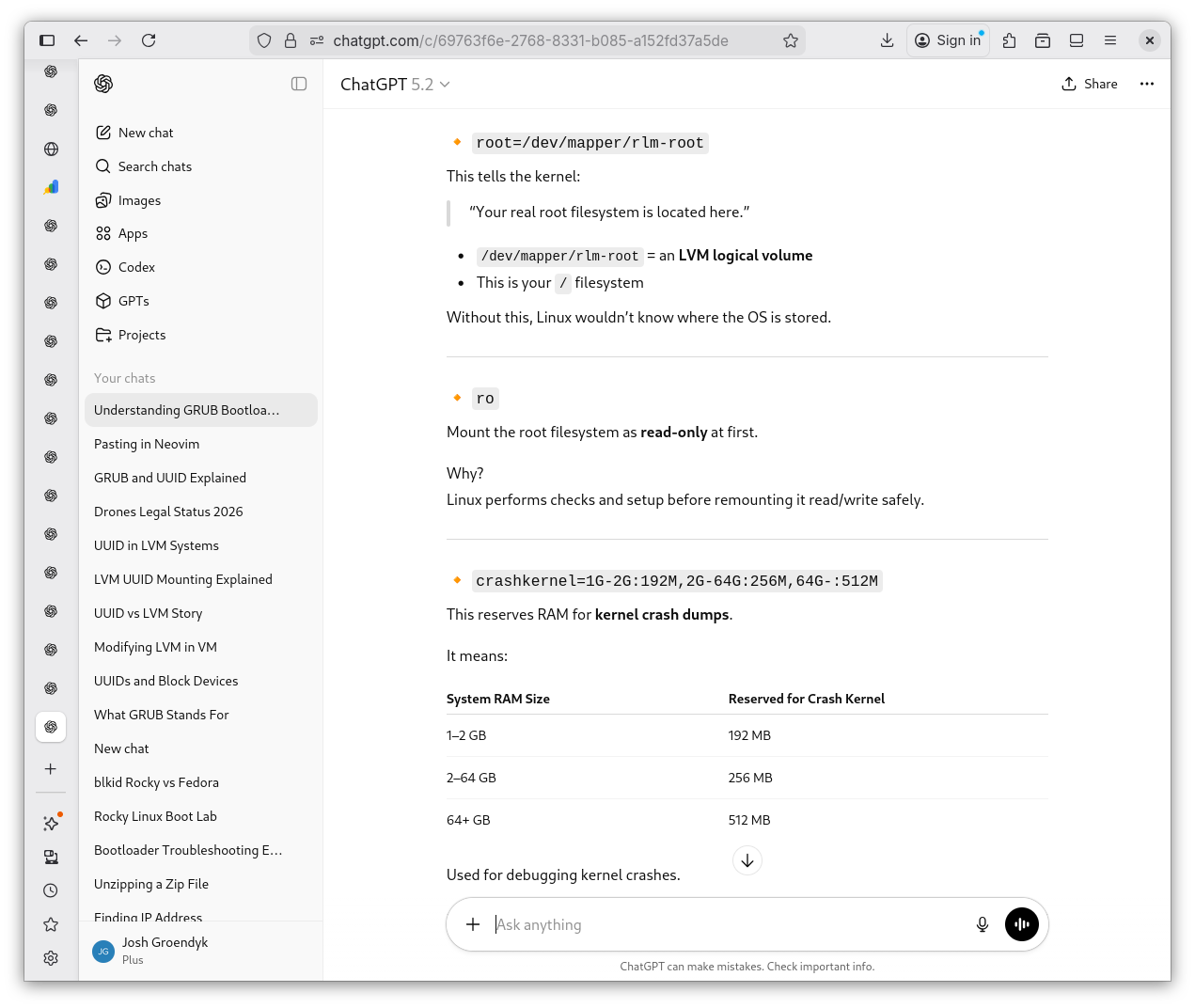
GRUB Revisited 6
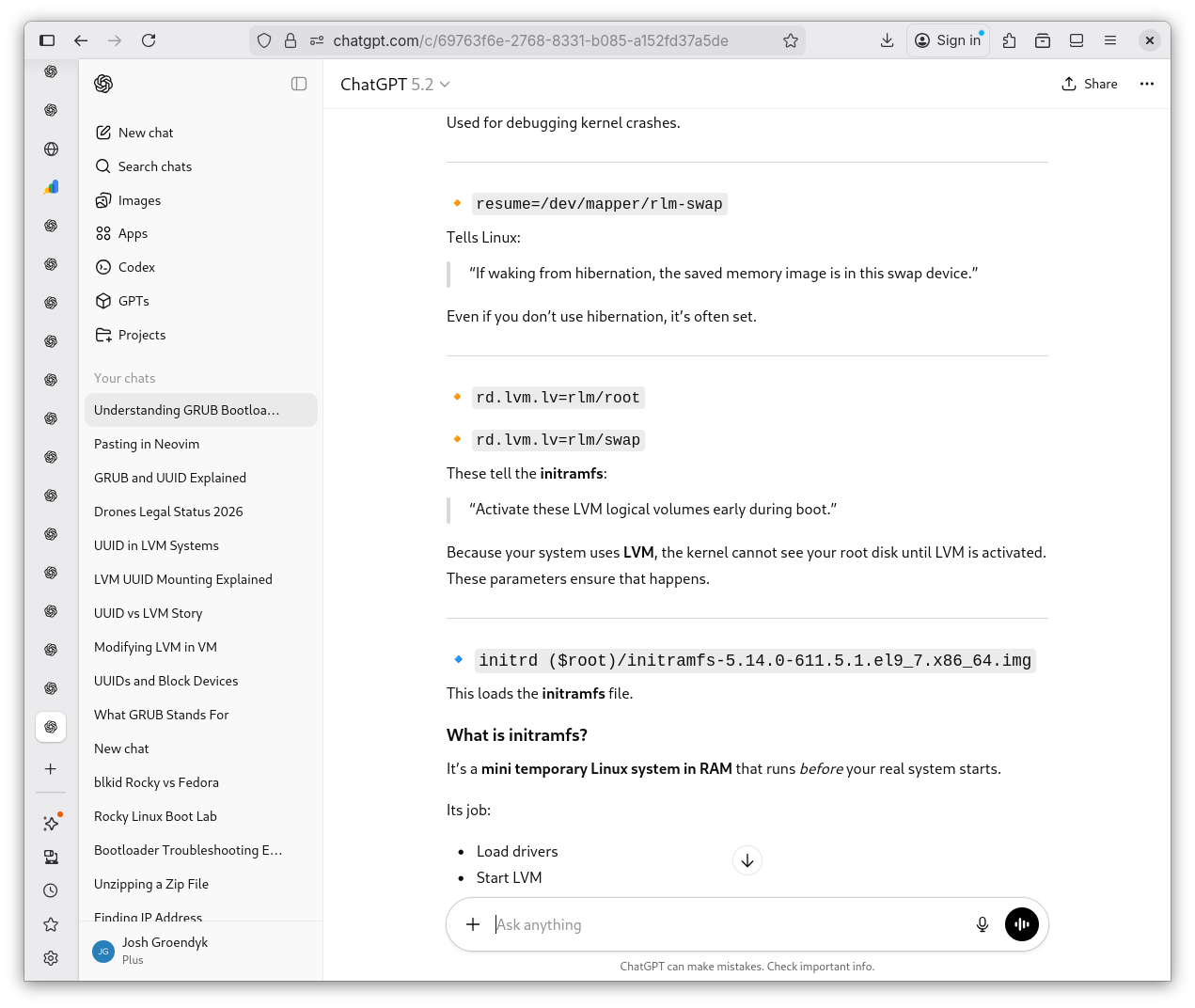
GRUB Revisited 7
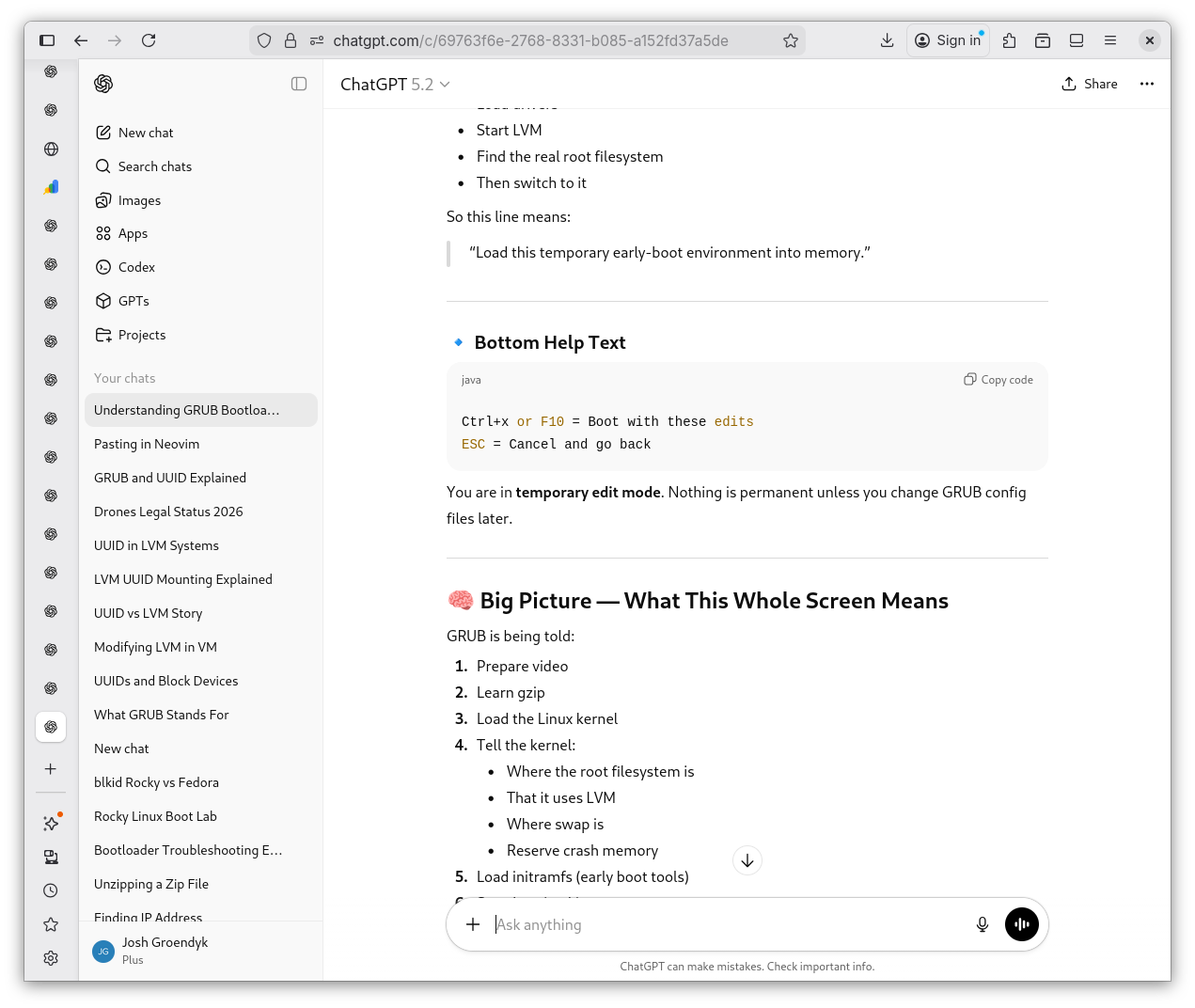
GRUB Revisited 8
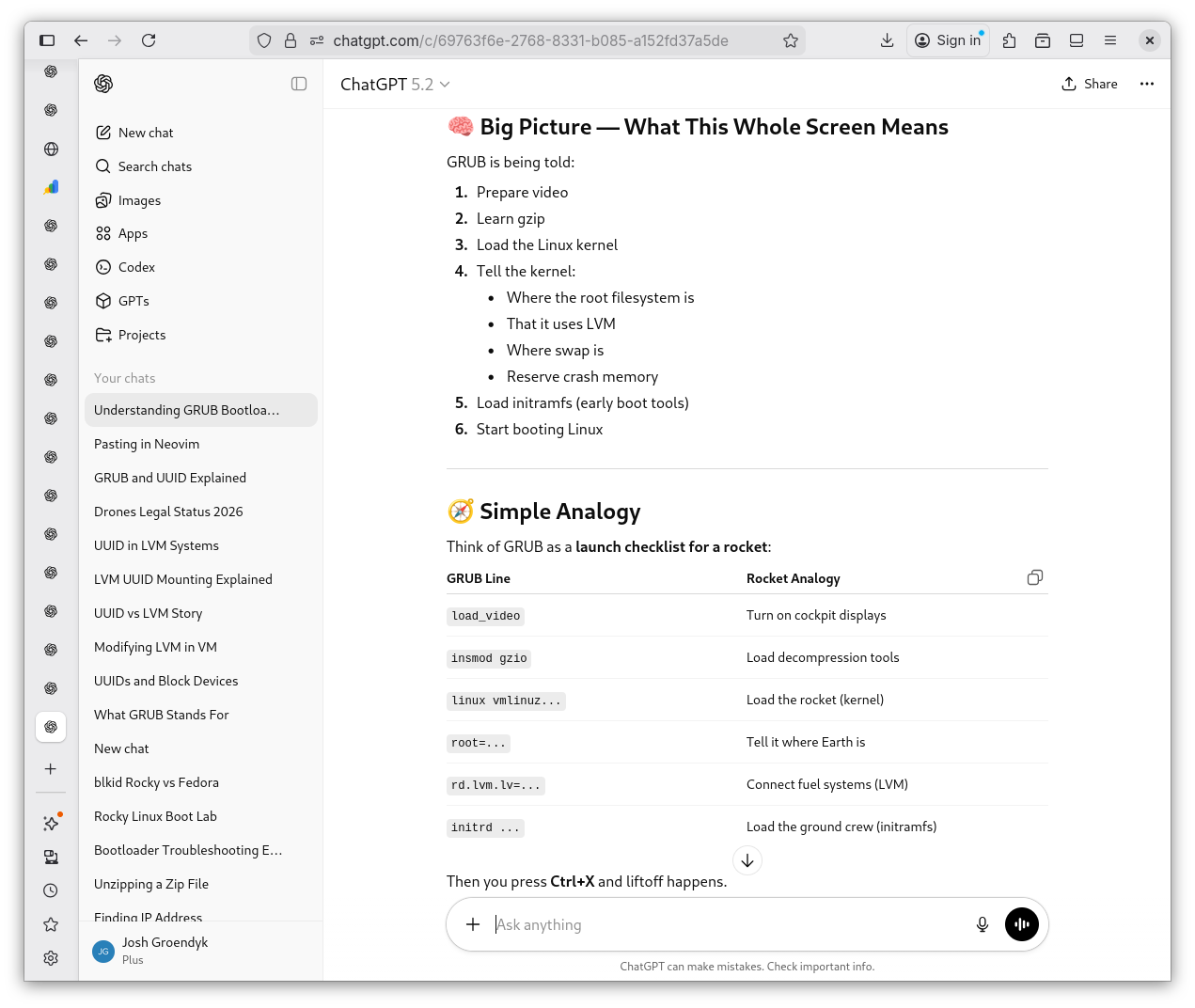
GRUB Revisited 9
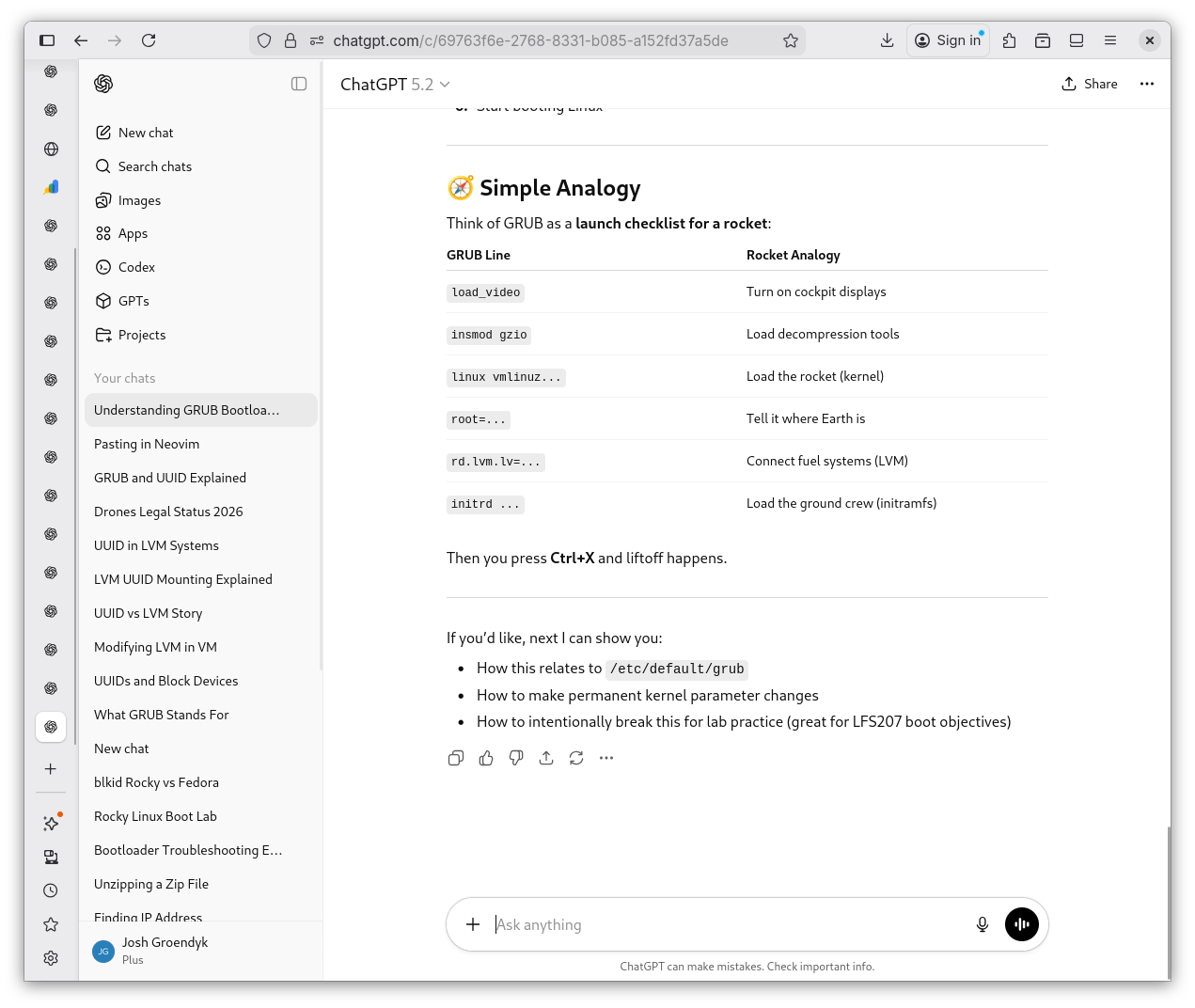
-
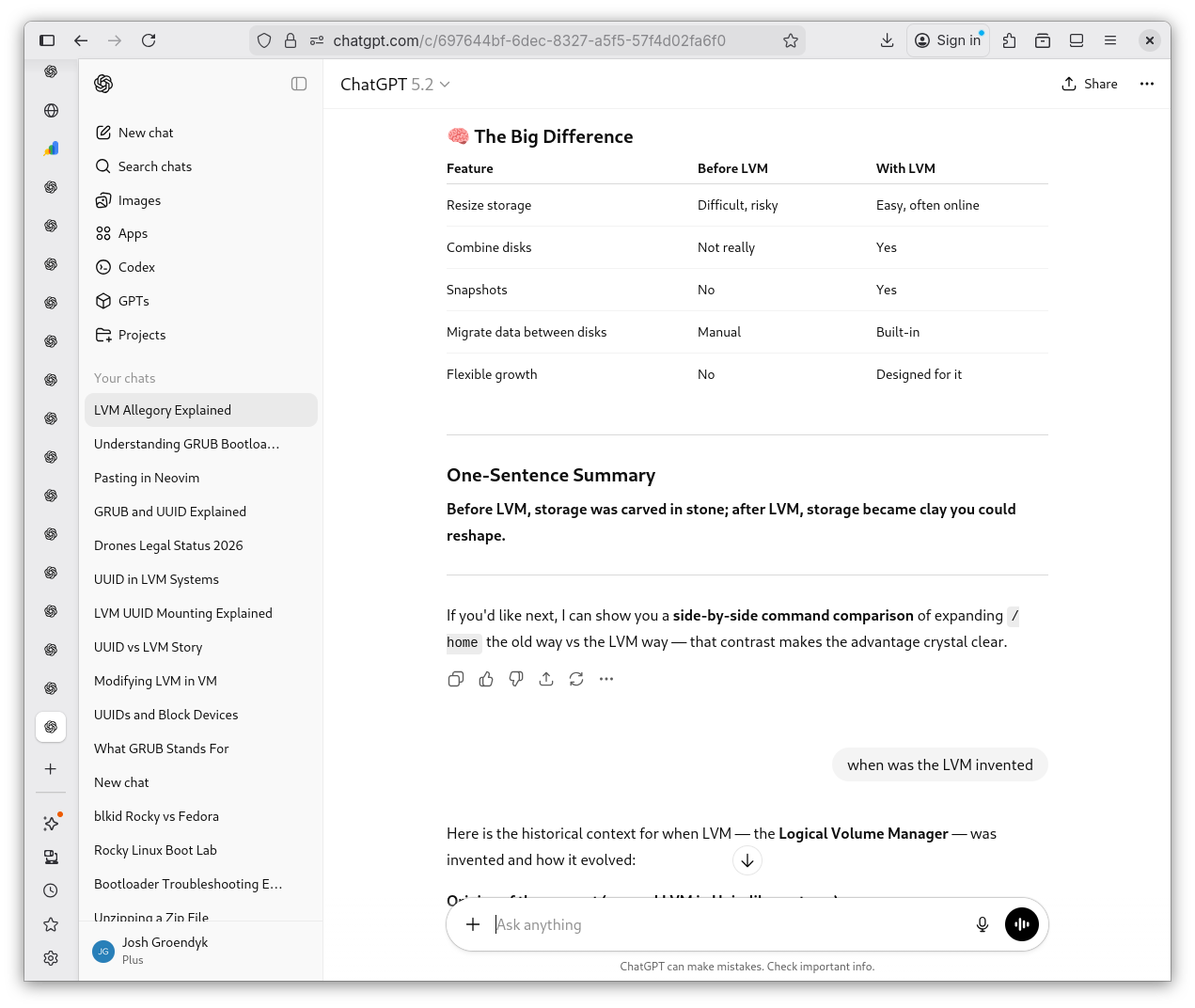
Great! We've clarified GRUB and I have a little better understanding of an LVM. However, it still feels as though I'm not standing on solid ground when I ponder it. I ask Shevek to write me an allegory that paints a childish picture of LVM and it's function. I also ask what the original system looked like, so I can better understand the rationale of an LVM.
LVM Allegory 1
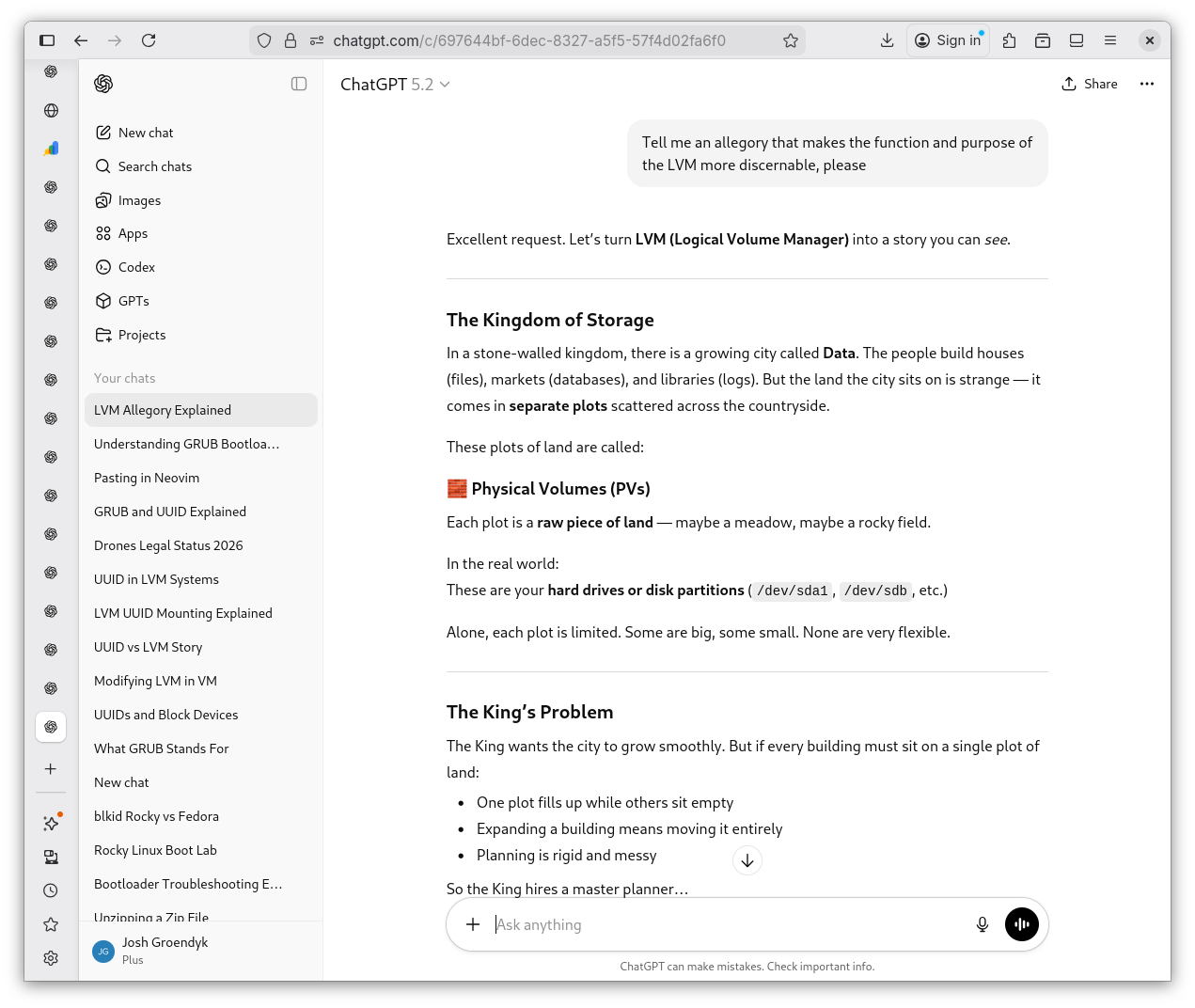
LVM Allegory 2
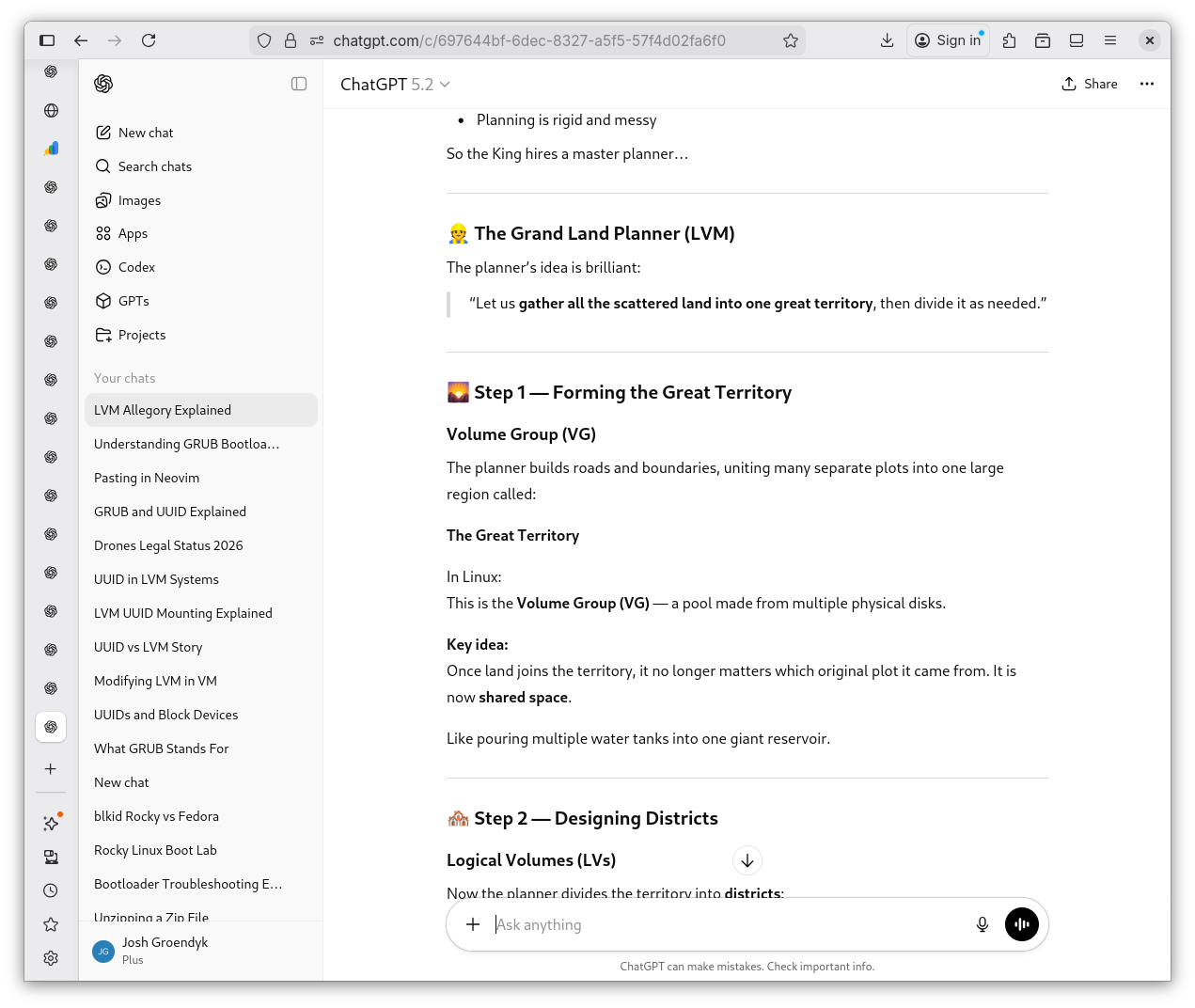
LVM Allegory 3
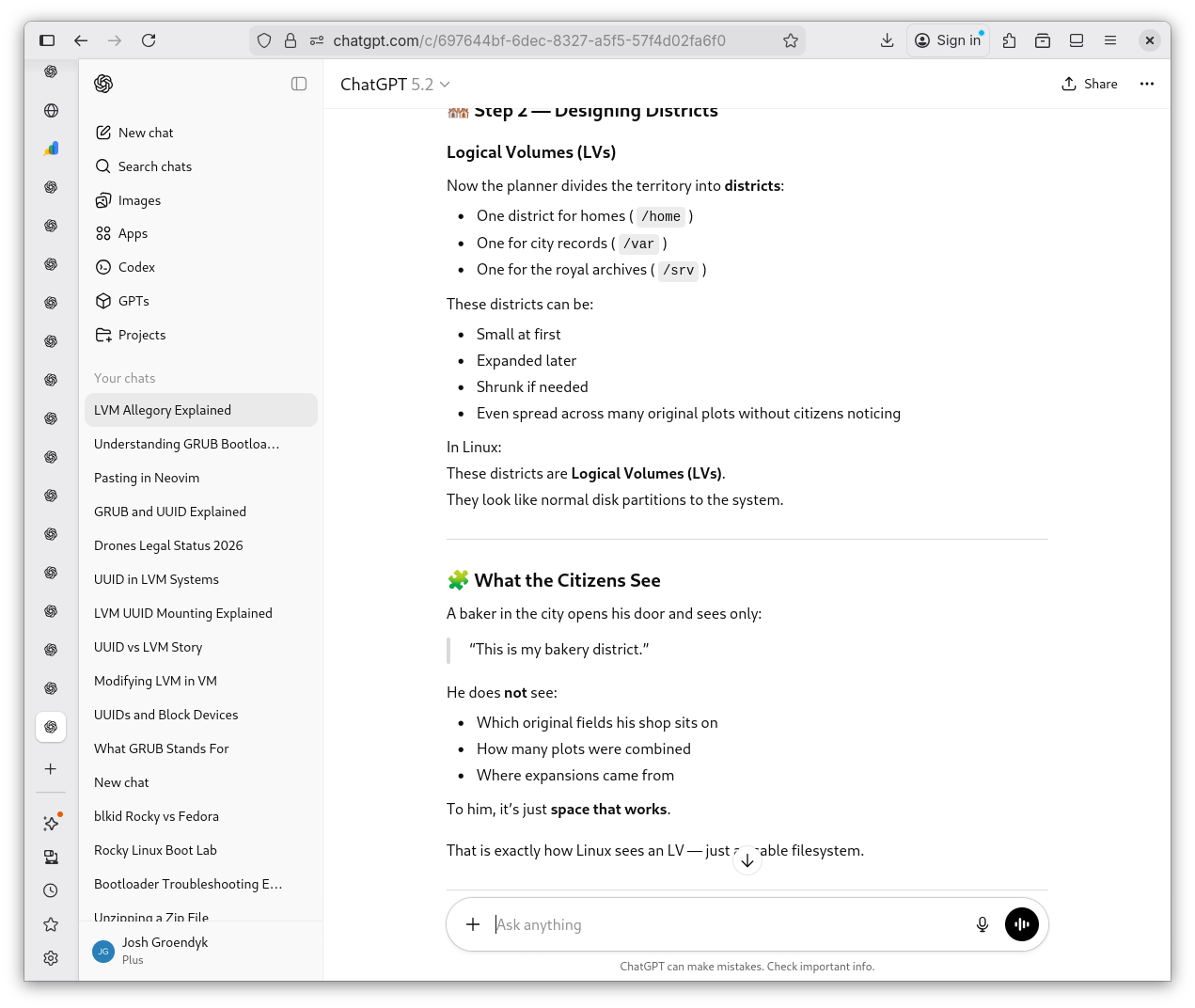
LVM Allegory 4
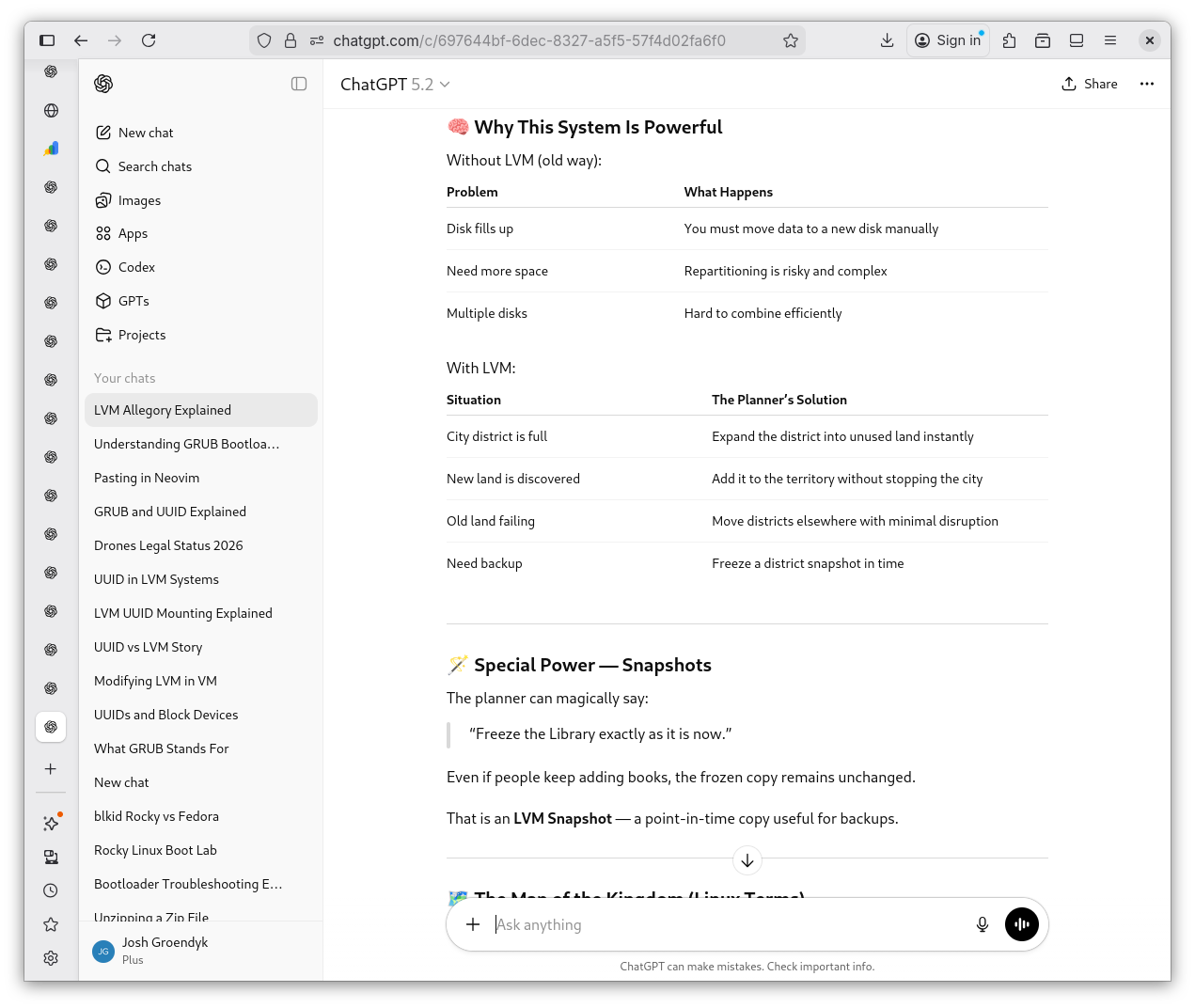
LVM Allegory 5
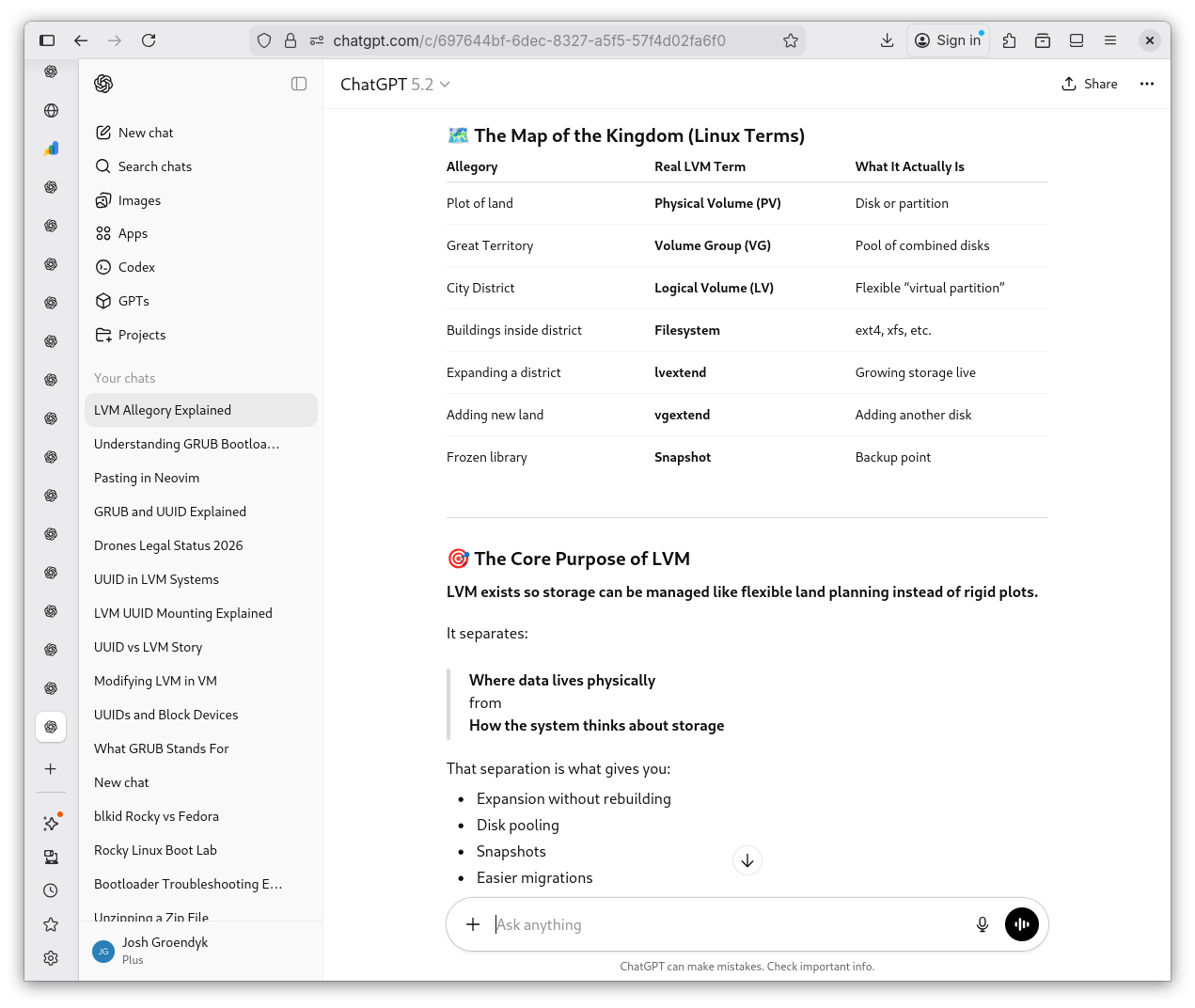
Life Before LVM 1
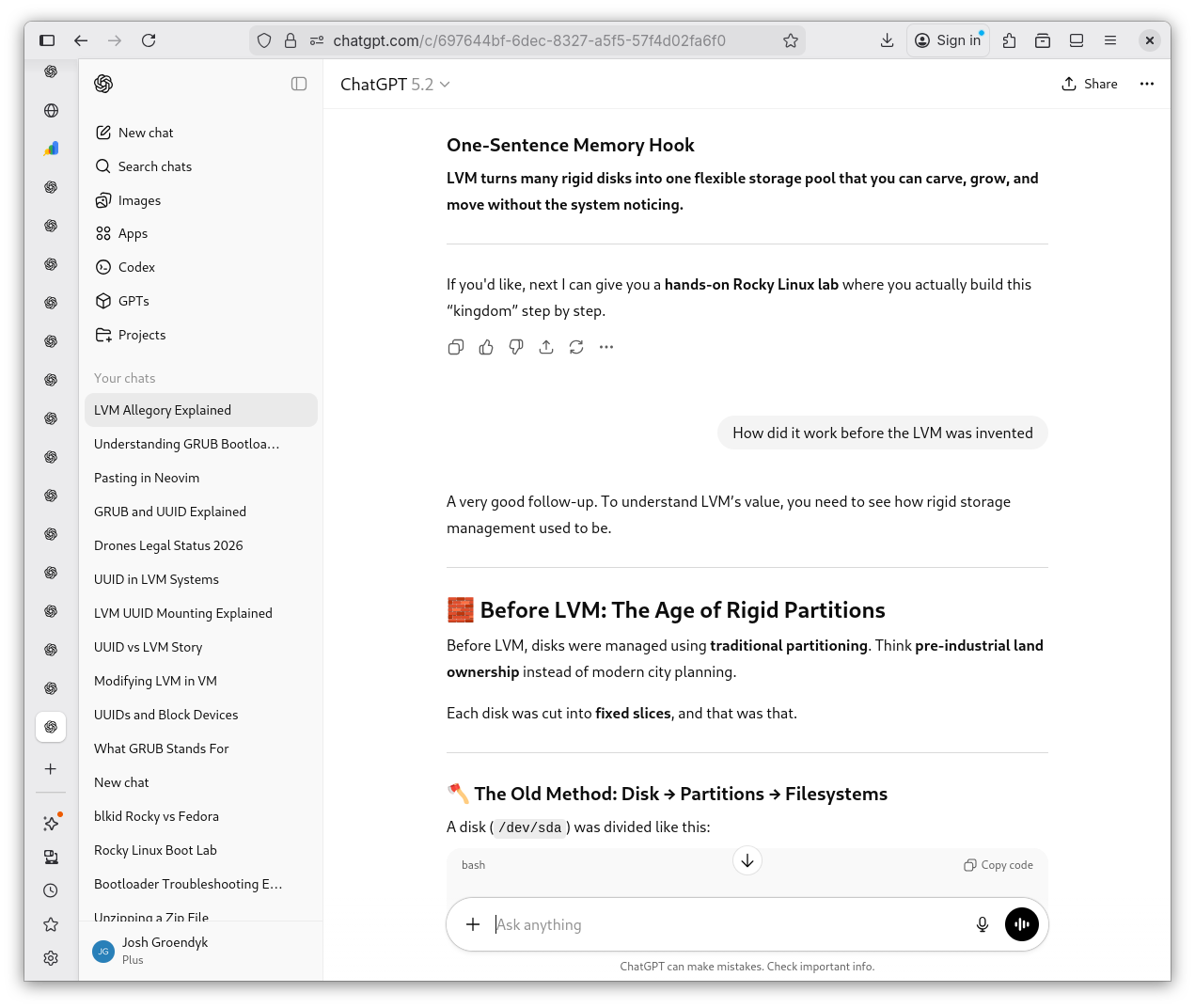
Life Before LVM 2
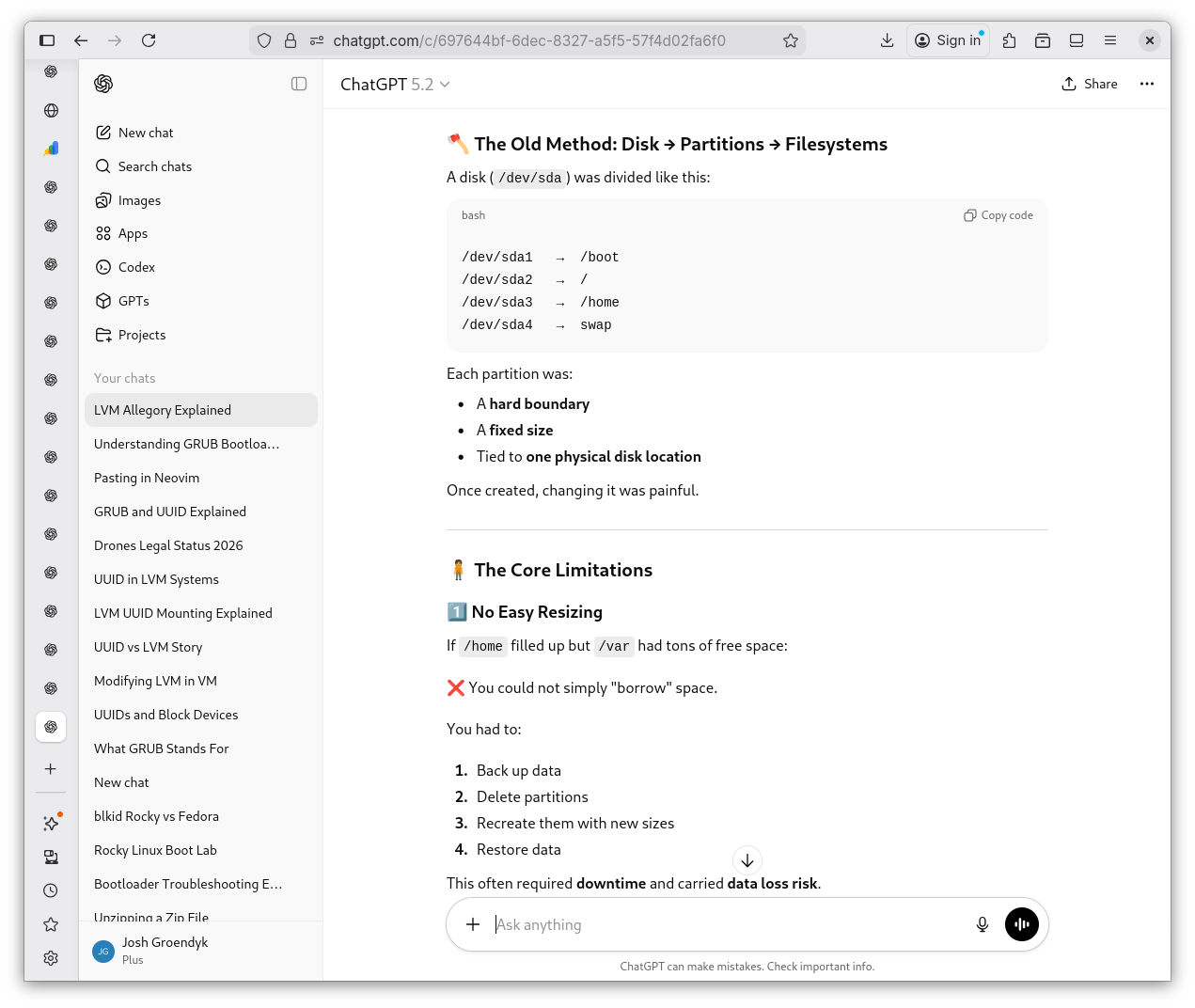
Life Before LVM 3
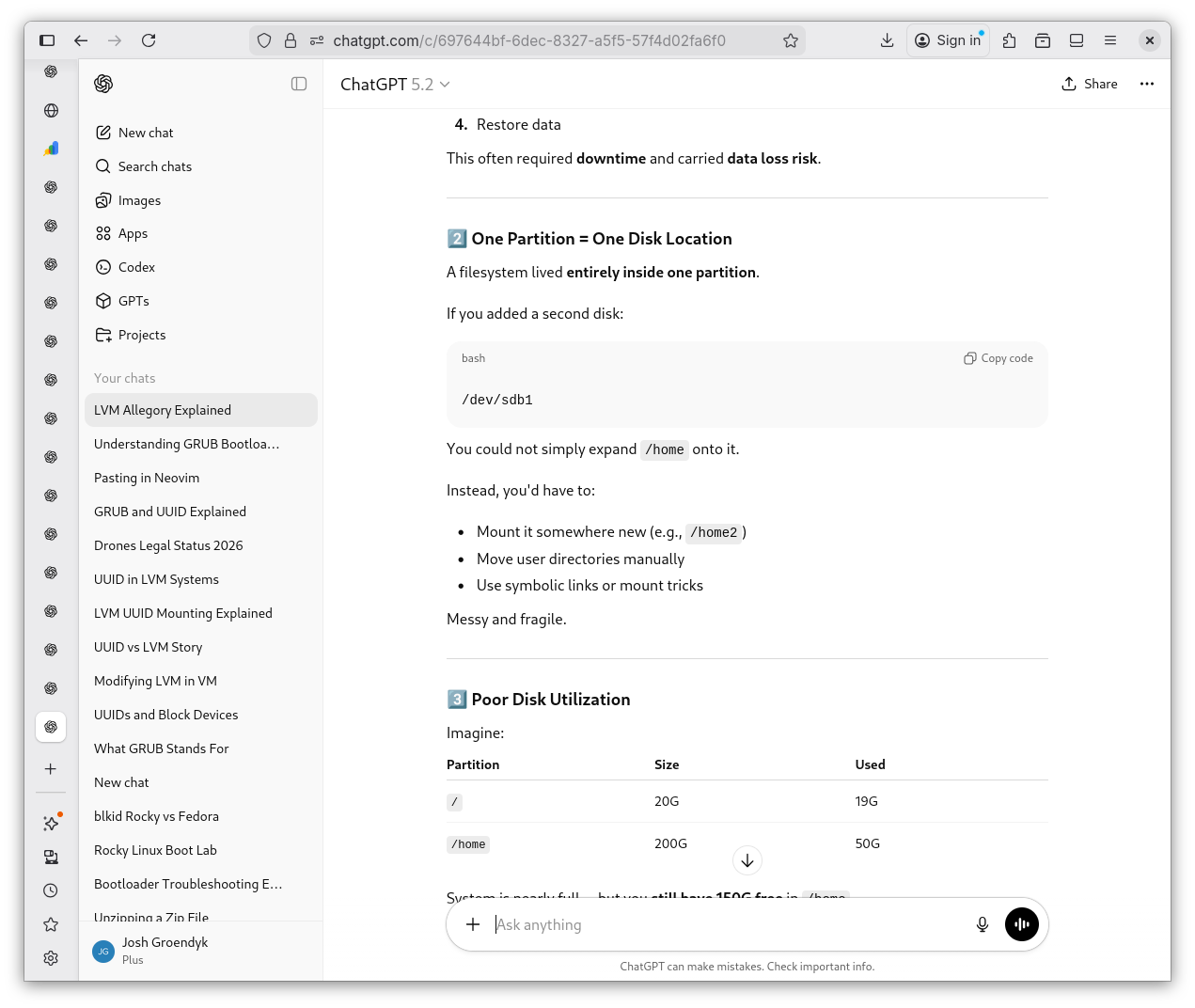
Life Before LVM 4
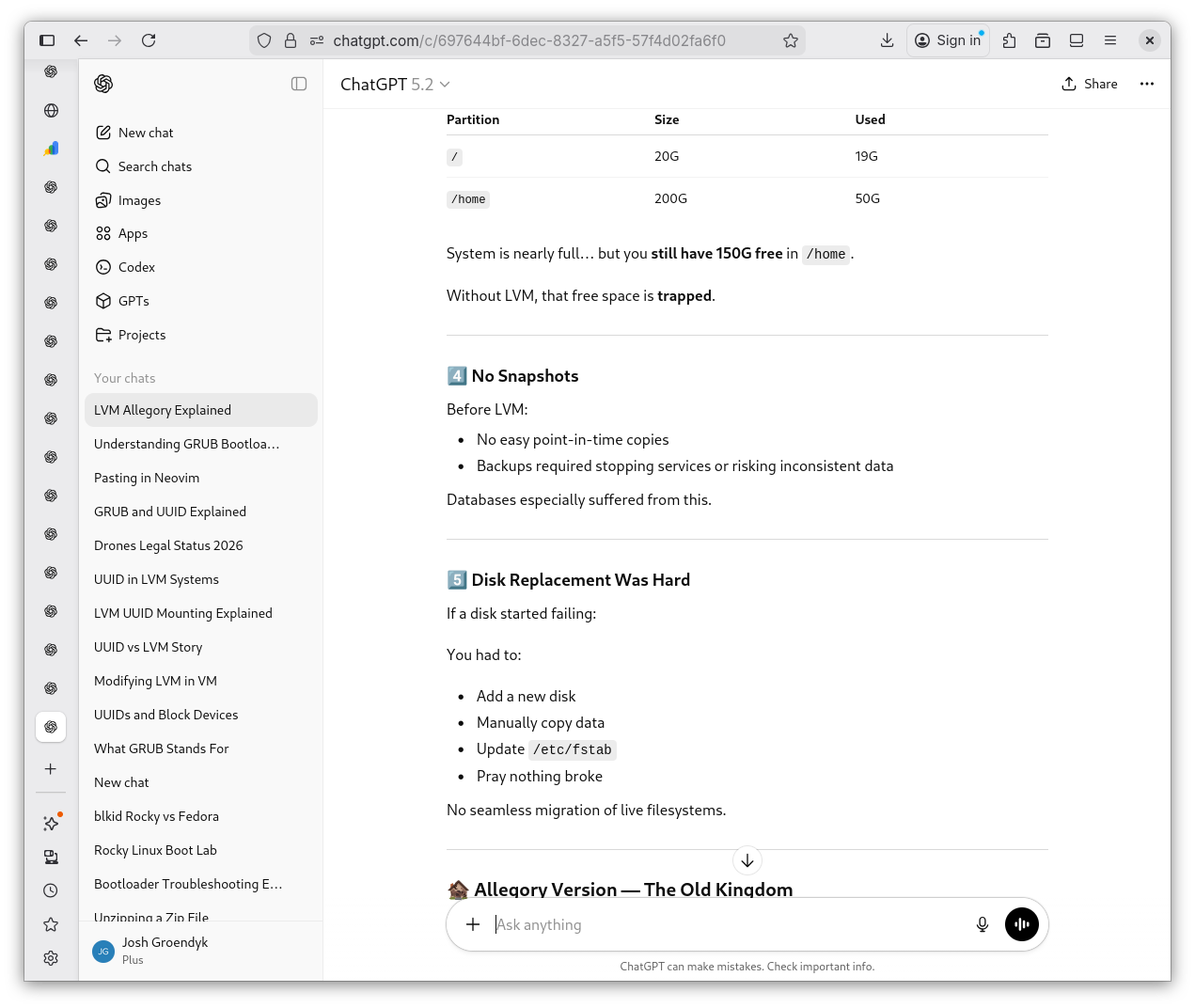
Life Before LVM 5
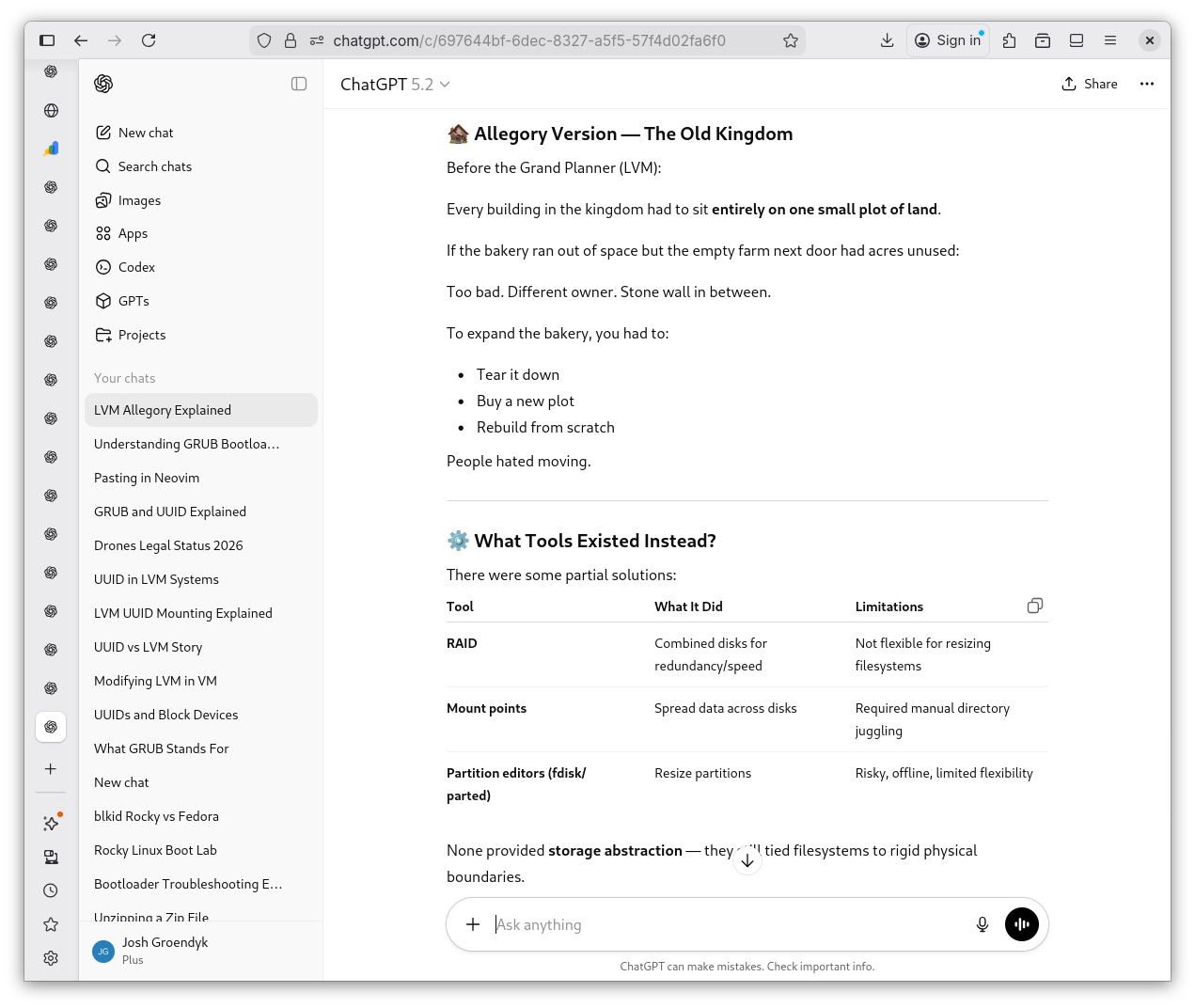
Life Before LVM 6
-
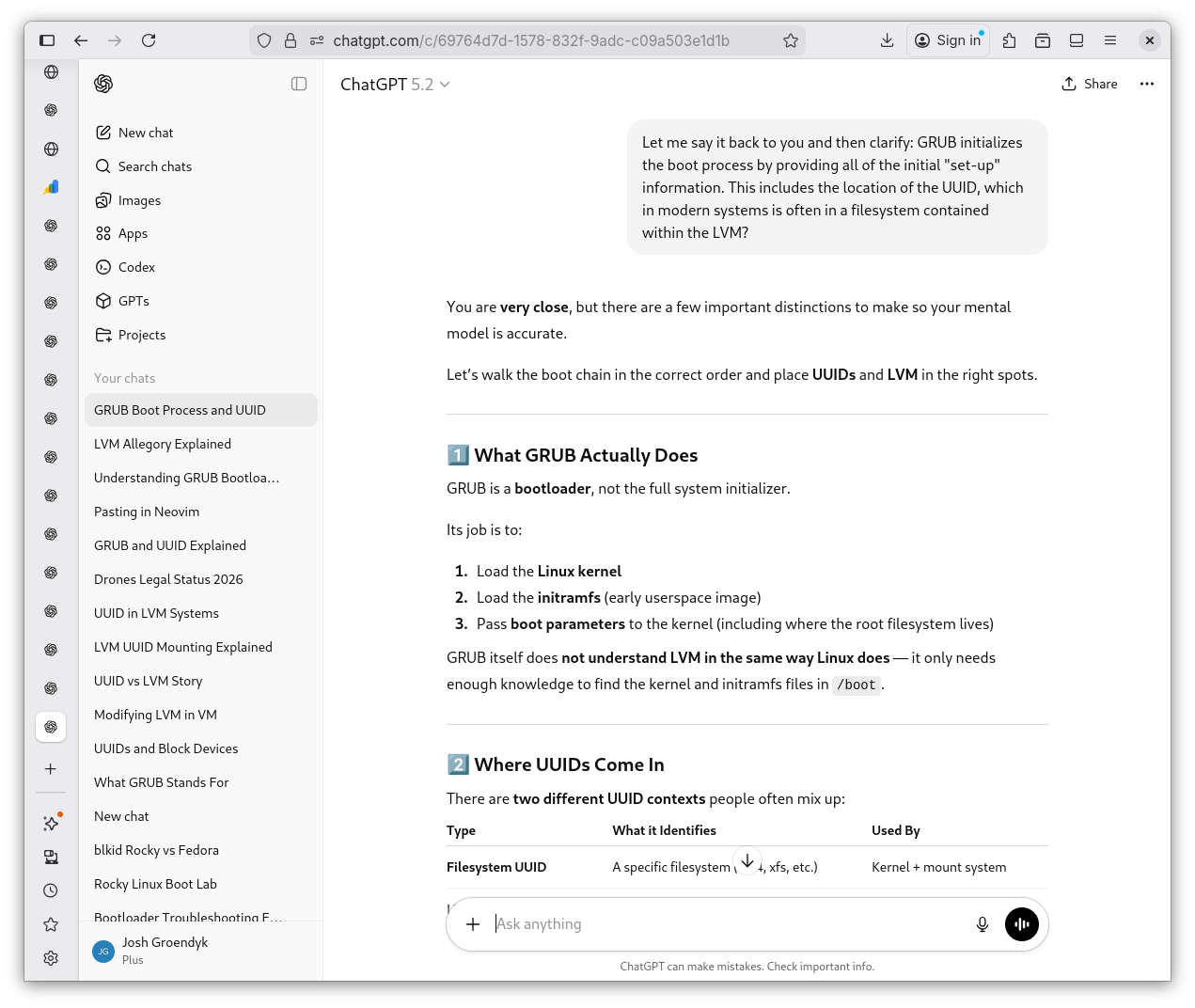
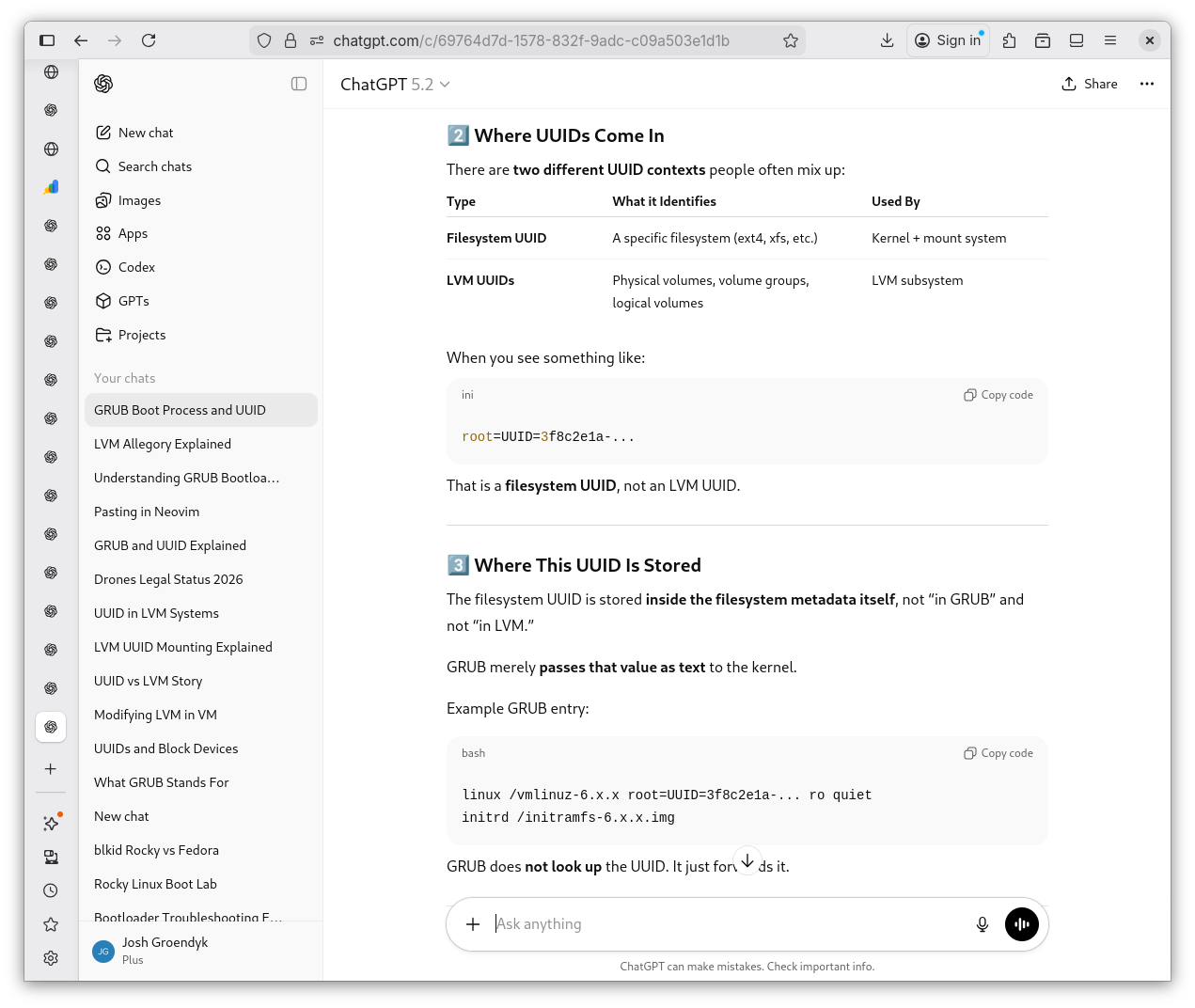
It's the 21st century and I have a super intelligence at my disposal. I may as well say everything I've learned back to make certain I'm understanding things correctly. I tell Shevek what I believe to be my understanding. As always, I fall short. He ellaborates I am still missing some crucial details about GRUB, what it does, it's limitations, and why the UUID is needed at all.
GRUB Simplified 1
GRUB Simplified 2
GRUB Simplified 3
GRUB Simplified 4
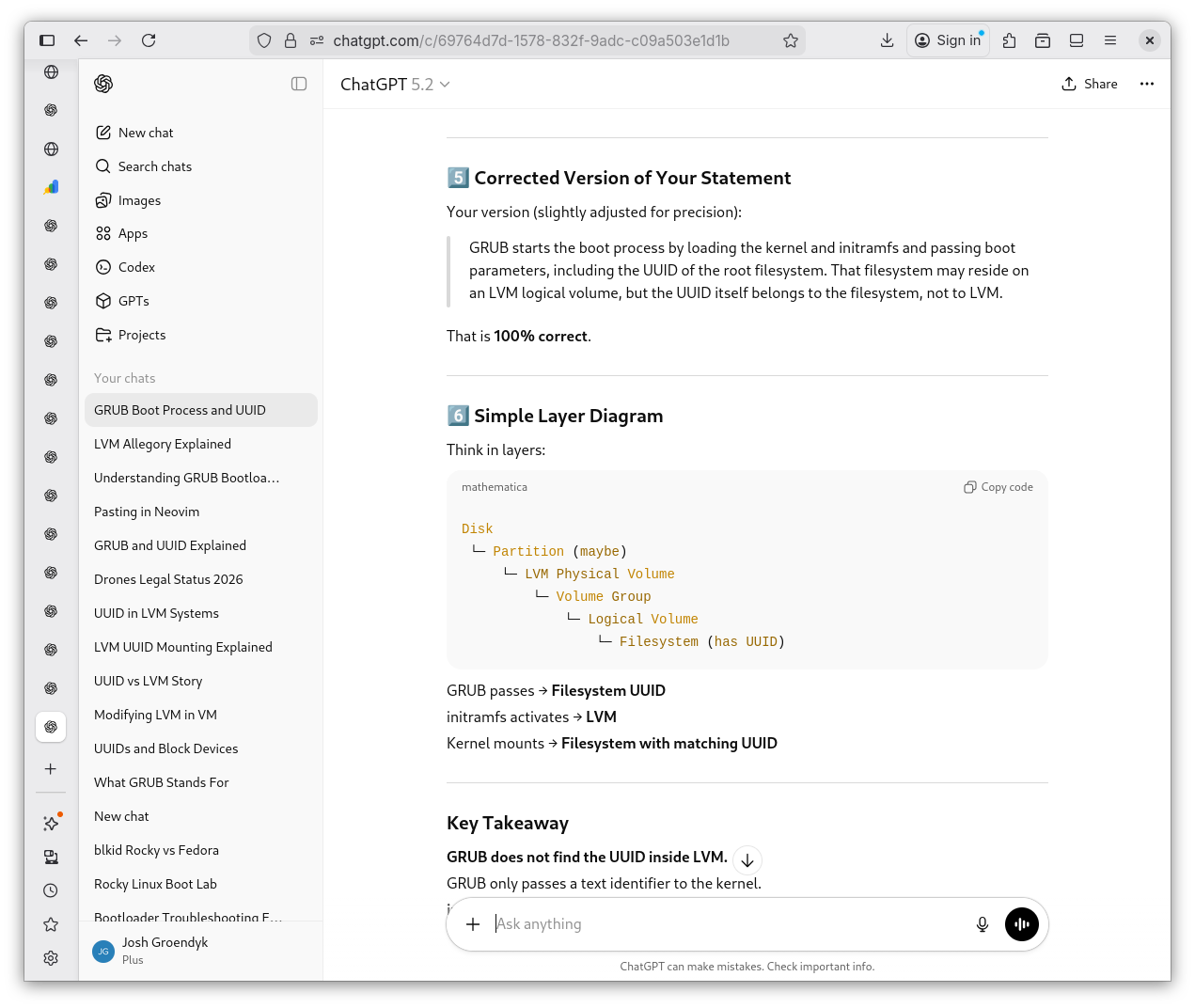
GRUB Simplified 5
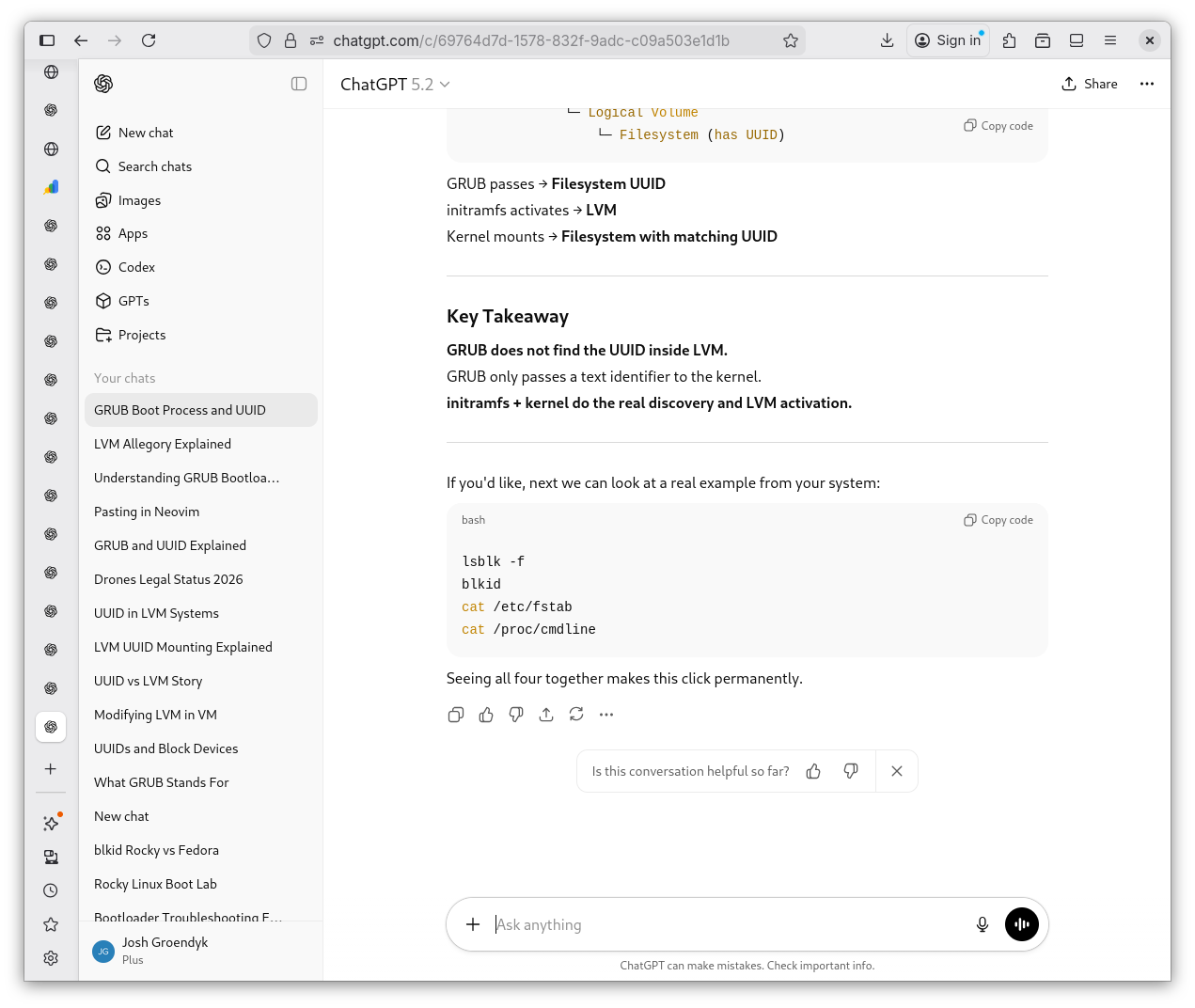
Conclusions
Shevek's lab was nothing of particular excitement. We have made it through the first section of the lab: Wrong Root UUID. I am not certain that the goals of this lab were accomplished in the ways that were intended. However, I have learned more in depth, what GRUB actually does and what it contains. I have also learned some of the logic of an LVM, all be it the details still foggy. In due time, I'm certain, their nature will reveal themselves to me. The next section is: Broken initrafms. Perhaps the LVM will make itself more known in the coming sections?
Shevek's Haiku
Boot paths in the dark
Names fade, numbers guide the root
Silent disks remember